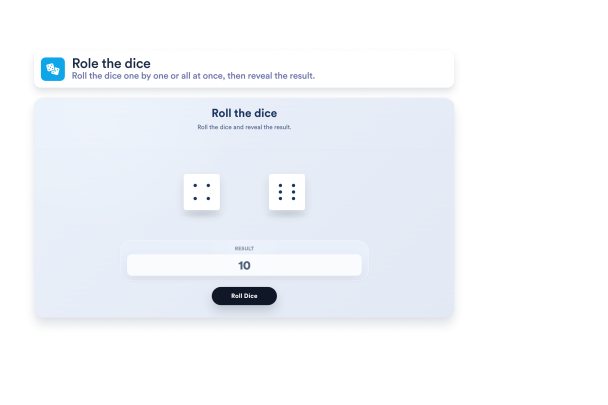
Dice Game Widget

Build a Dice Game Widget that matches your rules

Set up a Dice Game widget for classic classroom rolls, tabletop-style dice, quick decision games, and custom widget result reveals without writing code.

Create Dice Game - It's Free!
Build a Dice Game Widget that matches your rules Hero Bg Image

How to embed Dice Game Widget to WordPress

1Get your embed code

After customizing your Jotform website widget, click Try it on your website for free, and copy the generated embed code.

2Open the page editor

Go to the WordPress post or page where you want to display the widget, then add a new block.

3Add a Custom HTML block

Select Custom HTML and paste your Jotform Website widget embed code into the HTML field.

4Update and view

Click Update or Publish, then open the page to check your embedded widget.

Configure the dice set in your widget

Build a compact one-die widget or a multi-dice Dice Game widget board for classes, RPG sessions, challenges, and practice activities.

Setup controls include:
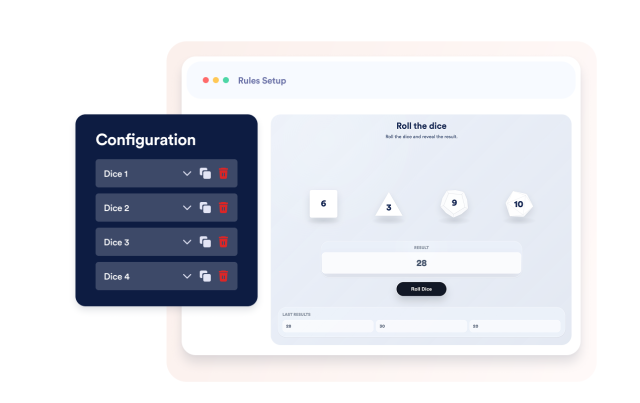
Up to 20 diceResponsive boardMobile two-column viewIndividual side counts
Build a Dice Setup
Configure the dice set in your widget

Use 2-sided to 20-sided dice in the widget

Choose familiar dice formats instead of generic random number fields, so the Dice Game widget feels tactile and easy to understand.

Supported formats include:
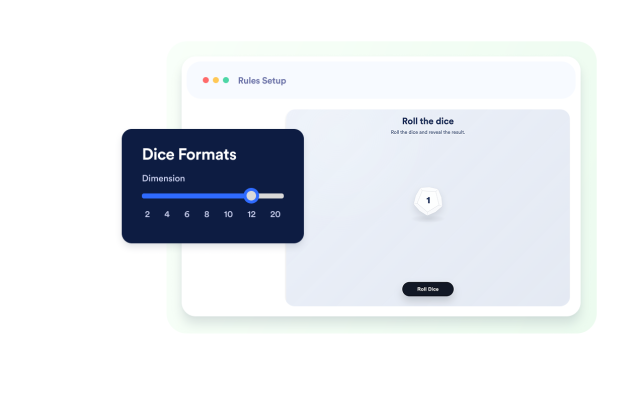
2-sided4 to 8-sided10 to 12-sided20-sided
Choose Dice Shapes
Use 2-sided to 20-sided dice in the widget

Reveal sum, multiply, or custom widget results

Show numerical results for larger sets, or map every possible widget outcome to custom text when the Dice Game widget setup has 40 or fewer combinations.

Result controls include:

SumMultiplyCustom text40-outcome limit
Write Result Texts
Reveal sum, multiply, or custom widget results

Control widget sounds, history, and roll timing

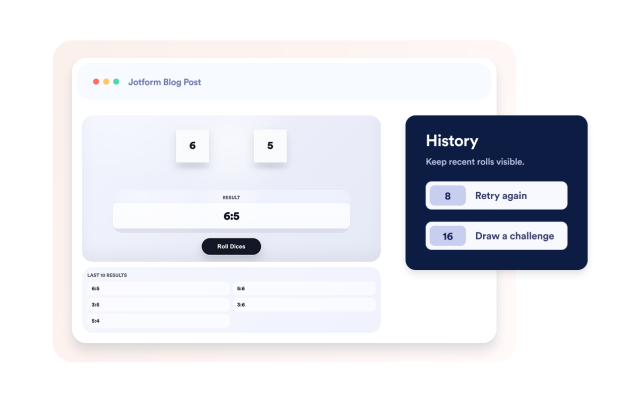
Tune the widget feel with sound settings, roll speed, shadow strength, and an optional widget history section.

Game feel includes:
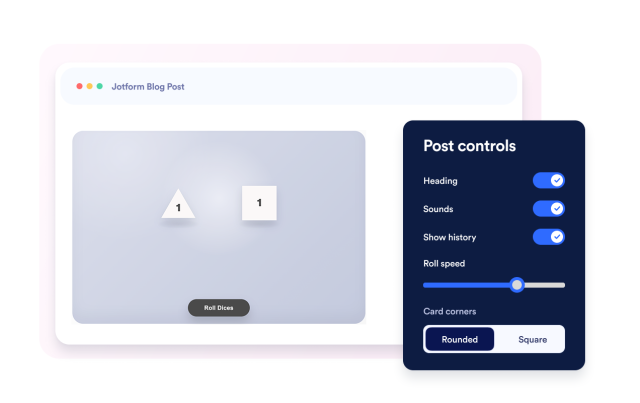
SoundsLast 10 resultsRoll speedShadow strength
Tune the Game Feel
Control widget sounds, history, and roll timing

Match the widget to your page style

Adjust text, colors, button label, dice number color, and branding so the Dice Game widget feels native to your site.

Style controls include:
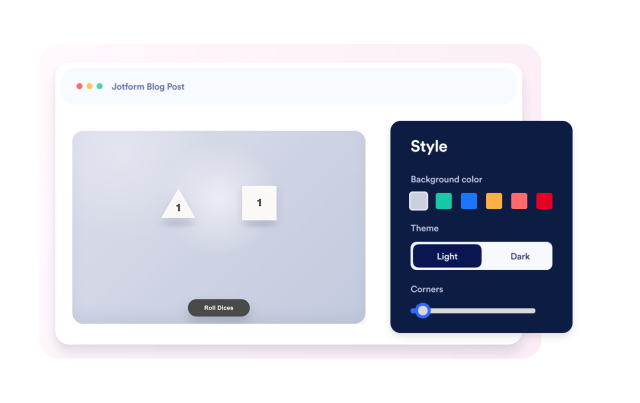
Heading textBody textButton textTheme colors
Style Dice Game
Match the widget to your page style