Dice Widget for your website
Let visitors use a Dice Game widget with 2-sided to 20-sided dice, natural-feeling motion, widget sounds, custom result text, and a clean widget history section.
Create Now — It’s Free!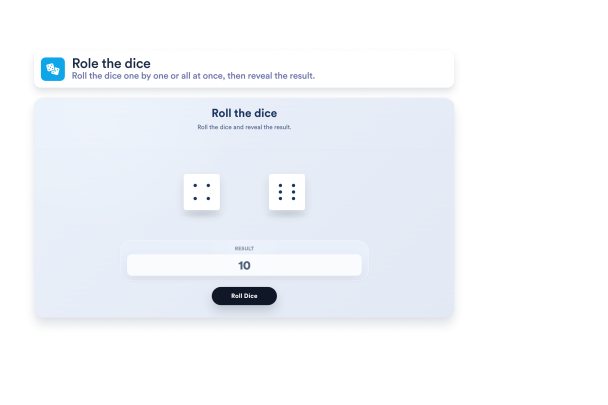

How to create a Dice Game widget

Customize the widget
Set the heading and instructions, add dice from 2-sided to 20-sided formats, and choose whether the widget shows custom text, sums, or multiplication results.

Match your widget style
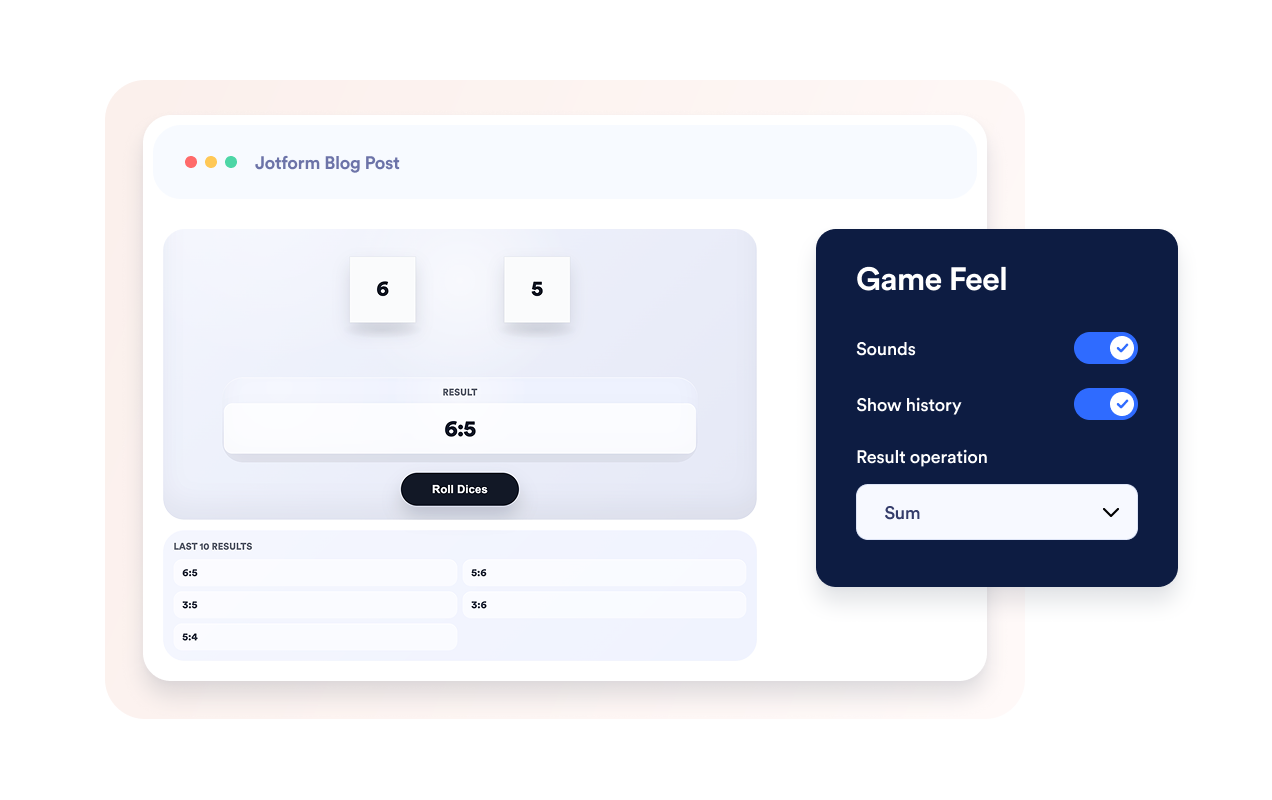
Pick your colors, update the button and text styles, adjust sounds and history, and make the Dice Game widget feel native to your site.

Embed the widget
Preview the Dice Game widget, copy the generated embed code, and paste it anywhere on your website to add it instantly.
Create a Dice Game widget that fits your rules
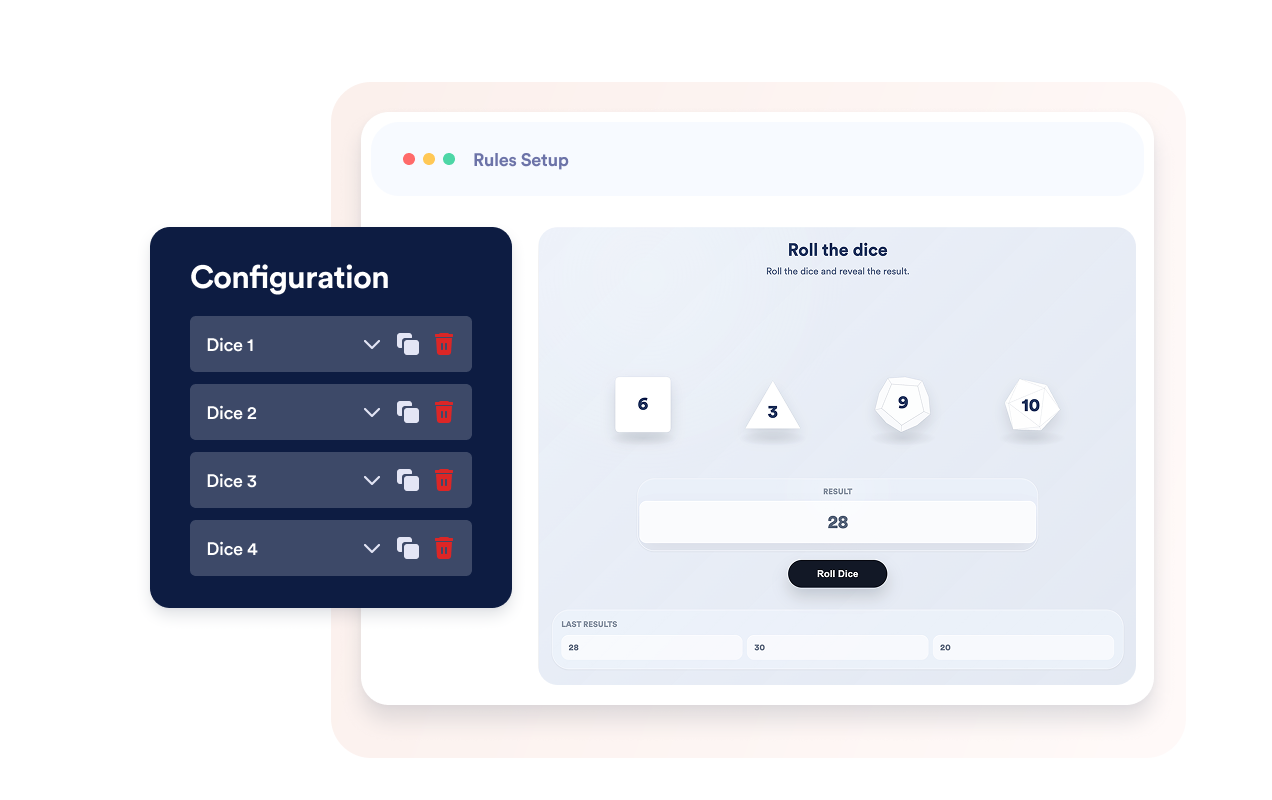
Configure up to 20 dice in one widget
Create anything from a single decision roll to a full tabletop-style Dice Game widget setup with many dice on one board.
Use familiar dice formats in the widget
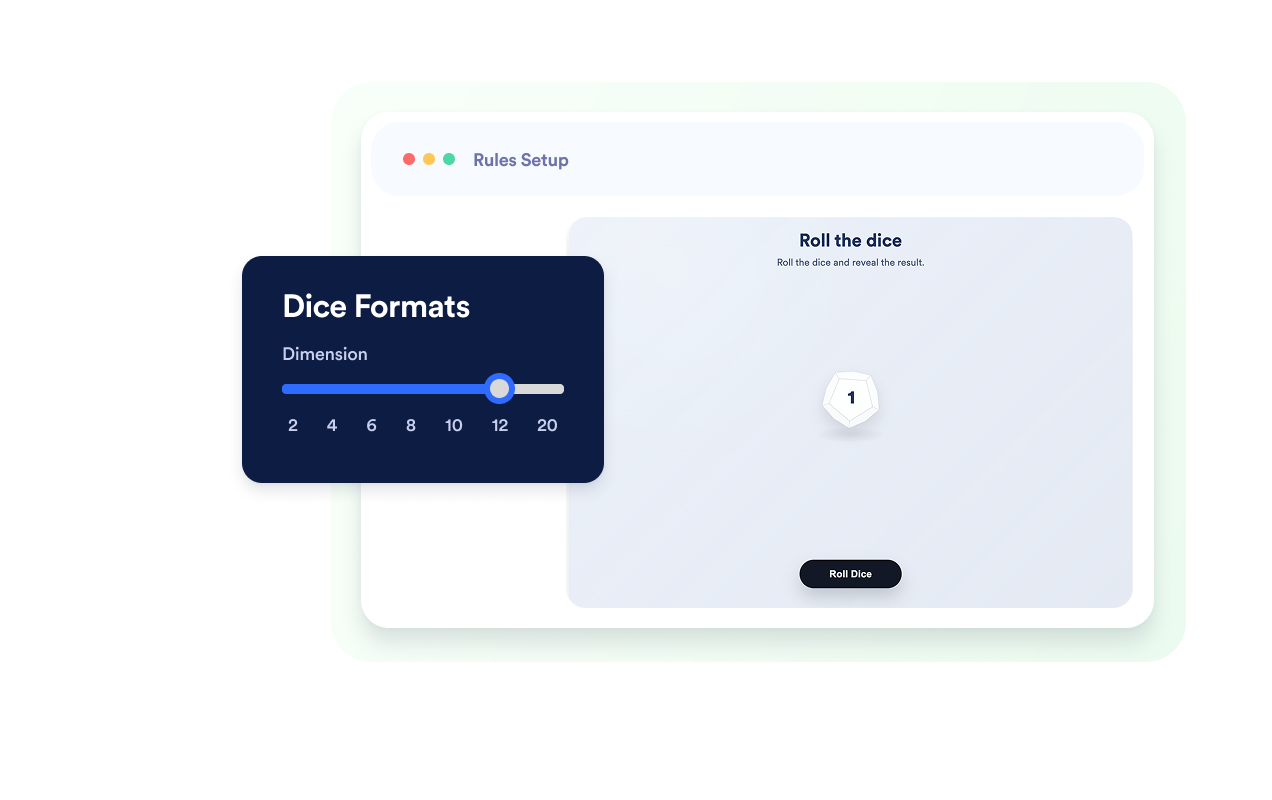
Choose supported dice styles from 2-sided to 20-sided so every Dice Game widget roll feels clear, familiar, and game-ready.
Turn widget rolls into outcomes
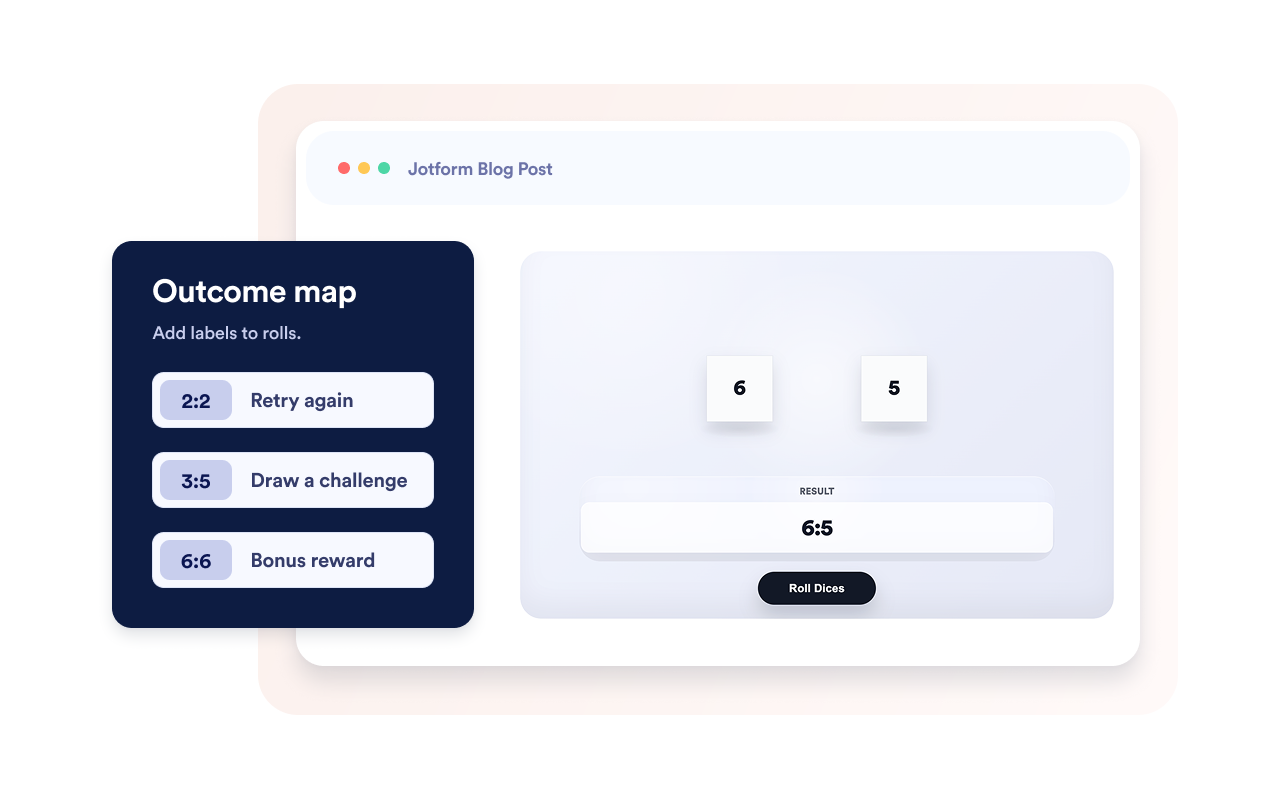
Display sums, multiplied values, or custom labels like prompts, rewards, tasks, and classroom instructions inside the Dice Game widget.
Add game feel to the widget
Enable widget sounds, reveal the result after the throw finishes, and show the last results when widget history is turned on.
Why Jotform Website Widgets stand out
Jotform’s widgets make your website more interactive and increase conversions. There are many tools available, from star ratings and testimonial sliders to social proof popups and media embeds. Add widgets to your forms or landing pages to collect data, display proof, and capture leads — no coding required.
Add Jotform widgets to your website with a simple embed code. Customize the widget, preview how it looks, and paste it into any page that supports custom HTML or embed blocks, all without a developer.
Use Jotform Website Widgets to collect leads, show customer feedback, display social proof, embed media, or add helpful web page tools. Each widget helps visitors interact with your business directly from your website.
If you need help setting up, customizing, embedding, or troubleshooting your widget, Jotform’s customer support team is available 24-7. You can move forward with confidence, knowing that help is there when you need it.
Where to use the Dice Game widget
Add the Dice Game widget anywhere you want visitors to trigger a playful widget interaction and immediately understand what to do next.
Classroom pages for a Dice Game widget that delivers random questions, speaking prompts, quick math practice, and warm-up activities.
Tabletop game pages for a widget-based multi-sided roll with a clean result reveal.
Community pages for an interactive widget that drives icebreakers, challenge picks, and audience participation moments.
Campaign microsites for a promotional widget that reveals rewards, random tasks, and lightweight engagement hooks.
Learning portals for a practice widget that starts drills, prompts, and interactive exercises.
Convert leads into paying customers with the Jotform Form Builder
Turn engagement into action with Jotform. Create powerful forms that capture leads, collect payments, and automate responses, all in one place. Every submission lands in your Jotform Inbox, where you can follow up or connect with your favorite apps.
Get Started — It’s Free!
FAQ
What is the Dice Game Widget?
Dice Game is an interactive dice roller widget you can embed on your website. Visitors roll configured dice and see the result after the animation finishes.
Which dice types are supported in the widget?
How many dice can I add?
Can I customize the look?
Do I need to write code?