Event Calendar Widget
Build an event calendar visitors can search and act on
Create or sync single-day and multi-day events, then present them with responsive layouts, live search, popup details, CTA links, and Add to Calendar.
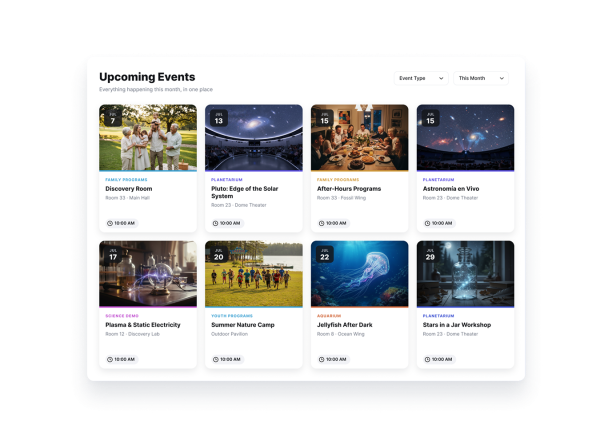

Choose from six responsive layouts
Present single-day and multi-day events as a grid, list, carousel, featured slider, monthly calendar, or weekly schedule.
Layout options include:
ListGridCarouselSliderMonthWeek

Help visitors find events with live search
Let visitors search titles, descriptions, locations, and tags as they type so larger schedules stay easy to navigate.
Search includes:
TitlesDescriptionsLocationsTags

Open detailed event popups
Show a focused popup with the event image, type, tags, description, time, location, CTA button, and Add to Calendar.
Popup elements include:
MediaDescriptionLocationCTA buttonAdd to Calendar

Customize styling for your brand
Choose a light, dark, or custom theme, then adjust card, text and button colors plus corner radius.
Style controls include:
ThemeCard colorsText colorsButton colorsCorner radius