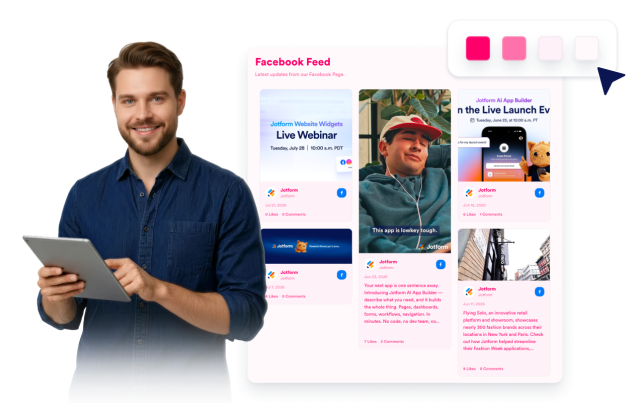
Facebook Feed Widget
Facebook Feed Widget Features for Websites
Display Facebook Page posts on your website with customizable sources, responsive layouts, post details, popup behavior, links, colors, and styling controls.


Connect your Facebook source
Add a public Facebook Page source to bring recent posts into an embedded website feed. Share announcements, campaign updates, photos, event news, and community posts without sending visitors away from your page.

Fit posts to your layout
Choose grid, masonry, list, carousel, or slider layouts to match the space available on your website. Build a full social feed section, a compact homepage block, or a rotating update area for landing pages.

Show the right post details
Control how much context each Facebook post includes. Show or hide author names, dates, captions, source labels, action counts, post links, and popup details so visitors can browse updates comfortably.
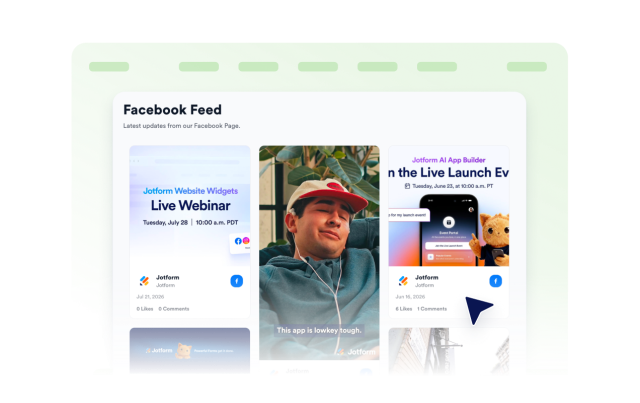
Match feeds to your brand
Style your Facebook Feed Widget to fit your website design while keeping posts easy to recognize. Customize themes, Facebook-style accents, card colors, navigation arrows, pagination, and custom CSS.