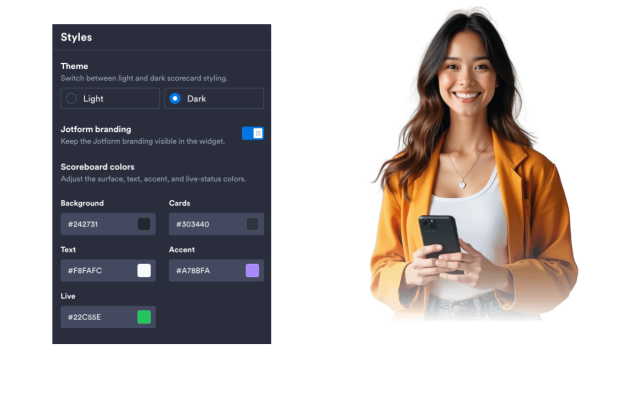
FIFA World Cup Scores Widget
Create Your Own FIFA World Cup Scores Widget in Seconds for Your Website
Explore FIFA World Cup Scores Widget features including ESPN and manual score sources, match status filters, favorite teams, customizable layouts, and light or dark themes.
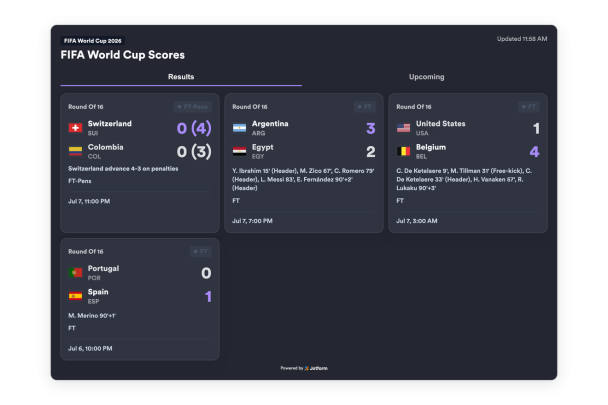

Show Complete Match Rows
Add or import match rows with home and away teams, flags, abbreviations, scores, status, clock, scheduled time, venue, round, penalties, and scorer details.
Match data can include:
TeamsFlagsScoresPenaltiesScorers
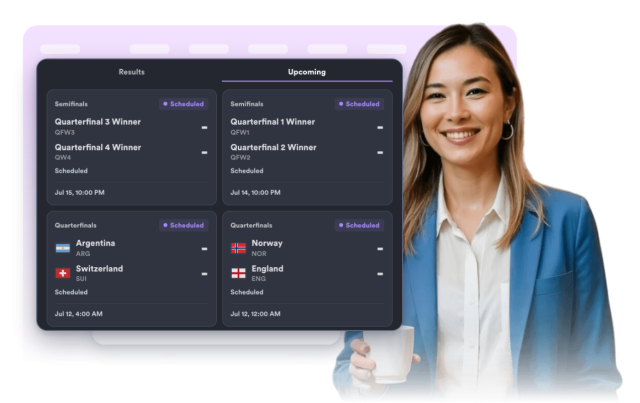
Filter by Match Status
Choose which matches appear in the widget: all matches, live matches, upcoming fixtures, or final results.
Status filters:
All matchesLiveUpcomingResults
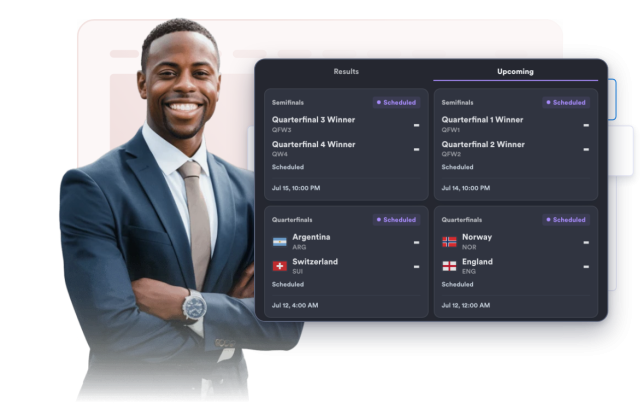
Style the Scoreboard
Switch between light and dark themes, adjust scoreboard colors, set card width, score size, corner radius, and add scoped custom CSS.
Style controls:
ThemeColorsScore sizeWidthCustom CSS