G2 Review Widget
Create a G2 Review Widget for Your Website
Show software ratings and verified buyer feedback in a responsive widget built for SaaS homepages, pricing pages, product tours, and comparison pages.


Fetch Reviews from a G2 Product URL
Paste a public G2 product reviews URL and use its review data to populate the widget.
Source support includes:
G2 product URLsVerified reviewsOverall ratingReview totals

Show Ratings and Review Counts
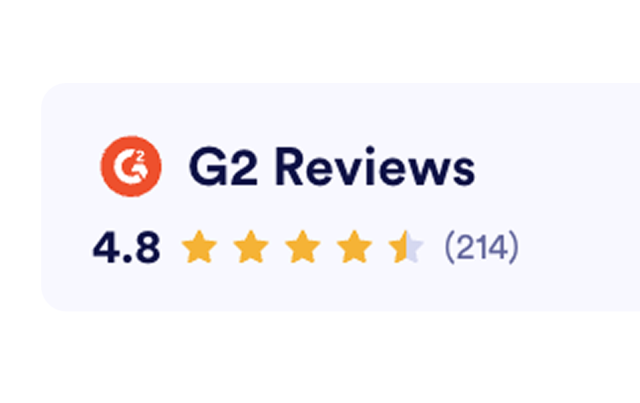
Display overall rating, total review count, review text, reviewer segments, and source labels in a clear review header.
Review details include:
Overall ratingReview countReviewer segmentG2 source
Choose Carousel, Badge, Grid, List, and More
Use compact badges near CTAs or larger review layouts for homepages, pricing sections, and comparison pages.
Layouts include:
CarouselSliderBadgeGridListMasonry

Style Reviews to Match Your Brand
Adjust theme, title text, CTA label, button colors, text color, widget width, and visible fields without code.
Style controls include:
Light or dark themeCustom titleCTA colorsResponsive width