Movie Widget

Showcase Your Movie Collection in Seconds

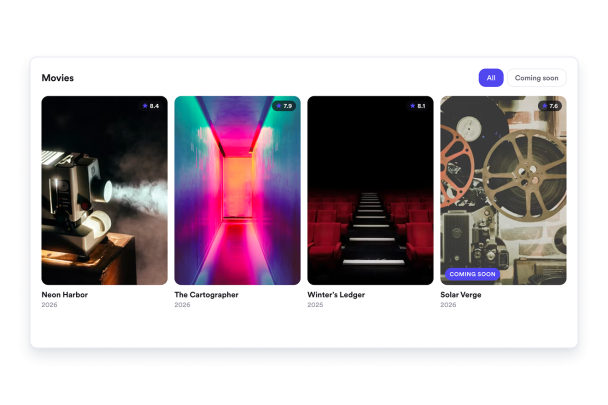
Build a movie showcase for new releases, staff picks, festival lineups, and film catalogs. Add media-rich cards, choose layouts, customize colors, and publish without code.

Create Your Movie Widget - It's Free!
Showcase Your Movie Collection in Seconds Hero Bg Image

How to embed Movie Widget to WordPress

1Get your embed code

After customizing your Jotform website widget, click Try it on your website for free, and copy the generated embed code.

2Open the page editor

Go to the WordPress post or page where you want to display the widget, then add a new block.

3Add a Custom HTML block

Select Custom HTML and paste your Jotform Website widget embed code into the HTML field.

4Update and view

Click Update or Publish, then open the page to check your embedded widget.

Add Complete Movie Cards

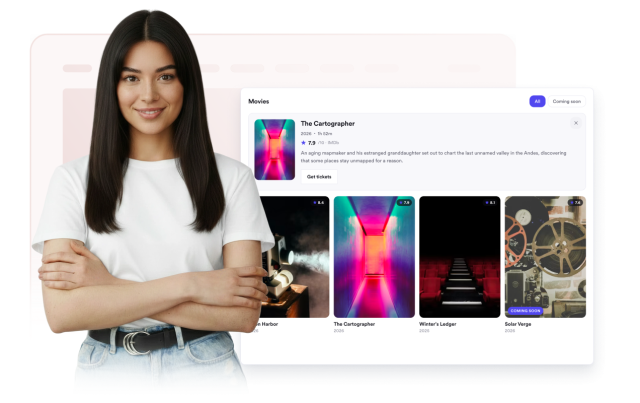
Build each movie with a poster, title, release year, genre, rating, description, and a link to trailers or details.

Movie fields include:

PosterTitleYearGenreRatingDescriptionLink
Build Your Collection
Add Complete Movie Cards

Choose the Right Layout

Use a poster grid for large collections, a list for detailed rundowns, or a carousel for compact scrollable rows.

Layouts include:

GridListCarousel
Choose a Layout
Choose the Right Layout

Control Which Details Show

Toggle posters, release years, genres, ratings, and descriptions so each card fits your page and design.

Display controls include:

PosterYearGenreRatingDescription

Customize Display
Control Which Details Show

Style the Widget for Your Brand

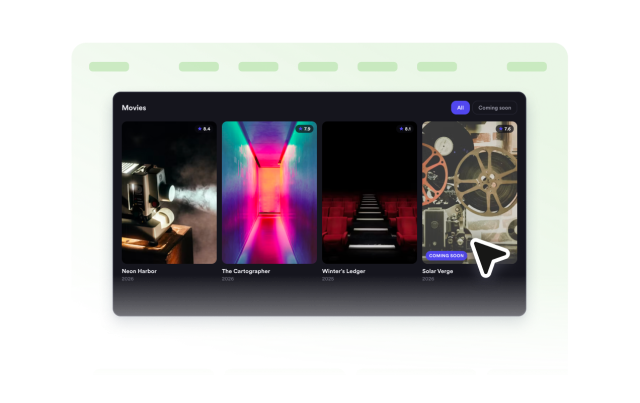
Start from light or dark themes and adjust background, text, muted text, border, accent, rating, and genre badge colors.

Style controls include:

ThemeColorsCorner radiusCustom CSS
Style Your Widget
Style the Widget for Your Brand