News Widget for Your Website
Keep visitors informed with a responsive news feed. Add an RSS feed or connect popular publishing platforms, customize article details, and match the widget to your website without code.
Create Now — It’s Free!

How to create a News widget
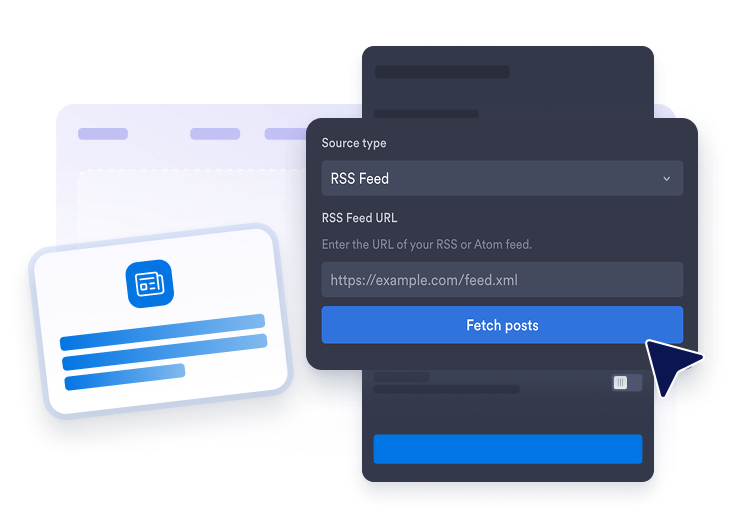
Connect a news source
Enter a public RSS feed URL, or choose a supported source like WordPress, Ghost, Medium, or Dev.to.
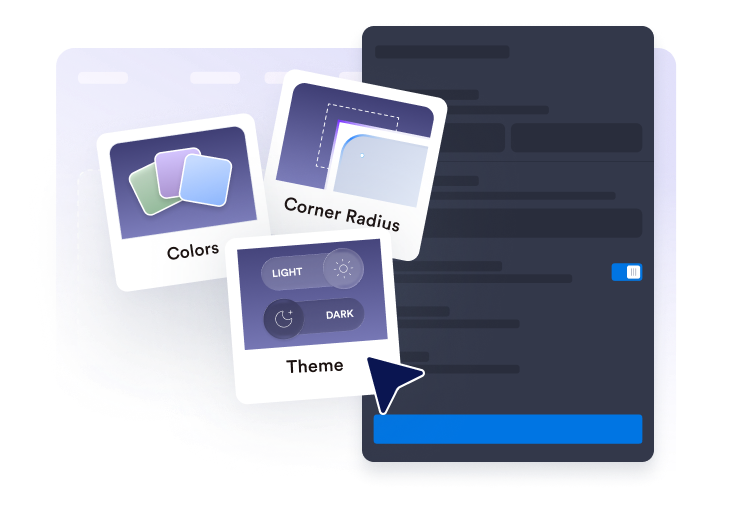
Customize the feed
Choose a layout, column count, number of items to display, search bar visibility, and image position.
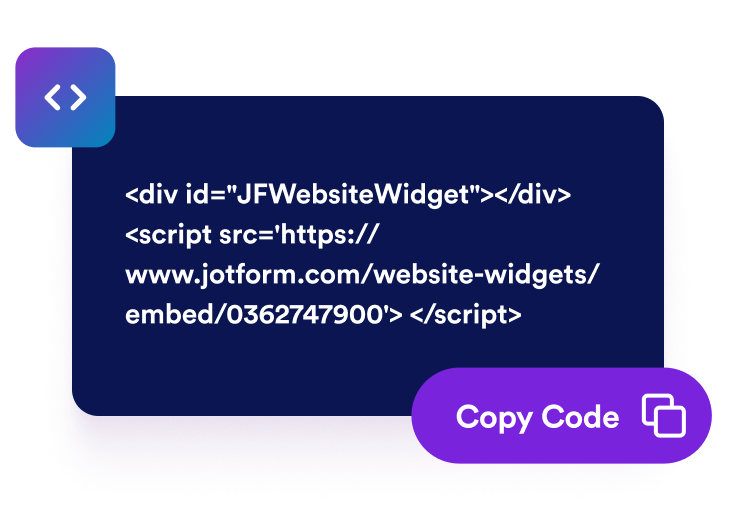
Embed it on your website
Preview the widget, copy the generated embed code, and place the news feed on any page that supports custom HTML or embed blocks.
Turn important updates into a polished website feed
Display updates from public feeds
Use an RSS feed URL to show article titles, dates, images, summaries, and original links in one embedded news section.

Choose the right layout for your page
Use grid, list, masonry, carousel, slider, or collage-style displays and adjust columns, rows, spacing, and item limits.

Control article details and clicks
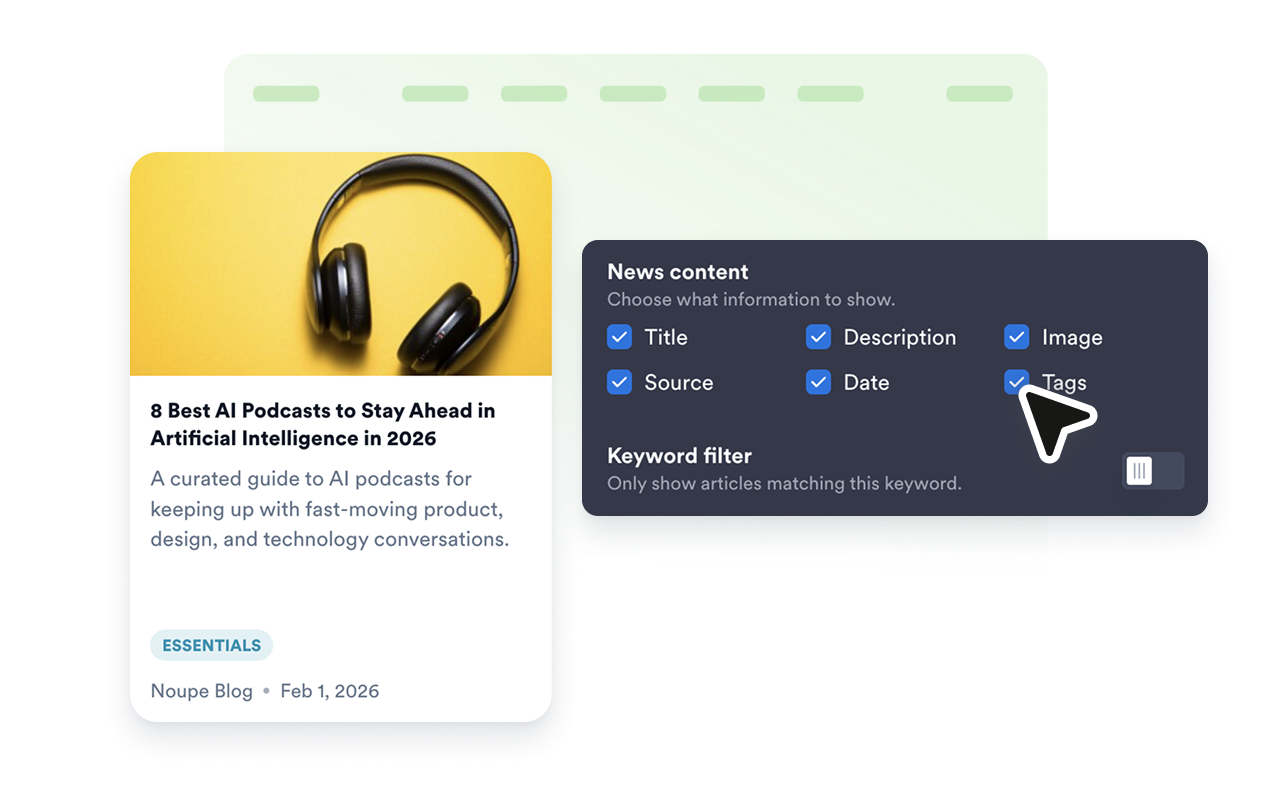
Show or hide article images, titles, dates, source labels, and links to the original article.
Why Jotform Website Widgets stand out
Jotform’s widgets make your website more interactive and increase conversions. There are many tools available, from star ratings and testimonial sliders to social proof popups and media embeds. Add widgets to your forms or landing pages to collect data, display proof, and capture leads — no coding required.
Add Jotform widgets to your website with a simple embed code. Customize the widget, preview how it looks, and paste it into any page that supports custom HTML or embed blocks, all without a developer.
Use Jotform Website Widgets to collect leads, show customer feedback, display social proof, embed media, or add helpful web page tools. Each widget helps visitors interact with your business directly from your website.
If you need help setting up, customizing, embedding, or troubleshooting your widget, Jotform’s customer support team is available 24-7. You can move forward with confidence, knowing that help is there when you need it.
Where to use News
Add a news feed anywhere timely updates help visitors keep reading, comparing, or returning to your site.
Homepages to highlight timely announcements, headlines, company updates, or industry news.
Blogs and resource hubs to pair long-form content with fresh article links from selected sources.
Community portals to keep members informed about programs, schedules, policy updates, and local news.
Event and campaign pages to collect launch updates, press coverage, recaps, and related articles.
Internal dashboards to show team updates, product posts, or curated reading lists in one place.
Media and publisher pages to surface recent stories without rebuilding page sections by hand.
Convert leads into paying customers with the Jotform Form Builder
Turn engagement into action with Jotform. Create powerful forms that capture leads, collect payments, and automate responses, all in one place. Every submission lands in your Jotform Inbox, where you can follow up or connect with your favorite apps.
Get Started — It’s Free!
FAQ
What is a News widget?
A News widget displays articles and updates from a public RSS feed in a responsive embedded news feed.
Which sources can I use?
Can I customize the layout?
Can I control what each article card shows?
Can visitors open the original article?
Does News work on mobile?
Do I need to write code?
Which website platforms support News?
Can I get help setting up the widget?