Poll Widget
Create Your Own Poll Widget in Seconds for Your Website
Build a responsive poll with editable answers, browser-based voting, result display controls, success messaging, optional CTA buttons, and brand-friendly styling.
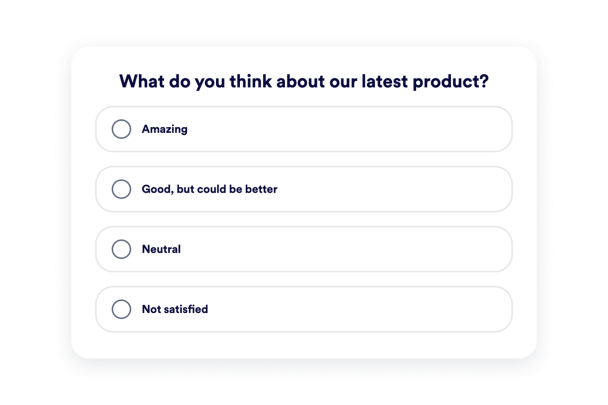

Build a Clear Poll Question
Create a focused question, then add, edit, reorder, or remove answer choices directly in the builder.
Content controls include:

Control How Results Appear
Choose whether voters see vote counts, percentages, or both. Customize total vote labels and result row text with simple placeholders.
Result controls include:

Add a Post-Vote Message and CTA
Thank visitors after they vote and optionally show a button that sends them to a form, product page, event page, or offer.
After-vote options include:

Style the Poll for Any Page
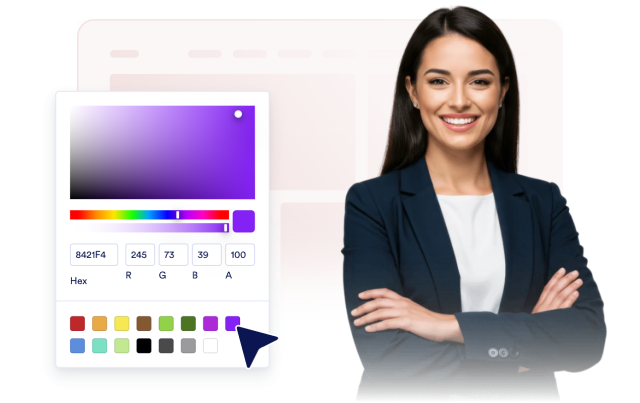
Use card or compact layouts, align the poll, control width, customize colors and result bars, and add scoped CSS when you need advanced tweaks.
Style controls include: