Poll Widget for your website
Ask visitors a focused question, collect responses, and display results in a polished poll card. Add or remove answer choices, customize result labels, colors, layout, success messages, and optional next-step buttons in a no-code builder.
Create Now — It’s Free!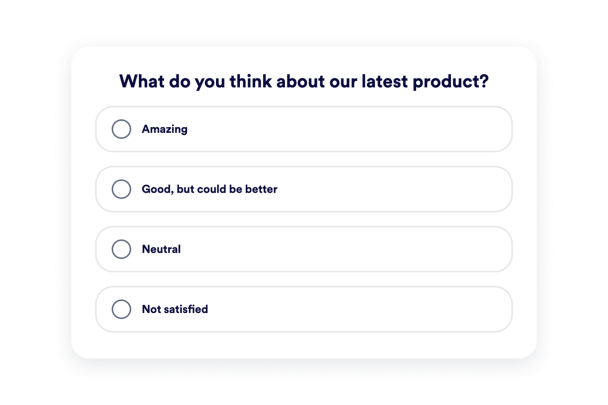

How to create a Poll widget
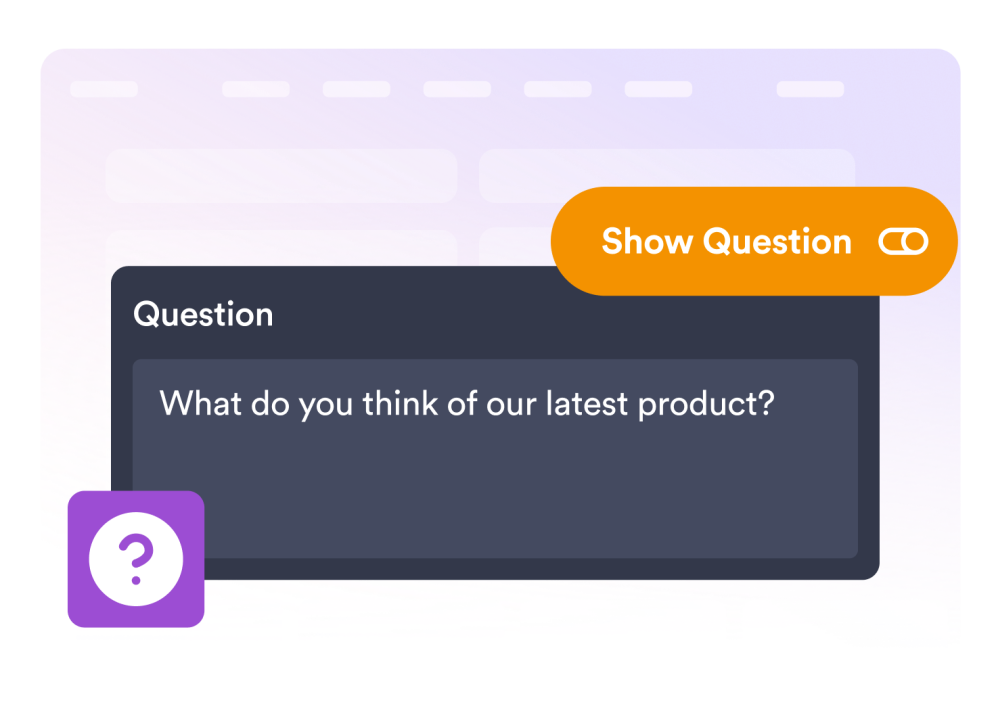
Write your question
Add a clear poll question, choose how many answers to show, and customize each answer option.
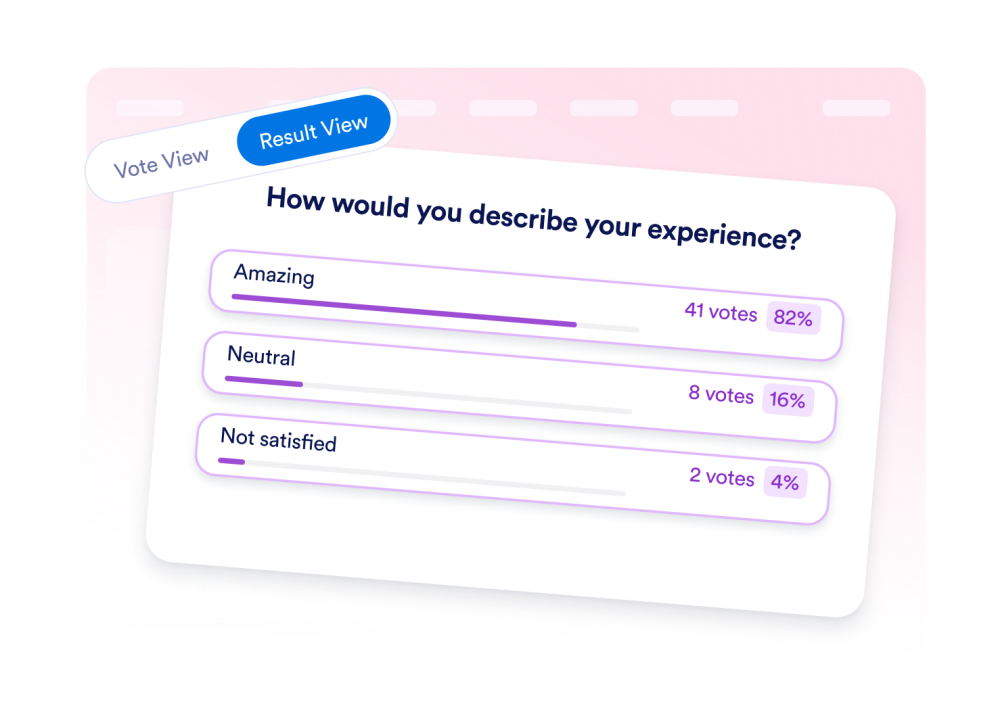
Customize voting and results
Choose whether results show votes, percentages, or both, and edit the post-vote message.
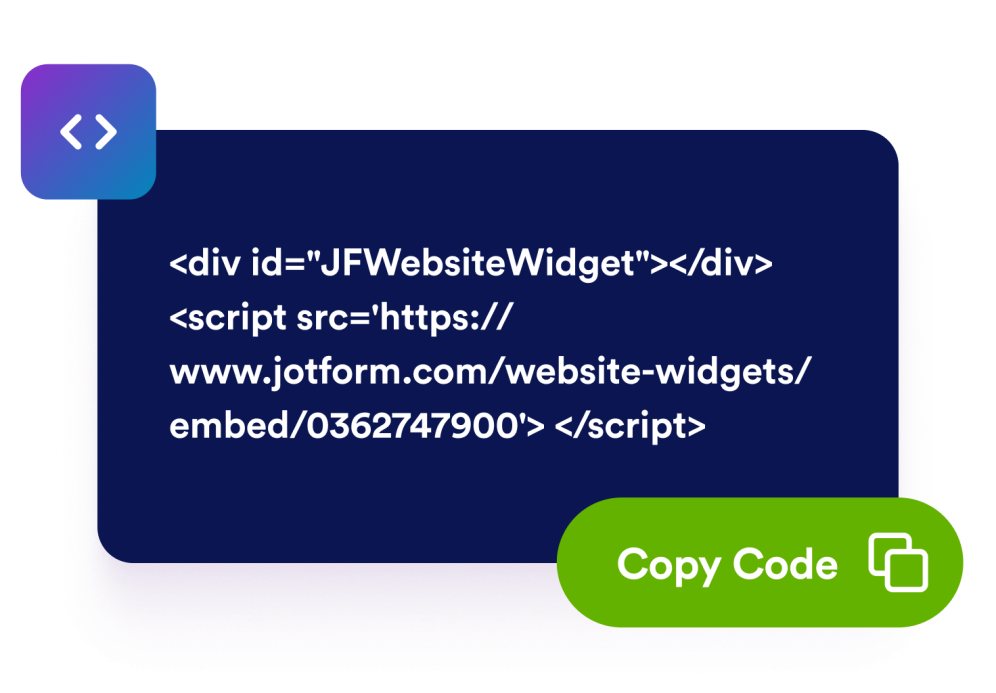
Embed it on your website
Preview the poll, copy the embed code, and publish the widget on any page without custom code.
Collect opinions with a poll that fits your website
Style every part
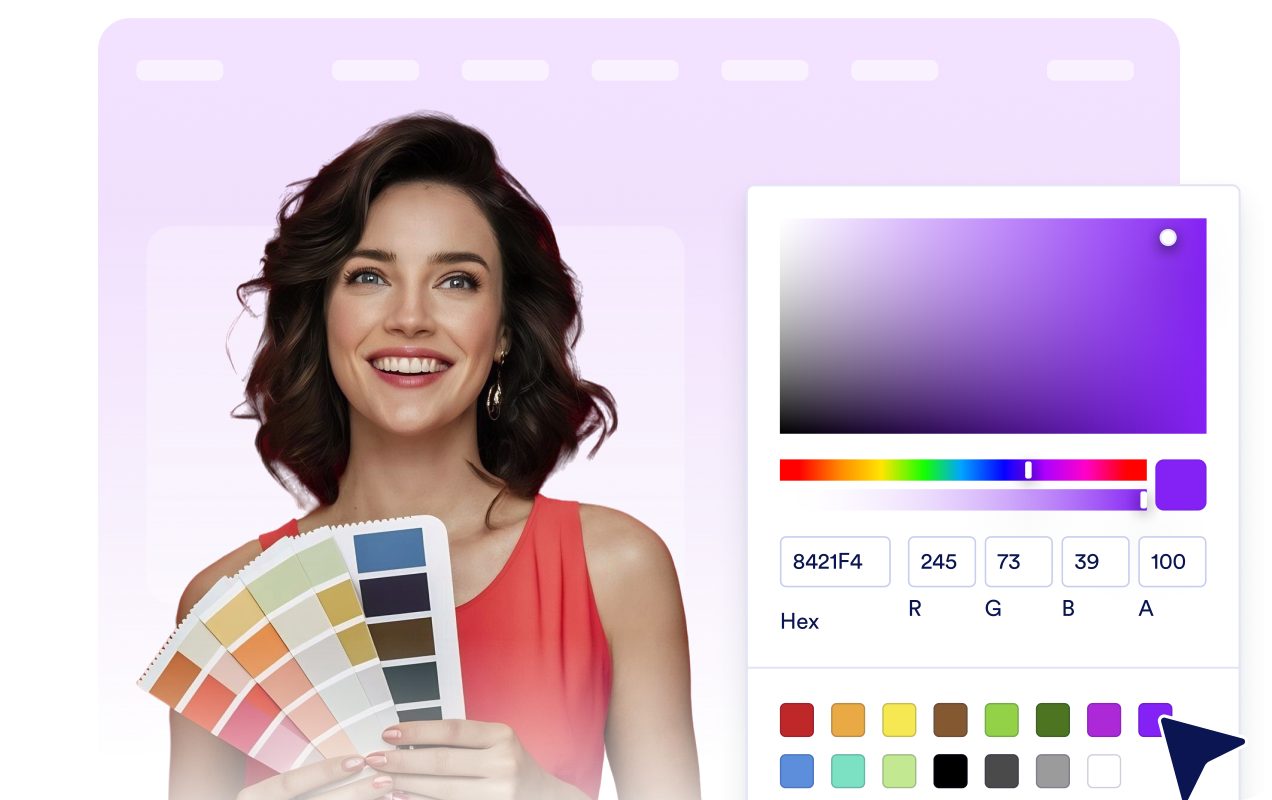
Start from a light, dark, or custom color scheme, then fine-tune the background, text, accent, result bar, and border. Set the widget size and corner radius, keep or hide Jotform branding, and drop in custom CSS for advanced tweaks.
Build your poll in one panel
Write your question, add a short description, and list up to six answers — reorder or remove them anytime. Turn on a success message and an optional action button, all from a single no-code panel.
Control the layout
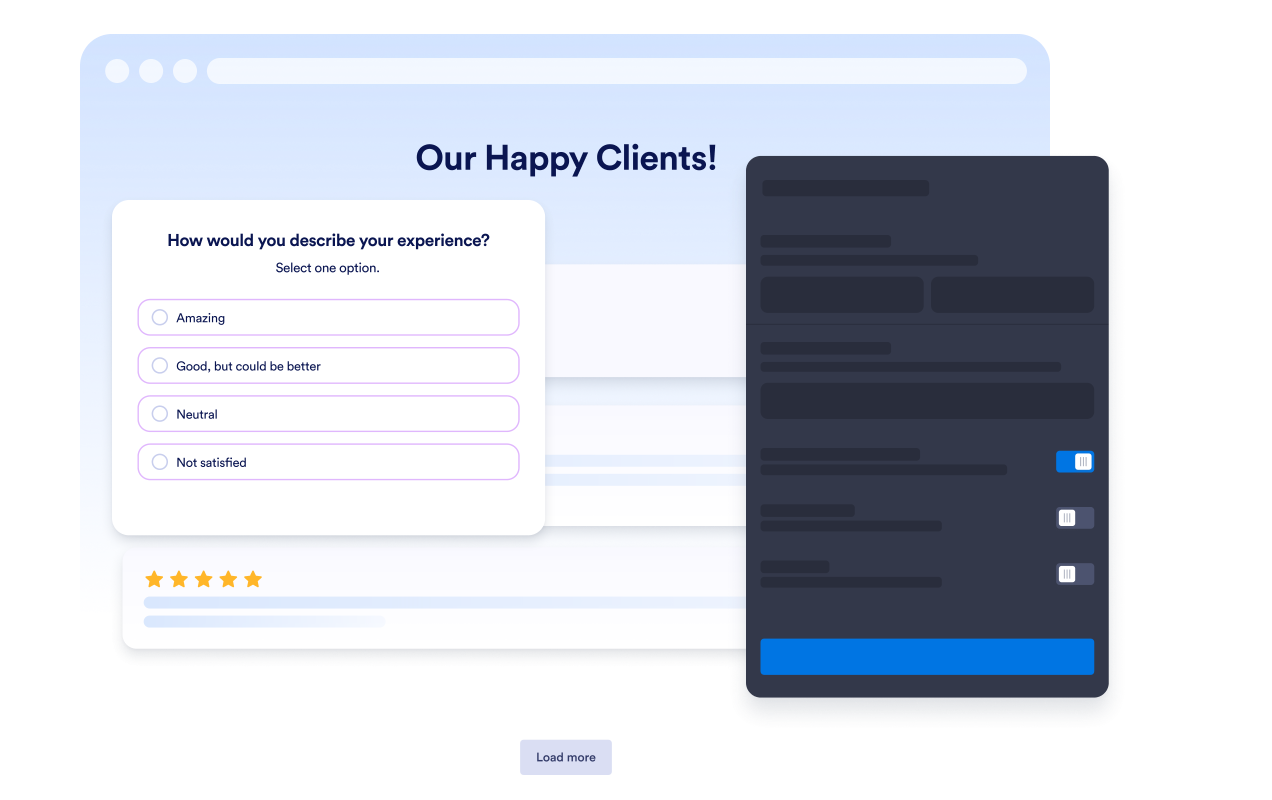
Choose how answer rows visualize results, whether the poll shows votes, percentages, or both, and how the question aligns. Let the widget size automatically or set a custom maximum width to fit any space.

Vote View and Result View
Visitors cast a vote, then instantly see the results — each answer with its vote count and percentage, plus the total. Show a thank-you message and an optional action button to guide them to the next step.

Why Jotform Website Widgets stand out
Jotform’s widgets make your website more interactive and increase conversions. There are many tools available, from star ratings and testimonial sliders to social proof popups and media embeds. Add widgets to your forms or landing pages to collect data, display proof, and capture leads — no coding required.
Add Jotform widgets to your website with a simple embed code. Customize the widget, preview how it looks, and paste it into any page that supports custom HTML or embed blocks, all without a developer.
Use Jotform Website Widgets to collect leads, show customer feedback, display social proof, embed media, or add helpful web page tools. Each widget helps visitors interact with your business directly from your website.
If you need help setting up, customizing, embedding, or troubleshooting your widget, Jotform’s customer support team is available 24-7. You can move forward with confidence, knowing that help is there when you need it.
Where to use your Poll Widget
Add a Poll Widget anywhere a quick vote can help you learn what visitors prefer or move them toward a relevant next step.
Product pages to ask shoppers which features, bundles, or offers interest them most.
Blog posts to learn what readers think about a topic or what they want to read next.
Community pages to collect opinions about events, ideas, or priorities.
Landing pages to qualify visitor preferences before showing a CTA or offer.
Education pages to check understanding, gather quick reactions, or vote on upcoming topics.
Internal portals to let teams vote on announcements, schedules, or resource priorities.
Convert leads into paying customers with the Jotform Form Builder
Turn engagement into action with Jotform. Create powerful forms that capture leads, collect payments, and automate responses, all in one place. Every submission lands in your Jotform Inbox, where you can follow up or connect with your favorite apps.
Get Started — It’s Free!
FAQ
What is a Poll Widget?
A Poll Widget is an embeddable voting tool that lets website visitors choose from answer options and view the results after voting.
Can I edit the poll question and answers?
Can I show poll results after voting?
Can visitors change their vote?
Can I add a message after voting?
Can I customize the design?
Does the Poll Widget work on mobile?
Do I need to write code?