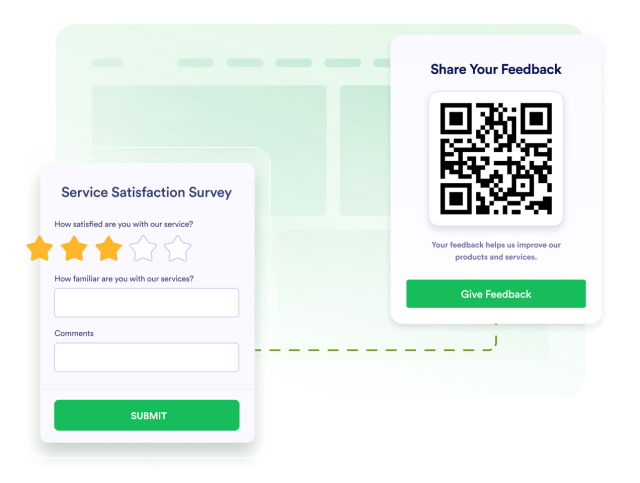
QR Code Widget
QR Code Widget Features for Websites
Create a scannable website QR code that connects visitors to forms, menus, booking pages, payments, downloads, contact pages, and other online destinations. Customize its presentation, guide desktop visitors to mobile content, and embed it without coding.
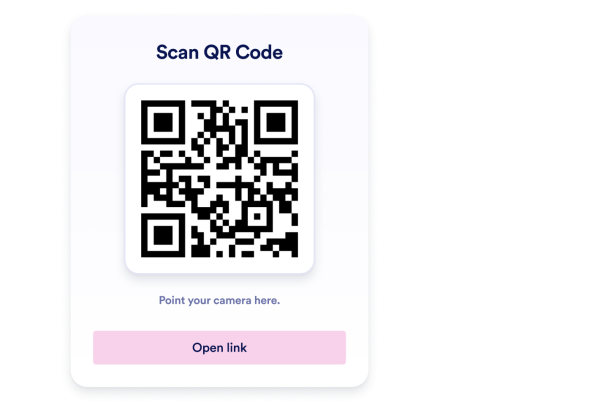

Link QR Codes to Useful Destinations
Direct visitors to the online content most relevant to your website. Create QR codes for forms, restaurant menus, booking pages, payment flows, contact information, file downloads, promotions, or other web links that visitors can open on their phones.
Popular QR code destinations include:
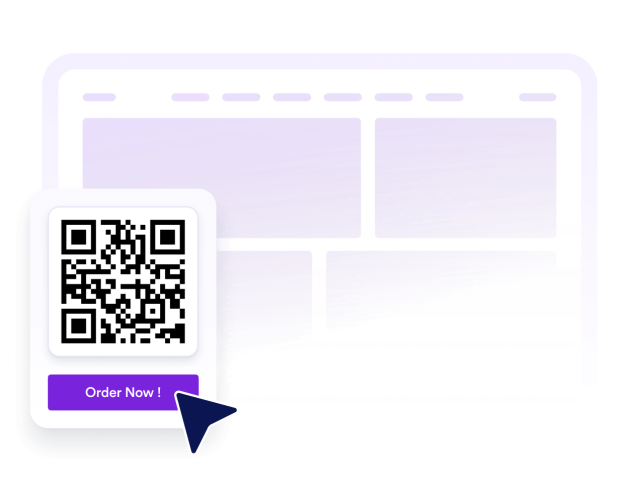
Match the QR Code to Your Website Design
Present your QR code in a section that complements your website and brand. Customize its title, supporting description, background colors, text colors, and overall display style so visitors understand what they can access before scanning.
Customization options include:

Guide Visitors From Desktop to Mobile
Give desktop visitors a direct path to content they may prefer to complete or save on their phones. They can scan the QR code to open an app page, registration form, appointment booking, payment flow, download, or contact page.
Mobile actions can include:

Update and Embed QR Codes Without Coding
Add the widget by copying its generated embed code into your website. When a campaign, form, offer, or download changes, update the QR code destination or related settings in Jotform without manually rebuilding every page containing the widget.
No-code management includes:
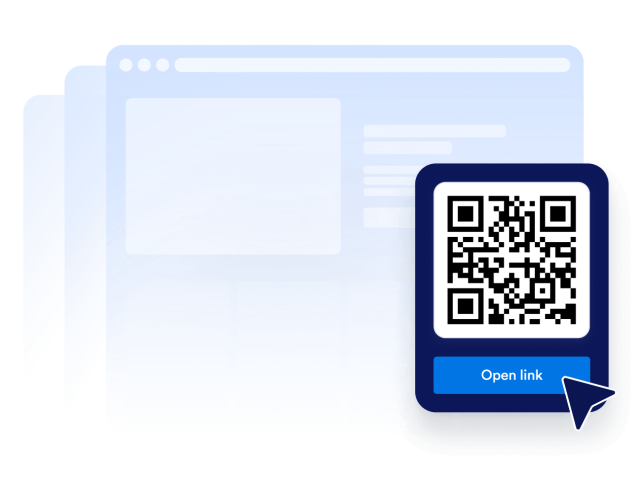
Connect QR Codes to Jotform Workflows
Guide visitors from your website to Jotform forms for feedback, registrations, bookings, payments, signatures, and other requests. QR codes create a direct route from scanning to completing the next step in your Jotform workflow.
Get Started With Jotform