Real Estate Location Map

Create Your Own Real Estate Location Map in Seconds for Your Website

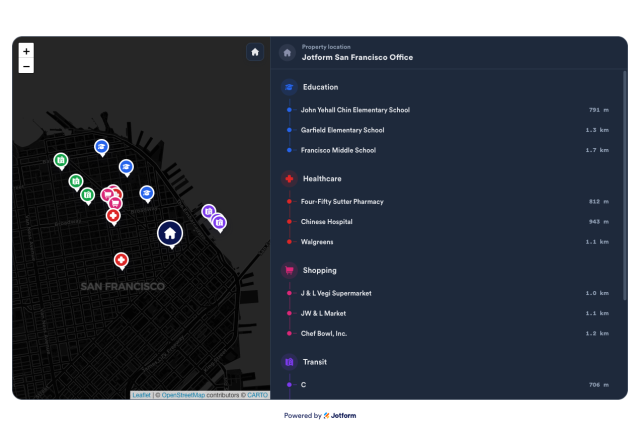
Build a responsive one-property map with OpenStreetMap tiles, nearby amenity cards, distance labels, click-to-focus markers, and brand controls.
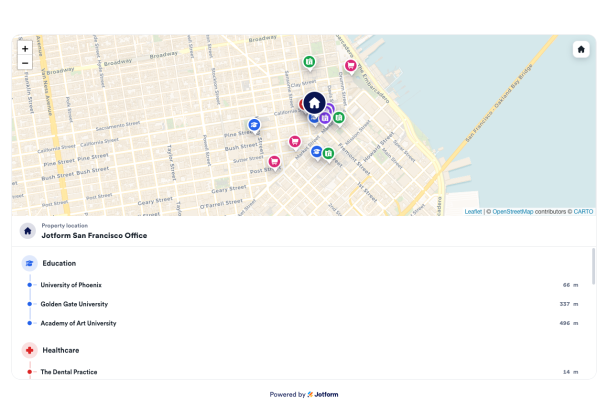

Create Your Real Estate Location Map - It's Free!
Create Your Own Real Estate Location Map in Seconds for Your Website Hero Bg Image

How to embed Real Estate Location Map Widget to WordPress

1Get your embed code

After customizing your Jotform website widget, click Try it on your website for free, and copy the generated embed code.

2Open the page editor

Go to the WordPress post or page where you want to display the widget, then add a new block.

3Add a Custom HTML block

Select Custom HTML and paste your Jotform Website widget embed code into the HTML field.

4Update and view

Click Update or Publish, then open the page to check your embedded widget.

Pin One Property Location

Search an address or enter latitude and longitude to place a single listing on an interactive OpenStreetMap panel.

Location fields include:
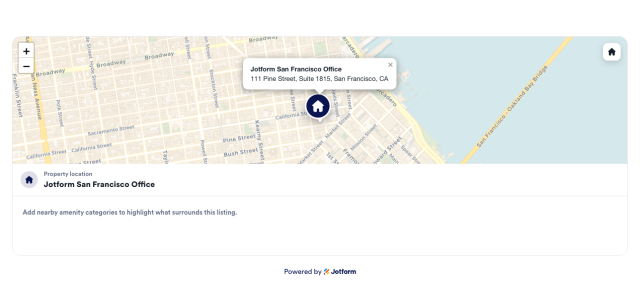
NameAddressLatitudeLongitude
Set Location
Pin One Property Location

Show Nearby Places by Category

Use OpenStreetMap lookup to display nearby education, healthcare, transit, parks, and shopping results in grouped cards with matching marker colors.

Categories include:
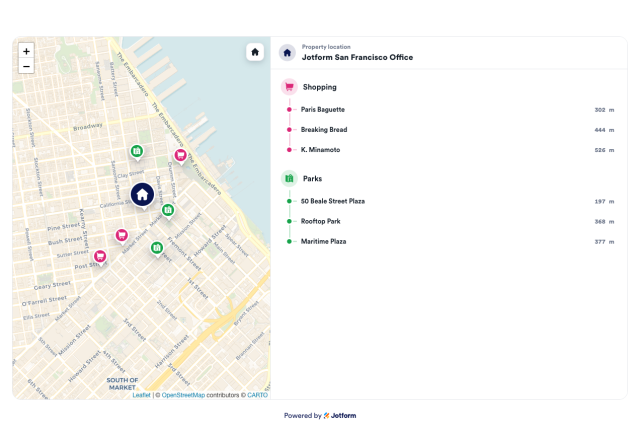
EducationHealthcareTransitParksShopping
Choose Categories
Show Nearby Places by Category

Use Click-to-Focus Map Interactions

Visitors can select a nearby-place row to pan and zoom the map to that marker, then read the place type and distance in a popup.

Interactions include:
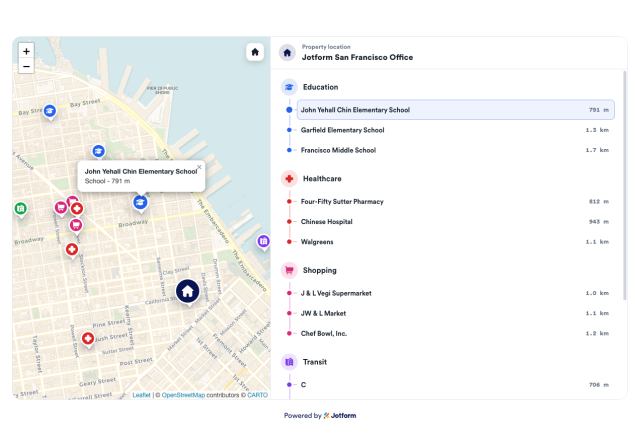
Marker popupList clickPan and zoomAuto-fit bounds
Explore Map Interactions
Use Click-to-Focus Map Interactions

Match Your Listing Page Style

Choose map-and-list or map-top layouts, then adjust colors, card surfaces, marker colors, corner radius, branding, and scoped custom CSS.

Style controls include:
LayoutsCardsCategory colorsCustom CSS
Style Your Map
Match Your Listing Page Style