Recipe Widget for your website
Share polished recipe cards with ingredients, step-by-step directions, images, timing, nutrition, ratings, print and share actions, and optional Recipe schema markup. Customize the card, preview it, and embed it on any website without any coding.
Create Now — It’s Free!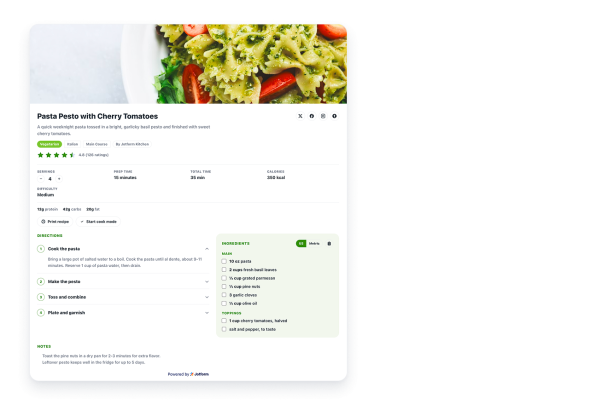

How to create a Recipes widget
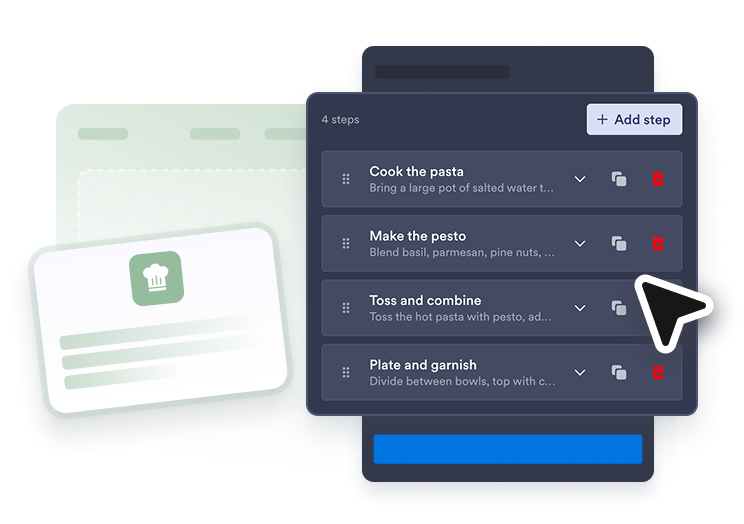
Add your recipe details
Enter the title, description, image, ingredients, directions, timing, servings, nutrition, notes, and optional video.
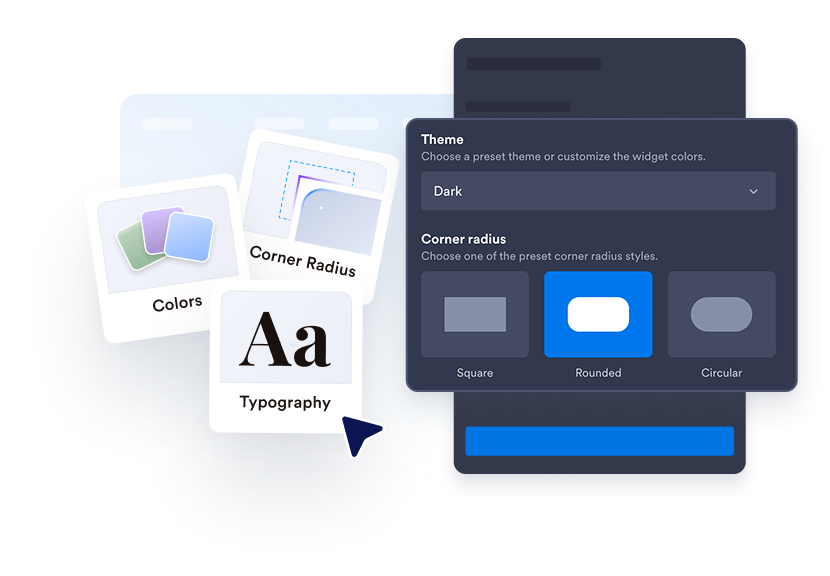
Customize the recipe card
Choose light or dark styling, adjust colors and width, and decide which content and visitor actions to show.
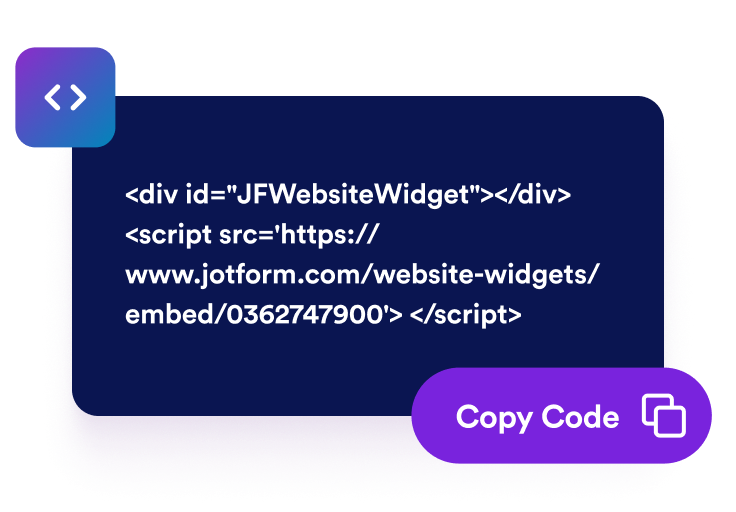
Embed it on your site
Preview the finished recipe widget, copy the embed code, and place it on your blog, menu page, or food brand website.
Publish recipe cards visitors can actually use
Show complete recipe details
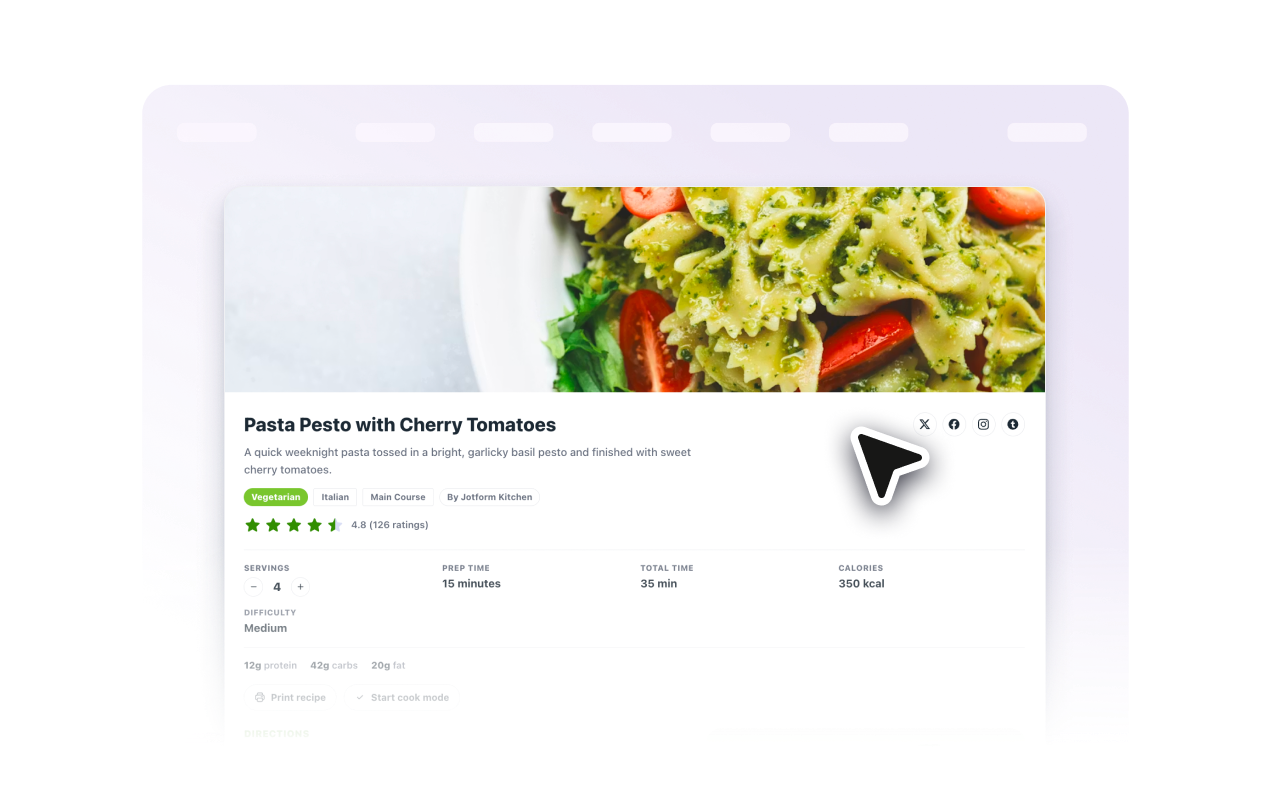
Bring the important parts of a recipe together in one responsive card: image, description, author, cuisine, course, servings, timing, calories, rating, ingredients, directions, notes, and video.

Help visitors cook from the page
Cook mode lets visitors expand steps and check off progress. Ingredient checkboxes, serving adjustments, unit conversion, and copy-to-list controls make the recipe easier to follow.
Customize the card for your brand
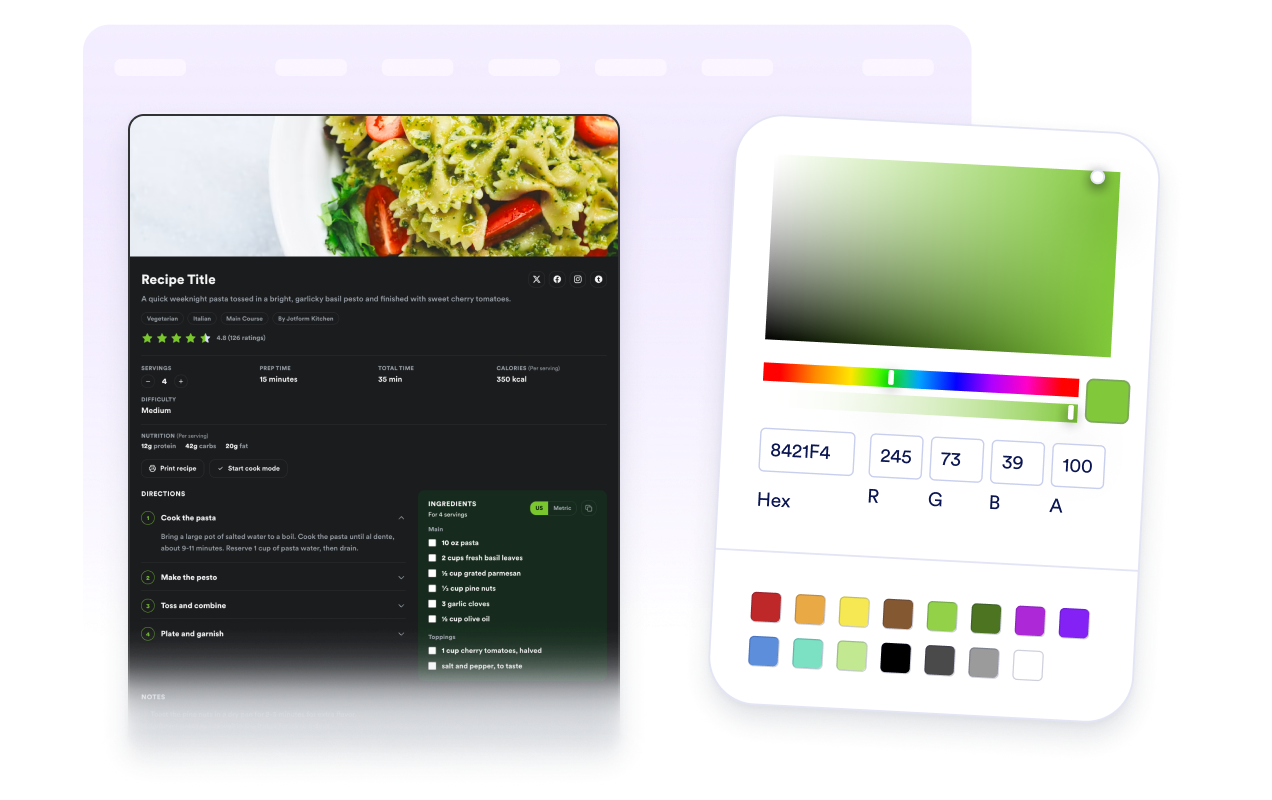
Use light or dark themes, choose colors, set card width and corner radius, control text alignment, and add scoped CSS for advanced refinements.
Support recipe discovery
Optional recipe schema markup keeps structured recipe details in your embeds, including ingredients, instructions, timing, nutrition, image, and rating data, so search engines can read and surface them.

Why Jotform Website Widgets stand out
Jotform’s widgets make your website more interactive and increase conversions. There are many tools available, from star ratings and testimonial sliders to social proof popups and media embeds. Add widgets to your forms or landing pages to collect data, display proof, and capture leads — no coding required.
Add Jotform widgets to your website with a simple embed code. Customize the widget, preview how it looks, and paste it into any page that supports custom HTML or embed blocks, all without a developer.
Use Jotform Website Widgets to collect leads, show customer feedback, display social proof, embed media, or add helpful web page tools. Each widget helps visitors interact with your business directly from your website.
If you need help setting up, customizing, embedding, or troubleshooting your widget, Jotform’s customer support team is available 24-7. You can move forward with confidence, knowing that help is there when you need it.
Where to use your Recipe Widget
Add recipe cards anywhere visitors need clear ingredients, instructions, and cooking details without leaving the page.
Food blogs that need reusable cards below recipe stories and photography
Restaurant websites that share signature dishes, seasonal specials, or cooking tips
Nutrition and wellness pages that need servings, calories, diet badges, and prep details
Cooking class pages that publish step-by-step instructions for students
Product pages that show customers how to use ingredients, cookware, or meal kits
Community portals that collect and share recipes from members or staff
Convert leads into paying customers with the Jotform Form Builder
Turn engagement into action with Jotform. Create powerful forms that capture leads, collect payments, and automate responses, all in one place. Every submission lands in your Jotform Inbox, where you can follow up or connect with your favorite apps.
Get Started — It’s Free!
FAQ
What is a Recipe Widget?
A Recipe Widget is an embeddable recipe card that displays cooking details such as ingredients, directions, images, prep time, cook time, servings, nutrition, and notes.
Can I add ingredients and step-by-step directions?
Does the widget support recipe images and videos?
Can visitors adjust serving sizes?
Can visitors switch between US and metric units?
Can I include recipe schema markup?
Can I customize the design?
Do I need to code?