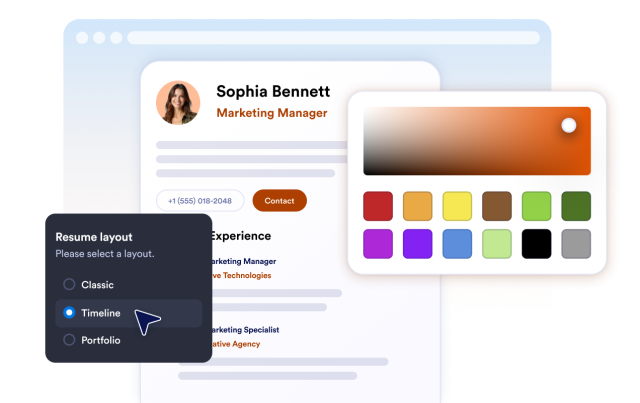
Resume Widget
Create Your Own Resume in Seconds for Your Website
Build a responsive online resume with profile details, skills, experience, education, achievements, portfolio projects, contact links, layout presets, themes, and scoped CSS.
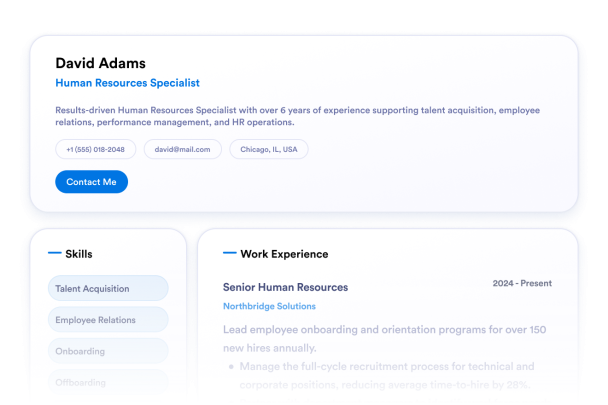

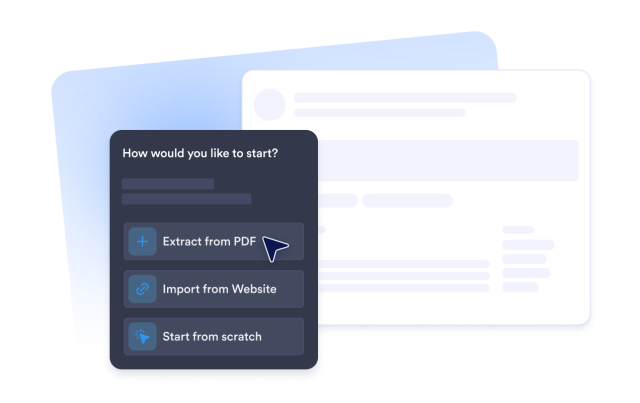
Multiple start options
Begin with a resume PDF, website import, or a blank builder, then customize the content manually before publishing.
Starting options include:
Resume uploadsWebsite importsManual setup
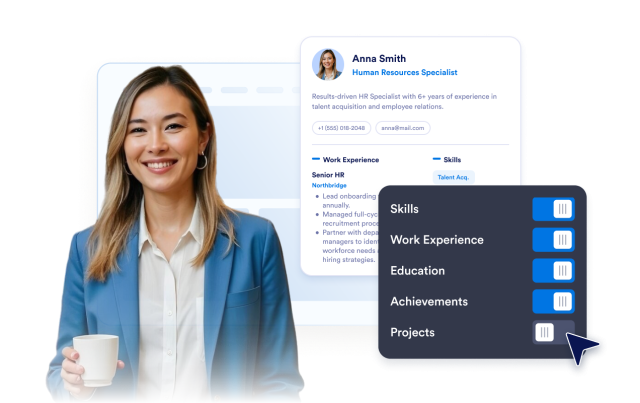
Manage resume sections
Add, edit, reorder, or hide resume sections so you can control what appears in the final widget.
Resume sections include:
SummarySkillsWork ExperienceEducationAchievementsProjects
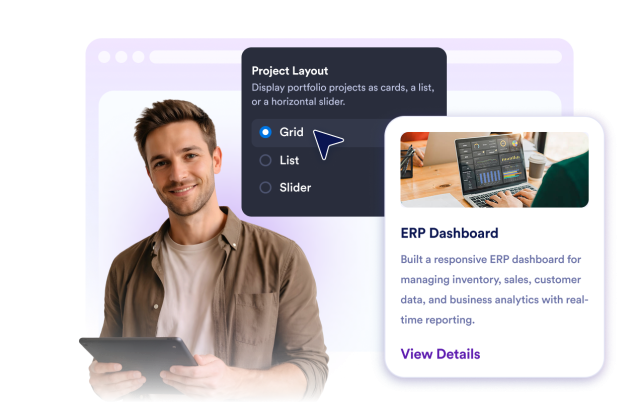
Control project display
Choose how portfolio projects appear, such as grid, list, or slider, depending on how much space you want to use.
Project controls include:
GridListSliderPopup details
Fine-tune design settings
Adjust theme, corners, shadows, spacing, branding, and custom CSS to match the resume widget with your page design.
Design controls include:
LayoutsThemesColorsCustom CSS