Scoreboard Widget for your website
Keep score on any page without spreadsheets or custom code. Add teams, choose a scoreboard type, and let visitors update points with plus and minus buttons. Jotform's Scoreboard widget is a free, no-code tool you can style, preview, and embed in a section, popup, or floating card.
Create Now — It’s Free!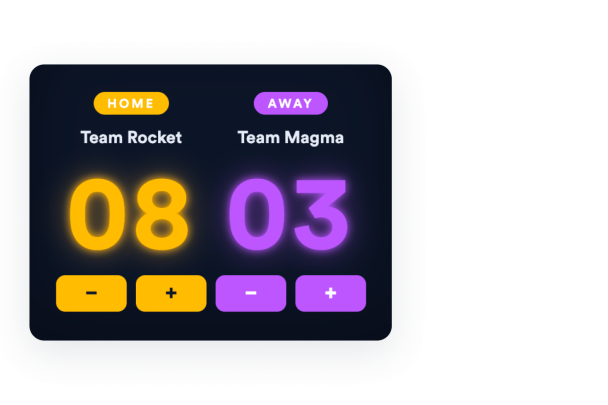

How to create a Scoreboard widget
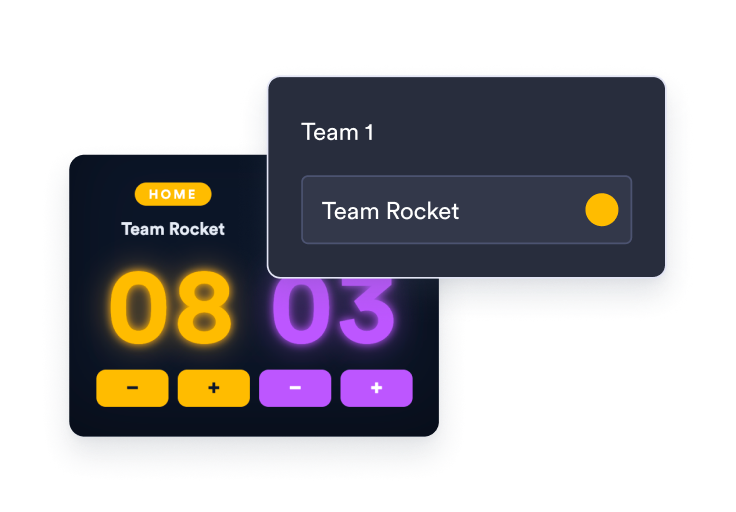
Add your teams
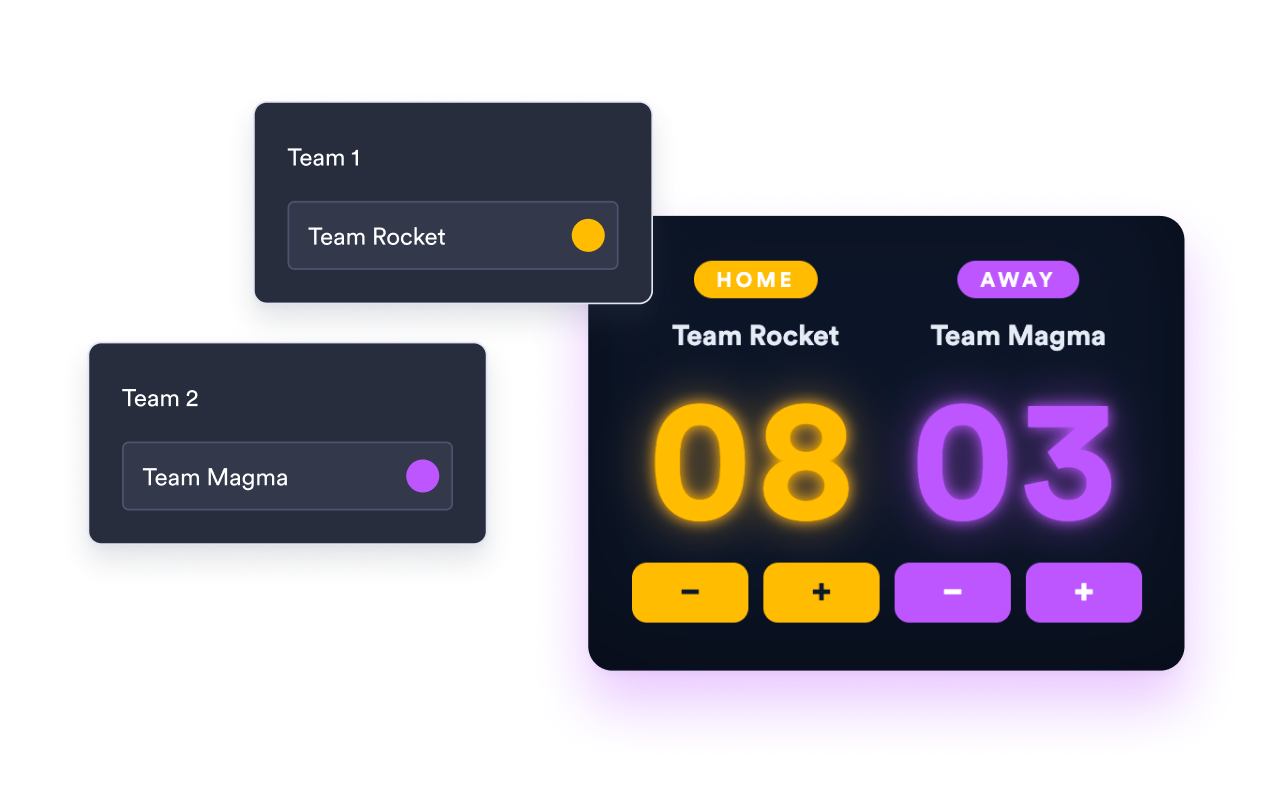
Set how many teams play, name each team, and choose a color for every active team.
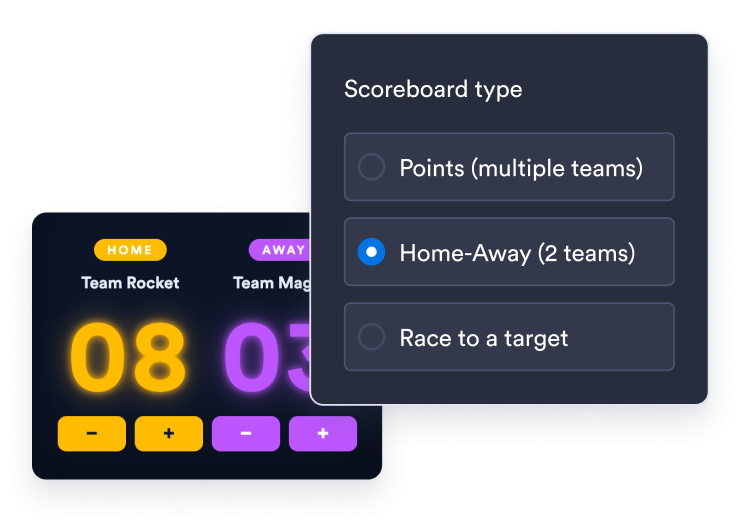
Pick a scoreboard type
Choose Points for multiple teams, Home-Away for a two-team match, or Race to move each team toward a target score.
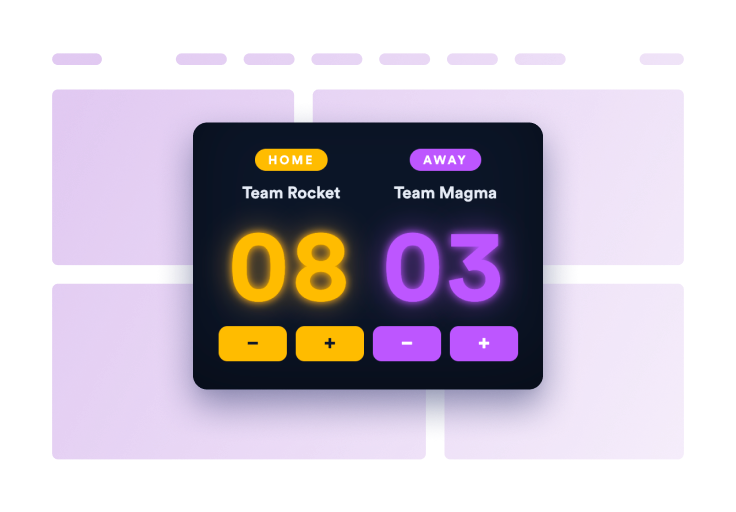
Embed it on your site
Preview the scoreboard, copy the generated embed code, and paste it anywhere on your website.
Keep score the way your activity works
Three scoreboard types in one widget
Use Points for open-ended team scoring, Home-Away for a focused two-team match, or Race to track progress toward a target you set.
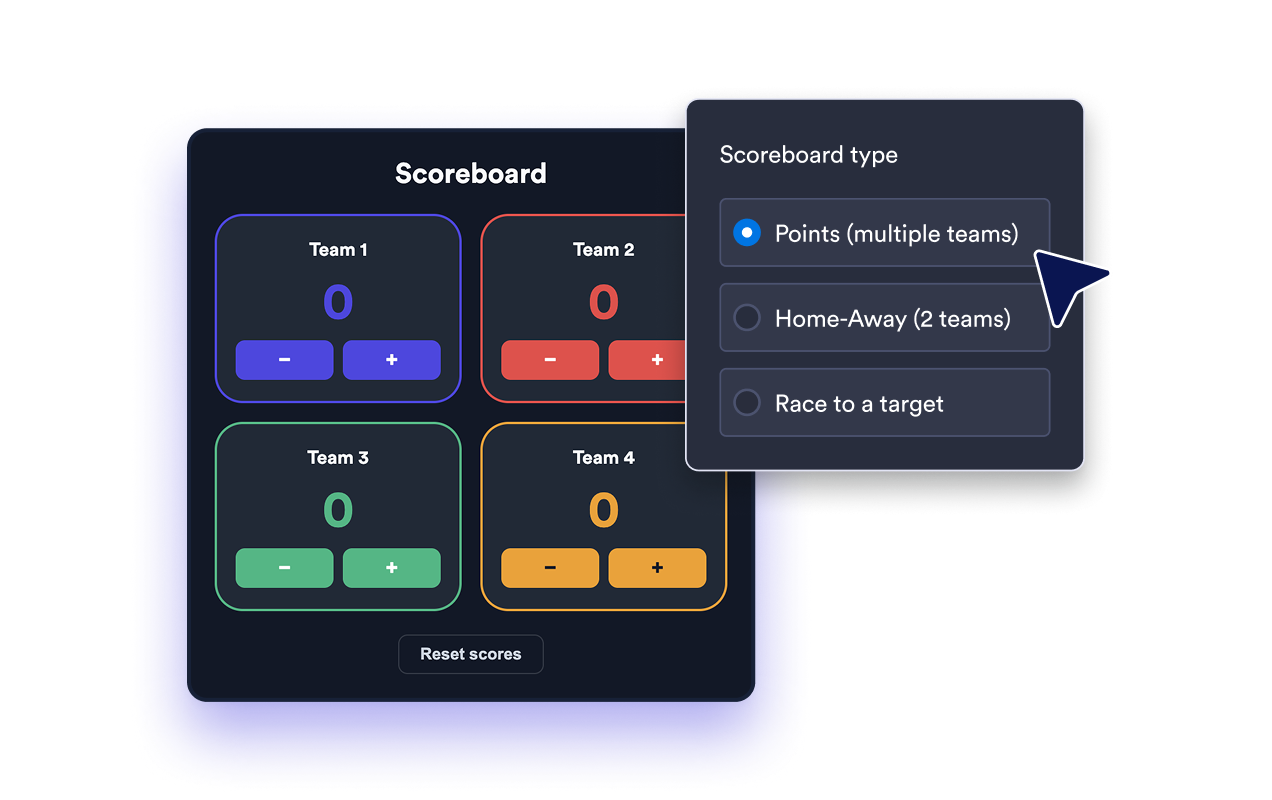
Update scores with one tap
Visitors add or subtract points with plus and minus buttons. Choose whether each tap changes the score by 1, 5, 10, 15, or 25 points, or turn controls off for a display-only board.
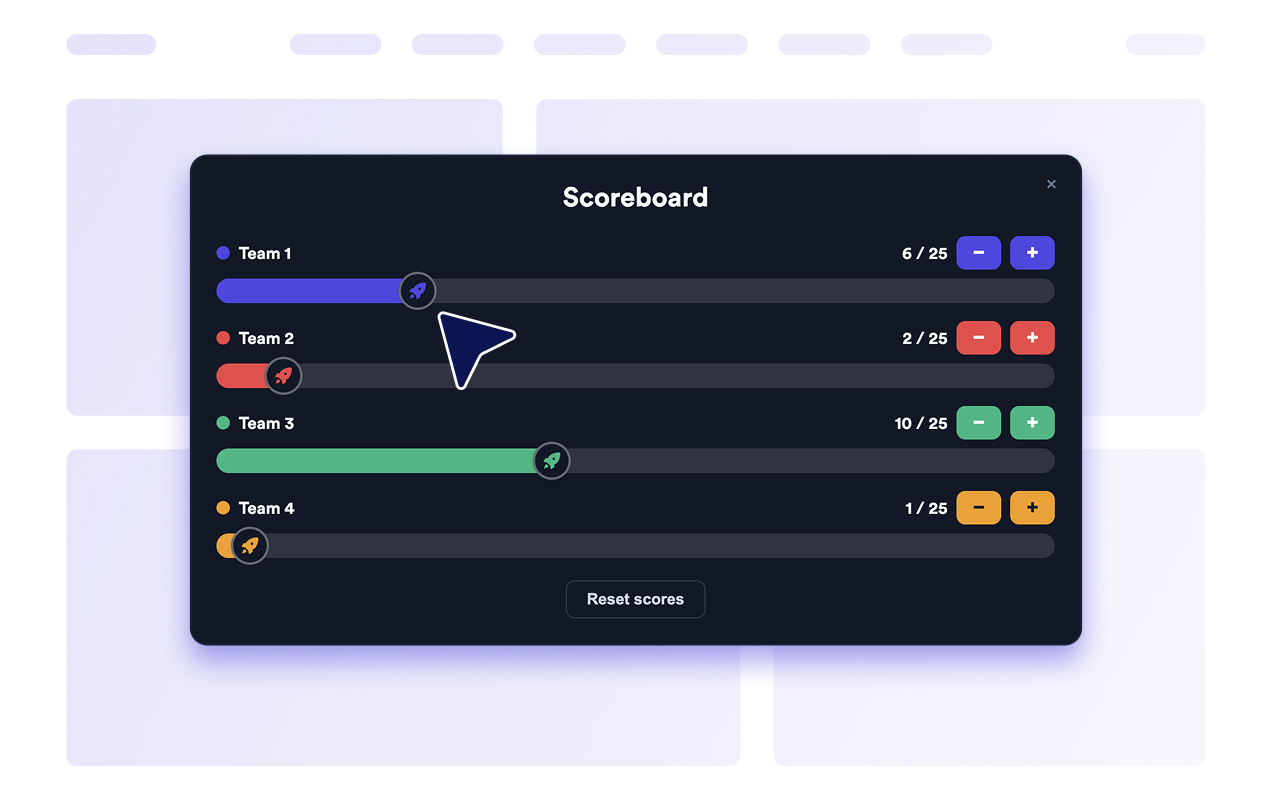
Make every team easy to follow
Name each team, assign its accent color, and reset the whole board back to zero whenever a new round begins.
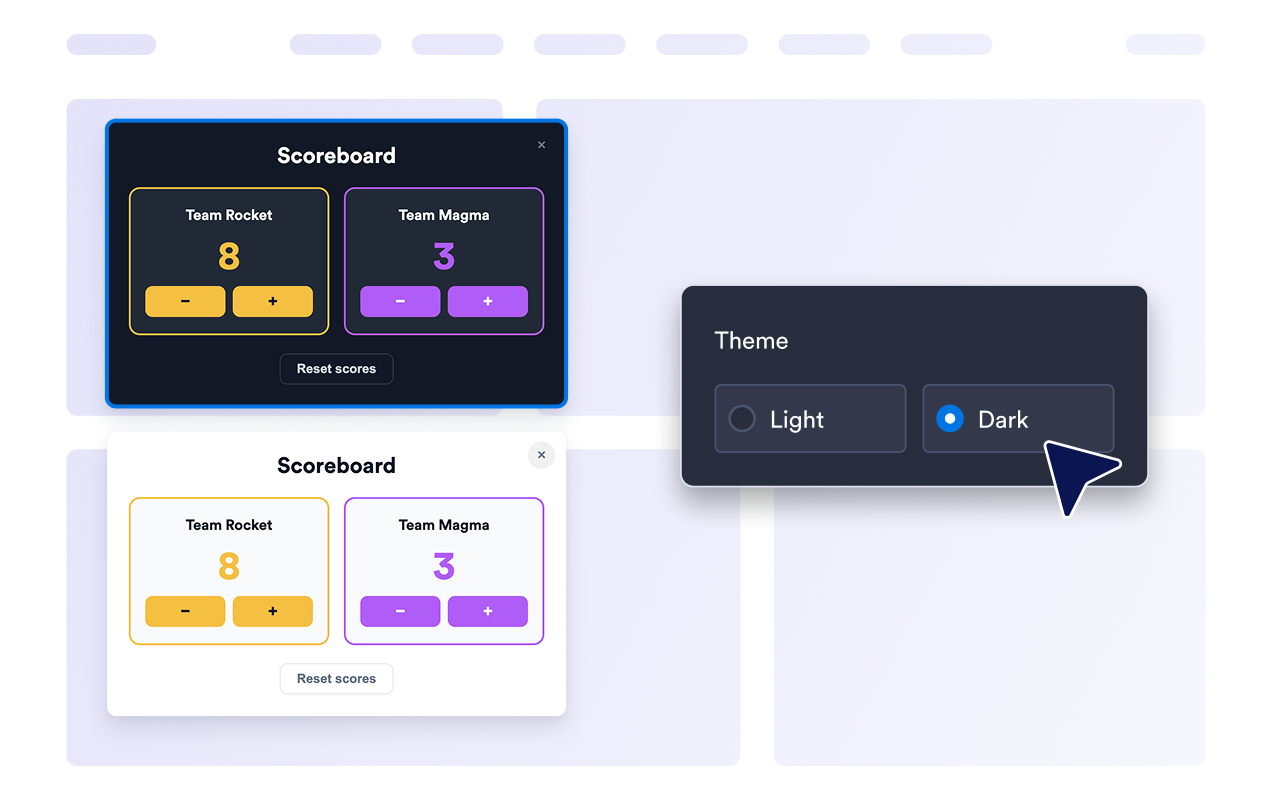
Match your site's look
Choose light or dark themes, adjust corner radius, and add custom CSS so the scoreboard blends naturally with your website's design.
Why Jotform Website Widgets stand out
Jotform’s widgets make your website more interactive and increase conversions. There are many tools available, from star ratings and testimonial sliders to social proof popups and media embeds. Add widgets to your forms or landing pages to collect data, display proof, and capture leads — no coding required.
Add Jotform widgets to your website with a simple embed code. Customize the widget, preview how it looks, and paste it into any page that supports custom HTML or embed blocks, all without a developer.
Use Jotform Website Widgets to collect leads, show customer feedback, display social proof, embed media, or add helpful web page tools. Each widget helps visitors interact with your business directly from your website.
If you need help setting up, customizing, embedding, or troubleshooting your widget, Jotform’s customer support team is available 24-7. You can move forward with confidence, knowing that help is there when you need it.
Where to use your Scoreboard widget
Add a scoreboard anywhere visitors follow a competition, track progress, or play along during an event.
Classroom and teacher pages for team games, quizzes, reading challenges, and behavior points.
Sports and league sites for match scores, weekend tournaments, and head-to-head games.
Streaming and event pages where hosts keep a running score during live shows or watch parties.
Community and club sites for friendly contests, trivia nights, and group challenges.
Fundraising and goal pages where each team races toward a target amount or milestone.
Team and office pages for internal competitions, standup games, and challenge boards.
Convert leads into paying customers with the Jotform Form Builder
Turn engagement into action with Jotform. Create powerful forms that capture leads, collect payments, and automate responses, all in one place. Every submission lands in your Jotform Inbox, where you can follow up or connect with your favorite apps.
Get Started — It’s Free!
FAQ
What is a Scoreboard widget?
A Scoreboard widget is an embeddable board that shows team names and points and lets visitors update scores with plus and minus buttons.
Is the Scoreboard widget free?
What scoreboard types can I choose?
How many teams can I add?
Can visitors change the score themselves?
How do I add the Scoreboard widget to my website?
Can I set how many points each tap adds?
What can I customize in Race mode?
Can I customize the colors and style?
Can I choose how the scoreboard appears on my site?
Can I reset the scores?
Do I need to write code to use it?