Skeleton Loader Widget for your website
Make loading states feel smooth with automatic skeleton placeholders for images and the related text in the same card. Customize one skeleton color, radius, and shimmer speed, then embed the widget with one script.
How to create a Skeleton Loader widget

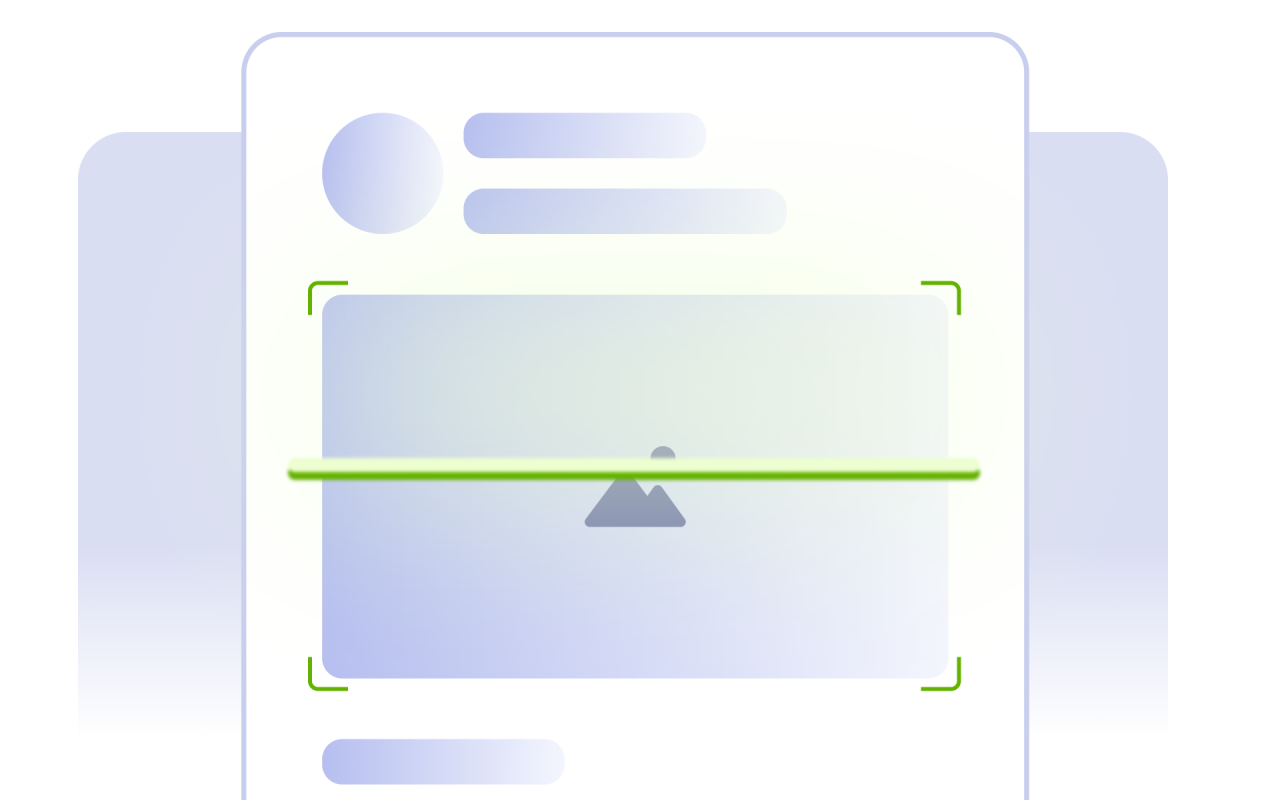
Detect image cards automatically
Detect image cards automatically and keep the related card content in a matching placeholder state until each image finishes loading.
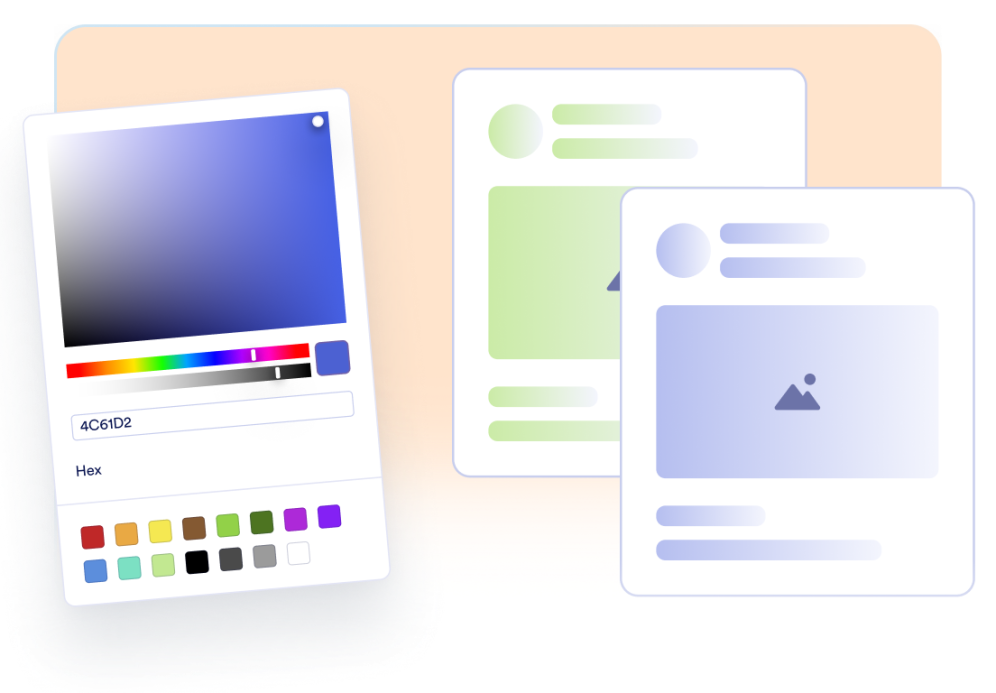
Customize the loading style
Use a single skeleton color, rounded corners, and a customizable shimmer animation speed to create a consistent loading experience across your website.
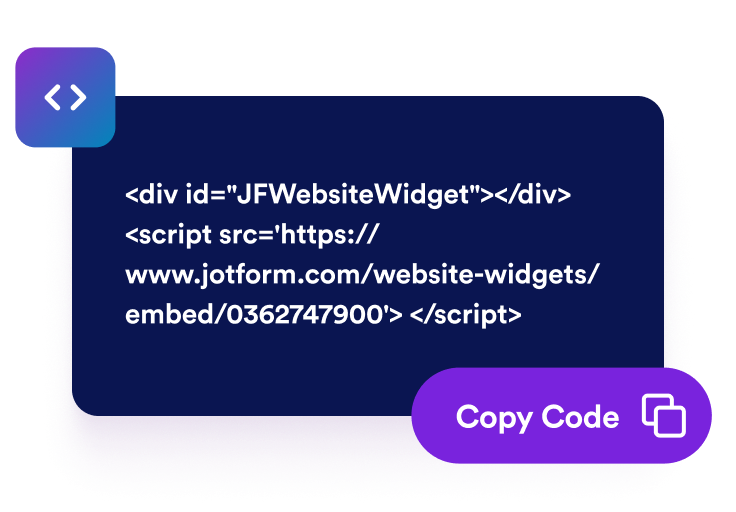
Embed it on your site
Copy the generated script and add polished skeleton loading states to your website in just a few steps, without writing custom code or spending extra development time.
Create polished loading states without redesigning your page
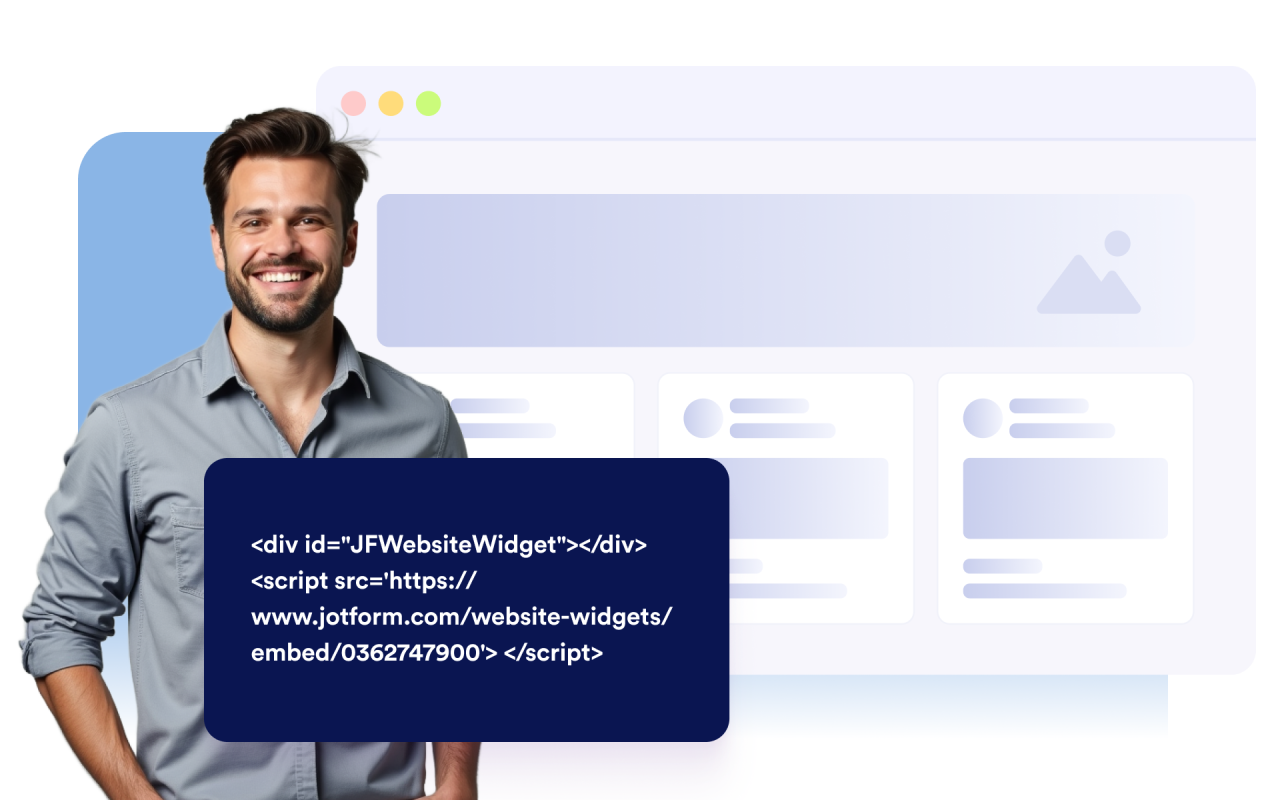
Enable skeleton loading with one script
Drop in a single embed script and let the widget add temporary placeholders while page content is getting ready.
Detect image cards automatically
Automatically detect images, headings, paragraphs, prices, and labels inside the same card, grouping related elements together to create matching skeleton placeholders automatically.
Match your site color and corners
Choose one skeleton color and adjust border radius to fit your design system.

Why Jotform Website Widgets stand out
Jotform’s widgets make your website more interactive and increase conversions. There are many tools available, from star ratings and testimonial sliders to social proof popups and media embeds. Add widgets to your forms or landing pages to collect data, display proof, and capture leads — no coding required.
Add Jotform widgets to your website with a simple embed code. Customize the widget, preview how it looks, and paste it into any page that supports custom HTML or embed blocks, all without a developer.
Use Jotform Website Widgets to collect leads, show customer feedback, display social proof, embed media, or add helpful web page tools. Each widget helps visitors interact with your business directly from your website.
If you need help setting up, customizing, embedding, or troubleshooting your widget, Jotform’s customer support team is available 24-7. You can move forward with confidence, knowing that help is there when you need it.
Where to use your Skeleton Loader widget
Use skeleton loading anywhere visitors need quick visual feedback while rich content appears.
Product pages where image galleries, descriptions, and prices need a smoother load state.
Blogs and content hubs that load article thumbnails, headings, excerpts, and author labels at different speeds.
Portfolio and gallery pages where media cards need image placeholders with matching title or label placeholders.
Landing pages with hero images and testimonials that benefit from polished placeholders.
Media-heavy pages where large images or embedded content can otherwise leave empty gaps before loading.
Brand-sensitive websites that need placeholders aligned to one consistent skeleton color.
Convert leads into paying customers with the Jotform Form Builder
Turn engagement into action with Jotform. Create powerful forms that capture leads, collect payments, and automate responses, all in one place. Every submission lands in your Jotform Inbox, where you can follow up or connect with your favorite apps.
Get Started — It’s Free!
FAQ
What is a Skeleton Loader widget?
A Skeleton Loader widget shows temporary placeholders that match the shape of image cards while images and related text are loading.
Does the widget detect elements automatically?
Can I choose which elements get placeholders?
Can I customize the shimmer animation?
Can I match the placeholder color to my website?
Will skeleton loading work on mobile?
Do I need to write code?