Social Media Icons Widget for your website
Link all of your social profiles in one clean row of icons. Jotform's Social Media Icons widget is a free, no-code utility you can style with brand colors, place inline or floating, and embed on any website in minutes.
Create Now — It’s Free!

How to create a Social Media Icons widget
Add your social links
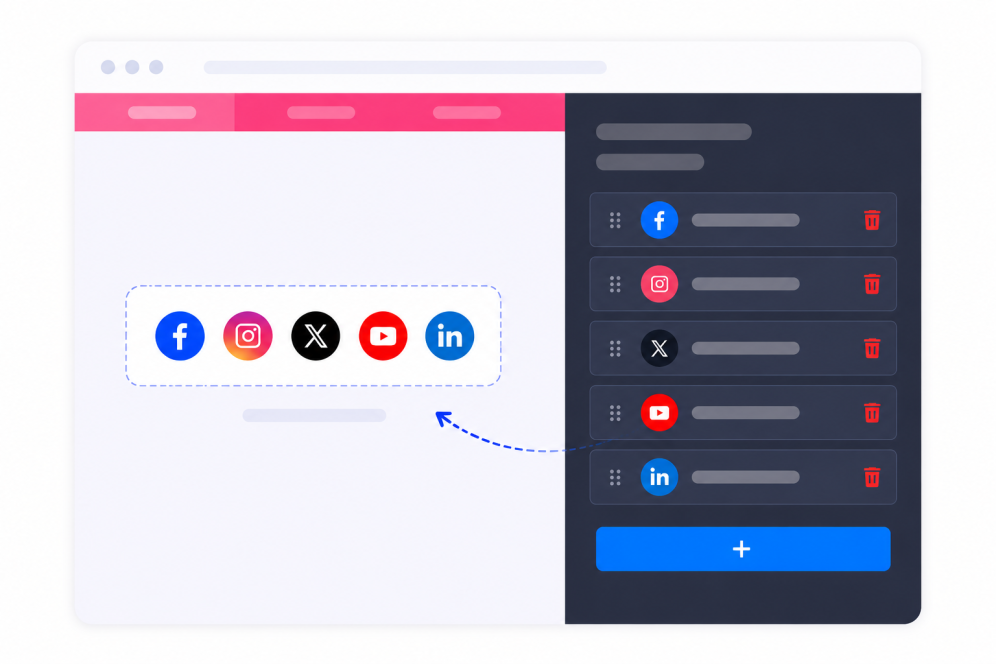
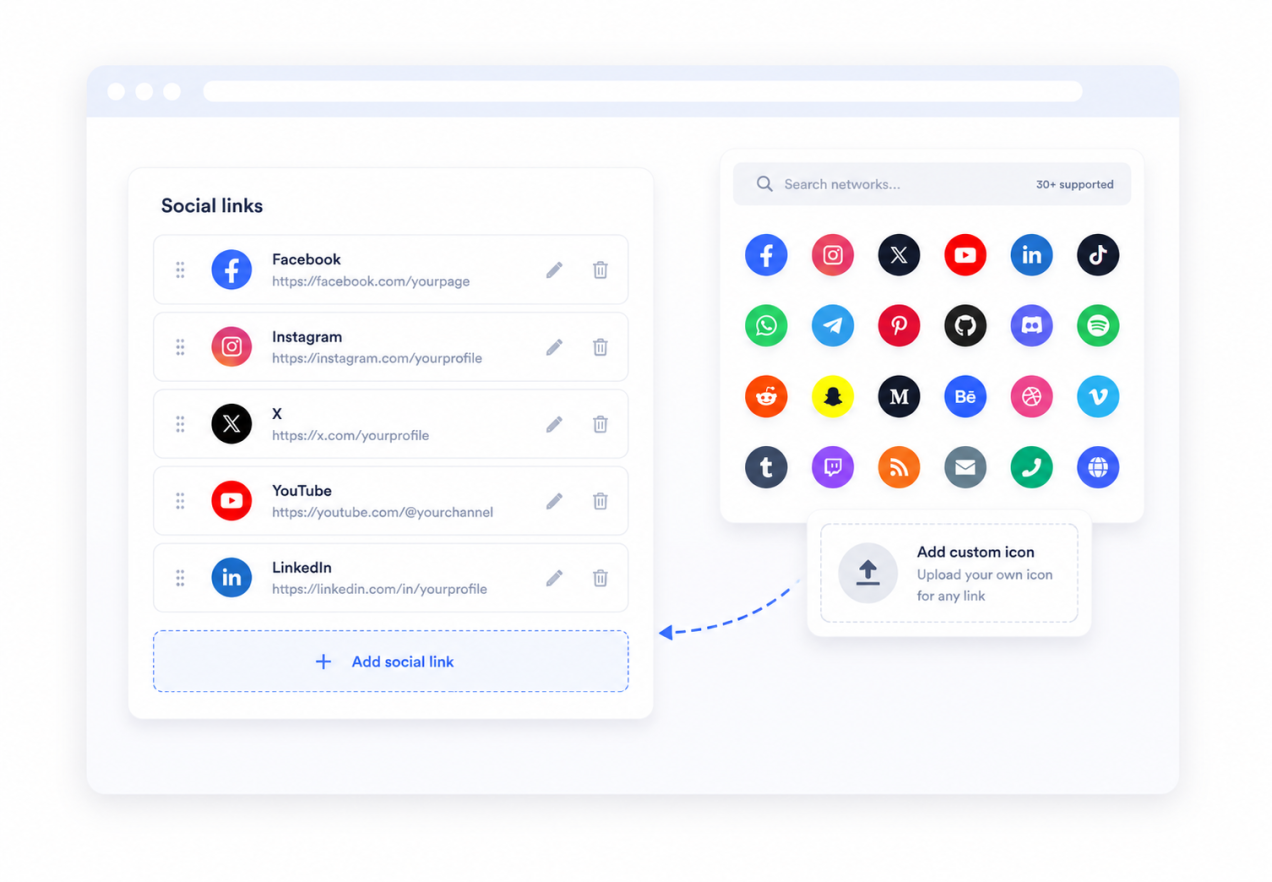
Add a row for each profile, choose its network, and paste the profile URL. Drag rows to set the order visitors see.
Style the icons
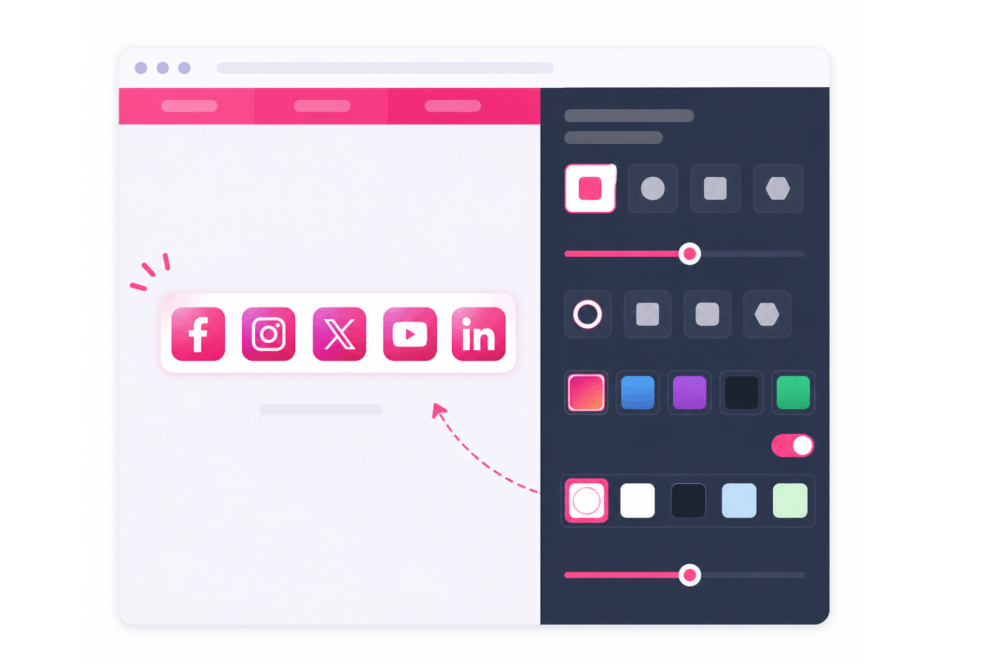
Pick the size, shape, style preset, and colors. Keep native brand colors or set your own icon and background colors.
Embed it on your site
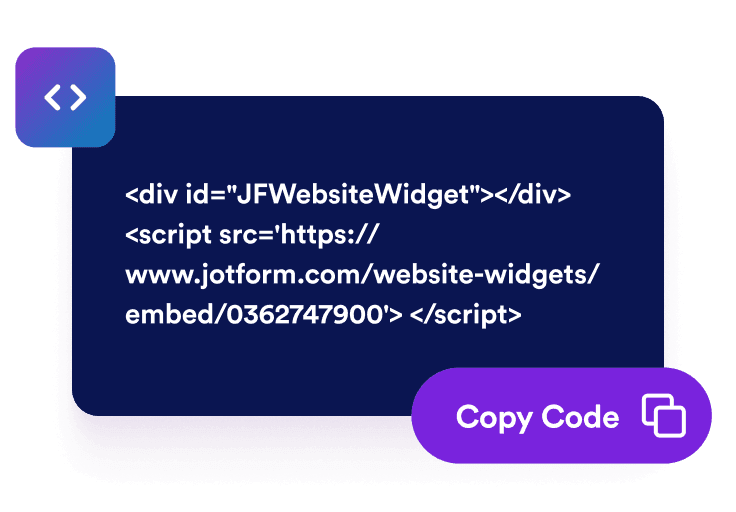
Copy the generated embed code and place it anywhere on your website to show the icon row instantly.
Turn your website visitors into social followers
All your networks in one clean row
30 networks ready to go - Facebook, Instagram, X, YouTube, LinkedIn, TikTok, WhatsApp, Telegram, and more. Paste a profile URL, drag to reorder, or upload your own icon for anything off the list.
Make it match your brand
Keep each platform's official colors or go your own way with custom icon, background, and hover colors. Dial in shape, size, spacing, and opacity until it feels like your site.

Inline or floating, you decide
Tuck the icons into a header, footer, or content block, or pin them on screen so they follow visitors as they scroll. Fine-tune alignment, gap, and offsets for a perfect fit.

The right icons on every screen
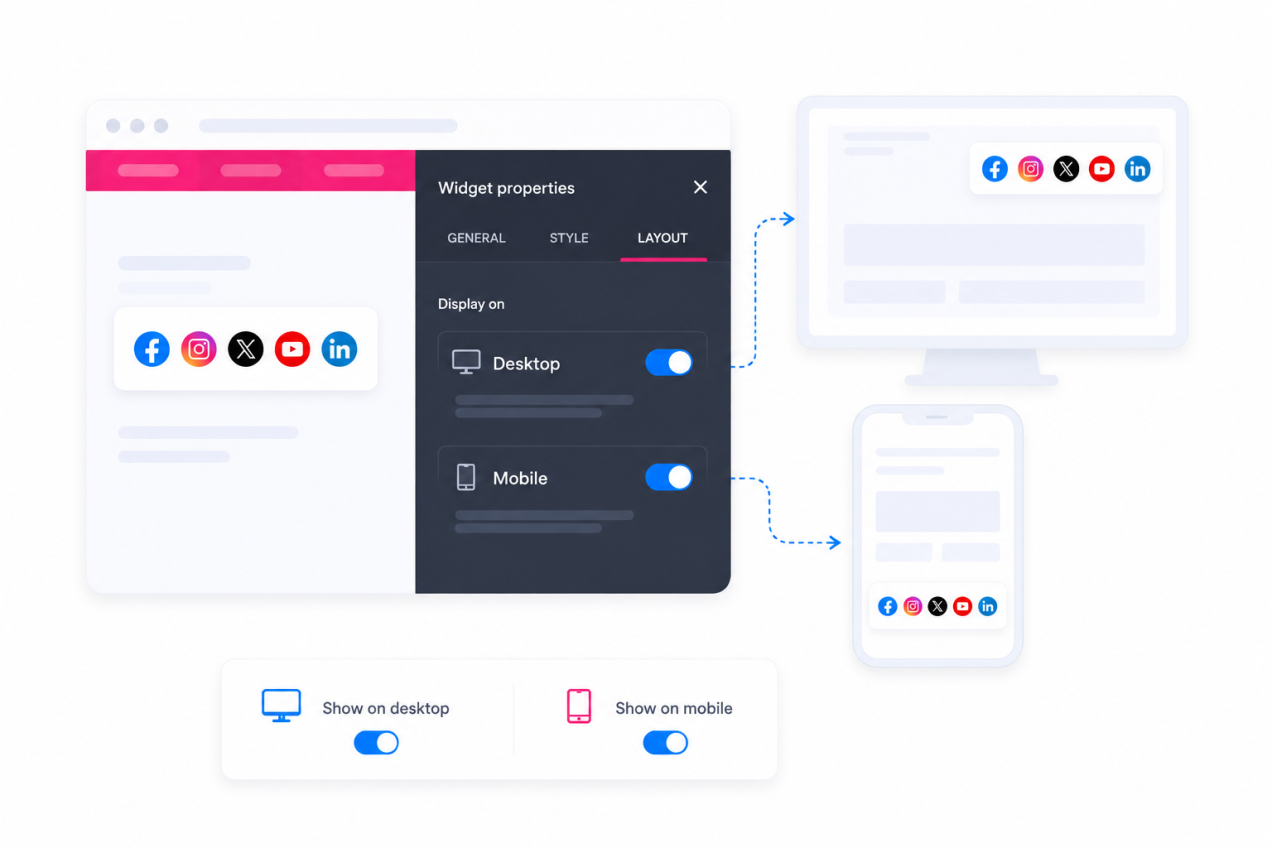
Show your social icons on desktop, mobile, or both. Keep it everywhere, or tailor visibility so it only appears where it counts.
Why Jotform Website Widgets stand out
Jotform’s widgets make your website more interactive and increase conversions. There are many tools available, from star ratings and testimonial sliders to social proof popups and media embeds. Add widgets to your forms or landing pages to collect data, display proof, and capture leads — no coding required.
Add Jotform widgets to your website with a simple embed code. Customize the widget, preview how it looks, and paste it into any page that supports custom HTML or embed blocks, all without a developer.
Use Jotform Website Widgets to collect leads, show customer feedback, display social proof, embed media, or add helpful web page tools. Each widget helps visitors interact with your business directly from your website.
If you need help setting up, customizing, embedding, or troubleshooting your widget, Jotform’s customer support team is available 24-7. You can move forward with confidence, knowing that help is there when you need it.
Where to use your Social Media Icons widget
Use the widget anywhere visitors expect to find and follow you on social platforms. A single, consistent icon row keeps your profiles one tap away.
Site headers and footers where a persistent social row helps visitors follow you from any page.
Landing pages that build an audience and want quick links to every active social channel.
Blog posts and articles where readers who enjoy your content are ready to follow along.
Contact and about pages that centralize every way to reach and follow your brand.
Link-in-bio and one-page sites where a compact icon row is the main navigation to your profiles.
Event and campaign pages that drive followers to social channels during a launch or promotion.
Convert leads into paying customers with the Jotform Form Builder
Turn engagement into action with Jotform. Create powerful forms that capture leads, collect payments, and automate responses, all in one place. Every submission lands in your Jotform Inbox, where you can follow up or connect with your favorite apps.
Get Started — It’s Free!
FAQ
What is a Social Media Icons widget?
A Social Media Icons widget is a row of clickable icons that link to your social media profiles. Visitors tap an icon to open the matching profile in a new tab.
Which social networks are supported?
Can I use my own colors instead of brand colors?
Can I keep the icons visible while visitors scroll?
Does it work on mobile devices?
Will I need to write code to use it?
Can I embed the widget on any website platform?
Is the Social Media Icons widget free?
How do I add social media icons to my website?