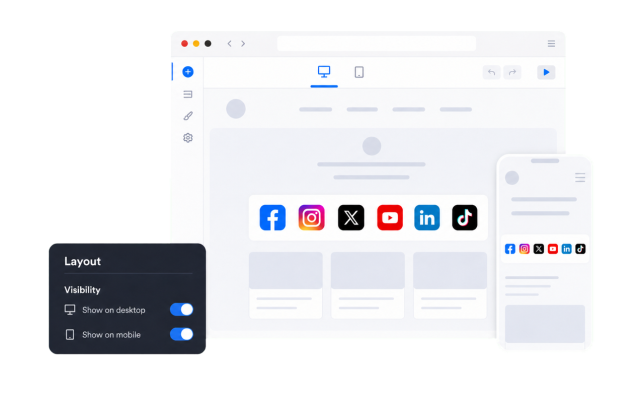
Social Media Icons Widget
Create Your Own Social Media Icons Widget in Seconds
Build a polished row of social links for your website. Choose networks, colors, shapes, animations, placement, and display behavior in a no-code builder.
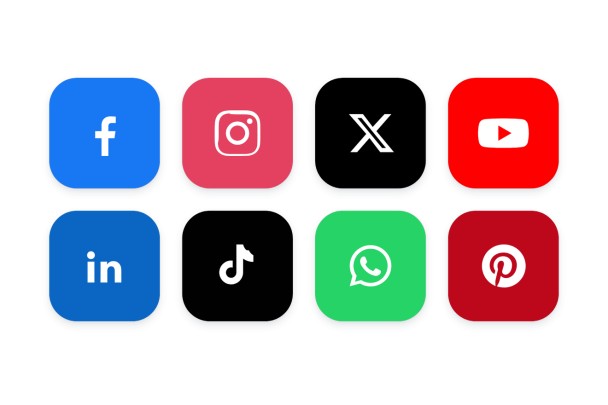

Link Every Network You Use
Add a row per profile and pick from a large catalog of networks, or upload a custom icon for anything not listed. Reorder rows to control the sequence.
Networks include:

Style Icons Your Way
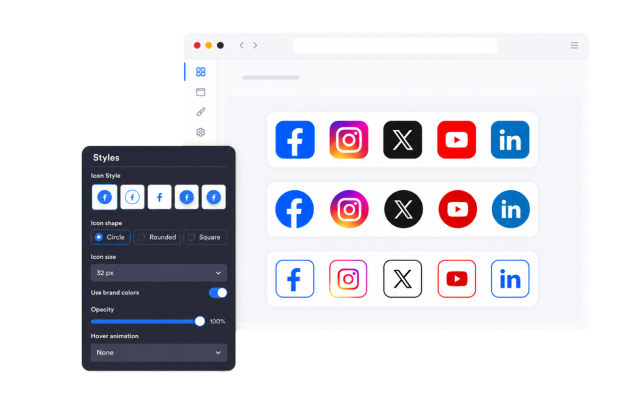
Choose a style preset, icon shape, and size. Keep native brand colors or set custom icon, background, and hover colors with opacity control.
Style controls include:
Place It Inline or Floating
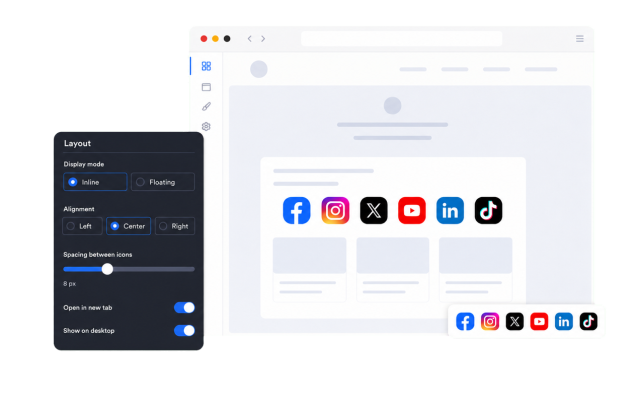
Embed the row inside your content or keep it fixed on screen while visitors scroll. Control alignment and floating offsets for a precise fit.
Placement options include:
Fine-Tune Behavior and Visibility
Add hover animations, label tooltips, open links in a new tab, control device visibility, and apply scoped custom CSS for advanced tweaks.
Behavior controls include: