


Testimonials Slider Widget for Your Website
Display customer quotes in a responsive testimonial slider, slideshow, carousel, grid, list, masonry, or badge layout. Add testimonial text, star ratings, reviewer photos, captions, dates, social links, logos, and supporting images, then customize the design and embed it without code.
How to add a testimonial slider
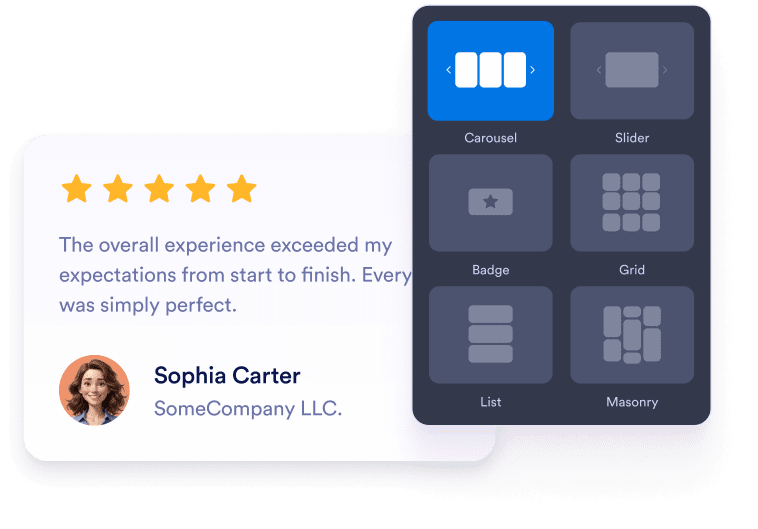
Add customer testimonials
Write or paste testimonial text, then add reviewer names, captions, dates, ratings, photos, social profile URLs, website links, and optional logos.
Choose a testimonial layout
Use a testimonial slider, carousel testimonial slider, grid, list, masonry, or badge layout to fit customer proof into homepages, product pages, pricing pages, and landing pages.

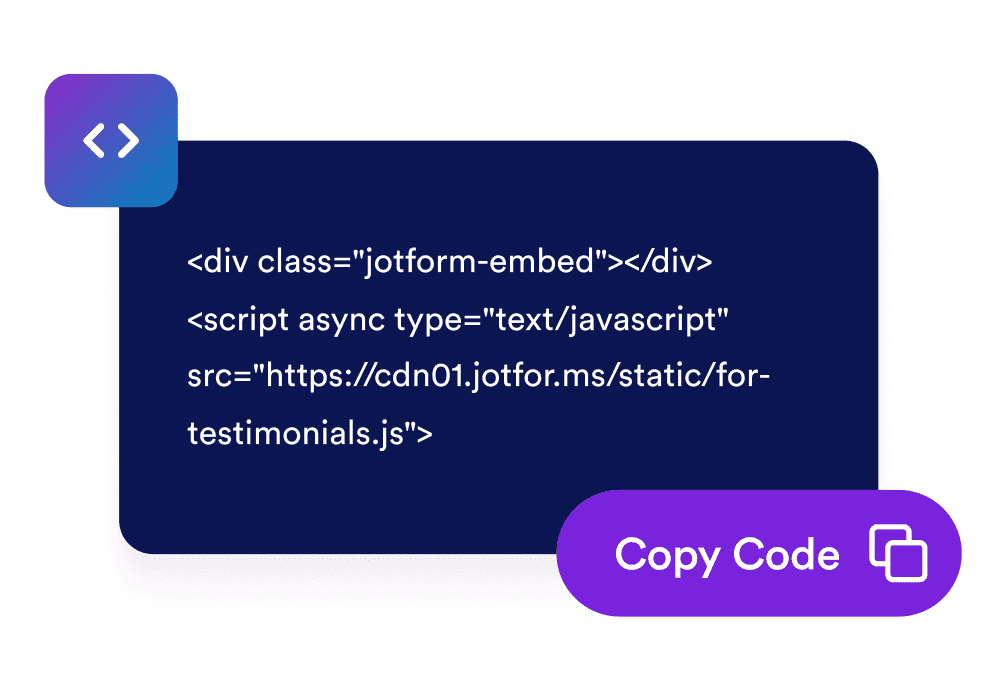
Customize and embed
Adjust colors, title text, visible fields, width, navigation, pagination, and branding, then copy the embed code to display testimonials on your website.
Turn customer testimonials into social proof
Show hand-picked customer testimonials
Create testimonial slides with customer quotes, star ratings, reviewer details, and photos. Each client testimonial slide helps visitors see real feedback from people who have worked with your business.

Choose slider and grid layouts
Use a responsive testimonial slider for compact homepage sections, a testimonial slideshow for rotating quotes, a grid for social proof blocks, or a list layout for longer customer stories.

Control testimonial card details
Choose which details appear in each customer testimonial slide, including reviewer photos, names, captions, dates, ratings, verification badges, logos, images, profile links, and read-more text.

Match testimonials to your site
Customize light or dark mode, accent color, star color, card background, testimonial text color, reviewer name color, width, navigation, and branding so the testimonial widget fits your website.

Why Jotform Widgets stand out
Jotform’s widgets make your website more interactive and conversion-ready. From star ratings and testimonial sliders to social proof pop-ups and media embeds, you can combine tools inside your forms or landing pages to collect data, display proof, and capture leads without writing code.
Add Jotform widgets to your website with a simple embed code. Customize the widget, preview how it looks, and paste it into any page that supports custom HTML or embed blocks to all platforms, no developer required.
Use Jotform Website Widgets to collect leads, show customer feedback, display social proof, embed media, or add helpful on-page tools. Each widget helps visitors interact with your business directly from the page.
If you need help setting up, customizing, embedding, or troubleshooting your widget, Jotform’s customer support team is available 24/7. You can move forward with confidence, knowing help is there when you need it.
Where to use your Testimonials Widget
Place testimonials where visitors need trust signals before they sign up, buy, book, or contact your team.
Homepage social proof sections to introduce customer confidence with a testimonial slider near the top of the page.
Product and service pages to support buying decisions with relevant customer testimonial slides.
Pricing pages to reduce hesitation near plan comparisons, checkout links, and CTA buttons.
Lead generation landing pages to add a responsive testimonial slider beside forms and signup prompts.
Case study and customer story pages to highlight longer quotes, roles, company context, and supporting images.
Footer or sidebar badges to keep compact customer proof visible across your site.
Convert leads into paying customers with Jotform Form Builder
Turn engagement into action with Jotform. Create powerful forms that capture leads, collect payments, and automate responses, all in one place. Every submission lands in your Jotform Inbox, ready to follow up or connect with your favorite apps.
Get Started - It’s Free!
FAQ
What is a Testimonials Widget?
A Testimonials Widget displays selected customer quotes, star ratings, reviewer details, photos, logos, and optional story images in a customizable website widget.
Can I create a testimonial slider?
Can I add testimonials manually?
Which layouts are available?
Can I choose which fields appear?
Does the widget work on mobile?
Can I embed testimonials on WordPress, Shopify, Wix, Squarespace, Webflow, or WooCommerce?
Is the Testimonials Widget free to use?