Twitter / X Feed Widget for your website
Add an X feed to your website so visitors can browse recent posts, announcements, launches, and social updates without leaving the page. Use the Twitter / X Feed Widget to display profile posts in responsive cards, customize post details, add popups, and style the feed with no custom code.
How to create a Twitter/X Feed widget
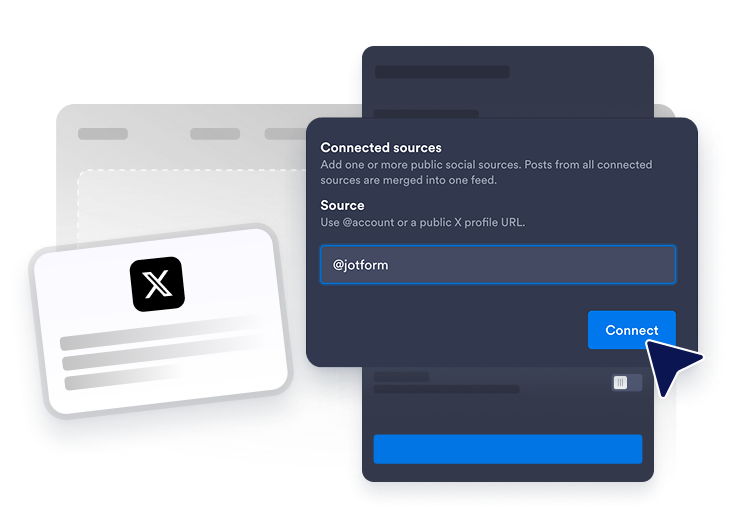
Connect an X profile
Add the public Twitter/X source you want to display in your website feed.
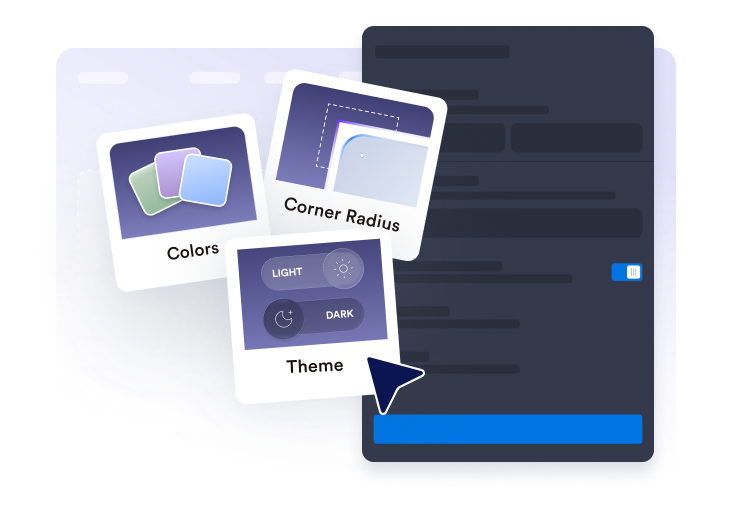
Customize the feed
Choose the layout, post details, popup behavior, colors, and Twitter/X-style accent settings.
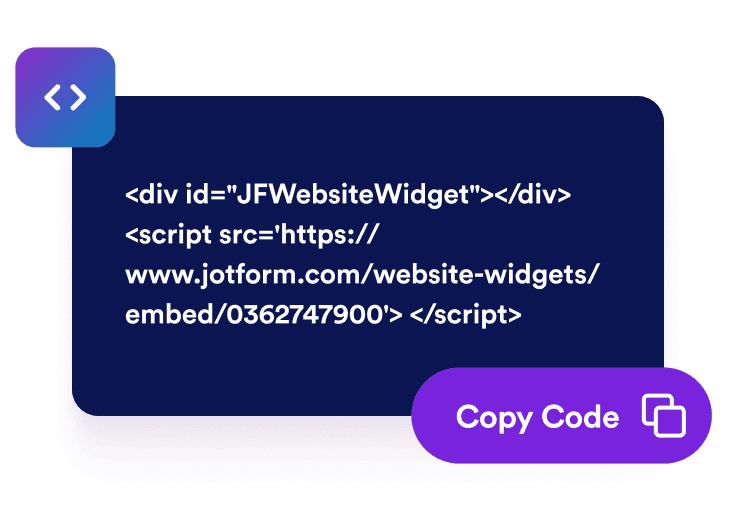
Get the embed code
Copy the generated embed code and publish the Twitter feed widget on your website.
Display Twitter/X posts on your website
Connect Twitter/X profile posts
Add a public X profile and display posts in an embedded feed. The Twitter feed widget helps visitors browse recent updates, product launches, announcements, tips, and social proof directly from your website.

Fit posts into your layout
Choose grid, masonry, list, carousel, or slider layouts to match your page. Use the x feed as a compact social block, homepage update section, launch-page feed, or rotating announcement area.

Choose visible post details
Control what each Twitter/X post preview shows. Display or hide author names, dates, captions, source labels, action counts, links, and popup details so visitors get the right context before opening a post.

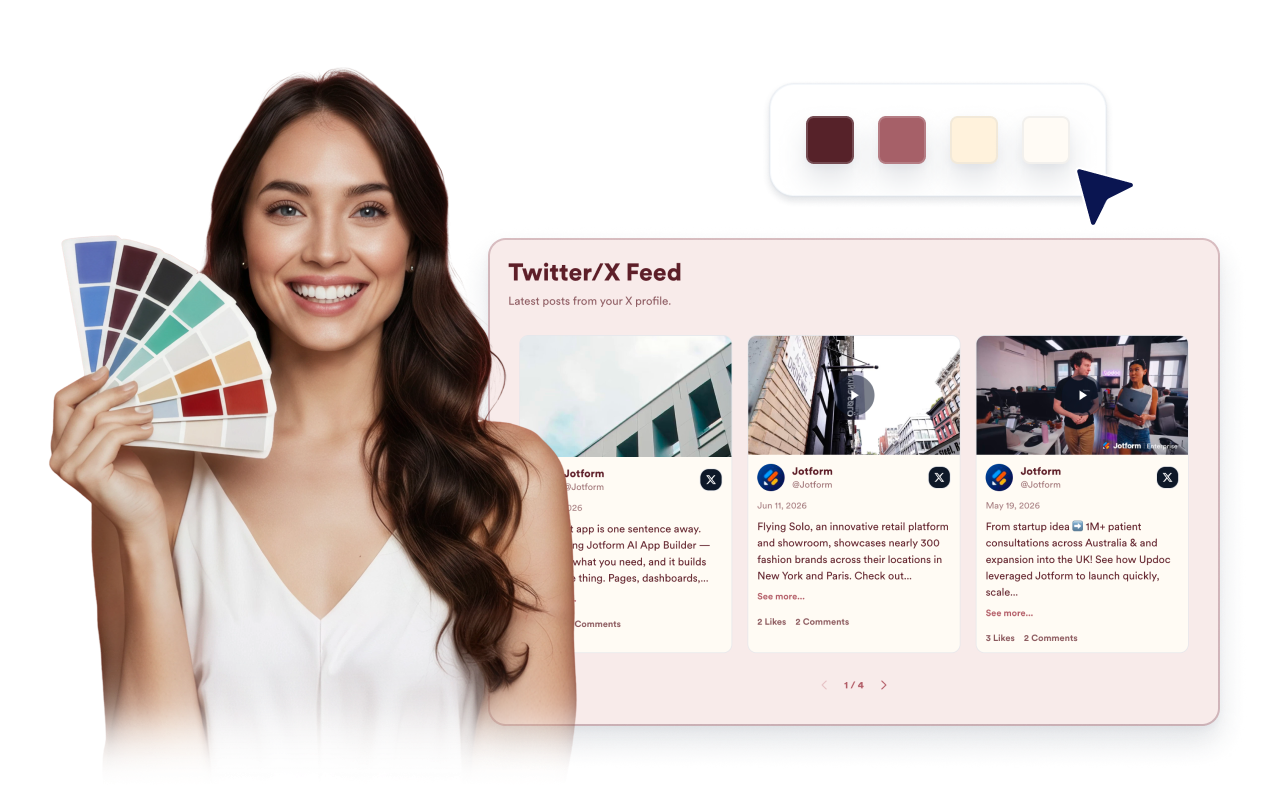
Style your Twitter/X feed
Match the Twitter/X Feed Widget to your website while keeping posts easy to read. Customize themes, platform accents, card colors, arrows, pagination, and custom CSS for a cleaner embedded feed.
Why Jotform Website Widgets stand out
Jotform’s widgets make your website more interactive and increase conversions. There are many tools available, from star ratings and testimonial sliders to social proof popups and media embeds. Add widgets to your forms or landing pages to collect data, display proof, and capture leads — no coding required.
Add Jotform widgets to your website with a simple embed code. Customize the widget, preview how it looks, and paste it into any page that supports custom HTML or embed blocks, all without a developer.
Use Jotform Website Widgets to collect leads, show customer feedback, display social proof, embed media, or add helpful web page tools. Each widget helps visitors interact with your business directly from your website.
If you need help setting up, customizing, embedding, or troubleshooting your widget, Jotform’s customer support team is available 24-7. You can move forward with confidence, knowing that help is there when you need it.
Convert leads into paying customers with the Jotform Form Builder
Turn engagement into action with Jotform. Create powerful forms that capture leads, collect payments, and automate responses, all in one place. Every submission lands in your Jotform Inbox, where you can follow up or connect with your favorite apps.
Get Started — It’s Free!
FAQ
What is a Twitter/X Feed widget?
A Twitter/X Feed widget displays public posts from an X profile on your website in a responsive embedded feed. It helps visitors browse recent updates, announcements, launches, and social posts without leaving your page right away.
Can I embed Twitter feed content on my website?
Can I use it as a Twitter feed creator?
What is the difference between a Twitter feed creator and a Twitter feed maker here?
What Twitter/X content can I show?
Can I customize the Twitter/X Feed Widget layout?
Can visitors open Twitter/X posts from the widget?
Does the Twitter/X Feed widget work on mobile?
Do I need to write code to embed Twitter feed content?
Which website platforms support the Twitter/X Feed Widget?
Can I get help setting up my Twitter/X Feed Widget?