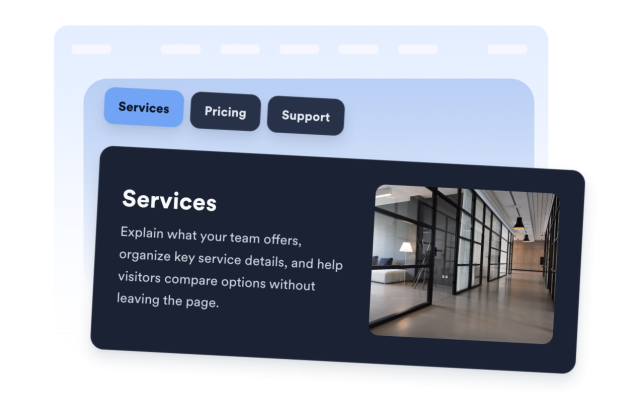
Tabs Widget
Build Flexible, Responsive Tabs for Your Website
Organize product details, services, pricing, support topics, schedules, or policies in up to 15 tabs. Control every tab’s content, layout, appearance, width, and device visibility without code.
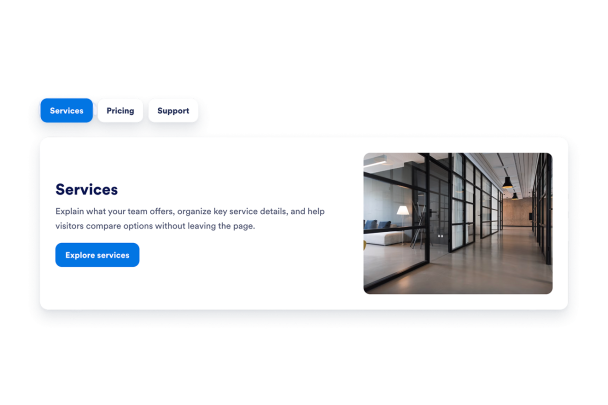

Create and Manage Up to 15 Content-Rich Tabs
Keep navigation labels concise while giving each card its own title and description. Reorder or duplicate tabs, show images only where they add value, and add optional CTA buttons with links that open in a new tab.
Tab content controls include:

Control Navigation, Card Layout, and Placement
Use a horizontal tab bar above the card or a vertical navigation rail beside it. Horizontal tabs adapt to desktop width and scroll on mobile, while long vertical lists scroll within the card height. Choose the opening tab, image position, text alignment, width, and device visibility.
Layout controls include:

Customize Themes, Colors, Typography, and Shape
Start with a light or dark preset, then switch to Custom to continue from that palette. Once edited, your custom colors are preserved. Fine-tune card, tab, active-state, text, and button colors, choose a font and corner radius, control Jotform branding, or apply scoped CSS.
Style controls include: