Tic Tac Toe Widget

Create Your Own Tic Tac Toe Widget in Seconds

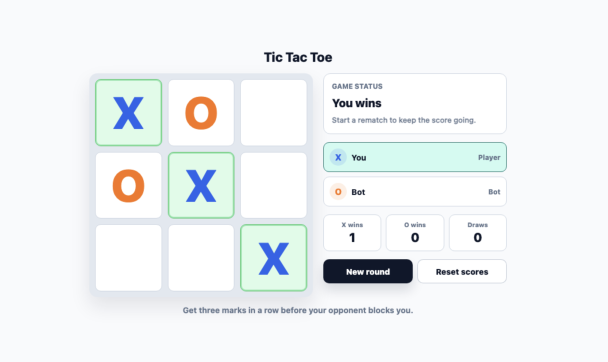
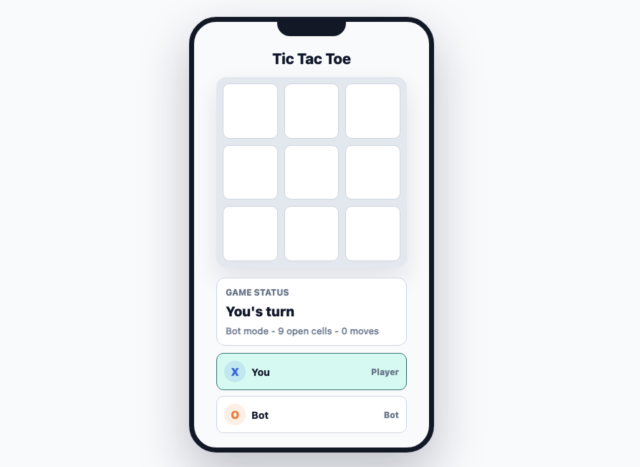
Add a classic 3x3 game to landing pages, blogs, education sites, community pages, and personal websites. Configure the opponent, score display, board colors, and responsive layout without writing code.

Create Your Tic Tac Toe Widget - It's Free!
Create Your Own Tic Tac Toe Widget in Seconds Hero Bg Image

How to embed Tic Tac Toe Widget to WordPress

1Get your embed code

After customizing your Jotform website widget, click Try it on your website for free, and copy the generated embed code.

2Open the page editor

Go to the WordPress post or page where you want to display the widget, then add a new block.

3Add a Custom HTML block

Select Custom HTML and paste your Jotform Website widget embed code into the HTML field.

4Update and view

Click Update or Publish, then open the page to check your embedded widget.

Add Classic 3x3 Gameplay

Visitors can place X and O marks on a clear 3x3 board, see winning lines highlighted, and start a new round in one click.

Gameplay includes:
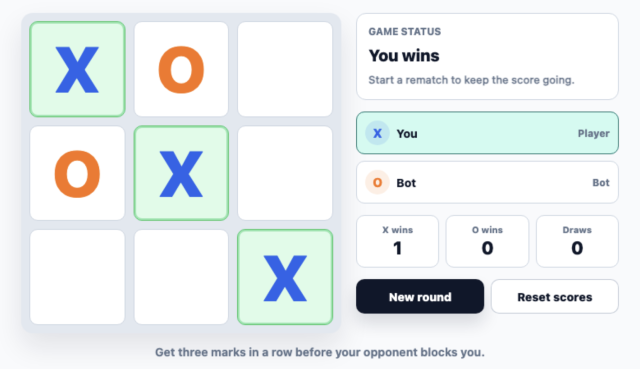
3x3 boardWin detectionDraw detectionRematchSound toggle
Create Your Widget
Add Classic 3x3 Gameplay

Choose Bot or 2-Player Mode

Let visitors play against the built-in bot or pass the game to a second local player. Pick Easy, Normal, or Hard bot difficulty based on your audience.

Opponent settings include:
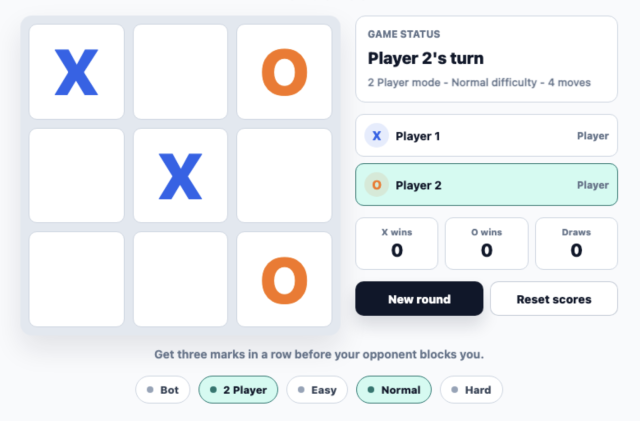
AI botLocal 2-playerEasy / Normal / HardPlayer labels
Set the Opponent
Choose Bot or 2-Player Mode

Match the Game to Your Brand

Use light, dark, or custom colors for the board, cells, grid, X mark, O mark, win state, buttons, and text.

Style controls include:
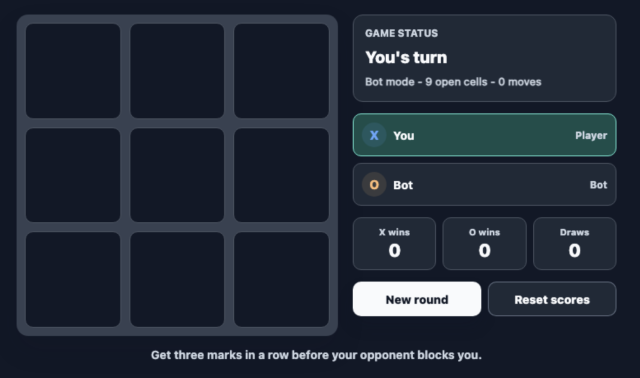
Light / Dark themeCustom colorsRounded cornersScoped CSS
Customize the Look
Match the Game to Your Brand

Fit Any Desktop or Mobile Layout

Adjust max width, board size, cell spacing, and side or bottom info panel placement so the widget works in compact and wide page sections.

Layout options include:
Max widthBoard sizeCell gapSide panelBottom panel
Tune the Layout
Fit Any Desktop or Mobile Layout