Timeline Widget
Create Your Own Timeline in Seconds for Your Website
Build a responsive timeline for brand stories, launch histories, event schedules, roadmaps, and project milestones. Add media-rich entries, choose layouts, customize marker styles, and publish without code.

Add Complete Timeline Events
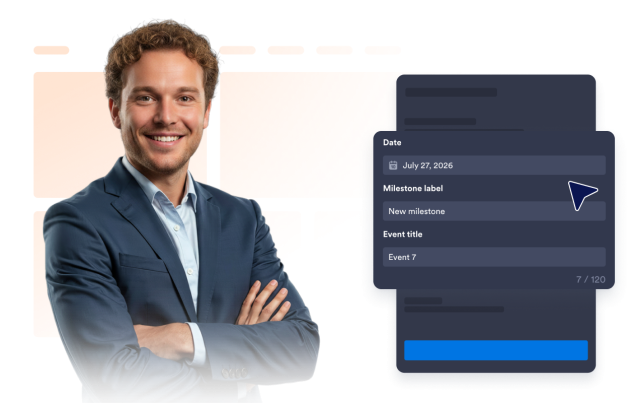
Build each event with a date picker, automatically derived year, milestone label, title, description, image, and an optional button that opens a link or event modal.
Event fields include:
Choose the Right Timeline Layout
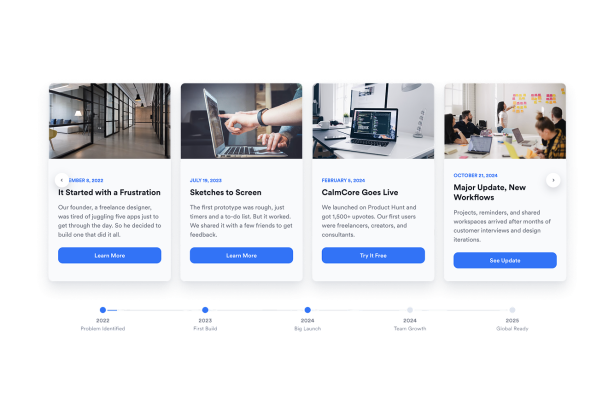
Use vertical lists for detailed histories, horizontal views for compact sections, and snap scroll for immersive milestone stories.
Layouts include:

Control Markers, Cards, and Spacing
Switch between point, number, and icon markers, then adjust corner radius, card spacing, and maximum or full-width presentation. Stories also include an animation speed control.
Display controls include:

Style the Timeline for Your Brand
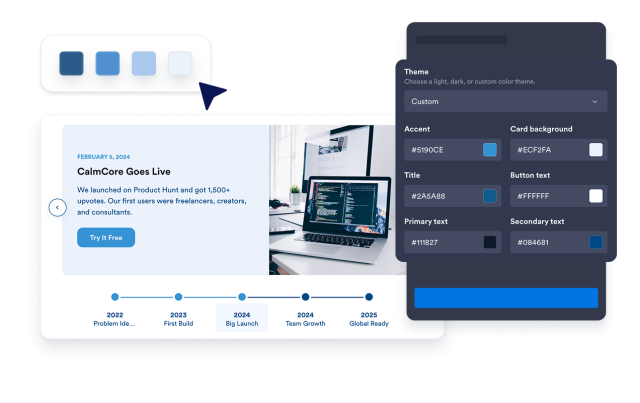
Start with light or dark presets, or use the custom theme to adjust accent, card background, title, primary text, secondary text, and button text colors.
Style controls include: