Click-to-Call Widget for Your Website
Give visitors a convenient way to reach your business by phone. Jotform’s Click-to-Call Widget adds a customizable floating call button to your website, with controls for its label, design, placement, and device visibility—no coding required.
How to create a Click to Call widget
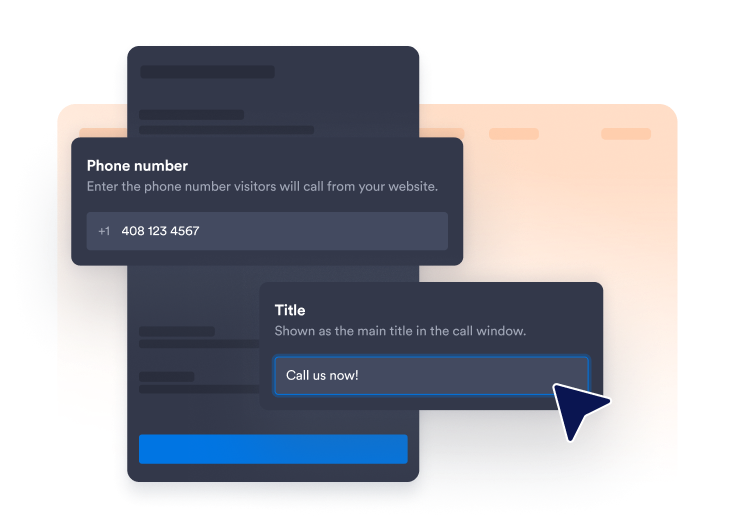
Add your phone number
Enter the number visitors should call and choose whether to display a short label beside the phone icon.
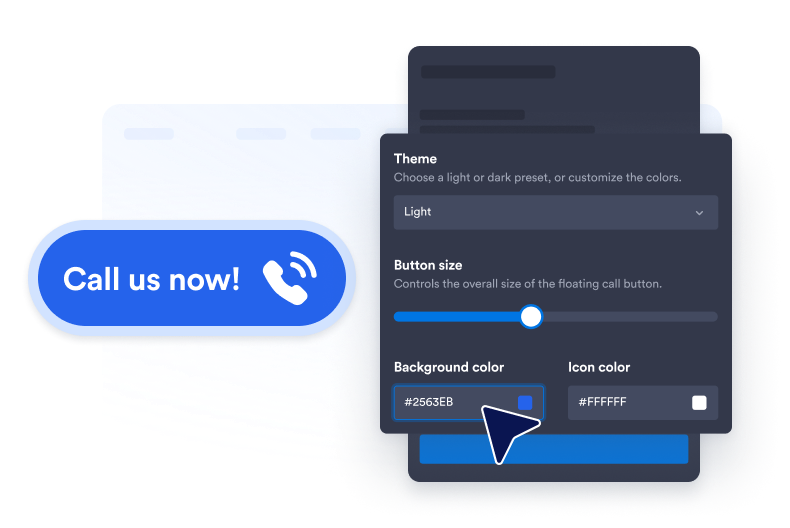
Customize the button style
Adjust the background, icon and text colors, button size, corner radius, and drop shadow to suit your website.
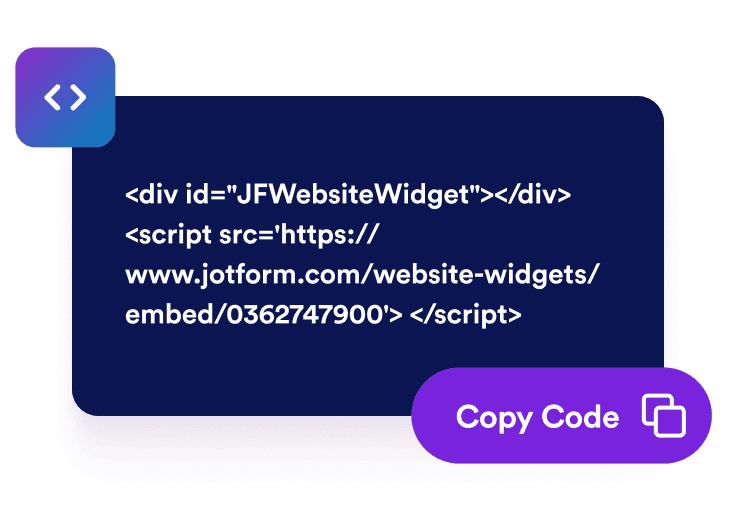
Embed it on your website
Paste the embed code into a custom HTML or embed block, then publish your page to display the website widget.
Make phone support easier with one-tap calls
Connect visitors to your team
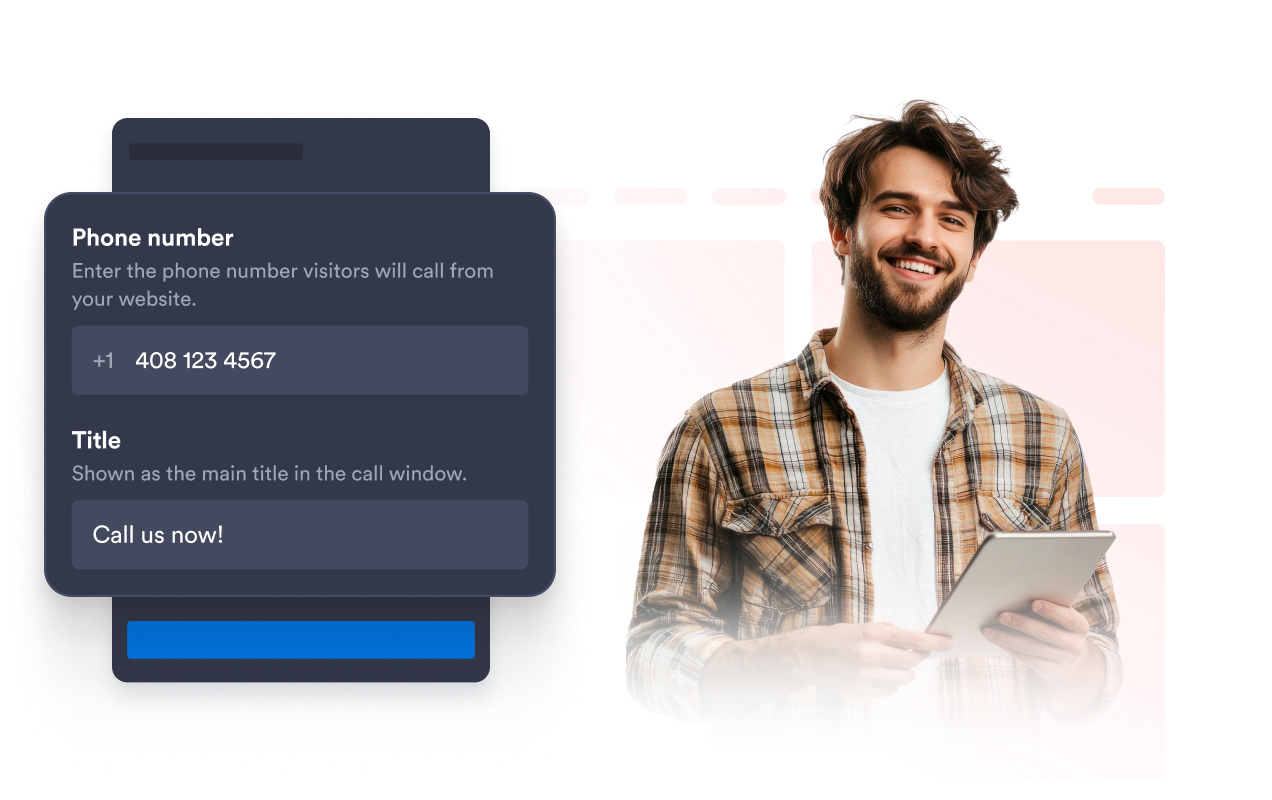
Link the floating button to the phone number used by your sales, support, booking, or customer service team. Add an optional label such as “Call Us Now” so visitors immediately understand the available action.
Keep call buttons on-brand
Customize the button background, phone icon, text color, size, corner radius, and drop shadow. These settings help the call button remain noticeable while complementing the visual style of your website.
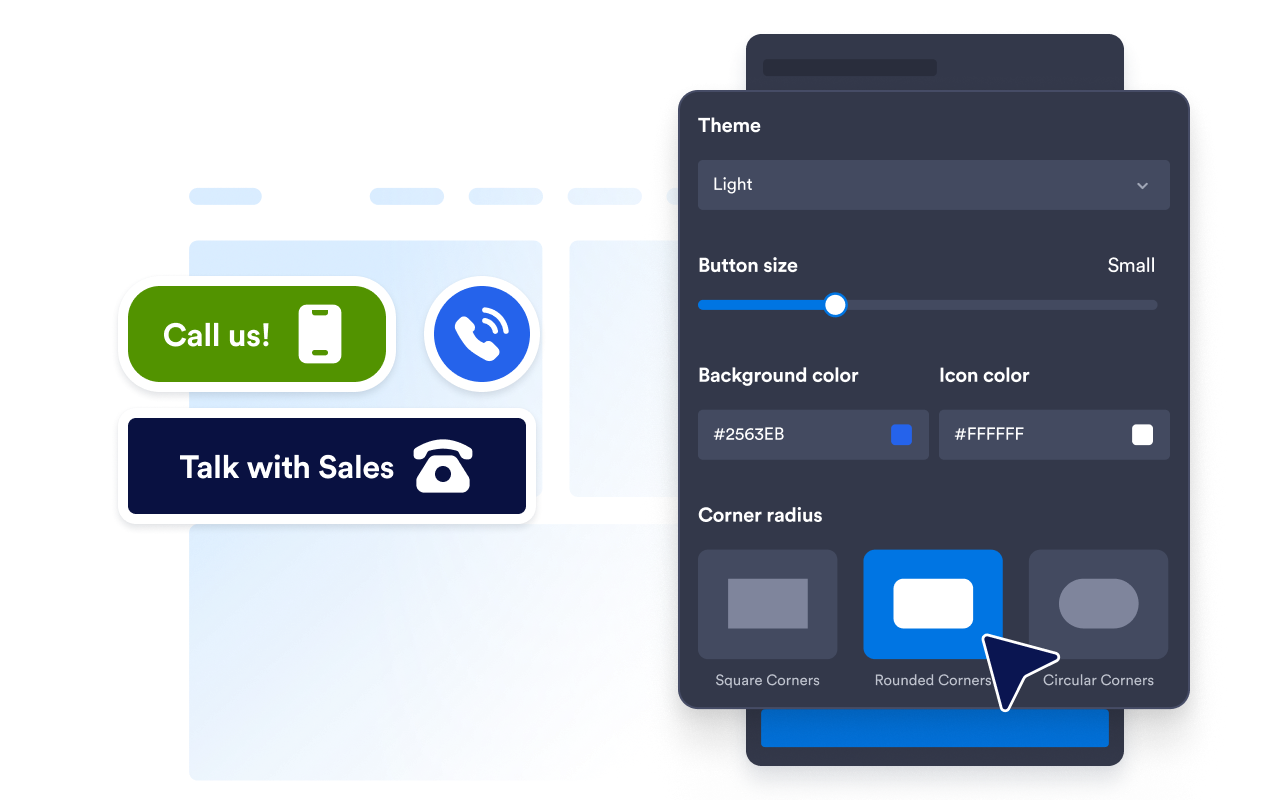
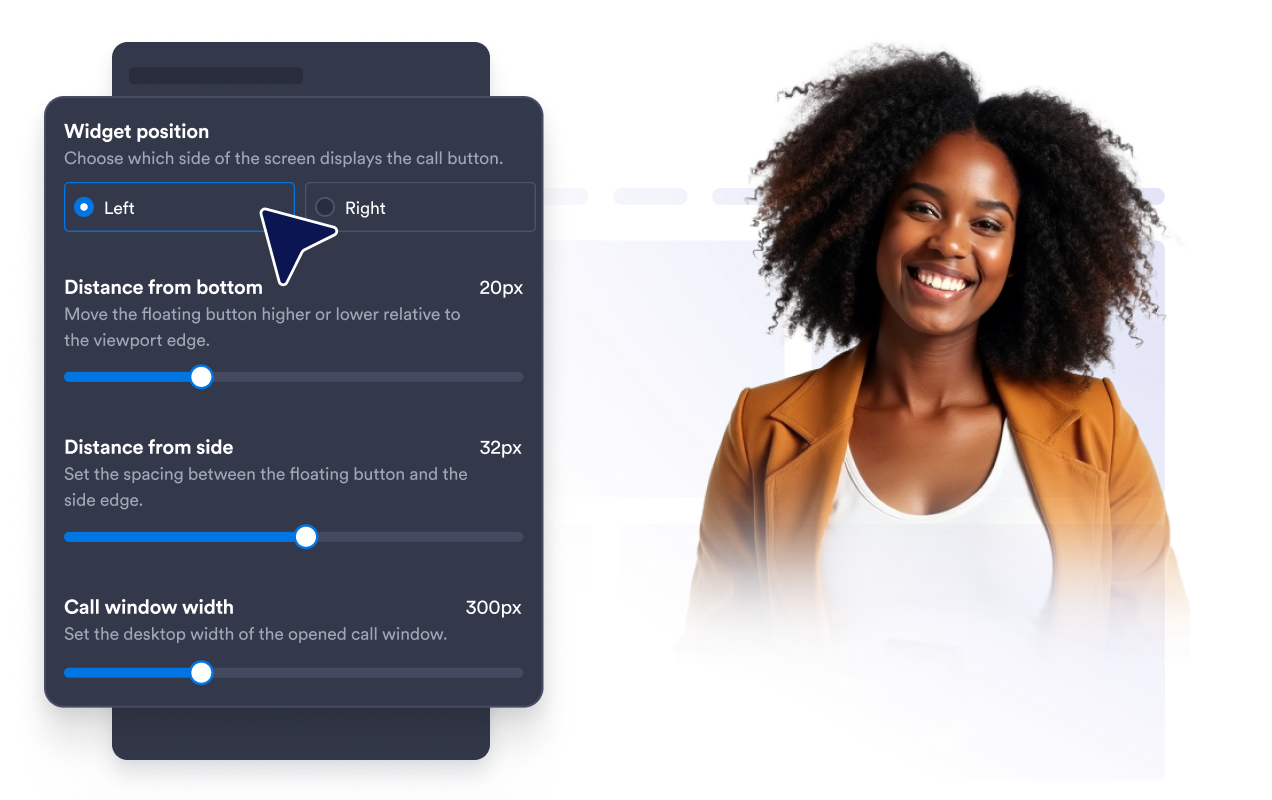
Position the button without covering content
Adjust the button’s distance from the bottom and side of the browser window. Careful spacing keeps the call option accessible without covering navigation, forms, chat tools, or other important page elements.
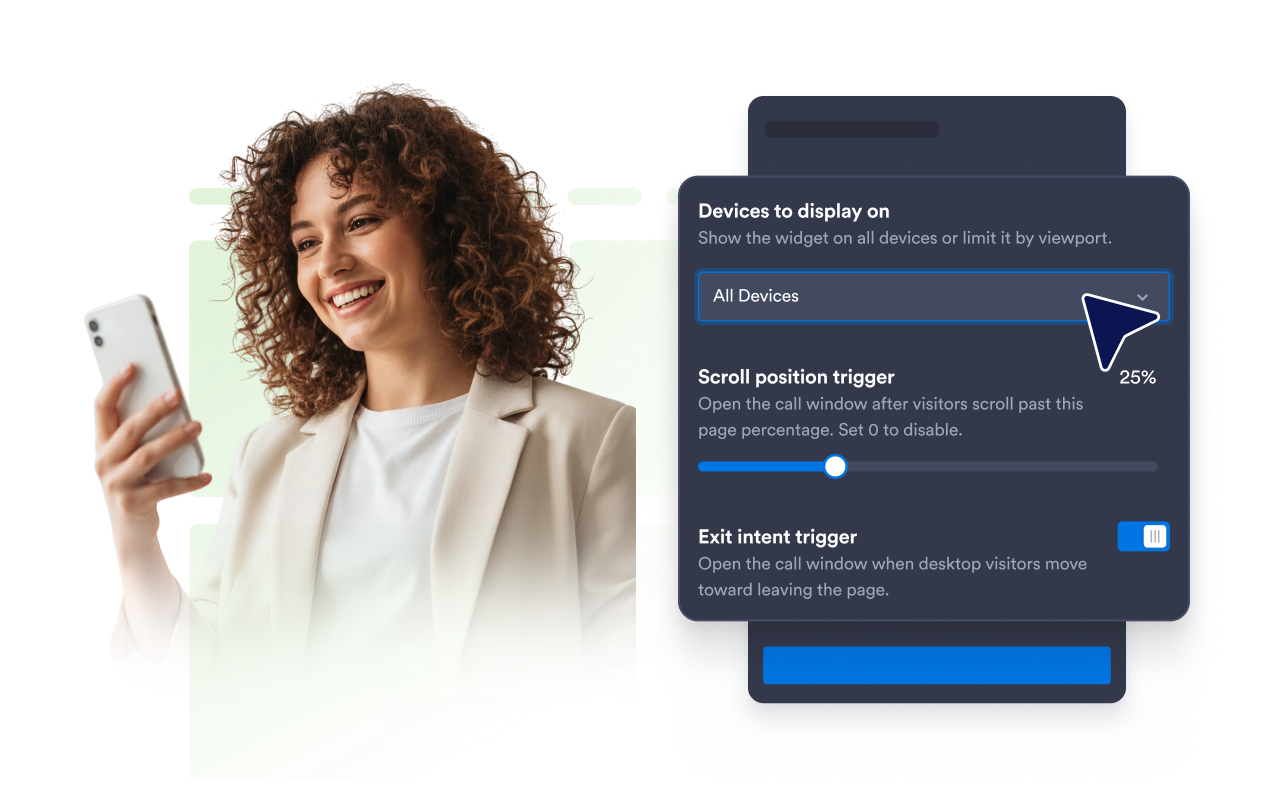
Show calls on chosen devices
Control whether the Click-to-Call Widget appears on desktop screens, mobile screens, or both. You can prioritize tap-to-call access for mobile visitors or keep phone assistance available across your entire website.
Why Jotform Website Widgets stand out
Jotform’s widgets make your website more interactive and increase conversions. There are many tools available, from star ratings and testimonial sliders to social proof popups and media embeds. Add widgets to your forms or landing pages to collect data, display proof, and capture leads — no coding required.
Add Jotform widgets to your website with a simple embed code. Customize the widget, preview how it looks, and paste it into any page that supports custom HTML or embed blocks, all without a developer.
Use Jotform Website Widgets to collect leads, show customer feedback, display social proof, embed media, or add helpful web page tools. Each widget helps visitors interact with your business directly from your website.
If you need help setting up, customizing, embedding, or troubleshooting your widget, Jotform’s customer support team is available 24-7. You can move forward with confidence, knowing that help is there when you need it.
Where to use your Click-to-Call Widget
Add the widget to pages where speaking with your team can help visitors get information or take the next step.
Contact pages to make your phone number immediately actionable.
Service pages to discuss pricing, availability, or project requirements.
Campaign landing pages to provide a direct contact option for interested visitors.
Mobile websites to give users a convenient tap-to-call action.
Local business pages for restaurants, clinics, salons, agencies, and home services.
Sales and support pages where questions may be easier to resolve by phone.
Convert leads into paying customers with the Jotform Form Builder
Turn engagement into action with Jotform. Create powerful forms that capture leads, collect payments, and automate responses, all in one place. Every submission lands in your Jotform Inbox, where you can follow up or connect with your favorite apps.
Get Started — It’s Free!
FAQ
What is a Click-to-Call Widget?
A Click-to-Call Widget adds a floating phone button to your website. When visitors select it, their device or browser can open the available calling option using the phone number you configured.
How do I add a click-to-call button to my website?
Can I customize the phone number and button label?
Can I change the call button’s design?
Can I change where the floating button appears?
Can I display the widget only on mobile?
What happens when a visitor selects the button?
Can I use an international phone number?
Do I need to write code?
Can I create a free Click-to-Call Widget?
Which website platforms support the Click-to-Call Widget?
Can I get help setting up my Click-to-Call Widget?