Video Gallery Widget for your website
Build a responsive video gallery for your website with Jotform. Add YouTube and Vimeo videos, choose a layout, customize the style, and let visitors watch in a clean lightbox without writing code.
Create Now — It’s Free!

How to create a Video Gallery widget
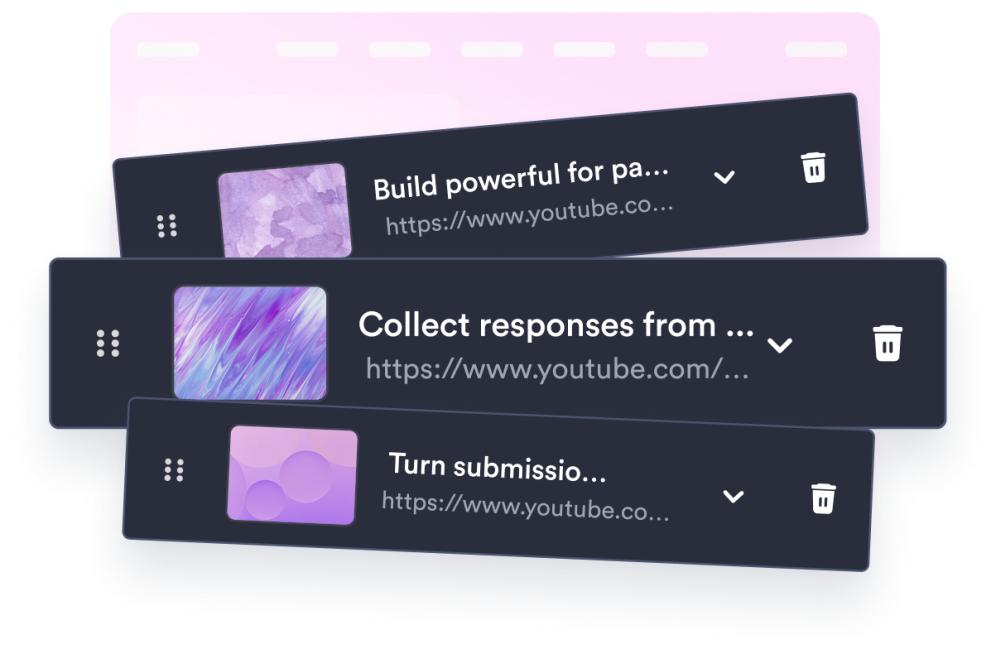
Add your videos
Paste YouTube or Vimeo links and give each video a thumbnail, caption, and description.

Customize the gallery
Pick a grid, list, or carousel layout, set columns and spacing, and tune colors to match your site.
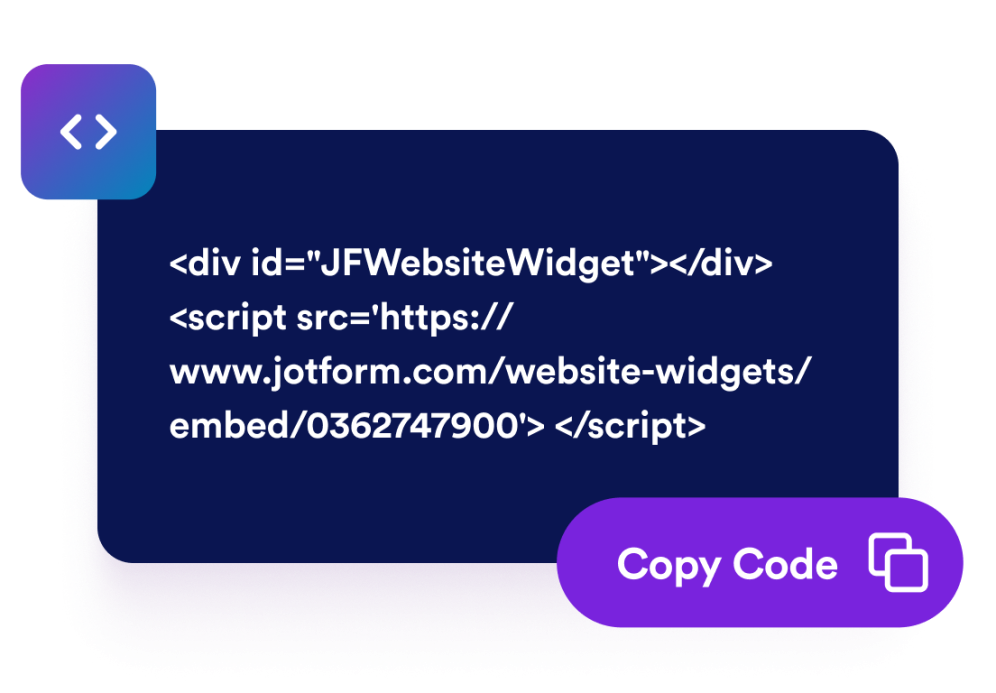
Embed it anywhere
Copy the generated embed code and place your video gallery on any website page.
Turn any video collection into a polished website gallery
Pull videos from anywhere
Combine videos from different platforms in one gallery for content you keep off public platforms.
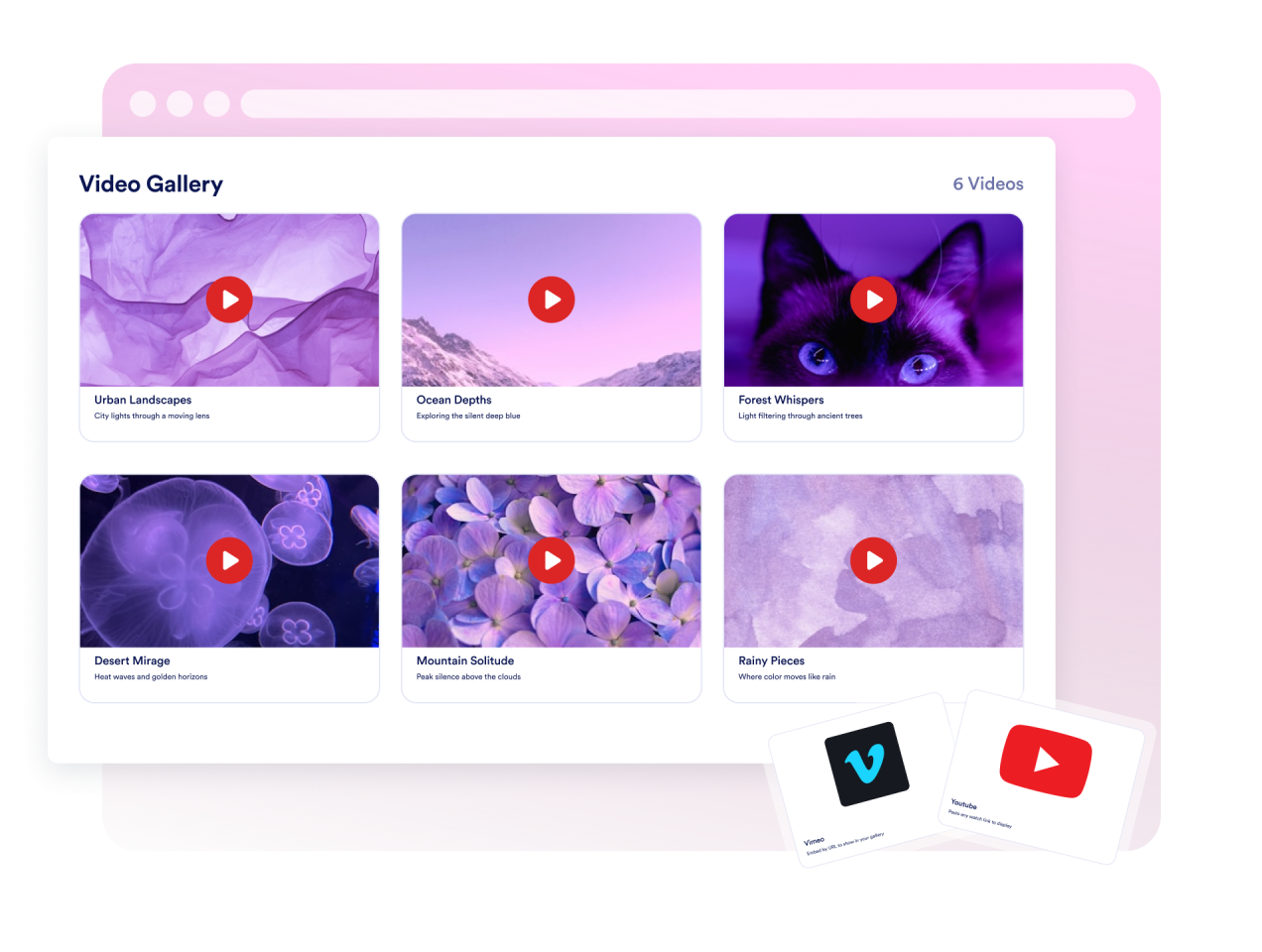
Control the browsing experience
Choose a grid, list, or carousel layout, adjust columns and spacing, and decide whether videos open in a lightbox or play inline.

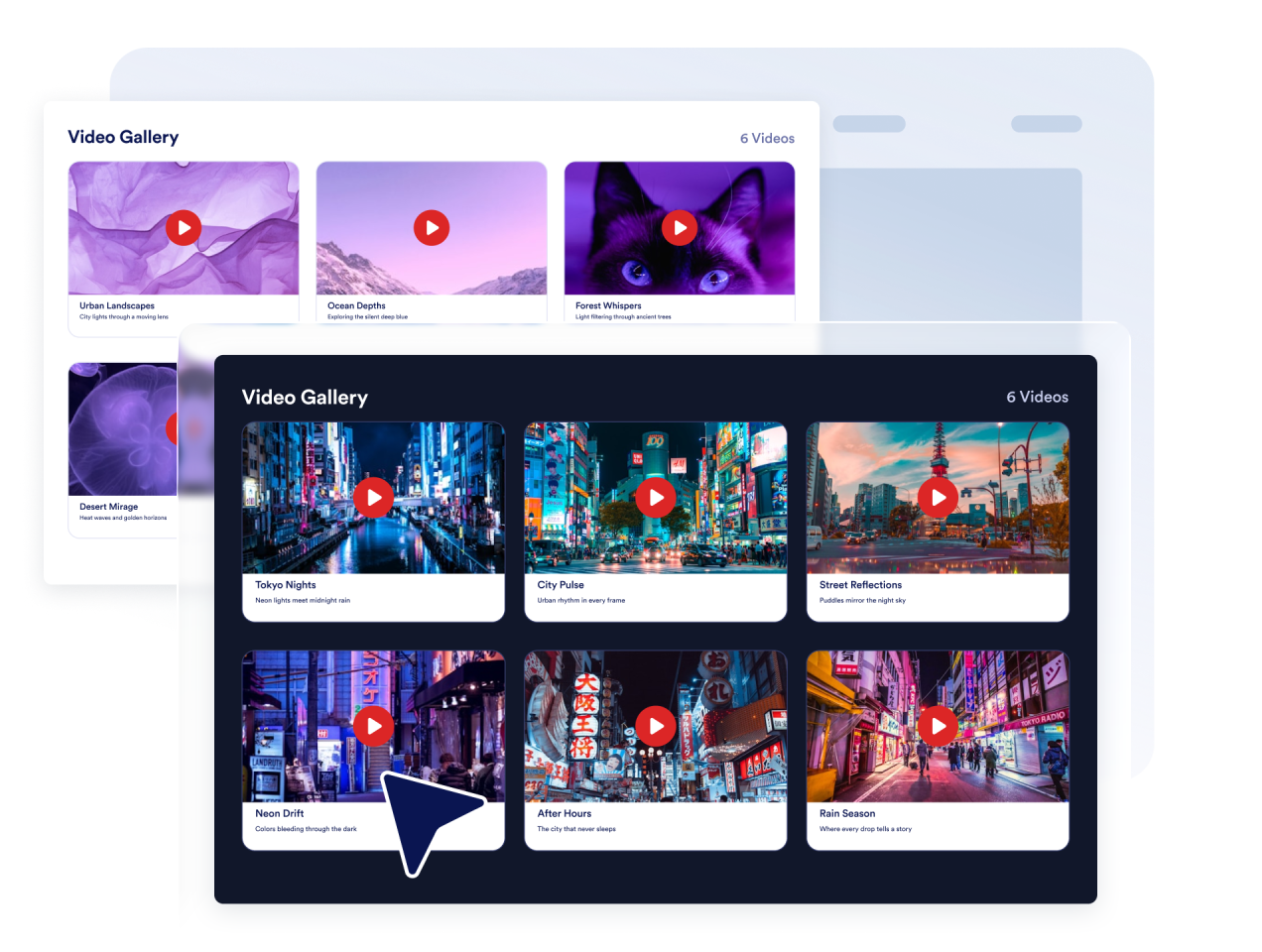
Match your site design
Switch between light and dark themes, customize title, caption, description, and card colors, then add custom CSS for final polish.
Look great on every device
The gallery stays responsive across phones, tablets, and desktops, with a lightbox player that adapts to any screen size.

Why Jotform Website Widgets stand out
Jotform’s widgets make your website more interactive and increase conversions. There are many tools available, from star ratings and testimonial sliders to social proof popups and media embeds. Add widgets to your forms or landing pages to collect data, display proof, and capture leads — no coding required.
Add Jotform widgets to your website with a simple embed code. Customize the widget, preview how it looks, and paste it into any page that supports custom HTML or embed blocks, all without a developer.
Use Jotform Website Widgets to collect leads, show customer feedback, display social proof, embed media, or add helpful web page tools. Each widget helps visitors interact with your business directly from your website.
If you need help setting up, customizing, embedding, or troubleshooting your widget, Jotform’s customer support team is available 24-7. You can move forward with confidence, knowing that help is there when you need it.
Where to use your Video Gallery widget
Add a video gallery anywhere video helps visitors learn, compare, or engage with your content.
Course and tutorial pages to organize lessons, explainers, and product walkthroughs in a scannable gallery.
Product and demo pages to show launch videos, feature previews, and customer stories near key calls to action.
Portfolio and creative pages to showcase reels, case studies, and project videos in one organized place.
Event and campaign pages to collect highlights, recaps, and promotional videos across platforms.
Blog and resource hubs to pair written content with related video libraries.
Training and onboarding centers to build video resource libraries for employees or customers.
Convert leads into paying customers with the Jotform Form Builder
Turn engagement into action with Jotform. Create powerful forms that capture leads, collect payments, and automate responses, all in one place. Every submission lands in your Jotform Inbox, where you can follow up or connect with your favorite apps.
Get Started — It’s Free!
FAQ
What is a Video Gallery widget?
A Video Gallery widget displays a collection of videos on your website in a responsive gallery. Visitors can browse thumbnails and watch videos without leaving the page.
Which video sources are supported?
Can I customize the gallery layout?
Can I match the widget to my website design?
Do thumbnails generate automatically?
Will the Video Gallery widget work on mobile?
Do I need to write code?