
YouTube Gallery Widget for your website
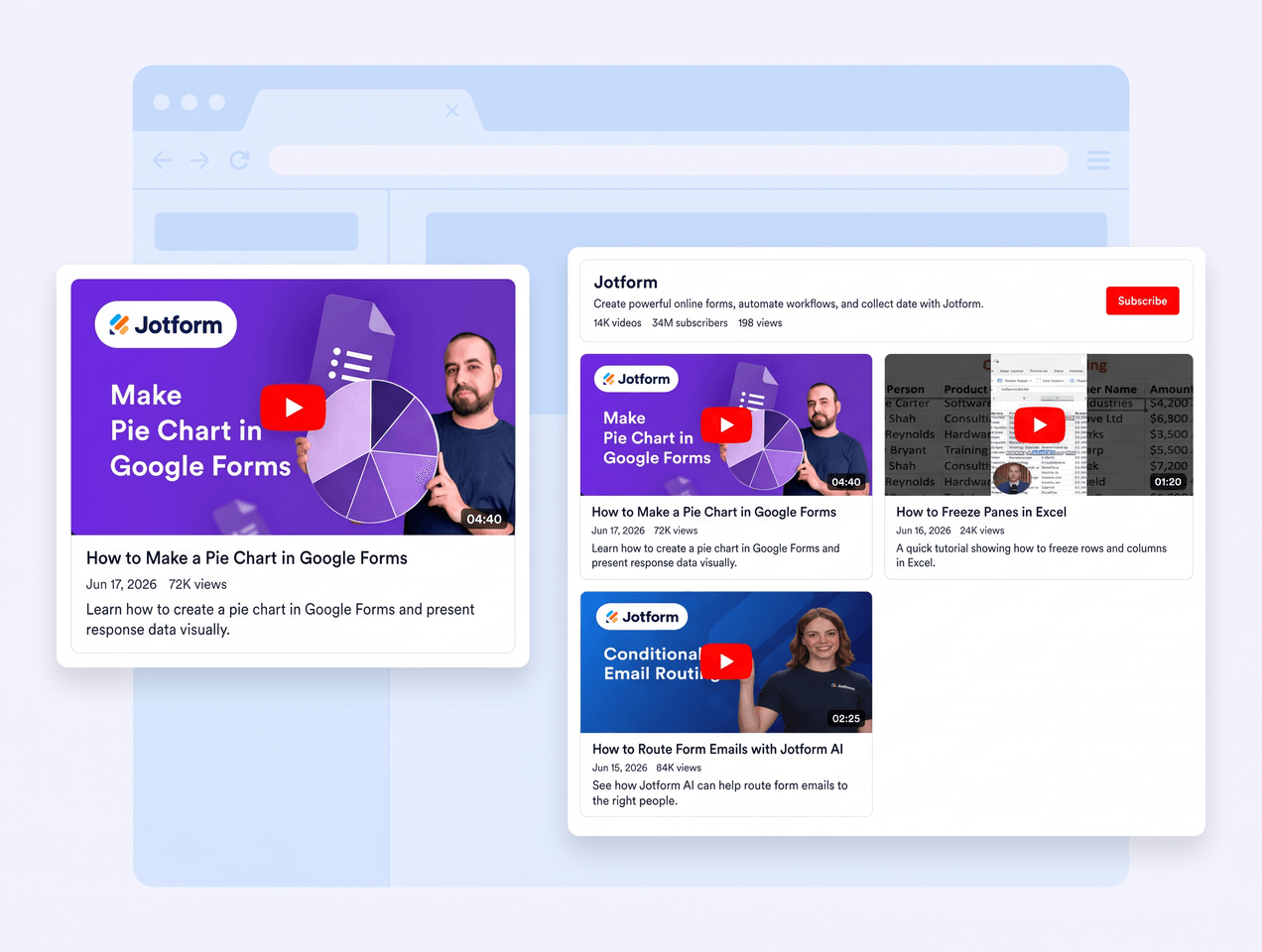
Embed a responsive YouTube gallery on your website with Jotform. Connect a channel, playlist, or single video, choose a layout, customize the style, and give visitors a polished video browsing experience without writing code.
How to add a YouTube Gallery widget

Connect your YouTube source
Paste a public YouTube channel, playlist, or video URL to populate your gallery.
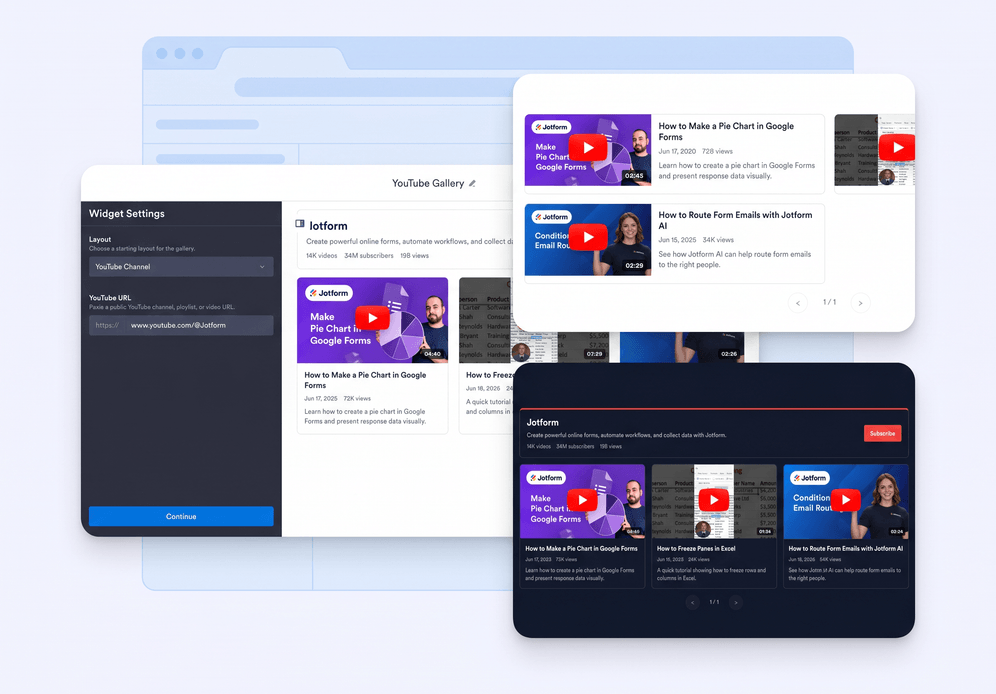
Customize the gallery
Choose a layout, adjust header details, set columns and rows, and tune colors to match your site.
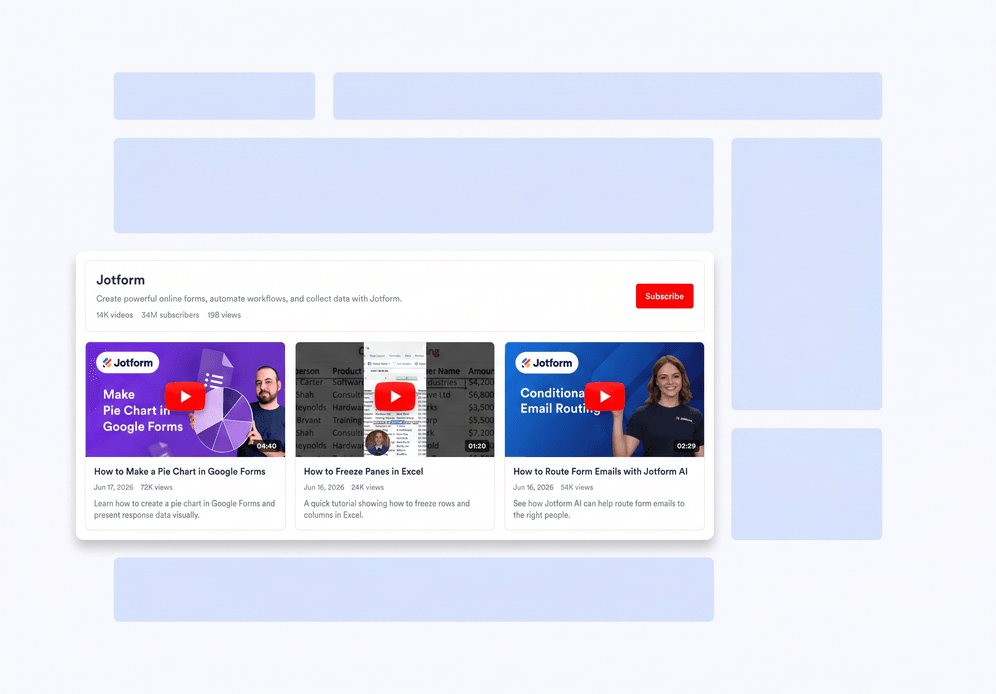
Embed it anywhere
Copy the generated embed code and place your video gallery on any website page.
Turn YouTube videos into a polished website gallery
Connect channels, playlists, and videos
Use one widget to show the YouTube content that matters most, whether it comes from a full channel, a curated playlist, or a single video.
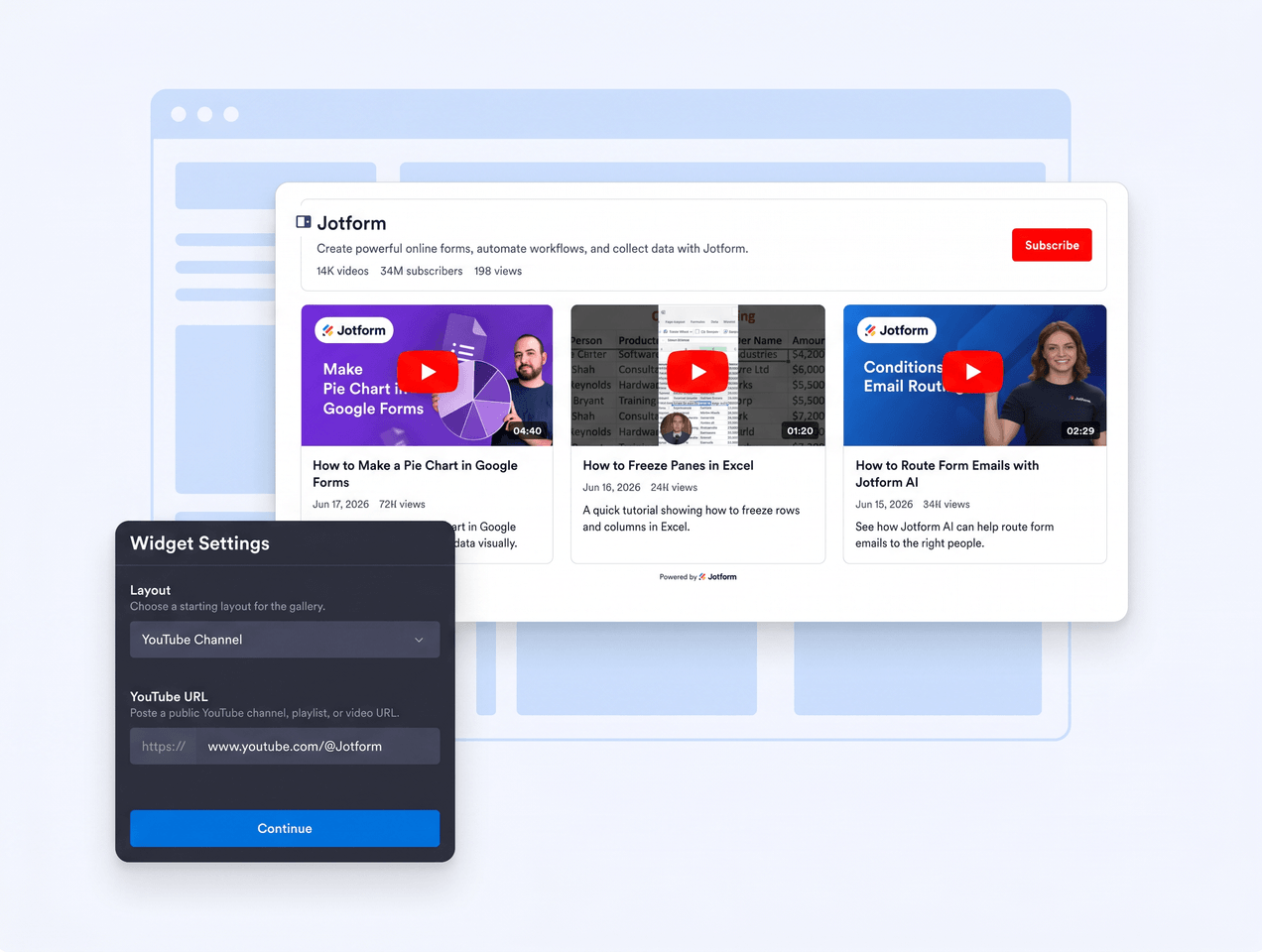
Control the browsing experience
Show a channel header, choose card layouts, set columns and rows, and decide whether videos open in a popup, inline player, or YouTube.
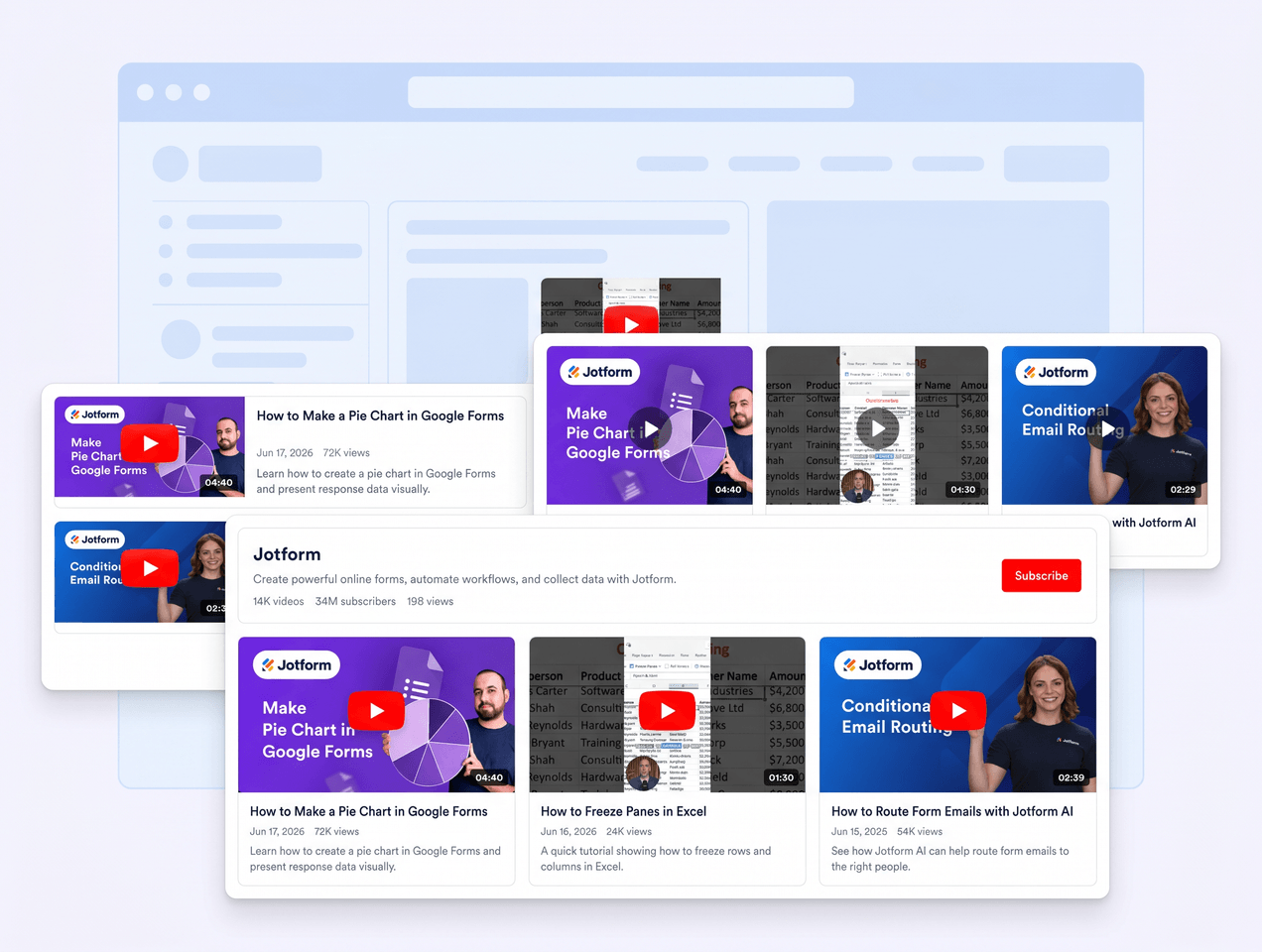
Match your site design
Start from clean color schemes, customize header, video, popup, and slider colors, then add custom CSS for final polish.

Support privacy-conscious embeds
Enable privacy-enhanced YouTube embeds that use youtube-nocookie.com and keep the gallery responsive across devices.
Why Jotform Widgets stand out
Jotform’s widgets make your website more interactive and conversion-ready. From star ratings and testimonial sliders to social proof pop-ups and media embeds, you can combine tools inside your forms or landing pages to collect data, display proof, and capture leads without writing code.
Explore all Jotform WidgetsWhere to use your YouTube Gallery widget
Add a YouTube gallery anywhere video helps visitors learn, compare, subscribe, or keep watching your content.
Creator and brand homepages to feature recent channel videos with a polished header and subscribe action.
Course and tutorial pages to organize lessons, explainers, or product walkthroughs in a scannable grid.
Product and demo pages to show launch videos, customer stories, webinars, and feature previews near key calls to action.
Event and campaign pages to collect highlights, recaps, livestream replays, and promotional videos in one place.
Blog and resource hubs to pair written content with related video playlists and learning libraries.
Portfolio and media pages to showcase a focused set of videos without sending visitors away from your site.
Convert leads into paying customers with Jotform Form Builder
Turn engagement into action with Jotform. Create powerful forms that capture leads, collect payments, and automate responses, all in one place. Every submission lands in your Jotform Inbox, ready to follow up or connect with your favorite apps.
Get Started - It’s Free!
FAQ
What is a YouTube Gallery widget?
A YouTube Gallery widget displays YouTube channel, playlist, or video content on your website in a responsive gallery. It helps visitors browse and watch videos without leaving the page.
Can I connect a YouTube channel or playlist?
Can I customize the gallery layout?
Does the widget support privacy-enhanced YouTube embeds?
Can I match the widget to my website design?
Will the YouTube Gallery widget work on mobile?
Do I need to write code?