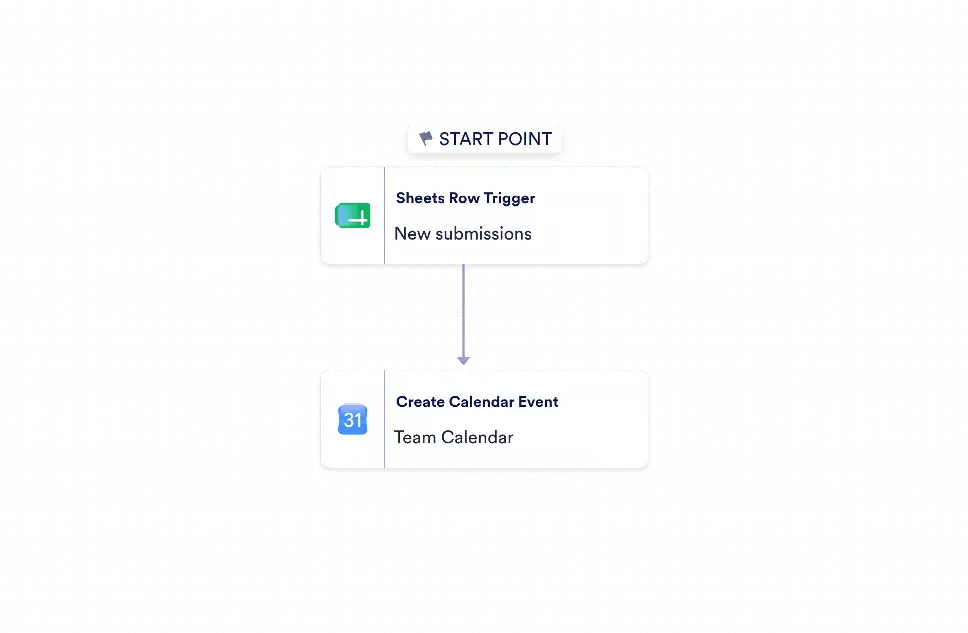
Google Sheets to Google Calendar Automation is a workflow template designed to turn new spreadsheet entries into scheduled events. It is a practical fit for sales teams, coordinators, office administrators, and operations staff that manage meetings, demos, appointments, or deadlines in Google Sheets and need those updates to appear on a calendar without manual entry. By linking incoming row data to event details, this workflow helps teams reduce duplicate work, keep schedules current, and avoid missed or delayed bookings.
With Jotform Workflow Builder, the process starts when a new row is added to Google Sheets and then moves directly to creating a Google Calendar event using the mapped title, description, start time, and end time. The visual workflow builder makes it easy to connect the trigger and action in just a few steps, while field mapping ensures that each event reflects the submitted data accurately. This setup helps teams keep scheduling information organized, improves visibility across departments, and reduces the risk of manual errors. Because the workflow can be configured with the user’s own account connections and calendar destination, it adapts easily to different scheduling needs and existing systems.


