
Google Sheets to Salesforce Automation is a workflow template that sends new spreadsheet entries into Salesforce as records for faster sales follow-up. It is designed for sales teams, operations staff, and customer-facing organizations that rely on Google Sheets for collecting leads, contact details, or deal notes before moving that data into a CRM. By removing manual copy-and-paste work, this workflow helps teams keep records organized, reduce data entry mistakes, and make sure new information reaches the right place quickly.
With Jotform Workflows, this process can be built with a simple form-based trigger and an automated record creation step that passes row values and source row ID into Salesforce. The drag-and-drop builder makes it easy to map data fields, define the flow, and keep each record moving without extra handoffs. Flow tracking provides visibility into every submission, while conditional logic can support different routing needs when required. Teams can also connect related tools such as Google Drive, Slack, Airtable, or QuickBooks when they want to share updates or organize follow-up work across systems. Automated actions, reporting, and activity logs help reduce manual effort and give teams a clearer view of what has been sent and when.

Related templates
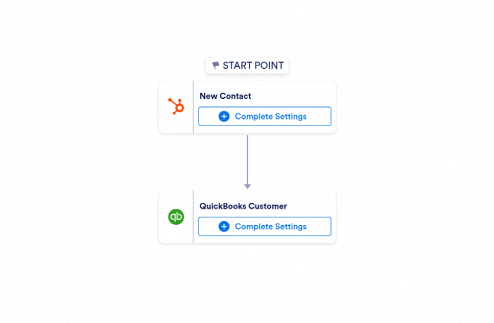
HubSpot to QuickBooks Automation
Use Jotform’s HubSpot to QuickBooks Automation template to create QuickBooks customers from new HubSpot contacts and keep records ready for invoicing and accounting.
Go to Category:CRM / Contact Management Automation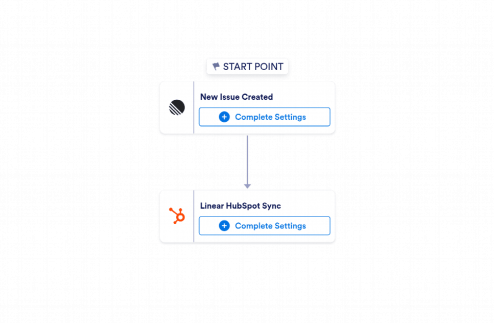
Linear to HubSpot Automation
Use Jotform's Linear to HubSpot Automation to create HubSpot contacts from new Linear issues with key issue details for faster sales and marketing follow-up.
Go to Category:CRM / Contact Management Automation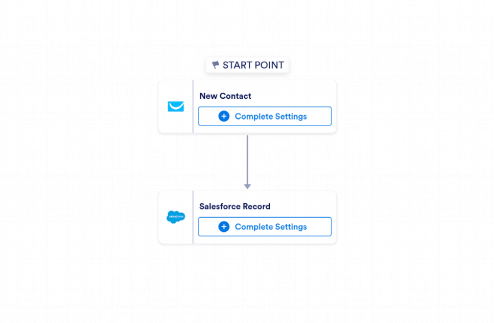
GetResponse to Salesforce Automation
Jotform’s GetResponse to Salesforce Automation template creates Salesforce records from new GetResponse contacts, helping sales teams capture lead details and follow up faster.
Go to Category:CRM / Contact Management Automation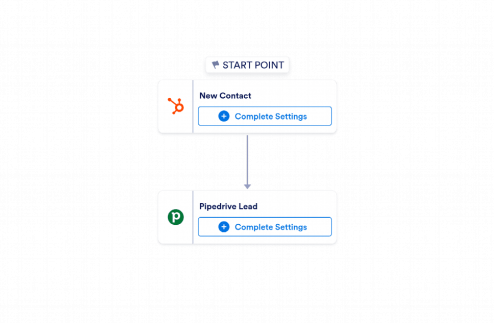
HubSpot to Pipedrive Automation
Use Jotform's HubSpot to Pipedrive Automation template to create Pipedrive leads from new HubSpot contacts and keep sales follow-up moving.
Go to Category:CRM / Contact Management Automation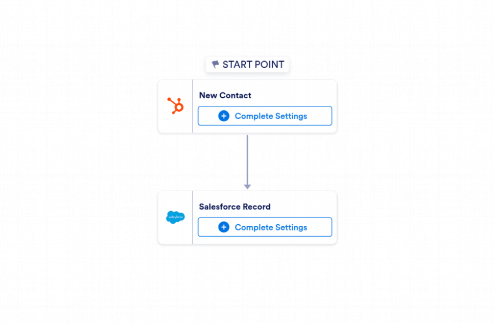
HubSpot to Salesforce Automation
Use Jotform's HubSpot to Salesforce Automation template to create Salesforce records from new HubSpot contacts and keep sales follow-up data organized automatically.
Go to Category:CRM / Contact Management Automation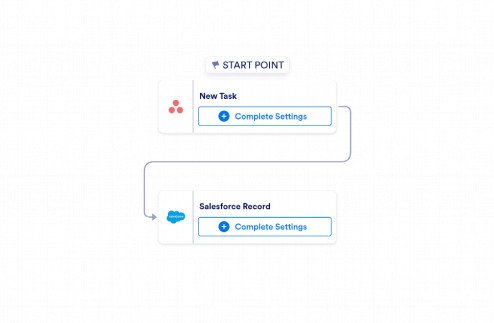
Asana to Salesforce Automation
Jotform’s Asana to Salesforce Automation template creates Salesforce records from new Asana tasks, helping teams capture follow-up details without manual data entry.
Go to Category:CRM / Contact Management Automation