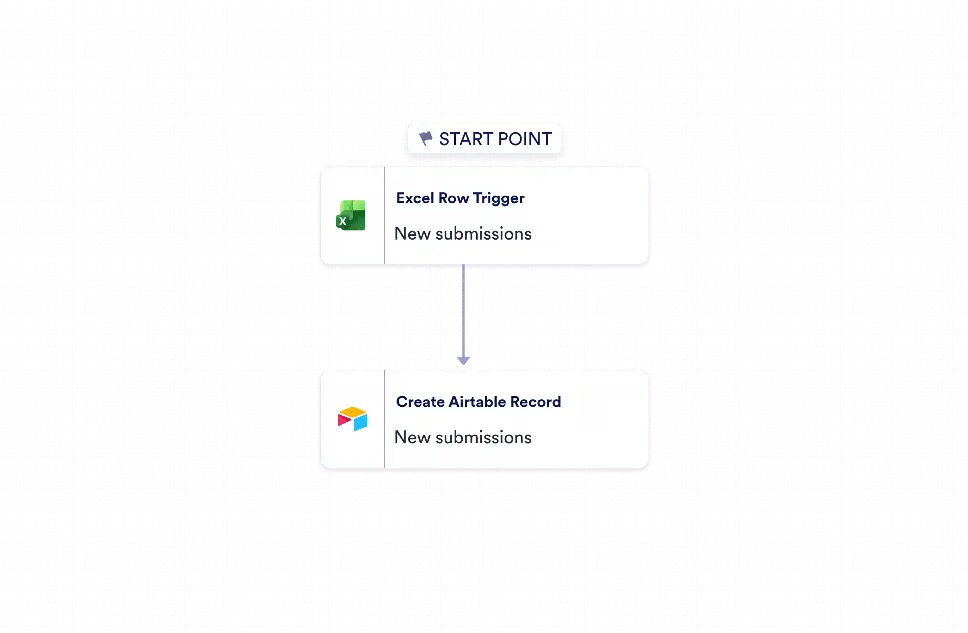
Microsoft Excel to Airtable Automation is a workflow template for moving new spreadsheet rows into an Airtable base as records. It is designed for operations teams, project coordinators, data managers, and small businesses that need a reliable way to keep two systems aligned without copying information by hand. By turning incoming Excel entries into structured Airtable records, this workflow helps teams reduce duplicate data entry, improve record consistency, and keep project or operational data easier to review and use.
With Jotform Workflow Builder, this process starts when a new row is added in Microsoft Excel and then creates a matching Airtable record using the incoming fields available from that event. The simple two-step setup keeps the workflow focused and easy to maintain, while still giving users control over account connections and destination settings. Because the transfer happens automatically, teams can update Airtable faster, reduce transcription errors, and keep information in sync across the tools they already use. It is a practical option for recurring data handoffs that depend on accuracy, visibility, and timely updates.


