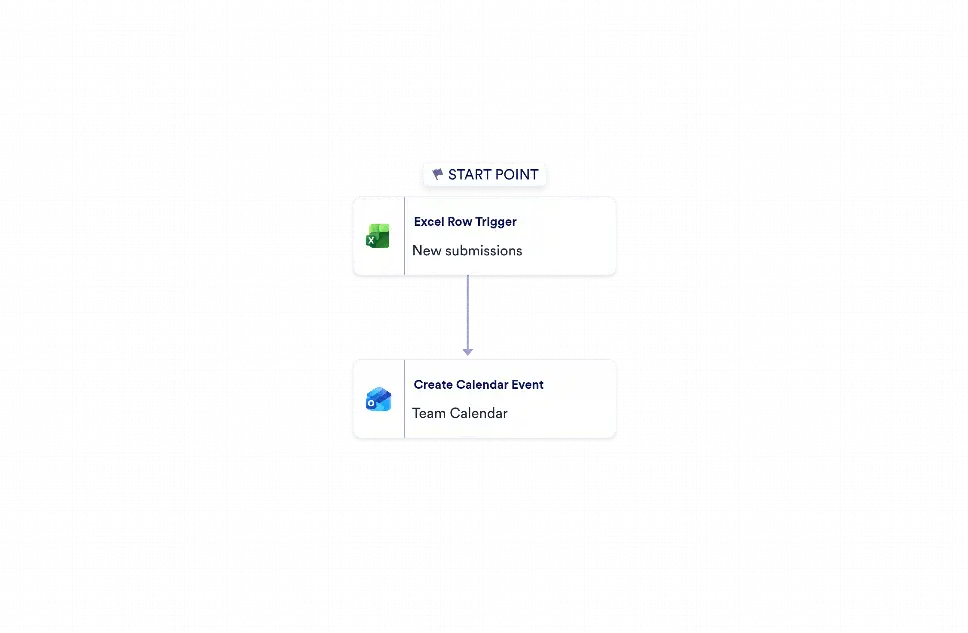
Microsoft Excel to Outlook Calendar Automation is a workflow template that turns new spreadsheet entries into scheduled Outlook Calendar events. It is useful for sales teams, coordinators, and operations staff that track meetings, demos, interviews, follow-ups, or project milestones in Excel and need those items transferred into a shared calendar without manual re-entry. By converting incoming rows into calendar events, the workflow helps teams stay organized, reduce missed appointments, and keep scheduling data consistent across tools.
With Jotform Workflow Builder, this process is built with a simple trigger-and-action setup: a new row in Microsoft Excel starts the workflow, and the mapped details are used to create an Outlook Calendar event. Teams can connect the fields they already use for titles, start times, end times, and event notes, then configure their own account connections and calendar destination. This reduces repetitive scheduling work, improves accuracy, and gives teams a dependable way to move information from a spreadsheet into a calendar while keeping records easy to follow.


