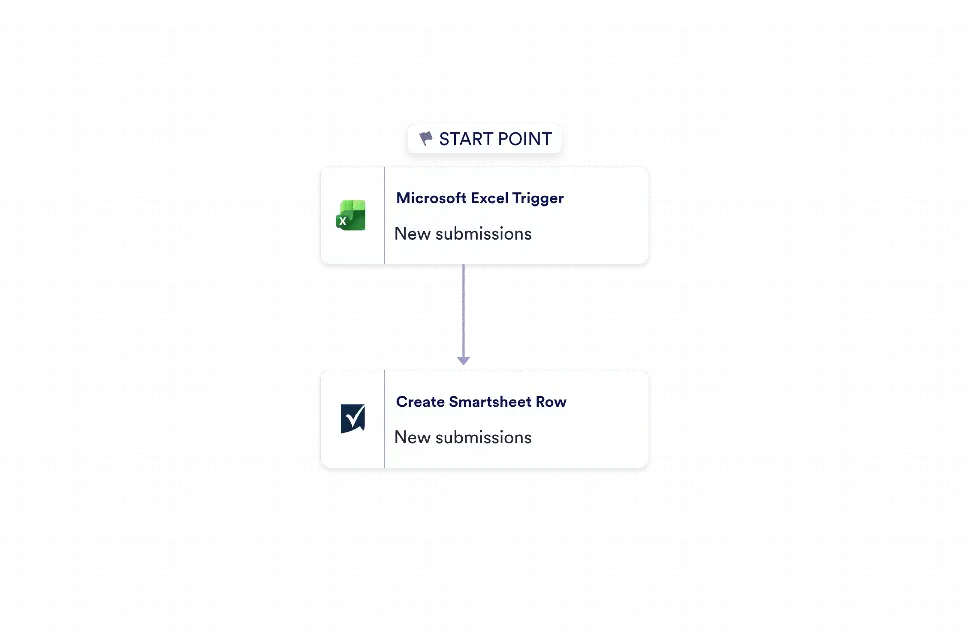
Microsoft Excel to Smartsheet Automation is a workflow template for moving new spreadsheet entries from Microsoft Excel into Smartsheet as rows. It is useful for operations teams, project coordinators, and business groups that need to keep records synchronized across two tools without copying data by hand. By turning each new Excel row into a corresponding Smartsheet row, the workflow helps teams maintain up-to-date project lists, task trackers, inventories, and other structured records with fewer manual errors and less duplicate work.
With Jotform Workflow Builder, this template uses a simple integration-based flow that starts when a new row is added in Microsoft Excel and then creates a row in Smartsheet using the incoming fields from that event. The two-step structure keeps the process easy to manage while giving users control over account connections and destination settings. As a result, teams can keep data aligned between systems, improve visibility into updates, and reduce the time spent on repetitive transfer tasks. This kind of automation is especially helpful for teams that rely on shared spreadsheets and need their Smartsheet workspace to reflect the latest information quickly and accurately.


