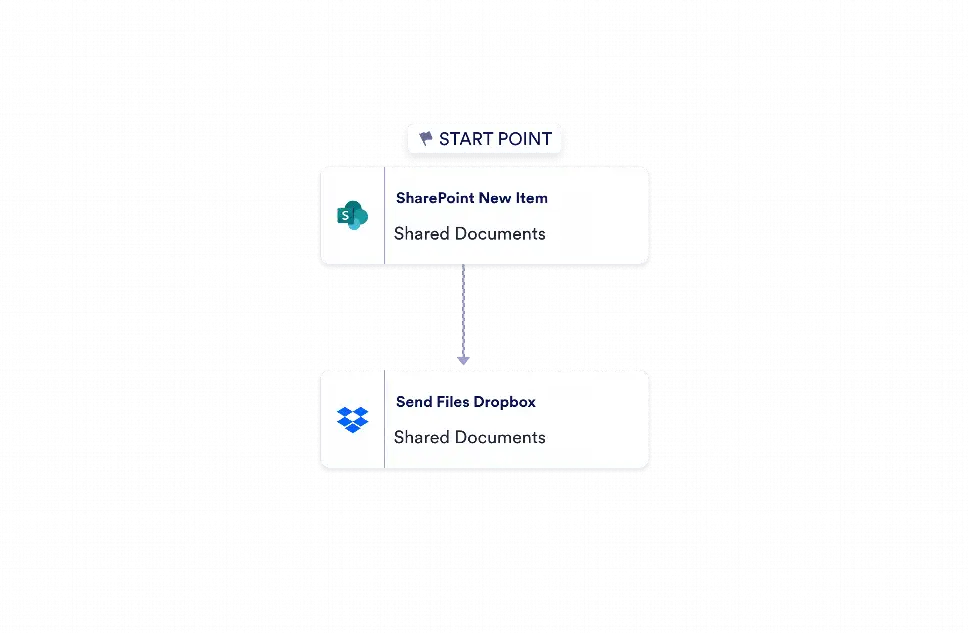
Microsoft SharePoint to Dropbox Automation is a workflow template that moves files from a new Microsoft SharePoint list item into a Dropbox destination chosen by the user. It is designed for teams that need to keep shared documents organized across systems without handling the same file twice. By connecting a SharePoint event to a file transfer step, the workflow helps operations teams, project coordinators, and administrators keep records aligned, reduce manual copying, and maintain a clearer path for file handoffs.
With Jotform Workflow Builder, this process starts when a new item is added to a SharePoint list and immediately sends the attached files to Dropbox using the existing file input from the trigger. The workflow uses only the necessary connected steps, making it easy to configure with user-selected accounts and destinations while keeping the automation focused and reliable. Teams can manage data movement with less effort, improve visibility into document routing, and reduce the risk of missed attachments or inconsistent file storage. Real-time tracking and integration-based automation help keep file management organized across departments and recurring business tasks.


