
The Salesforce to QuickBooks Automation workflow template is designed to help sales and finance teams keep customer records aligned across both systems. When a new record is created in Salesforce, the workflow creates a matching QuickBooks customer profile with important details such as the record name, owner, status, value, and Salesforce record ID. This keeps customer information organized for invoicing, account management, and follow-up tasks without requiring duplicate manual entry.
With Jotform Workflows, teams can automate the handoff from CRM activity to accounting data using a simple drag-and-drop workflow builder. The process can include form-based data collection, automated actions, and conditional logic to move records into the right next step. Flow tracking makes it easy to monitor each transfer, while integrations help connect business data with tools teams already use. By reducing repetitive data entry and improving record consistency, this workflow helps teams maintain cleaner customer information and complete finance-related tasks with greater accuracy.
Related templates
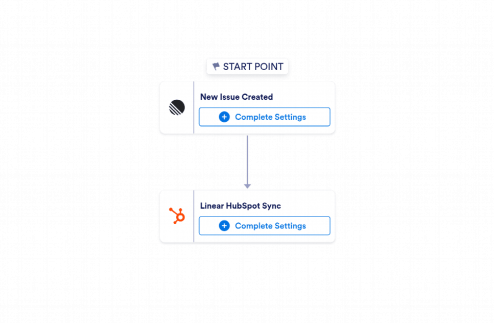
Linear to HubSpot Automation
Use Jotform's Linear to HubSpot Automation to create HubSpot contacts from new Linear issues with key issue details for faster sales and marketing follow-up.
Go to Category:CRM / Contact Management Automation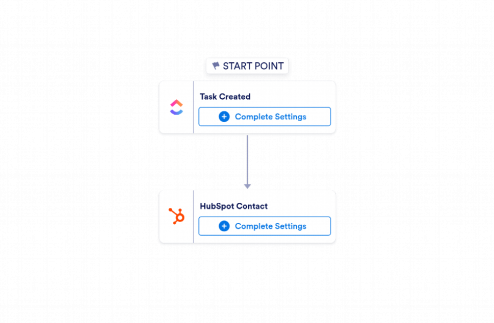
ClickUp to HubSpot Automation
Use Jotform's ClickUp to HubSpot Automation to create HubSpot contacts from new ClickUp tasks and keep sales and marketing follow-up data organized.
Go to Category:CRM / Contact Management Automation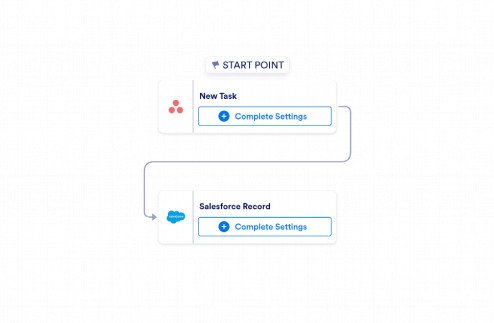
Asana to Salesforce Automation
Jotform’s Asana to Salesforce Automation template creates Salesforce records from new Asana tasks, helping teams capture follow-up details without manual data entry.
Go to Category:CRM / Contact Management Automation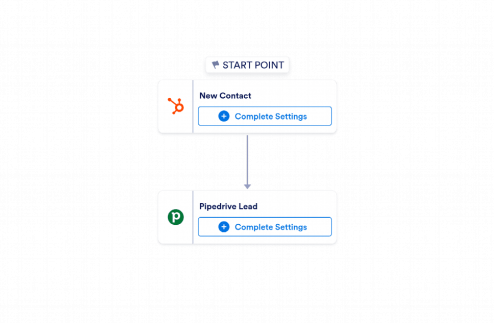
HubSpot to Pipedrive Automation
Use Jotform's HubSpot to Pipedrive Automation template to create Pipedrive leads from new HubSpot contacts and keep sales follow-up moving.
Go to Category:CRM / Contact Management Automation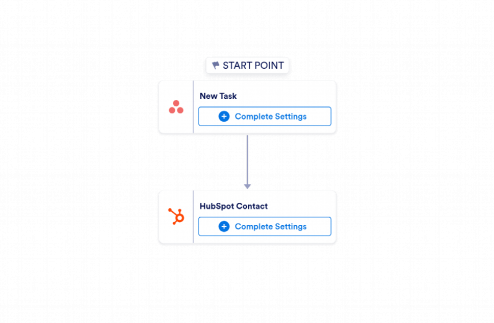
Asana to HubSpot Automation
Use Jotform’s Asana to HubSpot Automation to create HubSpot contacts from new Asana tasks and keep sales and marketing follow-up data organized.
Go to Category:CRM / Contact Management Automation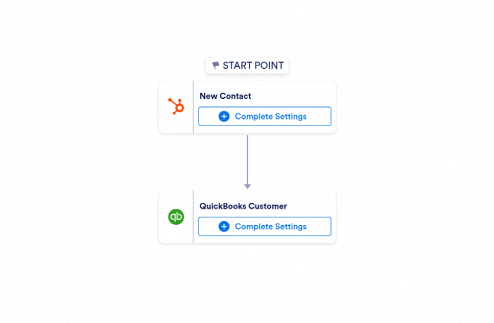
HubSpot to QuickBooks Automation
Use Jotform’s HubSpot to QuickBooks Automation template to create QuickBooks customers from new HubSpot contacts and keep records ready for invoicing and accounting.
Go to Category:CRM / Contact Management Automation