
AI-driven email productivity tools are transforming how professionals manage their inboxes. Fyxer AI and Superhuman are popular choices, but which one is the best AI email assistant for you?
In short, Fyxer AI offers a full-service assistant model, with delegation and meeting support, while Superhuman focuses on speed and streamlined workflows.
To help you choose the right tool, this Fyxer AI vs Superhuman comparison examines the two tools in detail, including how they measure up regarding automation, pricing, and user experience. We’ll also explore a free alternative: Jotform’s Gmail Agent.
 Jotform's Gmail Agent |  Fyxer AI |  Superhuman | |
|---|---|---|---|
| Best for | Gmail users who want AI-powered email assistance without paying for another subscription | Executives and teams that need inbox delegation, generative AI drafts, and meeting support and assistance | Professionals and teams that prioritize speed and streamlined workflows |
| Industry fit | Startups, small businesses, and professionals looking for cost-effective inbox management | Leadership-heavy industries (such as consulting, finance, and startups) with high meeting loads and admin overwhelm | Fast-paced industries (such as tech, media, and agencies) in which speed and responsiveness drive success |
| Scalability | Scales well for individuals or startups with growing businesses | Scales well for executives and enterprise teams with heavy meeting and admin needs, offering advanced plans and custom enterprise support | Scales smoothly for small teams and larger organizations, with flat pricing tiers and strong collaboration features |
| Core functionality | AI-powered inbox assistant that drafts replies, applies Smart Labels, and manages priority messages | Full-service assistant for inbox delegation, meeting transcription, scheduling, and task execution | High-speed email manager with AI-assisted writing, shortcuts, and collaboration tools |
| AI & Automation | Native AI engine trained on your past communication, generates context-aware drafts in your brand voice and filters intelligently | Advanced automation with generative AI for drafting, follow-ups, meeting transcription, and scheduling | Focused AI for fast drafting, reminders, and inbox efficiency |
| Pricing | Free | Free seven-day trial; Starts at $22.50/user/month, billed annually | 30–60-day trials with referral links; Starts at $25/user/month, billed annually |
| Security | Certified by Google, holds CASA Tier 2 accreditation, upholds SOC 2 Type 2 standards, complies with GDPR, and enables HIPAA compliance | Enterprise-grade security available | Enterprise-grade security available |
| Platforms | Built for use with Gmail and integrates with Jotform’s wider AI suite | Works with Gmail, Outlook, calendars, Zoom, Microsoft Teams, and Google Meet | Supports Gmail and Outlook, with strong offline access |
| Delegation/Support | Provides inbox productivity and accelerates email replies | Built for inbox delegation, meeting handling, and task execution; includes chat support | Focuses on collaboration within email, includes group coaching and unified admin tools |
What is Fyxer AI?
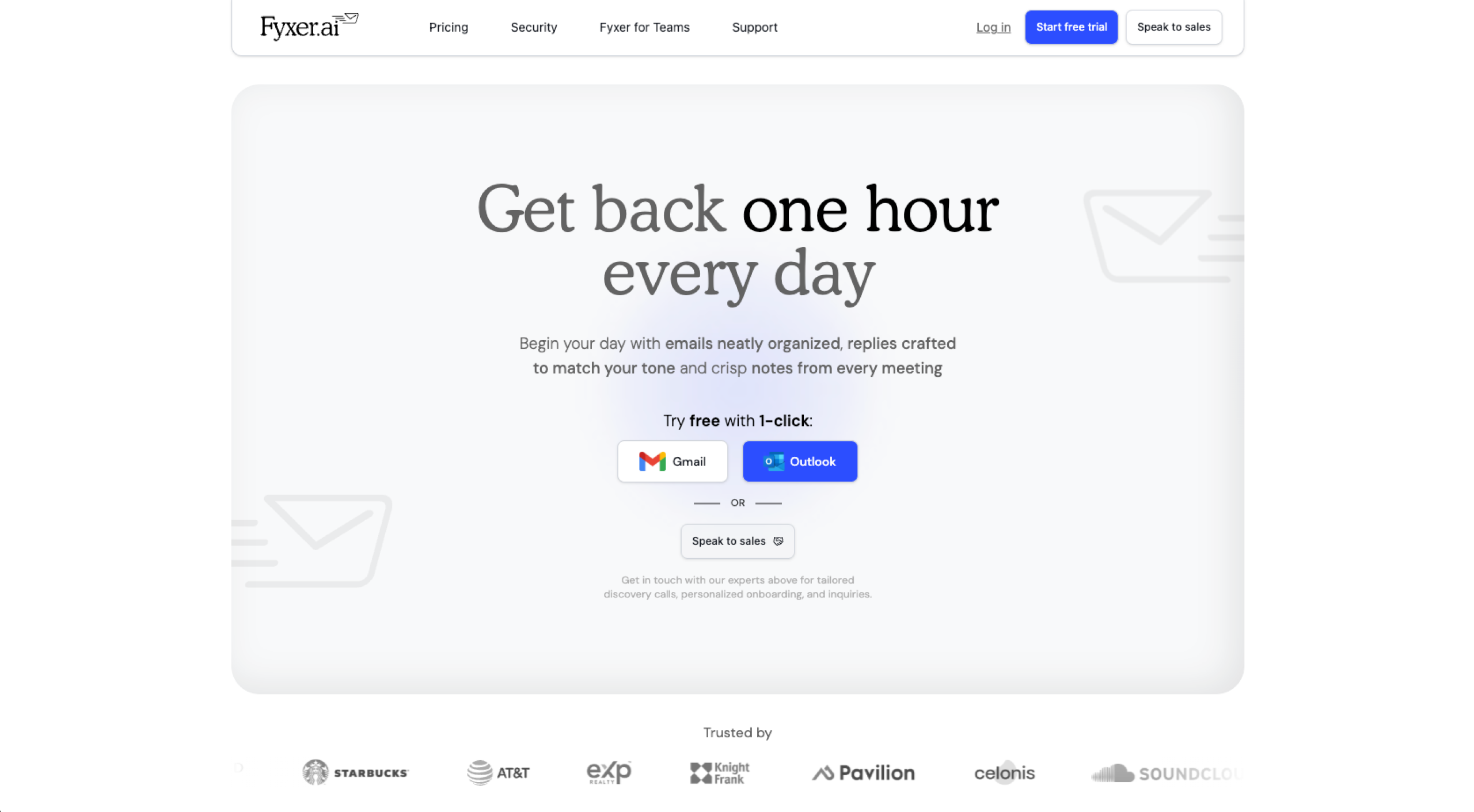
Fyxer AI, an email client with automation, goes beyond managing inboxes and using generative AI to draft responses. You can also handle meeting logistics, including recordings and transcripts, and use integrations to make bookings a breeze.
Fyxer AI aims to solve “inbox overwhelm,” turning hours of manual email work into minutes of review and approval.
Users can start with a free trial and then progress to paid packages if necessary (more on pricing later).
What is Superhuman?
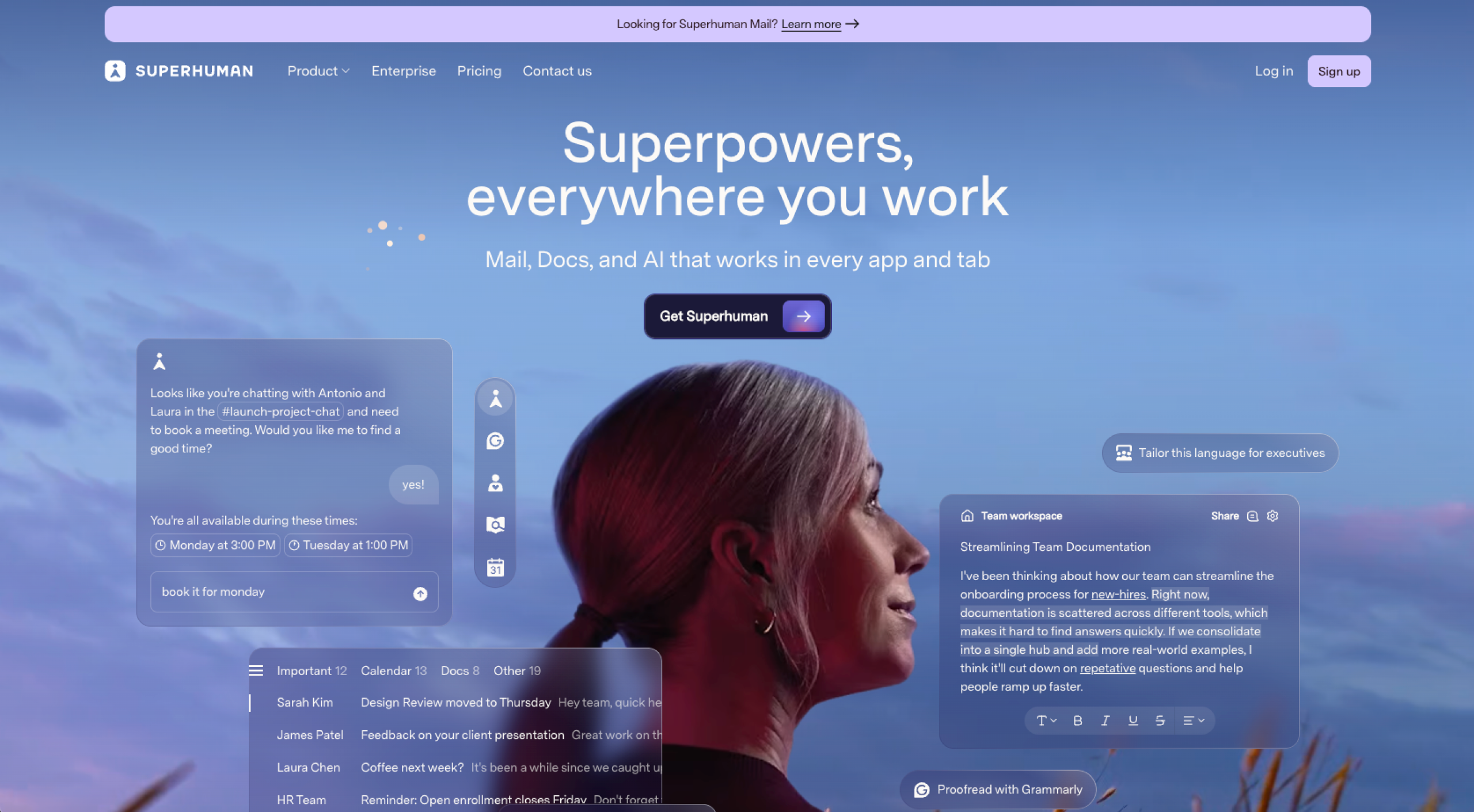
Superhuman is a premium email productivity tool built for speed and efficiency. Its core strengths lie in lightning-fast performance, powerful keyboard shortcuts, and a clean, distraction-free interface that helps users fly through their inbox.
Superhuman offers a free trial and paid packages (see the “Pricing comparison” section for more).
Who should use Fyxer AI vs Superhuman?
Fyxer AI’s meeting logistics make it an excellent solution for
- Busy executives and leaders who want to offload inbox and meeting management: Its assistant-style automation helps reduce admin hours and keeps your focus on strategic work.
- Teams that book and schedule meetings frequently: Fyxer AI can record and transcribe meetings, and once it’s done, it’ll send you a summary or generate emails with to-do lists.
Superhuman’s efficiency and collaborative features make it an excellent solution for
- Founders and professionals who value speed and workflow shortcuts: Its fast interface, split inboxes, and AI-assisted drafting let you process emails in record time.
- Teams that need to collaborate on communication: Superhuman allows users to share live views of emails and add comments, making it easier to stay aligned and keep projects moving.
Key features of Fyxer AI
- AI-powered delegation: Uses generative AI to draft emails automatically, so you only need to review, approve, edit, and send. The automated emails will also generate follow-up emails after meetings with a draft list of action items.
- Smart scheduling: Integrates with your calendar to suggest available time slots. This feature also provides booking links within draft emails, making it easier for recipients to schedule with you.
- Email triage and categorization: Automatically keep your inbox organized by sorting messages into categories based on priority. This significantly reduces manual effort, enabling you to respond to the most important emails first.
- Meeting intelligence: Records, transcribes, and summarizes your meetings across Zoom, Microsoft Teams, and Google Meet. This feature is what makes Fyxer AI a strong Superhuman alternative. You can even chat with the transcript to instantly find details, for example, by asking, “What do I need to follow up on and by when?” This feature can replace multiple standalone tools, making Fyxer AI a better deal for the price.
Key features of Superhuman
- Keyboard shortcuts and speed: Allow you to sweep your inbox at lightning speed. It takes a while to learn all the keyword shortcuts for Superhuman. But they are pretty intuitive, and using them is super-efficient. For example, if you want to mark an email as done, you simply press “E” on your keyboard.
- Split inboxes for triage: Enable you to organize and prioritize messages by category, so you focus only on what matters most. You can create VIP lists, including your most important contacts, so you don’t leave them waiting for a reply.
- AI writing assistant: Speeds up email composition by drafting messages for you. Sometimes, your only task is to review the draft and hit Send.
- Follow-ups and reminders: Ensure you never forget an important email or action. You can choose a time frame for a reminder. For example, if you send an email but don’t receive a reply within two days, you can have Superhuman prompt you to follow up. You’ll be nudged to send a follow-up email, and your recipient will be super-impressed with your efficiency!
- Team collaboration: Prevents siloed emails. You can open a live view for your team, and they can comment in real time, even if they don’t use the Superhuman platform. This feature streamlines the feedback process and keeps communication flowing.
Shared capabilities
The strengths of Fyxer AI and Superhuman overlap in several areas. Here’s how they differ in approach and outcomes.
AI assistance
Fyxer AI offers a full-service assistant approach: Using personal assistant email AI features, it doesn’t just suggest replies. It can execute tasks, for example, transcribing meetings, drafting follow-ups, and scheduling, aiming to act as a true extension of your workflow.
Superhuman provides a lighter layer of AI: It supports productivity without replacing human decision-making. Its focus is on drafting and polishing emails quickly, keeping the user in control of the final output.
Prioritization, triage, and categorization
Fyxer AI automatically organizes emails into actionable categories: These include To Respond, FYI, Awaiting Reply, Marketing and Spam and reduce the mental load of sorting through messages. This is designed to help executives and leaders focus only on what matters most.
Superhuman uses split inboxes and lets you manually or semi-automatically sort email: You have more control over categorized emails, because you create the categories. It’s highly customizable. When I used Superhuman, I set up an inbox for VIPs, so I could go there first and make sure my most important contacts got the reply they needed.
Smart replies
Fyxer AI: Can generate draft replies based on context from meetings, transcripts, and email history. It provides more personalized, context-aware responses that reduce admin time.
Superhuman: Uses AI to suggest short, efficient replies directly from the inbox. This works best for quick back-and-forth communication but doesn’t extend to task execution.
Generative AI
Fyxer AI: Uses generative AI to go beyond drafting, creating detailed follow-up emails, action lists, and meeting summaries.
Superhuman: Applies generative AI to accelerate the email drafting process. It’s optimized for efficiency, turning rough ideas into polished emails.
Both Fyxer AI and Superhuman work fairly similarly with generative AI, but it was Superhuman that made it into Jotform’s round-up of the best AI email generators.
Unique strengths of each tool
Fyxer AI unique features
- Task execution: This feature is particularly strong when applied to meetings. Fyxer AI can manage tasks such as scheduling meetings, sending follow-ups, and generating action lists from the meeting transcript. In this way, it’s more of a digital executive assistant than a simple inbox tool.
- Meeting insights: Fyxer AI integrates with Zoom, Microsoft Teams, and Google Meet to record, transcribe, and summarize meetings. It can even answer questions about past conversations, ensuring you never miss key details or follow-ups.
- Inbox delegation: If you use the delegate tool, Fyxer AI will triage and categorize emails, and even draft replies for your review. This is particularly valuable for executives who need to focus on strategy rather than email admin.
Superhuman unique features
- Speed and keyboard user interface: These features set Superhuman apart from other AI email assistants and make it a strong Fyxer AI challenger. The powerful keyboard shortcuts and streamlined interface help users process emails far faster than with standard email assistants.
- Offline access: This unique feature is particularly useful for email administrators who work on the go and where Wi-Fi isn’t always available, for example, on a train. You can draft, triage, and organize your inbox without a connection, and everything syncs once you’re back online.
- Team collaboration: You can share live views of emails, and colleagues can comment directly, even if they don’t use the platform. This removes bottlenecks and accelerates decision-making.
Head-to-head comparison: Fyxer AI vs Superhuman
If you’re still undecided between Fyxer AI and Superhuman, consider how each tool approaches the following tasks, as well as their pricing. Sometimes, the budget makes the decision for us.
Pro Tip
If budget is an issue for you, and you use Gmail, there is an alternative to Fyxer AI and Superhuman. It’s Jotform’s Gmail Agent, a powerful AI email assistant that is free forever. Like Fyxer AI and Superhuman, it uses generative AI to draft emails for you. Try it for free here.
AI and delegation
Fyxer AI takes a full-service assistant approach: It goes beyond email drafting to manage inbox triage, scheduling, meeting transcription, and even after-meeting task lists. It acts like an AI-powered executive assistant.
Superhuman uses AI more narrowly for delegation: Focusing on speed and email composition, its writing assistant helps polish messages, but it doesn’t extend into task delegation.
Who wins? Fyxer AI
Personalization and user experience
Fyxer AI focuses on reducing admin load through automation: Its interface leans toward function over form. The tool is designed for busy professionals who want outcomes more than sleek design.
Superhuman is built around a frictionless user experience: With a clean interface, powerful keyboard shortcuts, and smooth workflows, it delivers an unmatched sense of speed and efficiency.
Who wins? Superhuman
Platform support
Superhuman supports Gmail and Outlook only: Its standout strength is offline access, allowing users to draft and triage emails without a connection.
Fyxer AI also supports Gmail and Outlook only: But it also integrates with calendars, Zoom, Microsoft Teams, and Google Meet, making it useful across communication and scheduling workflows.
Who wins? It’s a tie.
Pricing models
Fyxer AI: Offers a seven-day free trial. After that, you’ll have to sign up for tiered pricing. If your business is large enough to be at the enterprise level, you’ll need a custom plan.
Superhuman: Offers a free trial. Online, you can find referral links offering 30–60 days free. Then you’ll have to enroll in tiered pricing. If you run an enterprise-level business, you’ll need a custom plan.
Who wins? Superhuman
Learning curve
Fyxer AI takes some time to set up: This is especially the case for executives who need to create meeting integrations and trust the AI with delegation. Once configured, however, it significantly reduces the ongoing workload.
Superhuman has a steeper learning curve up front: You’ll need to learn the keyboard shortcuts it relies on heavily. But once they’re mastered, Superhuman delivers unmatched speed.
Who wins? Superhuman
Pricing comparison
The cost of Fyxer AI or Superhuman will highly depend on your needs.
If you’re a busy founder or manager, speed is what’s important, and you don’t need the meeting scheduling and recordings, then Fyxer AI simply doesn’t have the feature fit for you. Regardless of price, you’ll want Superhuman.
If the reverse is true and you value the meeting assistant because the admin of meetings is overwhelming, Fyxer AI is for you.
In short: Consider the functionality you need from an AI email assistant. Once you’ve decided that, your decision should be easier.
Here are the pricing packages by tool:
- Starter: $22.50 per user, per month, billed annually
- Professional: $37.50 per user, per month, billed annually
- Enterprise: Custom
Fyxer AI’s starter plan focuses on personal productivity. Starter is available for one inbox and one calendar only. You can also draft replies, suggest meeting times, and take notes with the starter plan.
- Starter: $25 per user, per month, billed annually
- Business: $33 per user, per month, billed annually
- Enterprise: Custom
Superhuman’s starter plan emphasizes team efficiency and bundles AI, collaboration, scheduling, and group coaching into its email productivity suite.
Looking for a free alternative? Try Jotform Gmail Agent instead
What is considered the right email productivity tool depends on your needs. If Fyxer AI feels too heavy with delegation, or Superhuman feels too costly for streamlined speed, then try a smarter and more cost-effective option: Jotform’s Gmail Agent.
Gmail Agent, an AI-powered assistant, is built with AI, so instead of just speeding up your inbox, it understands the context of every incoming email.
- Replies are drafted instantly in your brand voice.
- The AI agent is trained on your past communication.
- The emails are context aware, thanks to Jotform’s use of AI.
Unlike other tools, Gmail Agent doesn’t send anything without your approval. You stay in full control.
Plus, the agent filters irrelevant emails, applies Smart Labels, and ensures your inbox only shows what matters most.
And if you already use other Jotform AI Agents, Gmail Agent fits right in. You can manage all agents from one dashboard, keeping email, forms, and other channels consistent and connected.
Best of all?
Gmail Agent is completely free.
Start today, and save hours of admin time without adding another subscription to your budget.
If email is central to your workflow, Gmail Agent makes sure no message slips through and no opportunity is missed.
Professionals and executives exploring AI-powered tools to improve email productivity—especially those comparing full-service AI assistants (like Fyxer) to fast email clients (like Superhuman).















































Send Comment: