
Top Gamma AI alternatives
AI-powered presentation builders are a game changer for any team that needs to create polished, engaging presentations on a tight deadline. Instead of wasting valuable time manually formatting slides or double-checking company brand guidelines, you can let AI automate design, formatting, and structure. That frees you up to focus on what really matters, like strategic storytelling and data interpretation.
Gamma AI is a popular AI-powered presentation builder that offers a flexible card system and content generation, making it quick and easy to create polished slide decks. Companies also appreciate its real-time collaboration features and built-in analytics.
That said, Gamma AI isn’t perfect. It doesn’t include built-in voice narration recording, so you’ll need to use third-party tools. It also lacks advanced live audience interaction tools such as integrated polls and real-time Q&A, which limits how interactive your presentations can be.
If you’re seeking alternatives that combine automation and interactivity, you’ve come to the right place. We’ll explore seven Gamma AI alternatives that can help you meet your presentation needs.
What is Gamma AI? Key features and benefits
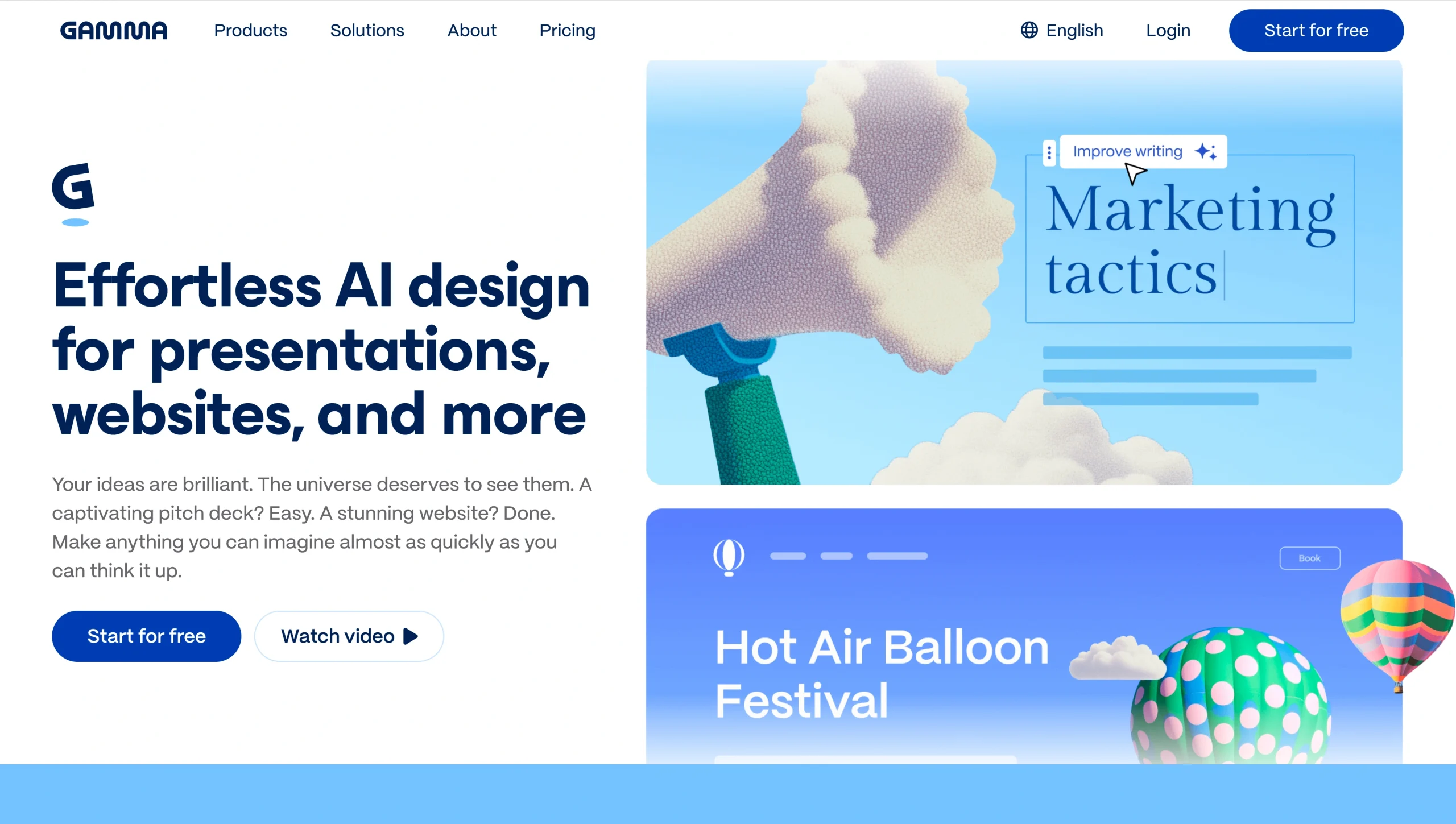
Gamma AI is an AI-powered platform that creates interactive presentations from text prompts. Its content generation tools structure your slides and even suggest headlines, decreasing the time it takes to turn ideas into drafts.
The platform’s flexible card system breaks down complex ideas into digestible chunks. Instead of being locked into fixed slide layouts, you can showcase your ideas through cards that contain interactive elements such as text, charts, videos, or links. This makes your presentation more flexible, visually appealing, and engaging.
Customizable templates with drag-and-drop media integration make customization straightforward. You can even re-theme an entire deck with a single click, helping you maintain professional design, clean formatting, and consistent branding.
Real-time collaboration features let multiple users edit the same presentation simultaneously, making it easy to leave comments, suggest changes, and keep everyone aligned. Flexible export options (including PDF, PowerPoint, and Google Slides) mean you can share your presentation in the format that works best for your audience, whether they’re on a laptop, on a phone, or in a conference room.
During each presentation, Gamma AI’s built-in analytics tools track views, time spent on each card, and number of unique viewers. These insights help you identify your best content and create even better presentations next time.
Limitations of Gamma AI presentations
While Gamma AI-created presentations have a lot to offer, there are some downsides to keep in mind. Because the platform focuses on design and content generation, it does not include built-in audio recording or voice narration. Companies must rely on third-party tools for AI voiceovers or hire live presenters, which add extra cost and complexity.
Likewise, while you can embed third-party Q&A tools or provide live commenting, Gamma AI does not offer built-in AI chatbots or assistants that can answer audience questions during presentations. If your sessions tend to spark detailed or complex questions, this limitation matters.
If you need to create multilingual presentations, Gamma AI can translate your presentation into multiple languages (including Spanish, Japanese, German, and Chinese). However, its multilingual chat features are more limited than the features on platforms such as PopAI, which supports over 200 languages in real-time conversation. This can be challenging if you present to global partners or cross-border teams.
Also, if you’re looking for a platform that can handle lead capture, appointment scheduling, or payment workflows, Gamma AI may feel limited in scope. Although it excels at creating polished, AI-generated presentations quickly, it isn’t built to support broader business operations.
Top 7 Gamma AI alternatives to explore in 2026
If you need an AI-powered platform that offers more interaction and versatility, consider the following Gamma alternatives.
1. Jotform Presentation Agents: The interactive Gamma AI alternative
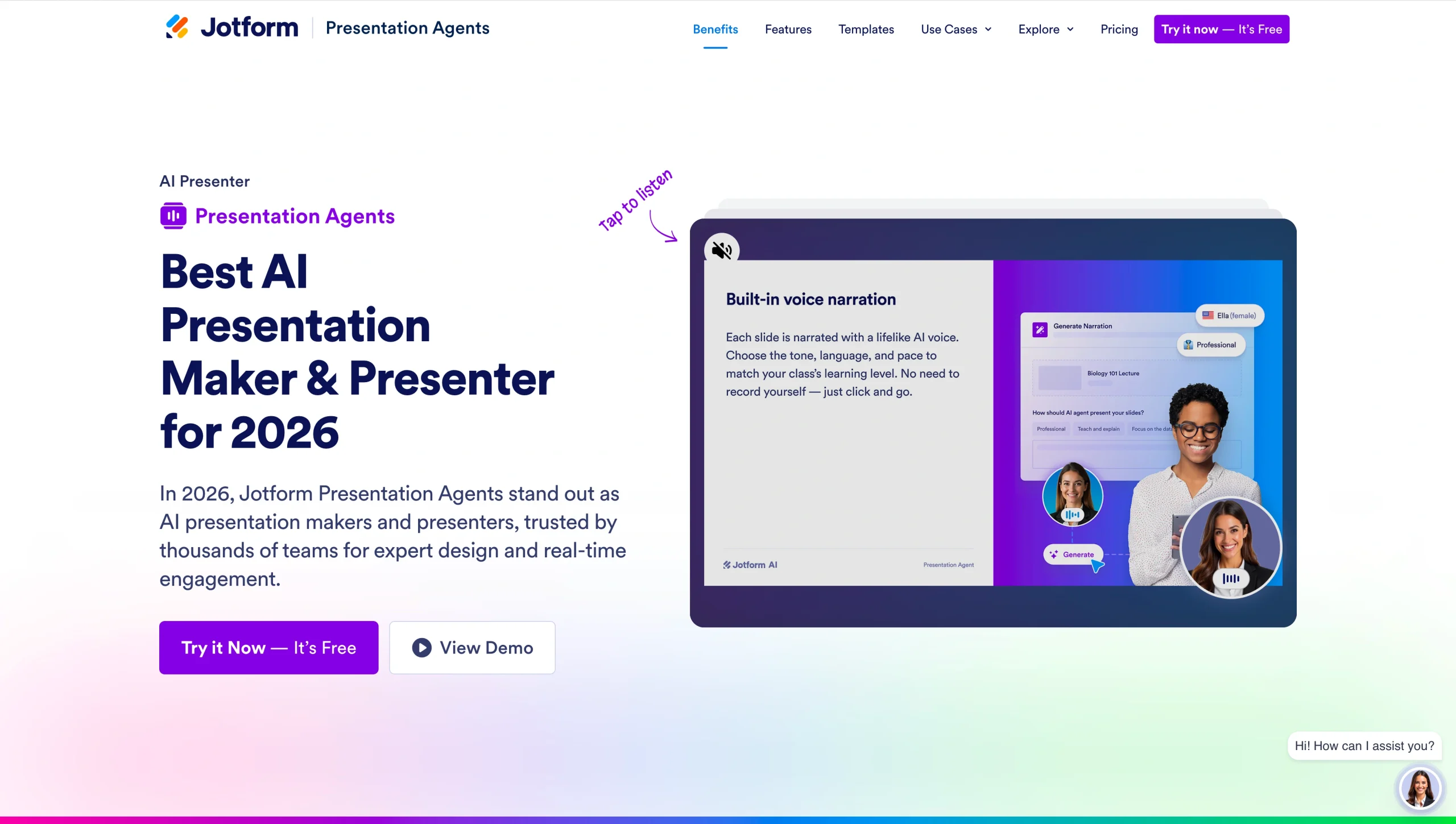
Jotform Presentation Agents let you upload existing presentations (PDF, PowerPoint, Google Slides) and turn them into interactive experiences that guide clients through AI voice-narrated and visually supported presentations. These AI agents are excellent Gamma AI and Canva alternatives because they can run autonomously 24-7 and provide instant, context-aware answers to viewer questions. Once you understand what AI agents are, you’ll see how they can help scale your sales, training, education, and customer support teams.
- Best for
- Sales teams that need to deliver product demos and qualify leads
- Customer support staff that need help handling FAQs
- HR and operations teams that need an automated process for onboarding new employees
- Corporate trainers that need interactive lessons and automated training modules
- Key features
- Customizable voice, avatar, tone, and multilingual narration for global partners and cross-border teams
- Answers to customer questions in real time via live Q&A
- Ability to embed interactive forms for lead capture, scheduling payments, and quizzes
- No-code customization
- Integrates with other platforms, including WordPress, Slack, and Google
- Cons
- Learning curve for training and adjusting AI agents to fit your needs
- Pricing
- Free starter plan available
- Paid plans from $39 per month
2. Canva
Teams that value creative control will appreciate Canva. While Gamma AI offers fast, AI-driven content creation, Canva gives you freedom to build presentations from scratch or start with its templates. You can use its AI tools for image generation, editing, or copy creation.
- Best for: Marketers, small businesses, and creative teams that appreciate designing their own presentations with AI-powered tools and want a single platform where they can create visual content across multiple channels (including basic landing pages and portfolio websites)
- Key features
- Template library that provides a starting point for multiple presentations
- User-friendly interface with drag-and-drop function
- Real-time editing
- Cons
- Requires more manual effort to build presentations compared to other AI-driven platforms
- Pricing
- Free plan for individuals
- Paid plans starting at $120 per year, per person
- Free trials available
3. Visme
Visme is an all-in-one AI-powered visual content platform. Its data visualization tools are great for creating presentations packed with interactive charts, graphs, and multimedia content. Branding tools also help your teams create polished presentations with consistent branding.
- Best for
- Content marketers that need to communicate data through visually appealing, data-driven reports and presentations
- Educators who train through interactive content
- Key features
- AI design tools that generate presentation drafts in seconds from your prompts
- Strong data visualization tools for creating visually appealing interactive content
- Template library for building infographics, documents, and other visual content
- Brand kit for keeping colors, fonts, and logos consistent with your company brand
- Easy-to-edit charts and graphs for communicating complex data clearly
- Cons
- Free plan that limits access to premium tools
- Pricing
- Free basic plan available
- Paid plans starting at $12.25 per month, per person
4. PopAI
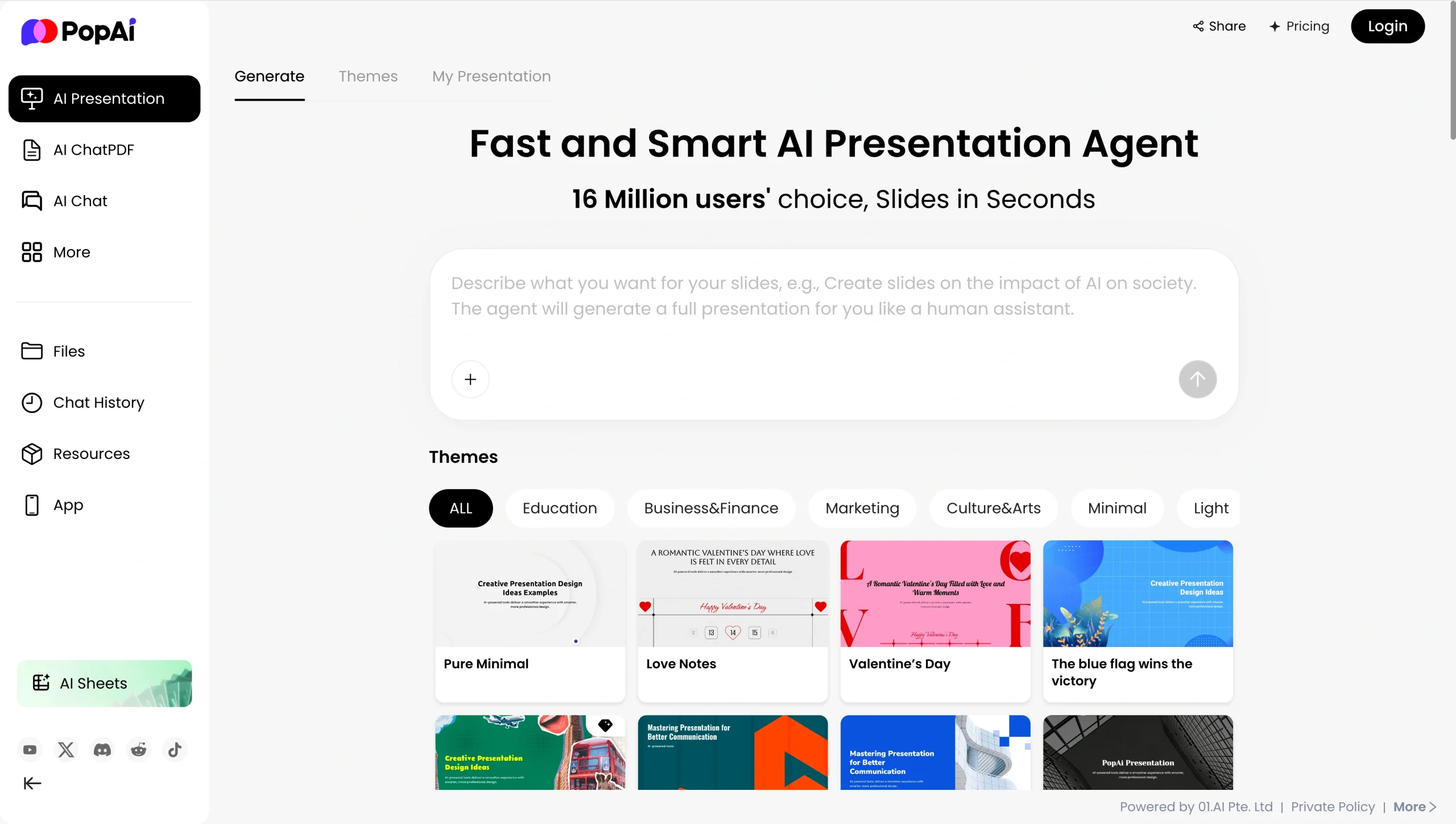
An all-in-one workspace, PopAI is packed with AI-powered tools that can create slides in seconds. It offers a range of themes for education, marketing, finance presentations, and more. You can even shift your presentation’s tone based on your audience, whether you’re pitching to investors or presenting to your internal teams.
- Best for: Sales teams, marketers, and corporate trainers looking to quickly turn existing content or ideas into presentations
- Key features
- AI Presentation Generator that uses prompts or data from URLs and documents to generate PowerPoint slides
- Content optimization tools for improving logical flow and making information easier to digest
- Data visualization tools that convert raw data into interactive charts and graphs with AI-generated visuals
- Template library that provides plenty of options for different presentations
- Cons
- Limited number of presentations and uses on the free plan
- Pricing
- Free plan available
- Paid plans with more advanced features starting at $12 per month
- There is currently a 31 percent discount that brings the Pro price down to $8.32 per month.
5. Beautiful.ai
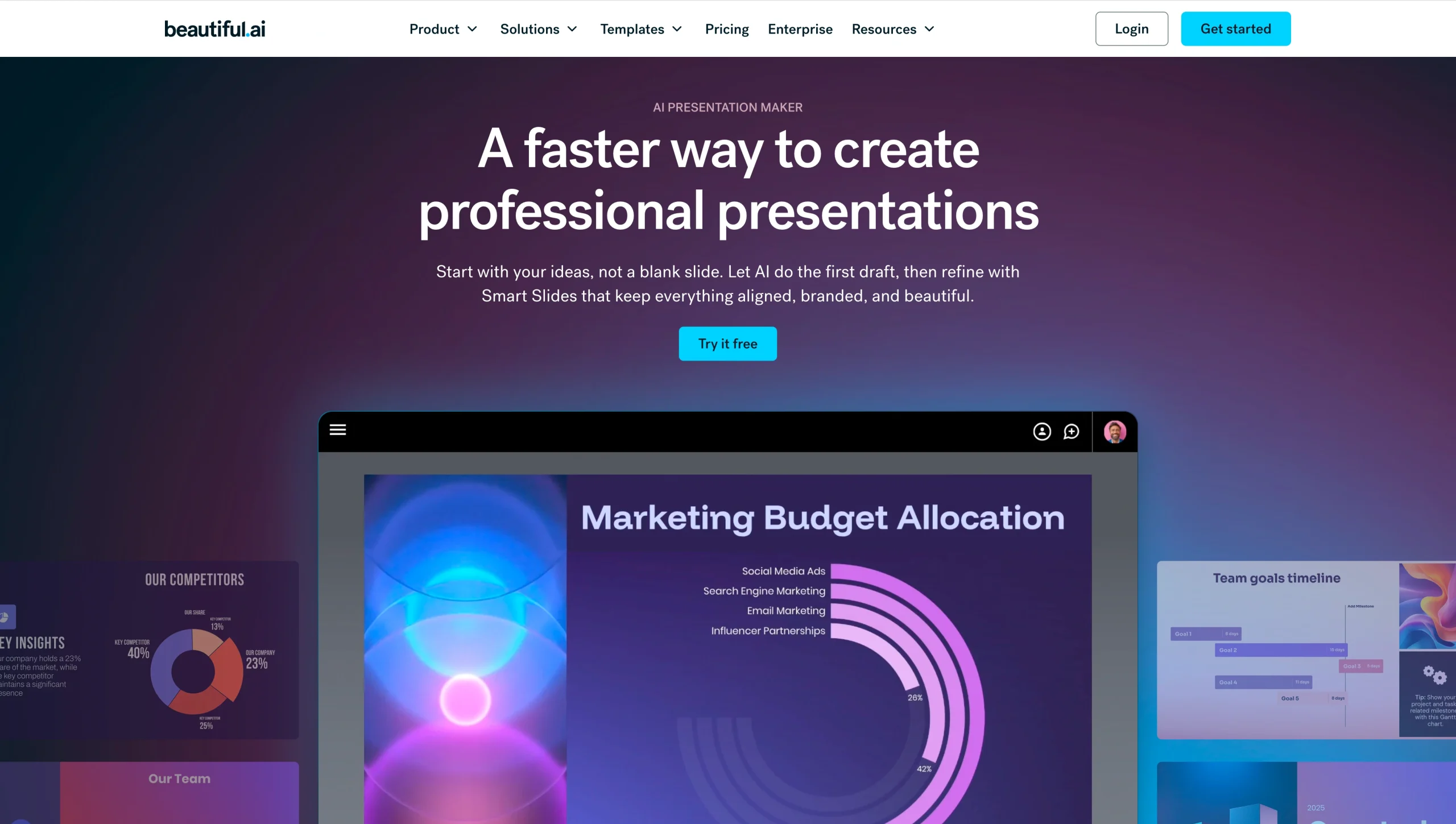
If you need visually stunning presentations in a hurry, consider Beautiful.ai. This AI-powered platform saves teams time by automating formatting and design tasks while keeping everything aligned with your brand. Even non-designers can create high-quality presentations, and its cloud-based collaboration features make it ideal for remote teams.
- Best for
- Sales teams and agencies that need client-ready presentations made quickly
- Marketing teams that need brand-consistent communications
- Key features
- Smart slide templates that automatically adjust layout and formatting as new text, images, or charts are added
- “DesignerBot” AI assistant for creating full presentation outlines and early slide drafts from prompts
- Real-time editing features for remote teams working on the same project
- AI Image Generator that turns ideas into visuals
- Cons
- Operates primarily online and usually requires a secure internet connection to build and edit projects
- Pricing
- Starts at $12 a month (billed annually)
- Fourteen-day free trial available
6. Microsoft 365 Copilot

Microsoft 365 Copilot is an AI assistant that can be purchased as an add-on. Because it is already integrated with the Microsoft ecosystem, it’s ideal for businesses already using Microsoft software. It can use data drawn from Word docs, Excel spreadsheets, and Teams chats to create insightful charts and infographics, making it easier for audiences to comprehend complex reports.
- Best for: Sales and marketing teams already using the Microsoft ecosystem
- Key features
- Content summarization that turns lengthy reports into easy-to-read presentations
- AI-powered tools that suggest images, slides, icons, and layouts to enhance your presentation
- Enterprise-grade security and collaboration tools to help with data privacy and content creation
- Cons
- Needs human users to refine AI-generated slides, add details, and apply brand details
- Pricing
- Starts at $9.99
- Free trials available
- Promotional discounts are currently available.
7. Storydoc
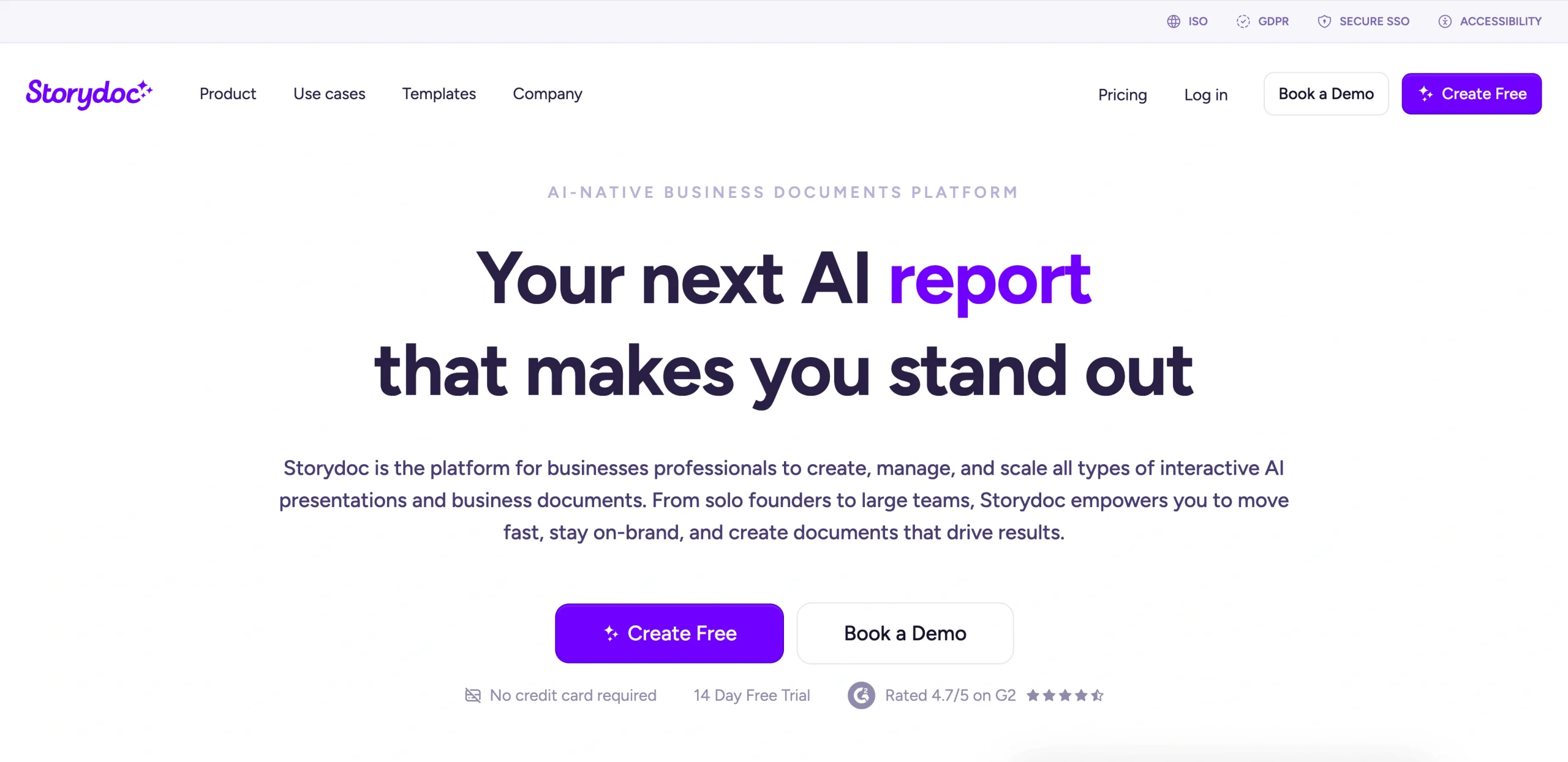
Storydoc is an AI-powered platform that helps businesses build and manage interactive presentations and documents. You can start with an interactive template or use its tools to build an initial draft, and then customize everything with a no-code editor. By employing multimedia elements such as videos and interactive features such as buttons, Storydoc creates scroll-based story presentations designed to keep audiences engaged.
- Best for
- Sales and marketing teams specializing in personalized pitches that can nurture leads and capture analytics
- Nonprofits looking to share their story with donors and supporters
- Key features
- Rapid generation of on-brand decks from prompts and existing content
- Deep analytics that offer insights into viewer behavior and identify which aspects of the presentation resonated most
- CRM and data integrations for personalizing presentations with customer data, tailored messages, and pitches
- Interactive elements such as buttons and CTAs that turn static slides into engaging, mobile-friendly experiences
- Collaboration features for syncing feedback, content, and approvals in one space
- Cons
- AI-created content that needs to be edited by human users
- Pricing
- Fourteen-day trial available
- Subscription plans available for individuals and teams
Choose Jotform Presentation Agents for truly interactive and automated presentations
Gamma AI is still a quick way to turn rough ideas into polished slides with its array of AI-powered content generation tools, customizable templates, and real-time collaboration features. However, its lack of built-in voice narration and live Q&A tools limits interactivity and can push teams to rely on third-party solutions.
Jotform Presentation Agents offer an excellent Gamma AI alternative. In addition to AI-powered content generation, Jotform includes customizable voice narration and multilingual capabilities that make presentations appealing for global audiences. Native form integrations also let you capture leads, schedule appointments, and collect data during your presentations. If you’re exploring Gamma AI alternatives, consider Jotform Presentation Agents as the next evolution in AI-powered presentations.
FAQs
Yes. Jotform’s Presentation Agents and chatbots provide automated translation and responses, voice narration, and Q&A in a user’s preferred language, offering an inclusive and engaging experience.
Jotform embeds customized interactive forms within slides, letting audiences submit information during the presentation. AI agents also collect data and qualify leads in real time using data from your CRM and knowledge base. By asking questions in a conversational manner, Jotform increases engagement and response rates, providing more data for lead capture.
Yes, the Jotform AI Presentation Agent solution is designed to be scalable, cost-effective, and user-friendly for both small businesses and large enterprises. A flexible pricing structure lets clients begin with a free plan and scale up as needs change. Customization options and a no-code interface allow users to train agents to handle routine tasks or more complex, high-volume operations.
This article is for anyone evaluating AI presentation builders who wants faster slide creation with stronger interactivity, voice narration options, and engagement features, especially teams comparing Gamma AI with other tools for client demos, training, or internal presentations.











Send Comment: