The n8n platform is an open-source tool that connects apps and services through visual workflows. With the addition of AI agents, it becomes an even more powerful resource, helping to automate tricky, multistep jobs. AI agents in n8n don’t just do the basic work. Instead, they think, decide, and act like humans, including chatting with your data or scraping sites intelligently.
The best n8n AI agent setups employ intelligence automation to handle complex decisions for engineering and digital options teams. In fact, most organizations integrate a diverse set of AI agents into their n8n tools to optimize their workflows, boost productivity, and gain a strategic advantage over competitors.
In this post, we will explore various categories of n8n AI agent workflow examples to help you choose the right one for your team.
9 examples of real-world n8n AI agent workflows
When diving into the most efficient n8n AI agent workflows, you will see how smoothly they solve everyday headaches. Each starts with a common problem, walks through the setup, and ends with a clear win.
Here are the 9 best real-world examples of n8n AI agent workflows:
1. AI chat agent
The most basic example of an n8n AI agent workflow is the AI chat agent. Every business deals with repetitive customer queries that threaten to overwhelm support teams daily. By creating an AI chatbot with an AI agent in n8n, you can automate the process of answering those questions.
The workflow kicks off with a simple manual chat trigger that links to OpenAI’s language model and SerpApi for real-time web searches. A memory buffer backs this up to keep conversations feeling natural and contextual. As a result, you get a responsive chatbot that can handle chats, pull fresh info, and remember past interactions for seamless follow-ups.
2. Vision-based web scraper
Web scraping becomes a headache when sites tweak their layouts, breaking your CSS selectors or XPaths every other week. A vision-based AI agent scraper integrated into n8n can help engineers extract clean, organized data without worrying about the Document Object Model (DOM) structure. This spares them from the typical headaches involved with scraping websites.
A vision-based scraper automates data scraping whenever a chat input triggers the ScrapingBee API to snag screenshots and HTML from URLs listed in Google Sheets. Then, Google Gemini steps in to parse and structure everything before saving it right back to Sheets.
3. SQL query visualizer
Turning casual data questions into SQL queries and charts can feel clunky and eat up way too much time. That’s where an SQL query visualizer becomes a useful n8n AI agent workflow tool. It leverages OpenAI and QuickChart to add data visualization to the SQL agent.
OpenAI’s info extractor first identifies the intent behind your natural language query, queries PostgreSQL (or Postgres) for the raw data, and uses a text classifier to determine whether visuals are needed. Then, QuickChart jumps in via API to plot them, all while tracking conversation history.
Tools like the SQL query visualizer empower anyone without SQL skills to visualize insights on demand, with smart conditional plotting that’s a huge time-saver for trend-spotting analysts.
4. AI data analyst
Massive spreadsheets often get treated like makeshift databases, making it tough to query or compare data for real insights. But with an AI data analyst, you can transform your spreadsheet data into AI-powered knowledge bases.
All you have to do is load your spreadsheet data into NocoDB, and the AI agent takes over, using natural language searches to slice, dice, and run comparisons interactively. You get a fully searchable knowledge base that delivers deeper insights and analysis.
The AI data analyst helps teams reduce spreadsheet chaos in just a few clicks and handle huge datasets with fast comparisons.
5. Email summarizer
An email summarizer makes email management easier for both businesses and individuals. After pulling messages from your Gmail account at your chosen times, the AI summarizes the key points and action items, sending you two concise morning and night updates.
The best part? You can easily switch to Slack or Teams if you don’t want your email summaries delivered via email. This n8n AI agent workflow declutters your inbox and helps teams focus on more important tasks.
6. Meeting notetaker
Taking notes is a common practice during meetings, but sometimes it becomes a hassle to keep up with the pace of the discussion. The meeting notetaker workflow helps teams accurately record key discussions and access them later.
This flexible AI agentic workflow leverages Recall.ai to transcribe a meeting in real time. OpenAI then summarizes it in Supabase or Postgres storage and pulls out clear action items for instant review. It’s fully customizable for your business’s storage and processing needs.
7. Company docs chatbot
Companies deal with piles of documents daily, and searching through them for something manually is like trying to find a needle in a haystack. A company docs chatbot can help your employees. It utilizes a retrieval-augmented generation (RAG) chatbot that lets the AI agent chat directly with your Google Drive files and pull precise info from even unstructured docs.
With this type of n8n AI agent workflow, employees get instant, spot-on answers to their questions.
8. SIEM alert enricher
Cybersecurity concerns are at an all-time high today, keeping security teams on alert around the clock. They receive scores of raw security alerts, which often lack context or meaning. A security information and event management (SIEM) alert enricher automatically investigates every alert by enriching it with MITRE ATT&CK tactics, techniques, and procedures (TTPs) via Zendesk.
This workflow design also classifies alerts accurately and adds remediation steps. It provides teams with smarter alerts packed with next steps, helping them respond quickly.
9. GitHub API helper
Despite being one of the most popular Git systems among tech enthusiasts, using GitHub’s API is not everyone’s cup of tea. That’s what the GitHub API helper workflow solves. It provides users with a chatbot that allows them to interact with the GitHub API documentation using natural language.
This workflow feeds fresh data straight to the large language model (LLM) by passing the documentation URL through the HTTP request node. Unlike static LLMs, it pulls real-time docs every time. This way, teams don’t have to spend time on manual research.
Common mistakes to avoid in n8n AI workflows
Building n8n AI agent workflows may sound exciting, but you need to get a handle on a few things before getting started. Here are some pitfalls you should try to avoid:
- Over-complicating logic — Start small. Too many nested triggers create failure points. When you pile on layers of if-then conditions right away, it overcomplicates debugging. Instead, test one decision branch at a time to keep things predictable and scalable.
- Overly complex workflows — Break big workflows into smaller steps for easy fixes. A massive all-in-one flow might look efficient on paper, but when something breaks halfway through, it can become difficult to maintain the agile workflows. Simple, modular pieces let you swap or update sections without touching the whole thing.
- Skipping validation — Test each node’s output before APIs or scaling. Without checking what comes out of an AI prompt or data fetch, garbage inputs can lead to garbage outputs downstream. Quick manual runs catch these trouble spots early.
- Ignoring rate limits — Batch or delay to dodge throttling on APIs. Hit those caps too hard, and your workflow grinds to a halt mid-run. This results in wasting cycles and frustrating your team.
- Unclear prompts — Ambiguous or overly broad prompts can cause random or irrelevant responses. Instead of “What are AI agents?” go for “How can AI agents help me write better emails for increasing sales of my socks?” Craft prompts with role, task, format, and examples up front, and you’ll get consistent, useful replies every time.
- Missing error handling — Add fallback nodes for API errors or time-outs to prevent clogged workflows from getting stuck. One unhandled error can halt your entire AI task automation system.
- Data exposure risks — Avoid sending personally identifiable or confidential info to third-party AI models without encryption. Use anonymization nodes or local processing to mask the personal details of customers.
- No human oversight — Keep human review steps for sensitive automations, such as HR, finance, or customer communications. AI excels at patterns, but it’s not that great at reading sarcasm, context in feedback, or similar nuances.
A simplified alternative: Jotform’s Workflow Builder with AI Agents
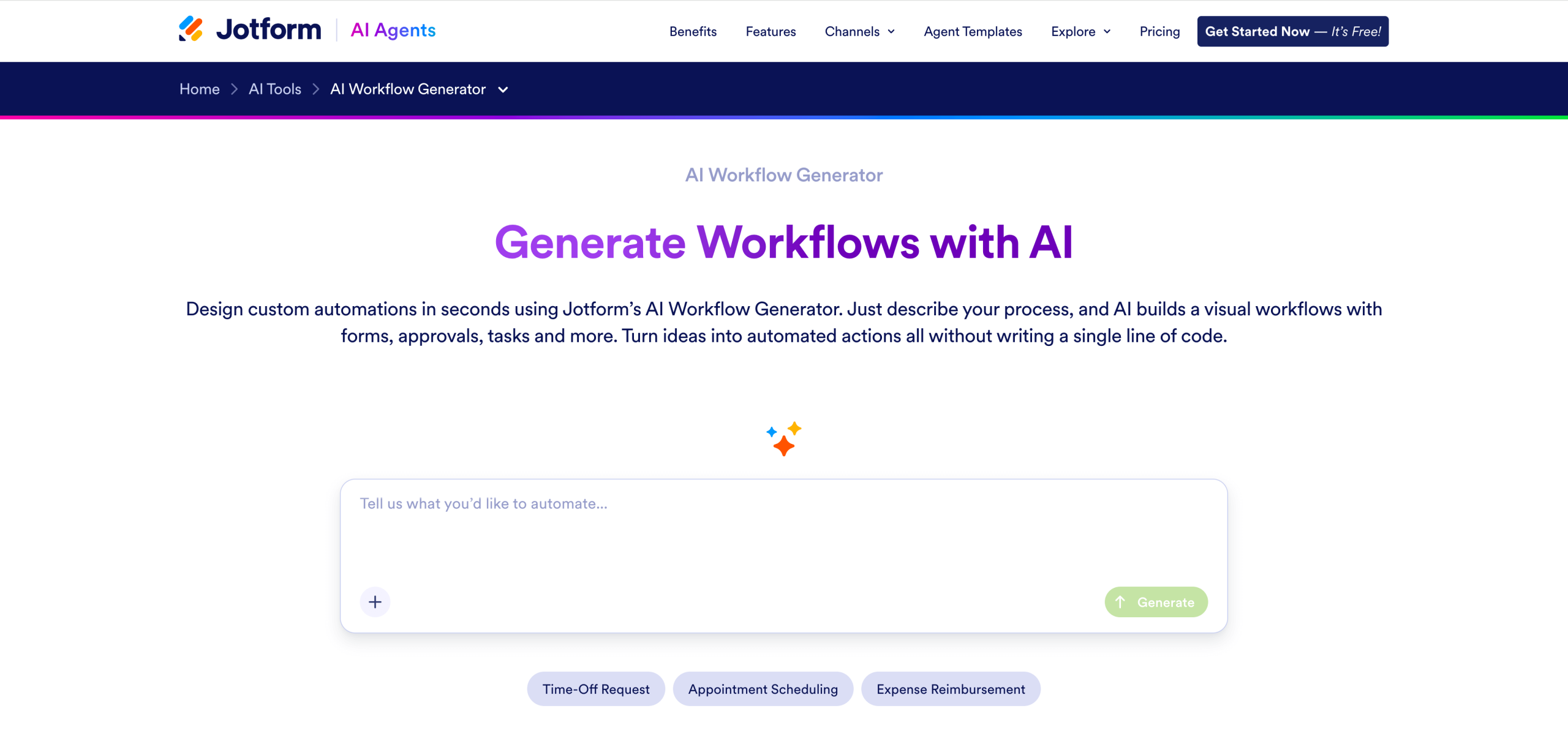
Jotform simplifies the process of integrating n8n AI agents into workflows for engineering and design teams, regardless of their technical knowledge. And its no-code workflow builder can help you get started quickly.
Here’s an easy step-by-step guide on how to use Jotform AI Workflow Generator:
Step 1: Describe your workflow
Type a short or detailed prompt based on your desired task. The AI understands both simple ideas and complex prompts. For example, if you need to automate client onboarding, you can enter:
Build a client onboarding workflow that collects contact details, sends a welcome email, and assigns an account manager.
The tool will scan your words and map out a tailored flow with forms, emails, and assignments right away.
Step 2: Generate and customize
Next, tell the AI your specific requirements. This could include how many steps or conditions to add, what language or wording to use for messages, or which extra branches are needed for approvals. The AI tool will refine your visual workflow on the spot.
Step 3: Activate and monitor
The tool will then direct you to Jotform Workflows. Hit activate to embed the workflow in a form or share it via a link. You’ll now be able to track everything from your dashboard: See approvals, performance stats, and tweaks needed, all at a glance. This allows you and your team to monitor and scale without added headaches.
Jotform Workflows automates tasks triggered by form submissions. It offers a range of AI features that perform advanced work under the AI NEW category, including the following:
- Custom Prompt tailors AI actions precisely.
- Summarize condenses long inputs fast.
- Calculate crunches numbers on the go.
- Sentiment Analysis gauges the context or emotions behind feedback.
- Categorize sorts data into buckets.
- Extract from File pulls key info from uploads.
Remember, these Workflow AI features are still in beta and are integrated directly in Jotform Workflows. This means you won’t need do any coding or external setup. The tool also includes complementary features such as Jotform Sign, Forms & Payment Forms, and Conditional Routing to help build end-to-end workflows.
Jotform AI Agents
Jotform takes automation up a notch with built-in AI agents that work like smart sidekicks for automation engineers and digital operations teams. These agents interpret inputs, such as scanning form submissions or messages, and make quick decisions based on sentiment (positive or negative vibes), classification, or key details pulled from text.
From there, Jotform AI Agents generate automated follow-ups: firing off emails, routing tasks to the right team, kicking off approvals, and more. Take Jotforms Gmail Agent, for example. It dives into your inbox, sorts emails by urgency, drafts replies, and flags action items to keep your workflow up and running.
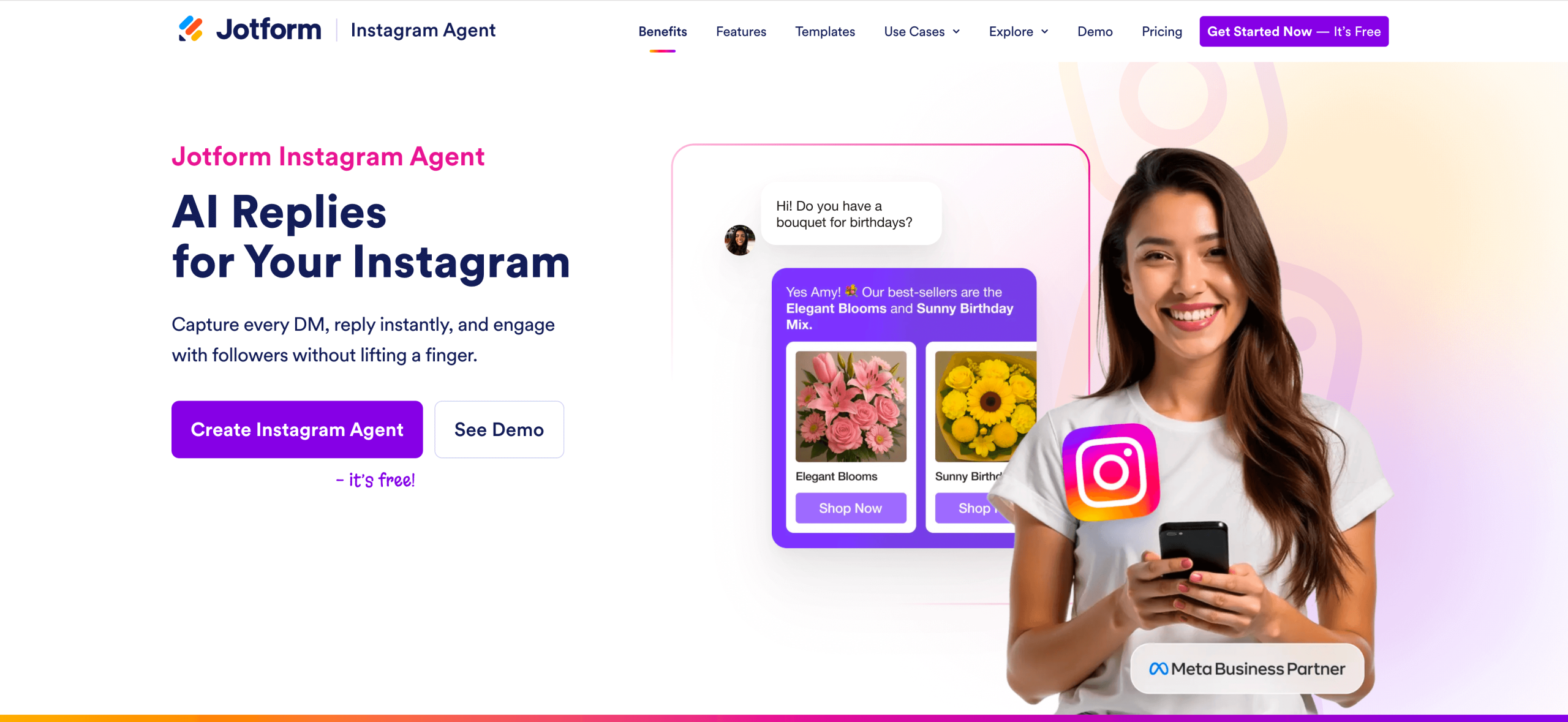
Another n8n AI agent workflow automation example is the Jotform Instagram Agent. This agent is a social pro that monitors comments, autoresponds to FAQs, and queues posts based on engagement trends. You can even train the agent for your niche-specific needs.
Build your first AI workflow with Jotform’s Workflow Builder
The n8n AI agent workflow examples discussed in this article show automation’s shift to smart, decision-making flows that save time and sharpen accuracy across industries. Delivering flexibility, n8n is ideal for technical users who love tweaking nodes. But not everyone is tech-savvy or a coding pro.
For people who prefer non-coding tools, Jotform Workflows makes automation accessible through its intuitive AI features, like input interpretation, decision-making, sentiment analysis, and more.
Looking ahead in 2026, agentic AI will pave the way for more adoption of intelligent automation. Are you ready to dive in? Try Jotform AI Workflow Generator today and start building your first AI workflow in minutes.
Frequently asked questions
Typical n8n AI workflow use cases include customer support chatbots that handle queries and escalate issues, data scrapers that leverage vision AI for dynamic sites, and email summarizers that digest inboxes daily. You’ll also see meeting note-takers pulling action items or security alert enrichers adding context to threats.
No, n8n’s visual node-based builder doesn’t require deep coding. That said, you might need a bit of logic know-how if you want to debug or customize complex AI agent flows. For even easier automation without any code, check out Jotform’s AI Workflow Builder to build smart workflows from plain English prompts.
This article is for automation engineers, digital operations teams, and anyone who wants to explore practical n8n AI agent workflow examples to enhance productivity and streamline complex, multi-step business processes using intelligent automation.


















































































Send Comment: