
Inbox clutter is a leading cause of stress among professionals. Sixty-seven percent of people feel overwhelmed by their email inbox, while 82 percent feel they miss important emails because of clutter. Increasing demand to cut through the chaos of the modern email inbox has generated a variety of email management tools, ranging from AI-powered inbox zero tools to automated deep cleaners.
Two popular solutions, SaneBox and Clean Email, offer powerful organization features that quiet the noise of your inbox so you can stay productive (or even just get a little peace and quiet). But which is the best inbox cleanup app for you?
We’ll compare the two and break down their key features.
 SaneBox |  Clean Email | |
|---|---|---|
| Best for | AI-powered inbox prioritization and organization | Automated decluttering, junk removal, and unsubscribe features |
| Industry fit | Professionals and high-volume users | Individuals and home users |
| Email providers | Supports most major email providers | Supports most major email providers |
| Cleanup automation | Automatic filtering into smart folders, summaries, snooze, deep cleaning, reminders, unsubscribe, attachment storage | Autoclean rules, quick clean, smart views, bulk actions, unsubscribe, bundling/grouping, read later |
| AI assistance | AI-powered prioritization, machine learning, daily summaries | No AI-powered features |
| Filtering | Preset smart filters, custom manual filters, AI-driven filters | Smart views grouping, category views, cleaning suggestions |
| Privacy tools | Encrypted VPN, Cloud Application Security Assessment certified, OAuth 2 | Privacy monitor, privacy-forward platform, encrypted credentials, OAuth 2 |
| Pricing | No free version. Paid plans range from $7 to $36/month. | Limited free version. Paid plans range from $9.99 to $29.99/month, depending on account volume. |
What is SaneBox?
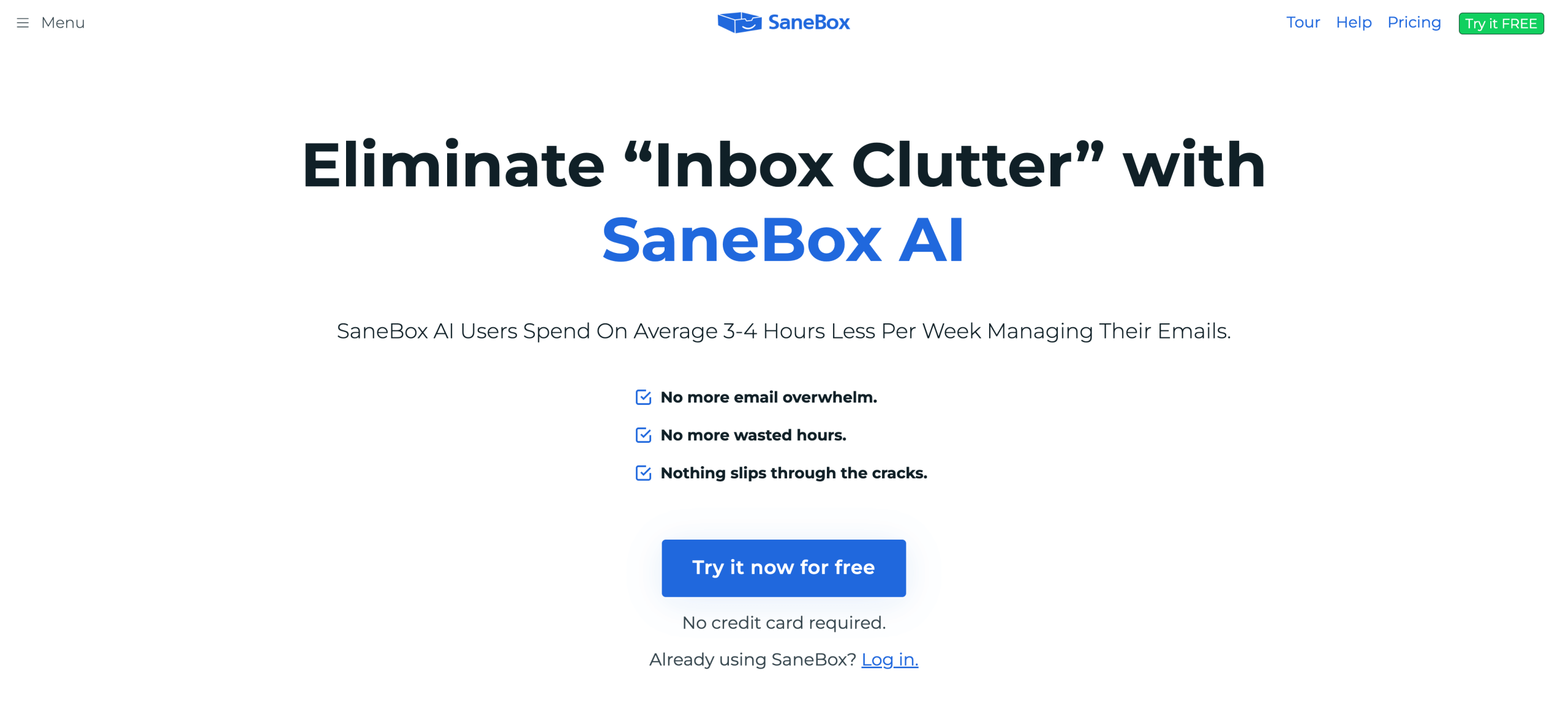
SaneBox is an AI-powered inbox management solution that helps you clear out unwanted emails, organize your inbox, and reduce the time spent sifting through messages. This solution integrates with your preferred email platform and operates within your workspace (reducing the headache of learning a new system). It’s platform agnostic, so SaneBox allows you to work with any email provider, rather than being limited to popular options, such as Gmail or Outlook.
SaneBox is built around a few key features:
- Folder-based automation
- AI that learns your organizational preferences
- Filters for unimportant or unwanted emails
Pricing is based on access to accounts, features, and support level. The more you need, the more you pay. Paid plans range from $7 to $36 per month, are billed monthly, and include escalating amounts of features, email accounts, and support options.
What is Clean Email?
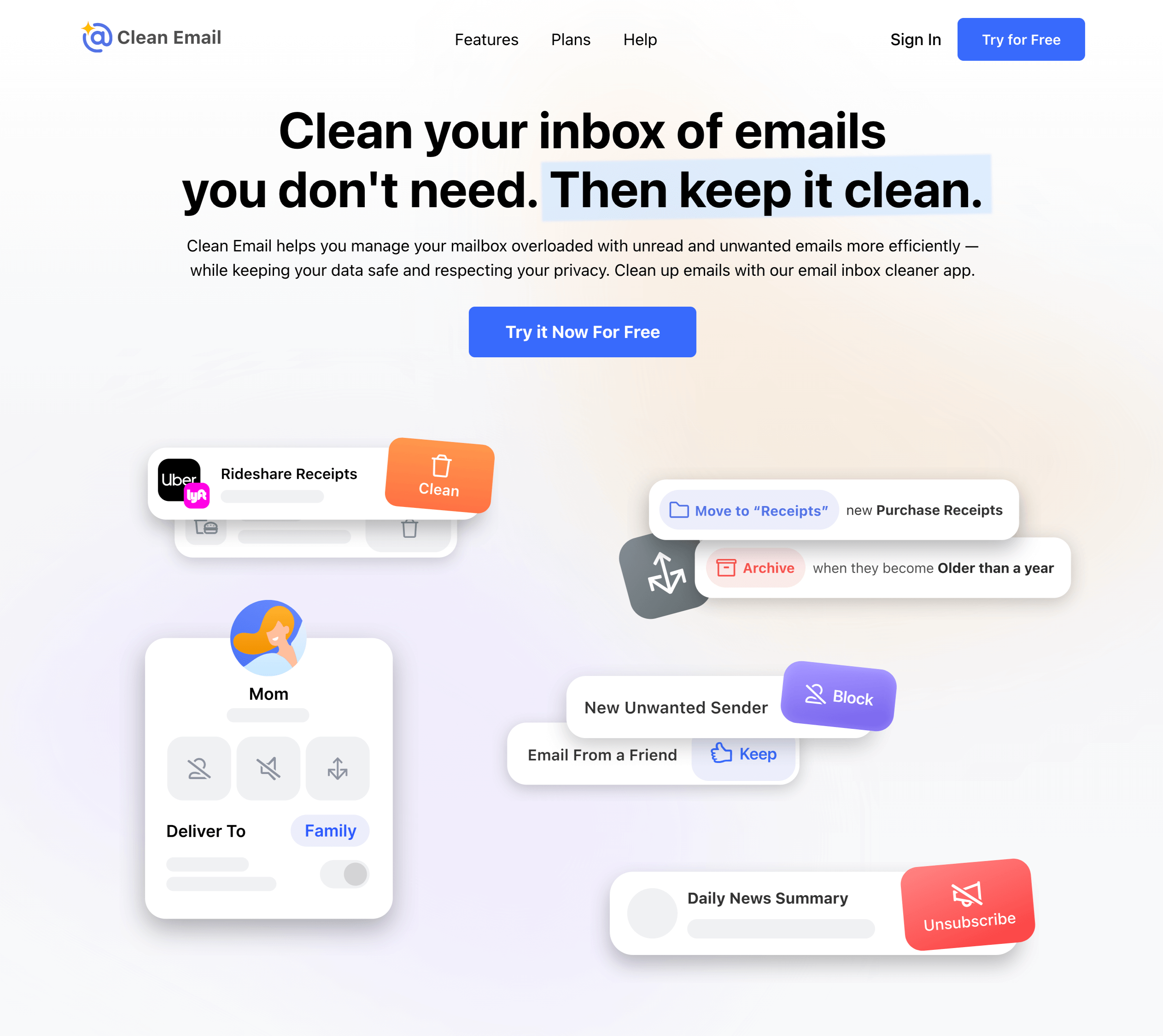
Clean Email, an automated inbox decluttering tool, prioritizes efficiency while respecting your privacy. This solution offers several inbox zero tools to help you easily clear out your inbox and unsubscribe from email clutter. With its simple, straightforward interface, this tool is best suited for individuals, families, and small teams that want to clean up their inboxes.
Clean Email’s tools are easy to use and powerful, providing you with ready-made solutions to keep your inbox organized and secure:
- Autoclean rules
- Unsubscribe tools
- Bulk organization actions
- Privacy guard
Pricing centers on the number of email accounts you need to organize. As you add accounts, the price increases. Note that this solution can handle only up to 10 email accounts simultaneously. Pricing tiers range from $9.99 to $29.99 per month and are billed monthly, although Clean Email does offer a limited free version for those with low-volume needs.
Who should use SaneBox vs Clean Email?
Even with an overlap of features and capabilities, each solution offers distinctive benefits. So some users will gain more from SaneBox vs Clean Email and vice versa.
Ideal SaneBox users include
- Busy professionals looking for organization
- Businesses looking for AI-powered tools
- High-volume email users
- Individuals who want to prioritize emails
Clean Email may be best suited for
- Individuals who want to deep-clean their inbox
- Users seeking a fast way to clear unwanted emails
- Small teams looking for a single, shareable organizational tool
- Families looking for a way to unsubscribe from email clutter
At their core, these solutions tackle a single problem: inbox clutter. Choose SaneBox if you need an email management tool to supercharge your organization. Choose Clean Email if you want to clear out clutter altogether with rapid-fire inbox zero tools.
Key features of SaneBox
SaneBox sets itself apart from other email management tools with an AI-driven, organization-focused approach. SaneBox offers tools such as the following:
- SaneLater and SaneNews folders: SaneBox knows that some emails can wait. That’s why it uses preset smart folders, such as SaneLater and SaneNews, to automatically filter out emails it believes are low priority or contain commonly skipped-over content, for example, newsletters.
- AI-based training: As SaneBox sorts your emails, it learns your preferences. Over time, SaneBox’s AI adapts to your needs and becomes more effective at moving emails where you want them to go the moment they hit your inbox.
- Do Not Disturb settings: Sick of seeing new email notifications? SaneBox lets you put your emails on pause. It’s Do Not Disturb settings hold back new emails until you’re ready to take them on.
- Reminders and follow-ups: With SaneBox, you can avoid accidentally leaving emails unread or letting important communications slip through the cracks. Using automated reminders, SaneBox alerts you when you need to follow up on urgent messages, allowing you to stay on top of your workflows without the mental load of managing every email.
- Attachment management: To help reduce the strain of large email attachments on your limited storage space, SaneBox automatically uploads large files to the cloud. You can access your attachments later and not worry about running out of space.
Key features of Clean Email
Clean Email, a privacy-driven clutter buster, clears out unwanted emails using inbox zero tools such as the following:
- Auto Clean: Using Clean Email’s Auto Clean feature, you can set predefined rules for sorting emails. The rules can be edited, deleted, or paused at any time.
- Unsubscriber: Receiving too many automated emails from brands or services that no longer interest you? Clean Email enables you to unsubscribe from annoying mailing lists spamming your inbox. With this tool, you can view all your subscribed emails in one list and unsubscribe in bulk automatically.
- Email grouping: To help keep similar emails together, Clean Email offers grouping tools. You can set up groups such as Receipts and Applications.
- Privacy guard: Your email data is precious. That’s why Clean Email uses an active privacy monitoring system to scan the internet for any potential data breaches that could compromise your email information and alerts you if it finds any issues.
- Bulk cleanup: Sometimes you need to clear out your inbox fast. Clean Email specializes in large-scale updates to your inbox through its bulk action capabilities. Move, archive, or delete emails en masse.
Shared features and capabilities
Both SaneBox and Clean Email share a few common core capabilities. Regardless of which solution you choose, you can be sure that you’ll have access to these advanced tools:
- Auto-filtering: Both solutions use their own methodology to automatically filter out unwanted emails. Clean Email primarily puts the filtering in your hands, through filters you create. SaneBox also allows you to set up advanced filters, but it also features a range of predefined, AI-driven smart filters and learns your preferences over time.
- Inbox cleanup: Each of these solutions is a dedicated inbox zero solution. With organizational tools, unsubscribe capabilities, and email removal, both SaneBox and Clean Email have what you need to organize your inbox with ease.
- Batch email actions: No need to delete or move emails one by one. SaneBox and Clean Email both have a deep-clean feature that can quickly relocate, remove, and archive thousands of emails in one motion.
What makes each solution unique
Despite their similarities, these tools have unique differences that could tip the scales when you’re weighing which to choose.
SaneBox
- Folder-first design
- Smart filtering without the need for a new app
- Lightweight automation
Clean Email
- A visual dashboard
- Privacy-focused tools
- Significant control over automated cleaning capabilities
Detailed comparison: 5 key areas
For a more in-depth look at which of these email management tools is right for you, we’ve compared SaneBox and Clean Email across five key categories: inbox cleanup, automation and AI, user interface, security, and pricing. Take a look, and then consider which of these factors you value most.
Inbox cleanup features
Clean Email specializes in reducing and clearing out unwanted emails in large, sweeping (bulk) actions that require hands-on coordination.
Alternatively, SaneBox enables you to stay on top of emails without removing emails in bulk or having to monitor automations constantly. You can teach your AI assistant how to organize your emails. From there, your system will automatically learn and optimize itself.
Email automation and AI
Clean Email claims its automation can rival or even exceed the effectiveness of AI solutions, but it is not technically powered by AI. So you will likely have a heavier hand in setting up your cleaning preferences, filters, and so on when using this tool.
SaneBox features a variety of AI-powered tools. It uses machine learning to better understand your inbox organization habits. This technology allows it to improve its sorting skills over time, reducing the need for hands-on intervention. However, the number of SaneBox features you can access is limited based on your pricing tier.
User interface and user experience
Clean Email and SaneBox approach the user experience differently. Each offers user-friendly tools that help organize your inbox through either smart organization or deep cleaning. The main difference is that SaneBox works inside your preferred email platform, while Clean Email operates as a standalone platform.
Each approach has its own advantages and disadvantages. Clean Email’s independent interface may make it easier to perform bulk actions and get a closer look at your inbox. However, using Clean Email does require you to learn a new user interface, and that may create a slight learning curve.
SaneBox integrates with your preferred email client’s user interface, making it easy to learn and implement this tool. But because it is dependent on your email provider’s interface, SaneBox is only as fast as the email provider you use.
Security and privacy
While both solutions are committed to user privacy, Clean Email positions itself as the more security-oriented platform. Both offer encryption to protect client data and are transparent about how they limit the amount of information collected by their platforms, but Clean Email offers privacy-oriented features that SaneBox does not. For example, Clean Email features a privacy monitoring feature that regularly checks your email for potential data breaches and security incidents. If your email is mentioned in potentially compromising situations, Clean Email will alert you, so you can take action.
Support options
When it comes to support, SaneBox offers a wider range of support options than Clean Email. SaneBox provides email, chat, or phone support, depending on your pricing tier. Clean Email offers only email support through online form submissions.
Pricing and value
Both email management tools offer affordable pricing options, especially compared to other alternatives on the market. However, if you’re trying to choose between just SaneBox and Clean Email, you’ll have to determine which offers the most bang for your buck, which may depend on your needs.
SaneBox may offer more powerful features overall, but its plans limit access to those features. Meanwhile, Clean Email provides unlimited access in each tier, but its overall platform is less powerful. Here’s a detailed breakdown of both tools’ pricing structures. (Note: These prices are for plans billed monthly.)
SaneBox
- Snack: $7 per month; includes one email account, two features of your choice, and email and chat support
- Lunch: $12 per month; includes two email accounts, six features of your choice, and email and chat support
- Dinner: $36 per month; includes four email accounts, all features, and full support
Clean Email
- One account: $9.99 per month; access to all features included
- Five accounts: $19.99 per month; access to all features included
- Ten accounts: $29.99 per month; access to all features included
Both solutions also offer free trials. SaneBox allows users to try its advanced solution for 14 days before committing to a paid plan. Clean Email also provides users with a 14-day free trial of its premium features, but unlike SaneBox, Clean Email has a limited free version as well.
The free version of Clean Email allows you to clean up to 1,000 emails from your inbox, including actions such as moving, deleting, applying labels, starring and unstarring, and sending messages to the trash. You can increase this limit by enabling cleanup reminders. The free version of Clean Email is limited in its abilities as well, restricting you to only the platform’s basic features.
Here’s a look at a few use cases for which one solution might be more beneficial than the other:
- If you need AI-powered automation, SaneBox may be the right choice.
- If you’re looking for the lowest possible monthly cost, SaneBox may be the right choice.
- If you prioritize getting the most features possible for the price, Clean Email may be the right choice.
- If you’re on the hunt for a free solution, Clean Email may be the right choice.
Beyond these instances, the value you receive from these solutions will depend most on the features you need and your budget. Just remember that these inbox zero tools are just one approach to cleaning up your inbox; other solutions might suit your ongoing email management needs better.
If, for instance, you need a tool that can do more than just sort your incoming mail. That is, you want it to actually help you respond to emails, you might want to try a SaneBox and Clean Email alternative such as Jotform’s Gmail Agent.
Prioritize smart replies over smart filters with Gmail Agent
SaneBox and Clean Email can help you organize your inbox and incoming mail, but they can’t help you respond to emails. That’s where Jotform’s Gmail Agent can help. This AI-powered email management assistant helps you respond faster, produce high-quality emails for email marketing and more, and reduce your time spent drafting emails from scratch.
Jotform’s Gmail Agent integrates directly with your email account to automate your replies. One of Jotform’s many AI agents, this solution uses auto-learning technology to adapt replies to match your voice and tone. Its user-friendly interface, no-code customization, and powerful automation make it one of the best AI email generators on the market. And don’t worry: You approve every draft, so nothing is sent automatically or without your permission.
Gmail Agent also pairs with Jotform’s other AI agents to provide an omnichannel experience for your customers and expand your communication capabilities. So if you choose this option, which ranks among the best AI email assistants, it will enable you to collect customer data across your communication channels. With that data, you can generate insights that help your next email marketing campaign.
So while SaneBox and Clean Email are useful for reducing clutter, Gmail Agent may be the solution you actually need to increase your email productivity.
Take control of your emails today
If you’re looking for an inbox cleanup app that can offer continuous, AI-powered organization or deep cleaning automation, SaneBox or Clean Email could be the right solution for you. This guide compares them both to help you decide.
However, if you want to eliminate pesky unwanted emails from your inbox and provide high-quality responses, you’ll need a more robust tool, such as Jotform’s Gmail Agent. Gmail Agent can help you reach inbox zero and streamline your response process with powerful AI solutions. That way, you stay on top of incoming emails without burning out.
This article is for professionals, individuals, and small teams seeking the best inbox cleanup app to reduce email clutter, unsubscribe efficiently, and improve productivity with modern email management tools.












































Send Comment: