
The average person receives 121 emails per day. If you’re in this group, it can be almost impossible to stay on top of your email among the junk mail, sales emails, and other nonessential correspondence. Inbox overwhelm creates additional headaches, such as inbox fatigue, email overload, and decision fatigue. But that doesn’t have to be the case.
With the help of email productivity tools, you can cut through the noise. There are so many options, however, choosing the right solution for your unique needs is another challenge in itself.
To help narrow your search, we’ve compared pricing, speed, features, use cases, and other categories for two popular email AI tools: SaneBox and Superhuman. Explore our guide for insight into which solution best fits your needs.
 SaneBox |  Superhuman | |
|---|---|---|
| Best for | Email organization | Response speed |
| Email management style | AI-powered email integration designed for sorting and organizing | AI-native email platform designed to accelerate email processing and productivity |
| Automation style | AI-driven sorting and summarizing | Email workflow enhancement and optimization |
| AI features | Categorize, file, summarize, filter, and send follow-up reminders | AI answers, instant reply, appointment scheduling, summarization, and email writing |
| Platform support | Most major email providers | Gmail, Google Workspace, and Outlook |
| Filtering AI | Automated routing that learns from user behavior | Combination of user-driven workflows and AI productivity tools |
| User experience and speed | User interface (UI) minimally integrated into existing email client, speed dependent on email platform | Designed for speed, minimalist UI, polished, optimized for keyboard navigation |
| Productivity style | Passive productivity | Active productivity |
| Pricing | $7–$36 per month | $30–$40 per user, per month |
What is SaneBox?
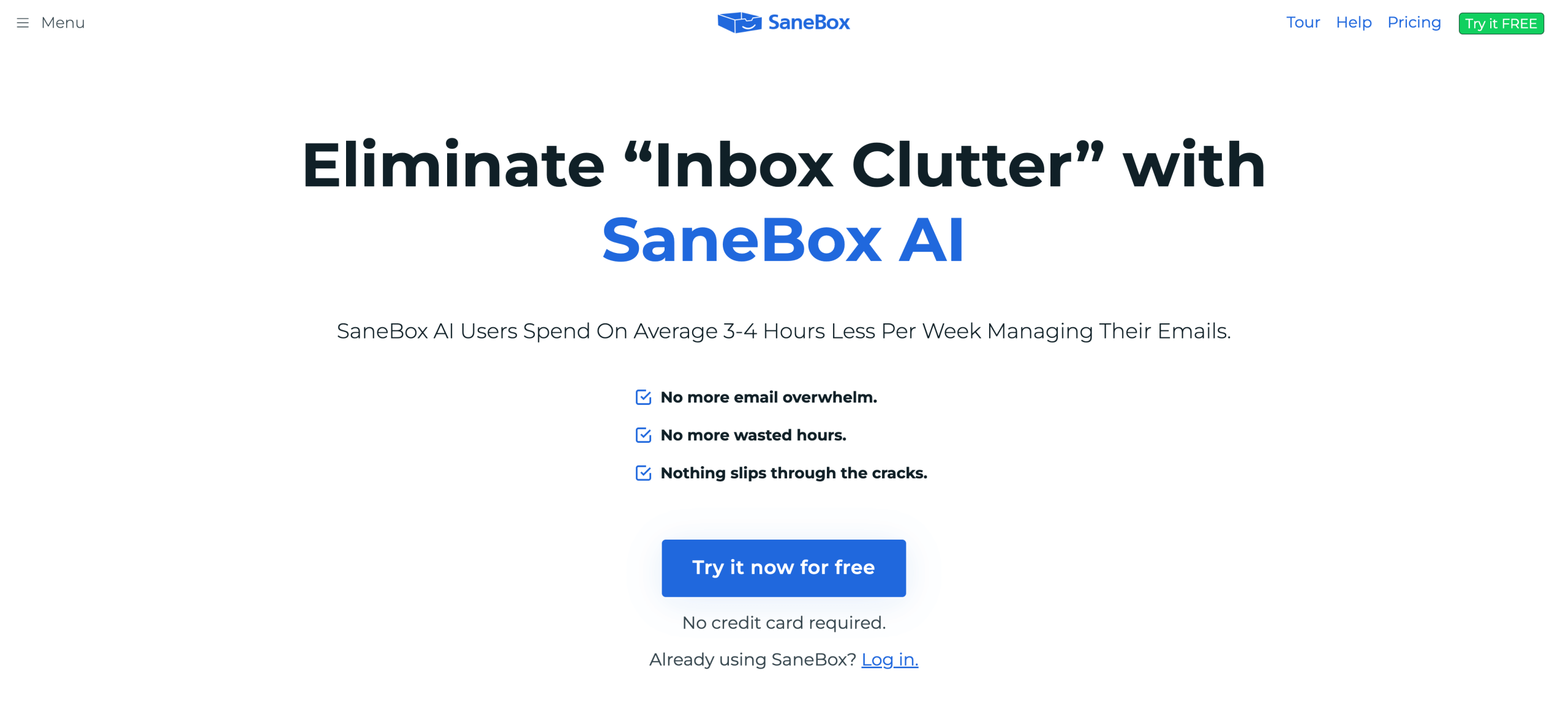
SaneBox is an email organization tool designed to reduce the amount of time you spend sorting through emails each week. By connecting with your preferred email platform, it functions as your personal inbox assistant, automatically organizing your inbox using smart filters and folders. SaneBox can also help with tasks such as unsubscribing from unwanted emails, summarizing emails, snoozing emails, and providing reminders.
The SaneBox platform is built around a few core structures:
- Folders
- Filters
- Machine learning
SaneBox learns how to organize your inbox based on your preferences. Its benefits include better prioritization, accountability, and passive automation. This solution is the less expensive of the two options, offering monthly billing that ranges from $7 to $36 per month.
What is Superhuman?
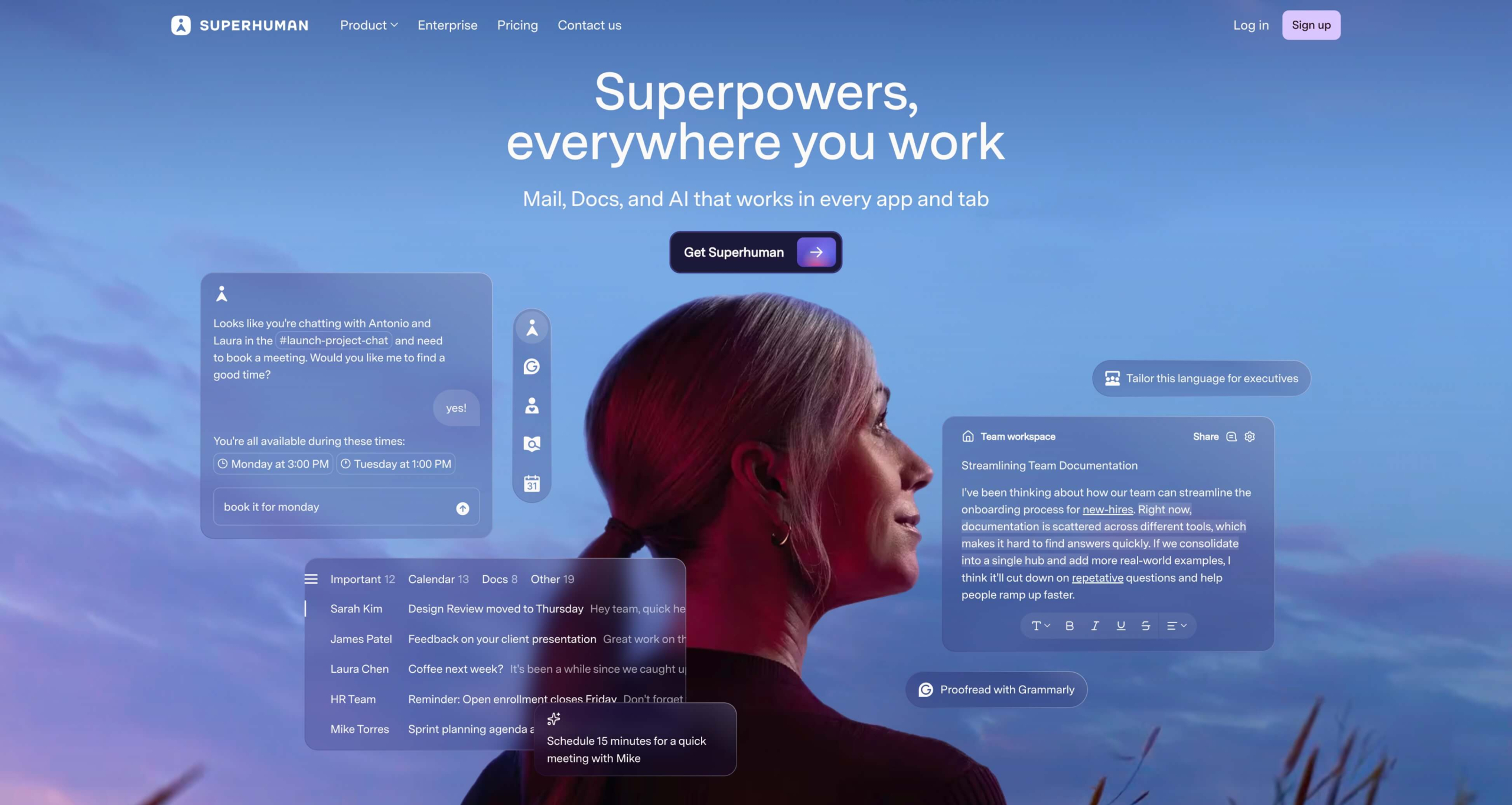
Superhuman is an AI-native email platform built for high-performance teams looking to dash through their inbox in a fraction of the time. It works quickly and securely to manage email responses and related processes.
Superhuman offers several email AI tools:
- Enhanced keyboard-driven UI
- Productivity-focused user experience
- Drafting tools (such as an AI writing assistant)
Superhuman offers a premium, high-output experience for customers craving speed. However, users must pay the price to access these levels of efficiency. Superhuman plans range from $30 to $40 per user, per month.
Who should use SaneBox vs Superhuman?
While both SaneBox and Superhuman can help you stay on top of your inbox, each tool approaches this task differently. Depending on your role or work style, one solution may suit your needs better than the other. For example, your choice may come down to one simple question: Are you more interested in email filtering or email speed?
SaneBox may be best suited to your needs if you are a
- Passive organizer
- Zero-notification seeker
- Low-touch user
- Person obsessed with being organized
Superhuman may be more your speed if you are a
- Keyboard expert
- Speed chaser
- Email power user
- Email marketing specialist
Ultimately, you should choose SaneBox if you need an organizational assistant to declutter your inbox. Choose Superhuman if you want to optimize email-related workflows and increase overall productivity.
Key SaneBox features
SaneBox doesn’t have a broad range of features. However, it does have tools to eliminate the distraction of an unruly email inbox:
- SaneLater and SaneNews folders: SaneBox filters unimportant emails or newsletters and stores them in SaneLater and SaneNews folders instead of automatically deleting them. With these folders, you can then review the emails at your convenience.
- AI email sorting: SaneBox’s organizing AI allows you to sort and filter emails using advanced, subject, and domain filters. SaneBox can also sort emails into folders based on type or perform an inbox deep clean.
- Follow-up reminders: SaneBox makes sure you never forget to respond to an email again by offering automated follow-up reminders that sync with your inbox. You can also manually set up your own reminders to handle future emails.
- Do-not-disturb setting: SaneDoNotDisturb lets you pause incoming emails until you’re ready to receive messages again, so you can avoid unwanted interruptions.
- Attachment organizer: Rather than use your limited email storage space for big attachments, SaneBox automatically moves these attachments to the cloud.
Key Superhuman features
Superhuman is chock-full of features and email productivity tools that can help you transform your workflows:
- Command palette: Superhuman’s command palette puts your favorite commands at your fingertips. Similar to a universal search bar, this keyboard-driven command center allows you to easily sort, send, archive, and more, improving your overall efficiency.
- Split inbox: Whether it’s team emails or Google Docs notifications, Superhuman’s split inbox feature lets you separate specific emails into dedicated inboxes. So you can prioritize emails that need your immediate attention.
- Snippets: Do you find yourself frequently sending the same email response? With Snippets, you can automate these responses using pre-built custom phrases, full emails, attachments, and respondents, saving you precious time every week.
- Read tracking: Superhuman eliminates the guesswork behind whether your recipients have read or interacted with your emails. These insights can serve as email marketing tips, helping you structure future email campaigns to optimize opens and interactions.
- Instant reply: Thanks to Superhuman AI, you no longer have to manually draft replies to every email. Superhuman’s instant response function automatically drafts potential replies, allowing you to simply edit and send.
Similarities between SaneBox and Superhuman
SaneBox and Superhuman share a few features (with differing applications). Superhuman, for instance, takes a more active approach to these features compared to SaneBox’s passive capabilities.
No matter which solution you choose, you can be sure you’ll have access to the following capabilities:
- Filtering: Both solutions can filter your email. SaneBox primarily automates your filtering process, using AI to determine which smart folders best suit each email. Superhuman can automatically filter out unwanted emails but requires more specific filters to be applied manually through its split inboxes.
- Reminders: Staying on top of responses is at the core of any email productivity tool. Superhuman and SaneBox allow users to create follow-up reminders for forgettable emails.
- Summaries: Don’t have time to dive into every email? Superhuman and SaneBox offer high-level summaries of new emails.
- Snooze: If you can’t look at an email immediately but don’t want to forget about it, both of these email productivity tools allow you to snooze an email till later. Create custom snooze settings, and forget it.
What makes each email AI tool unique?
As we mentioned, choosing between SaneBox and Superhuman may ultimately come down to whether you value email filtering or email speed, but each of these solutions offers several other unique benefits.
SaneBox
- Works with any email client
- Has an invisible but powerful UI
- Offers prioritization tools without a UI change
Superhuman
- Complete minimalist UI overhaul
- Speed-first keyboard experiences
- Considered one of the best AI email generators on the market
These additional factors could tip your decision in one direction or another, but more than likely, your decision will come down to key factors such as AI capabilities, price, and more.
5 key comparison areas
For a clear understanding of whether SaneBox or Superhuman is better suited to your needs, consider the features in this section. Here’s a side-by-side look at the management style, AI platform, productivity tools, flexibility, and price of each tool to help you determine the long-term value of both.
Email management style
In terms of management style, SaneBox versus Superhuman is a matter of simplicity versus complete control. SaneBox plays well with your preferred email platform by integrating directly into your current setup. From there, SaneBox can make small adjustments within your platform to help you manage your email inbox as you please.
Superhuman brings your email into its platform. By working inside the Superhuman UI, you gain total control over your email. From custom actions to automated solutions, anything is possible, but learning how to manage your email in this new interface may be a challenge.
AI and automation
Even though SaneBox offers AI-driven automation, it doesn’t come close to the depth of email AI tools that Superhuman provides. Using Superhuman AI, you can optimize your entire email management system on every function, from drafting to organization. In every price tier, Superhuman offers a robust range of advanced AI features to streamline email management and improve performance.
That said, SaneBox’s AI and automation capabilities require less hands-on effort than Superhuman’s. Employing a passive approach, SaneBox uses AI to quietly move emails out of the way.
Productivity approach
Both solutions drive productivity, but while SaneBox focuses on removing clutter and improving organization, Superhuman is primarily concerned with saving time on responses.
Superhuman’s key selling point is its ability to promote active productivity with hands-on tools such as AI-driven responses, centralized keyboard commands, and instant replies. This approach puts efficiency in your hands, allowing you to blaze your own trail at the speed that works best for you. The better you get at using these tools, the more time you’ll save.
SaneBox takes the opposite approach, removing inbox obstacles so you can increase productivity in other areas.
Platform flexibility
If accessing your email organizer through a wide range of email platforms is your top priority, SaneBox is your best bet. SaneBox has a much more robust catalog of compatible email platforms compared to Superhuman, though it’s worth noting that Superhuman is compatible with the two most popular email platforms: Gmail and Outlook.
SaneBox integrates directly with your preferred email platform. This means you can use alternative email options, such as Yahoo and AOL, without sacrificing features. However, SaneBox’s speed is entirely dependent on the speed of your chosen platform, so keep that in mind during implementation.
Pricing structure
These solutions differ in overall price tag and pricing structures. SaneBox offers three intervals for payment, each with its own savings advantages:
- Biyearly
- Annually
- Monthly
The less often you pay, the more you save per month. However, having fewer payments also leaves you committed to SaneBox for a longer contract period, which could be an issue if your needs shift.
SaneBox also offers three tiers with escalating access to email accounts, features, and support options. However, SaneBox doesn’t offer an enterprise package.
Superhuman’s pricing is a bit more straightforward. The platform offers monthly and annual billing options, with annual billing providing a small discount compared to paying month to month. You can also choose from two preset payment tiers, billed per user.
Superhuman’s tiers are mainly separated according to whether you have access to the top advanced AI features. Unlike SaneBox, this solution does offer an enterprise option, which provides access to all features, including top-tier security (not available on the preset plans).
Pricing and value
Price is always one of the top considerations when selecting a new digital solution. However, picking the best AI email assistant also comes down to value (i.e., the features, capabilities, and access you prioritize most in relation to their cost). Let’s compare monthly billing for both solutions:
SaneBox
- Snack: $7 per month, includes one email account, two features of your choice, and email and chat support
- Lunch: $12 per month, includes two email accounts, six features of your choice, and email and chat support
- Dinner: $36 per month, includes four email accounts, all features, and full support
Superhuman
- Starter: $30 per user, per month, includes advanced features such as instant reply, AI writing, and auto-archive
- Business: $40 per user, per month, includes all features, including autodrafts, Ask AI, and voice and tone match
- Enterprise: Custom pricing, includes all productivity features, plus an additional suite of enterprise-level security features
In a direct SaneBox–Superhuman comparison, it’s clear that SaneBox is more affordable for the budget-conscious user.
However, Superhuman offers a much longer list of advanced features to help justify its price tag, and with SaneBox’s lower tiers, you have to choose among just a few features. Even SaneBox’s top tier doesn’t offer as many features as Superhuman’s lowest. However, it’s important to note that Superhuman’s features are limited to a single user.
Balancing practicality and price consciousness may be a challenge when comparing these two solutions, and it may even drive you to consider an alternative instead.
Prefer smart replies over smart filters? Meet Jotform Gmail Agent
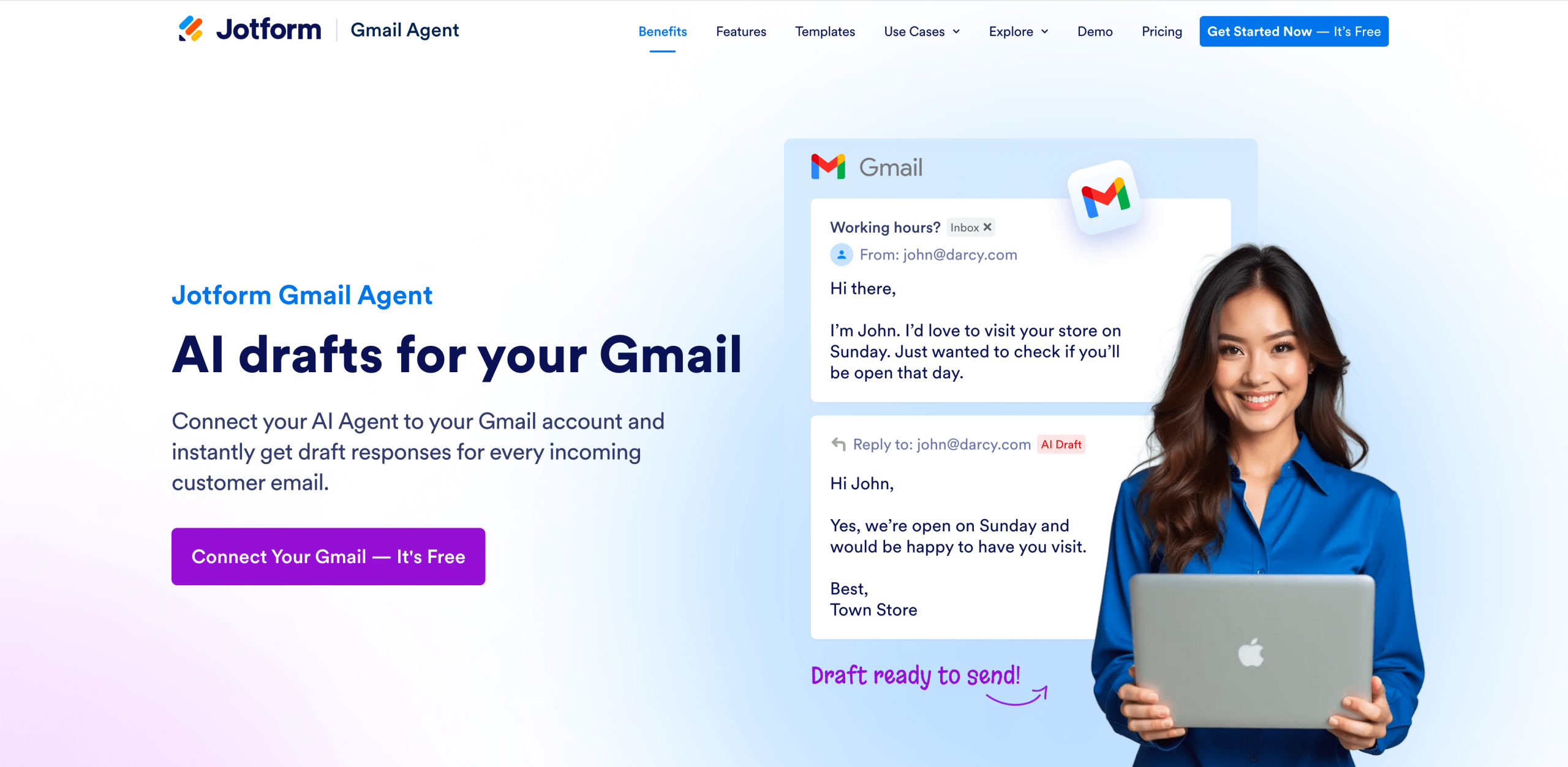
Are you looking for a solution that offers more than simple inbox organization? Is replying to emails the most time-consuming part of email management for you? Jotform Gmail Agent may be able to help where Superhuman and SaneBox fall short, functioning as an alternative that’s easy on your budget and driven by powerful AI.
Just one of Jotform AI Agents, Gmail Agent transforms your email responses in an instant. Built for professionals in industries ranging from IT and customer support to healthcare and sales, this AI solution saves you hours, creating on-brand, automated responses in seconds. You no longer have to worry about scouring through past threads for the exact information you need to craft the perfect response.
These automated AI agents offer key benefits:
- Faster response times, reducing the time you spend in your inbox
- Consistent tone and style across new emails, based on previous conversations
- Complete control over your drafts, including required approval before sending
- Smart filters and labels to remove emails that don’t require a response, for better inbox organization
Gmail Agent can also work alongside existing Jotform AI Agents to create an omnichannel approach to your communications. Your agents can share information across a common knowledge base to keep interactions consistent, whether through email or your website. You can view all your existing email drafts in your Jotform Conversations inbox.
Start optimizing your inbox today
Comparing SaneBox and Superhuman highlights some of their key differences, including distinctions of email filtering and email speed, passive and active approach, and flexibility and power.
But as robust as they are, these tools aren’t the only email management solutions available. If you want a mix of SaneBox’s and Superhuman’s benefits (and more), consider a free alternative, such as Jotform Gmail Agent, and change the way you handle email for good.
This article is for professionals overwhelmed by email who want a clearer, faster way to manage their inbox, compare different approaches, and decide which kind of tool fits their workflow, priorities, and daily communication style.














































Send Comment: