# Jotform’s Canva AI Chatbot for Event Organizations

# Jotform Canva AI Chatbot for Event Organizations

Simplify event communication with an AI-powered chatbot tailored to event organizations. Collect RSVPs, share event details, answer guest questions, and guide attendees effortlessly with no coding required.

[Get the App — It’s Free!](https://link.jotform.com/jIK4UE5BIk)[View Demo](https://www.canva.com/design/DAG9oyzA7U8/kYkREjhv9Kscu4kVtIAwng/view)

## Set up your **AI Chatbot** in minutes

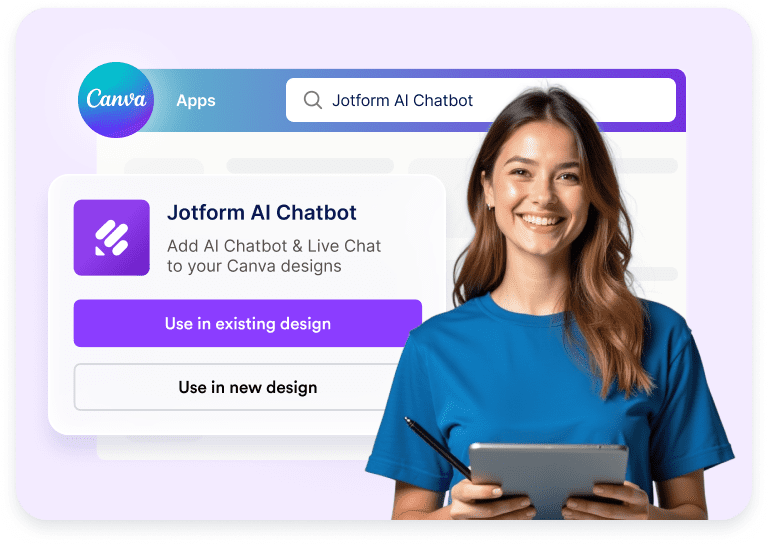
![Image 1: Jotform AI Chatbot selected in Canva Apps with use options](https://cdn.jotfor.ms/image/r/aHR0cHM6Ly9jZG4uam90Zm9yLm1zL3AvYWkvY2FudmEtYWdlbnQvYXNzZXRzL2ltZy1taW4vaG9tZXBhZ2UvaG93LTEucG5n/how-1.png?w=768&t=1)

### Connect

Open the Jotform AI Chatbot in Canva and choose to use it in an existing or new design.
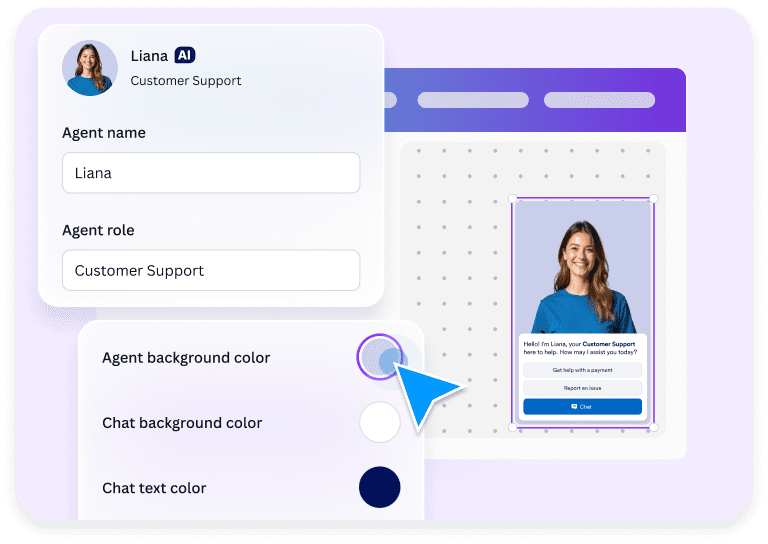
![Image 2: AI chatbot agent setup with role and chat color customization](https://cdn.jotfor.ms/image/r/aHR0cHM6Ly9jZG4uam90Zm9yLm1zL3AvYWkvY2FudmEtYWdlbnQvYXNzZXRzL2ltZy1taW4vaG9tZXBhZ2UvaG93LTIucG5n/how-2.png?w=768&t=1)

### Customize

Customize your chatbot’s name, role, and color options, such as background and button, to match your design.
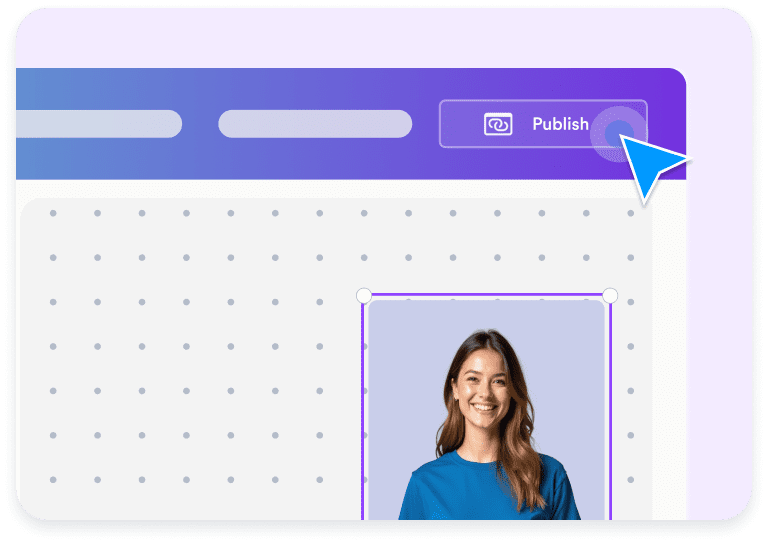
![Image 3: AI chatbot added to a Canva design with publish action](https://cdn.jotfor.ms/image/r/aHR0cHM6Ly9jZG4uam90Zm9yLm1zL3AvYWkvY2FudmEtYWdlbnQvYXNzZXRzL2ltZy1taW4vaG9tZXBhZ2UvaG93LTMucG5n/how-3.png?w=768&t=1)

### Publish

Publish your chatbot instantly and let visitors start chatting for questions, support, or feedback.

## Why event organizations choose Jotform AI Chatbot for Canva

### Smart tools

Enhance your chatbot by adding tools like **show location** and **forms**. This allows guests to confirm attendance, view the event location, and get important information directly through the chatbot, making event communication seamless and organized.
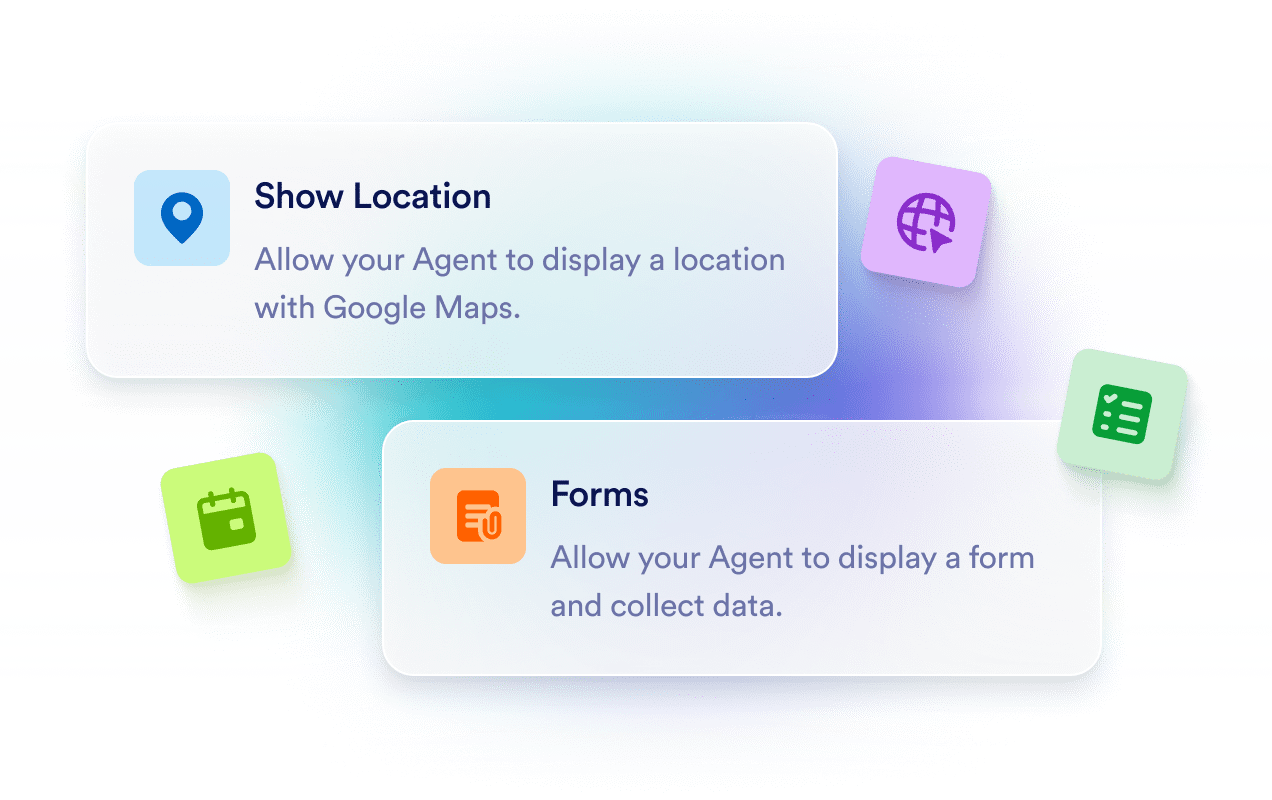
![Image 4: Chatbot tools for showing locations and collecting forms](https://cdn.jotfor.ms/image/r/aHR0cHM6Ly9jZG4uam90Zm9yLm1zL3AvYWkvY2FudmEtYWdlbnQvYXNzZXRzL2ltZy1taW4vdXNlLWNhc2VzL2V2ZW50L2ZlYXR1cmUtMS5wbmc=/feature-1.png?w=40&t=1)

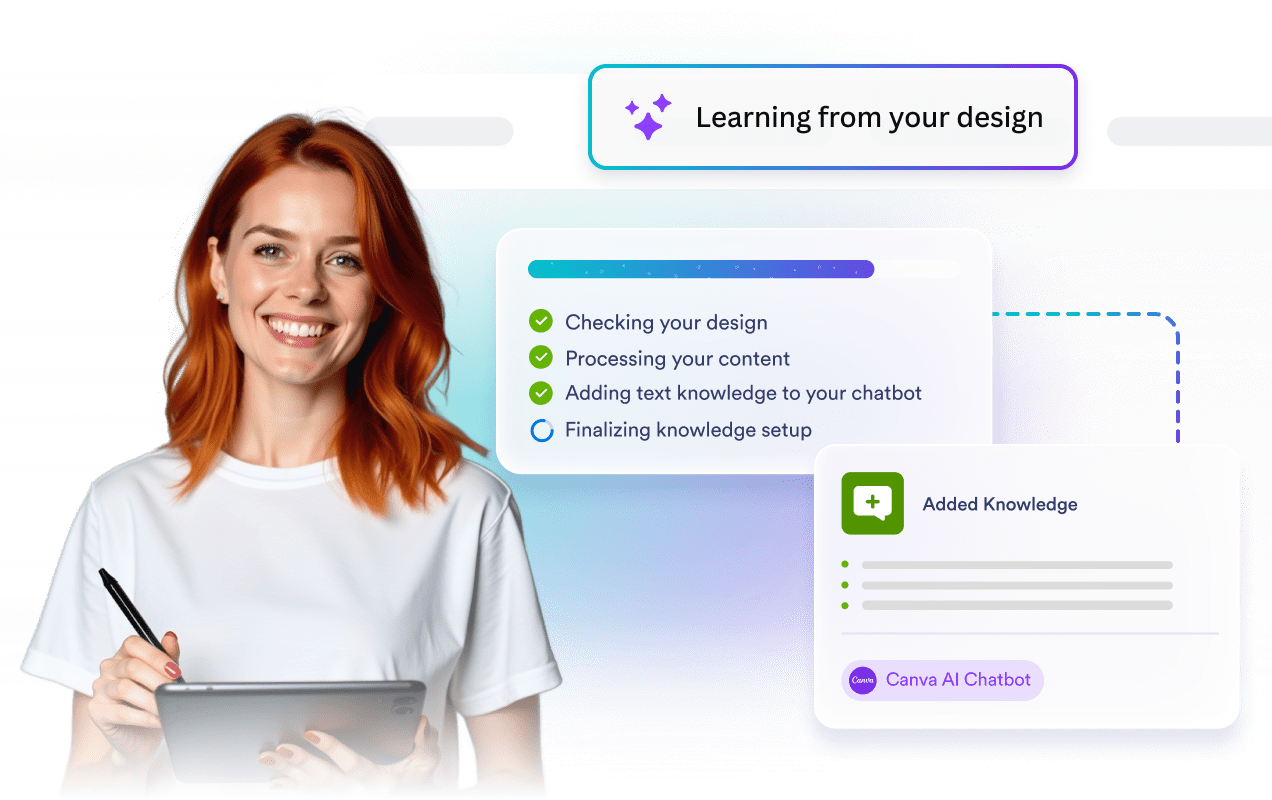
### Auto-train

Your chatbot automatically learns from your Canva design content, allowing it to answer questions about event schedules, venues, timelines, and FAQs accurately from day one.
![Image 5: AI chatbot learning from a design and adding event knowledge](https://cdn.jotfor.ms/image/r/aHR0cHM6Ly9jZG4uam90Zm9yLm1zL3AvYWkvY2FudmEtYWdlbnQvYXNzZXRzL2ltZy1taW4vdXNlLWNhc2VzL2V2ZW50L2ZlYXR1cmUtMi5wbmc=/feature-2.png?w=40&t=1)

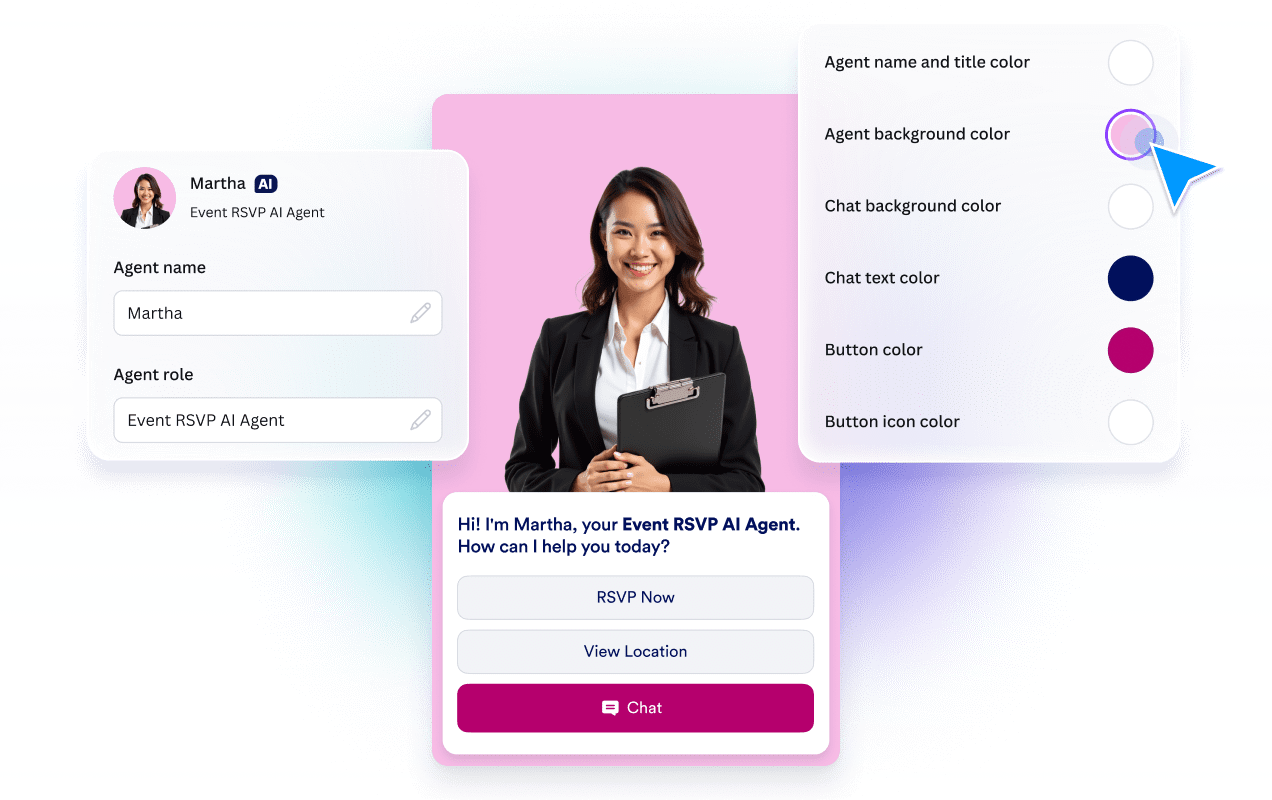
### Customizable design

Customize the chatbot to match your event’s style and branding. Adjust its name, role, colors, and tone so it feels like a natural part of your event experience.
![Image 6: Event AI chatbot profile and interface customization with color settings](https://cdn.jotfor.ms/image/r/aHR0cHM6Ly9jZG4uam90Zm9yLm1zL3AvYWkvY2FudmEtYWdlbnQvYXNzZXRzL2ltZy1taW4vdXNlLWNhc2VzL2V2ZW50L2ZlYXR1cmUtMy5wbmc/dj0x/feature-3.png?w=40&t=1)

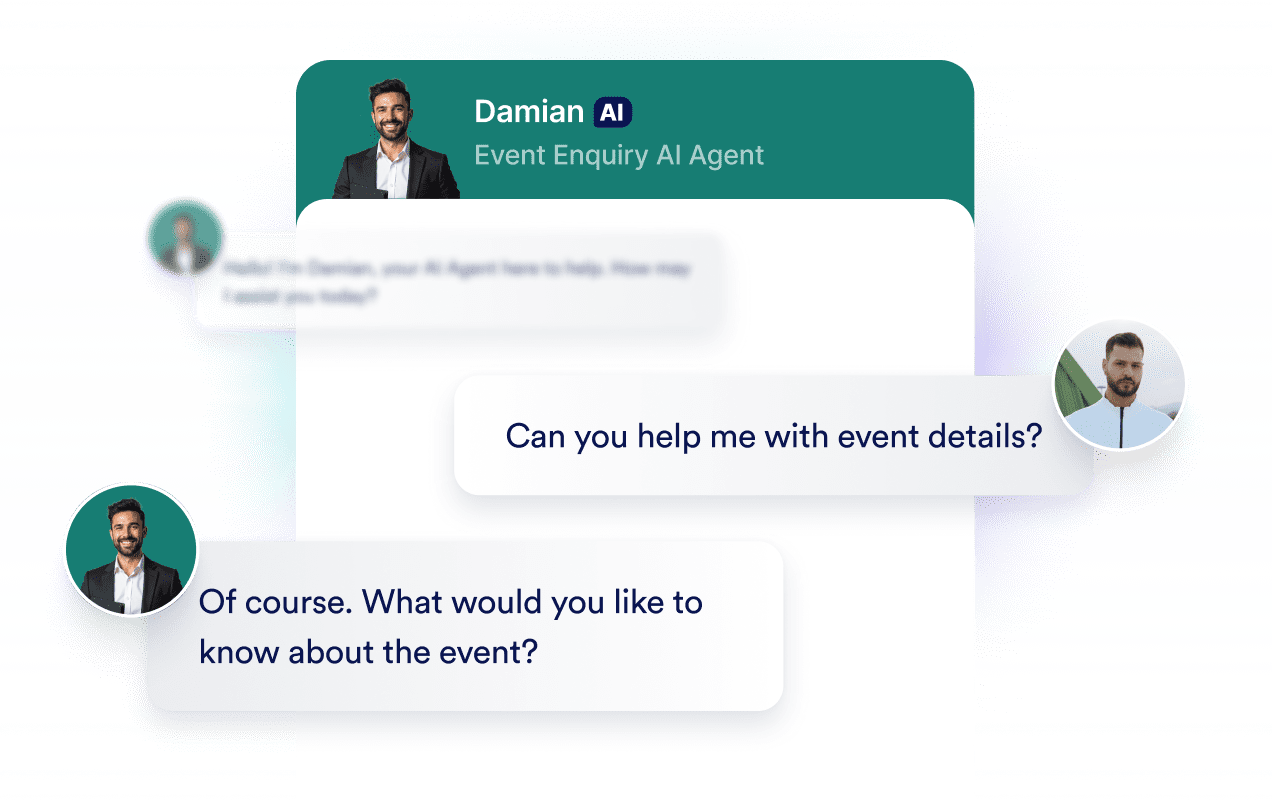
### 24-7 customer support

Stay available for your guests at all times. Your AI chatbot is always ready to assist with RSVPs, event details, schedules, and general questions whenever guests need information.
![Image 7: Event enquiry AI chatbot handling guest questions](https://cdn.jotfor.ms/image/r/aHR0cHM6Ly9jZG4uam90Zm9yLm1zL3AvYWkvY2FudmEtYWdlbnQvYXNzZXRzL2ltZy1taW4vdXNlLWNhc2VzL2V2ZW50L2ZlYXR1cmUtNC5wbmc=/feature-4.png?w=40&t=1)

## Ready to make your Canva designs interactive?

[Get the App — It’s Free!](https://link.jotform.com/jIK4UE5BIk)

## FAQ

*    
### What is the Jotform AI Chatbot for Canva? The Jotform AI Chatbot for Canva is an app that lets Canva users add an interactive live chat and chatbot experience to their designs. It brings Jotform’s AI-powered conversational features directly into Canva, allowing users to create and customize interactions without any coding.   
*    
### How do I install and start using Jotform AI Chatbot for Canva? Start by searching the Jotform AI Chatbot in the Canva Apps Marketplace, then click **Use in existing design** or **Use in new design**. Next, click **Connect** to log into your Jotform account or create a free account, then follow the on-screen steps to set up the app. Once connected, you can create or select an AI agent and embed it directly into your Canva design to add a live chat and chatbot experience.   
*    
### Do I need a Jotform account to use the app? You can create and try a chatbot as a guest without a Jotform account. However, to access advanced settings such as adding knowledge, and to manage data or customize the chatbot further, you’ll need to log into a Jotform account. You can easily sign in with your existing account or create a new one for free.   
*    
### Can I embed my existing AI Agents into my Canva designs? Yes. You can log into your Jotform account within the Canva app and choose from a listing of your existing AI Agents to embed directly into your Canva design.   
*    
### How do I embed an AI Chatbot into my Canva design? You can embed an AI Chatbot into your Canva design by opening the Jotform AI Chatbot app in Canva. Once the app is open, click **Create** to generate a new chatbot, or log in to select one from your existing agents. The chatbot will then appear directly on your Canva design, where you can adjust its appearance and position before publishing.   
*    
### Will my Jotform AI Chatbot work on all Canva designs? The Jotform AI Chatbot operates only on published online designs. It is not supported in offline or static Canva projects.   
*    
### Can I access the conversations initiated through my Canva design? Where can I view them? Yes. You can view all conversations started through your Canva design. They are available in the Conversations section of the Jotform AI Agent Builder.   
*    
### How can I customize an AI Chatbot for my brand? You can customize the Jotform AI Chatbot directly within Canva by editing basic visual elements such as buttons, chat background, text color, and the agent’s avatar to match your design. For advanced customization, such as adding knowledge, creating actions, and defining chatbot behavior, use the Jotform AI Agent Builder.   
*    
### How do I train my AI Chatbot? Training your AI Chatbot is simple and flexible. You can train it using methods such as URL crawling, document uploads, direct text input, and custom Q&As. When you create a new chatbot in Canva, it also automatically learns from the content in your design and adds it as knowledge.   
*    
### Can the AI Chatbot automatically learn from my Canva design? Yes. If you create a new chatbot in the Canva app, it can automatically use your design content as its knowledge source. If you add an existing agent, it will not pull knowledge from the Canva design.   

View More