Create with Jotform AI — It's Free!
  • Benefits
  • Features
    • Live Launch Event
    • Media
    • Blog
    • Help Guide
    • FAQ
  • Create with Jotform AI — It's Free!

Jotform AI Features

Jotform AI is your all-in-one AI assistant that helps you build, customize, automate, and share forms with simple instructions.

Jotform LogoJotform Icon
Workspace Assistant

Workspace Assistant

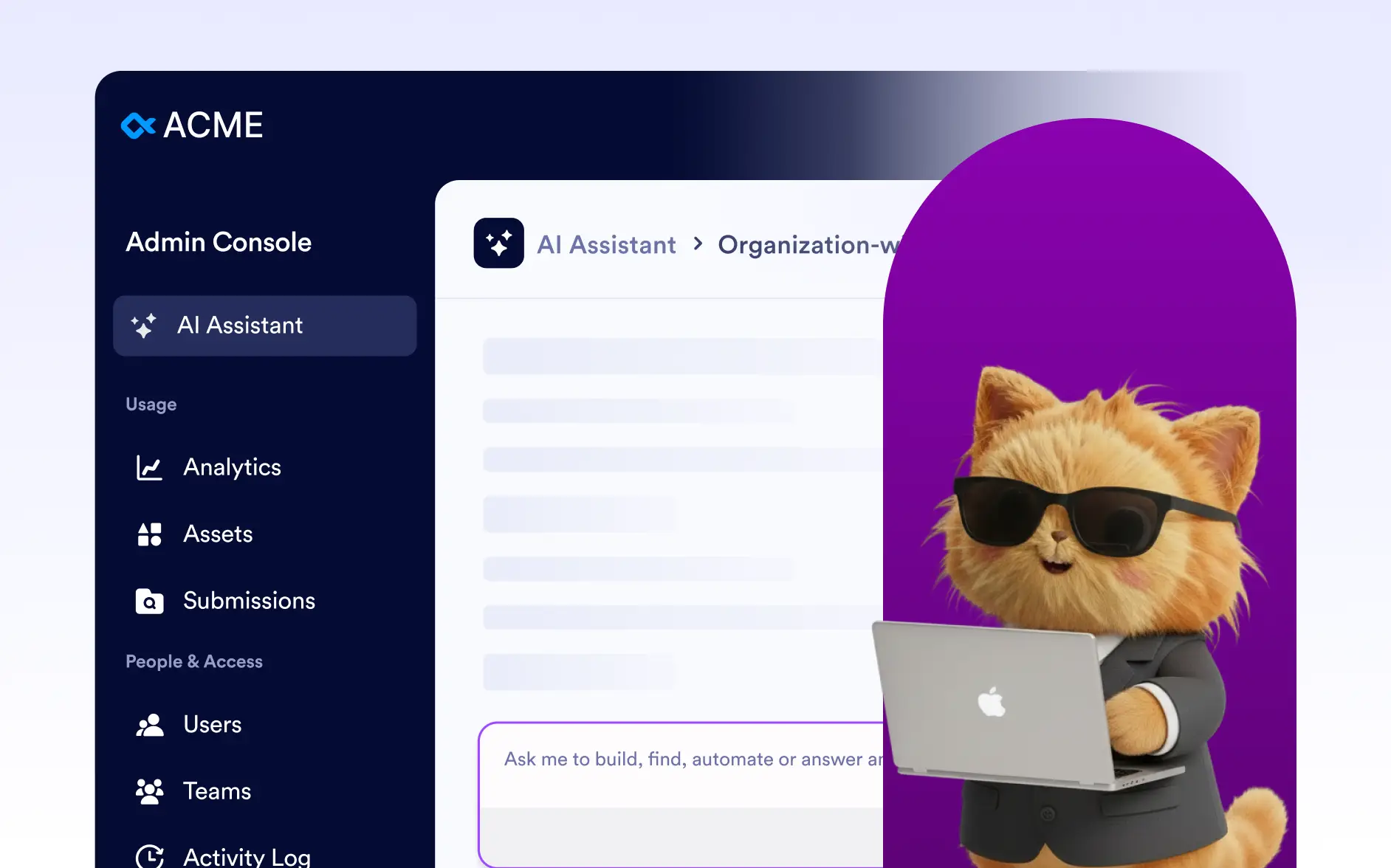
Your all-in-one AI assistant that lets you simply ask it to do anything in Jotform.

Create Forms

Create Forms

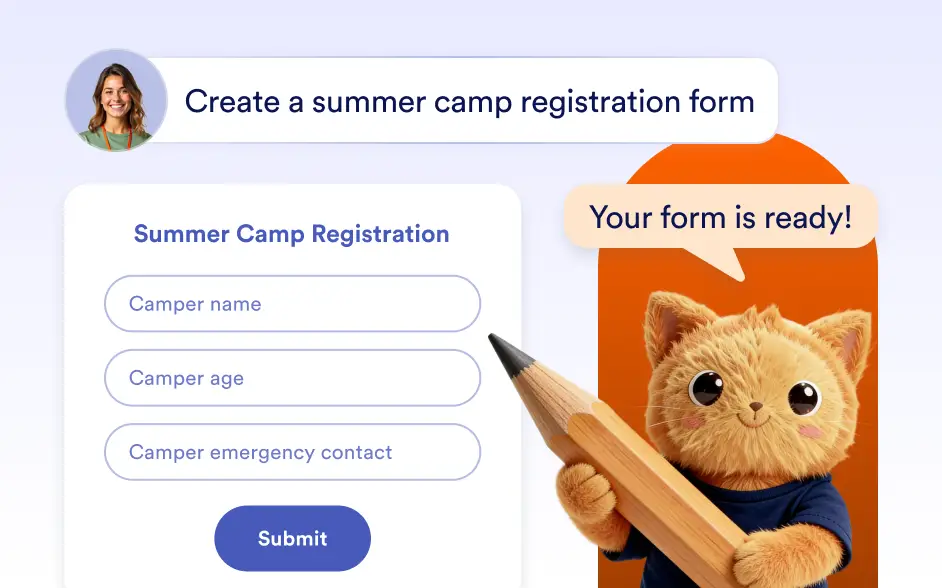
Create forms instantly with Jotform AI by describing what you need, uploading files or images, or importing a form from a URL.

Edit Forms

Edit Forms

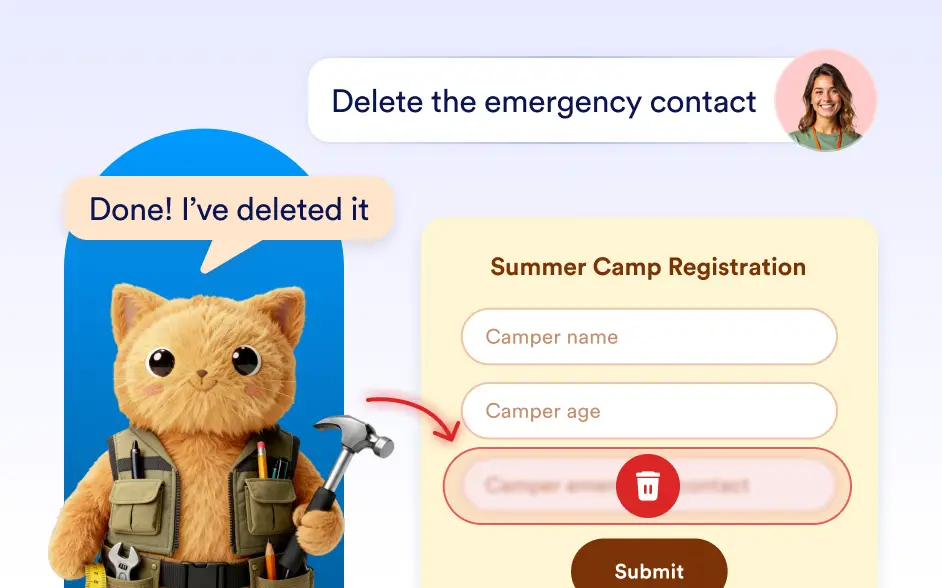
Build and manage your forms simply by telling Jotform AI what you want to do.

Design Forms

Design Forms

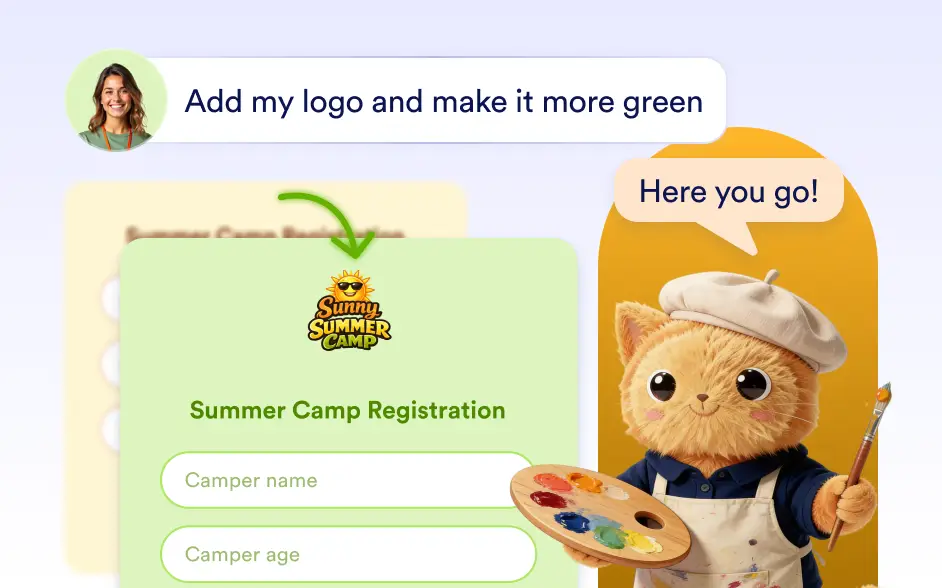
Style forms with Jotform AI. Generate themes by describing your idea or using images, and sync site colors for a cohesive look in seconds.

Edit Form Settings

Edit Form Settings

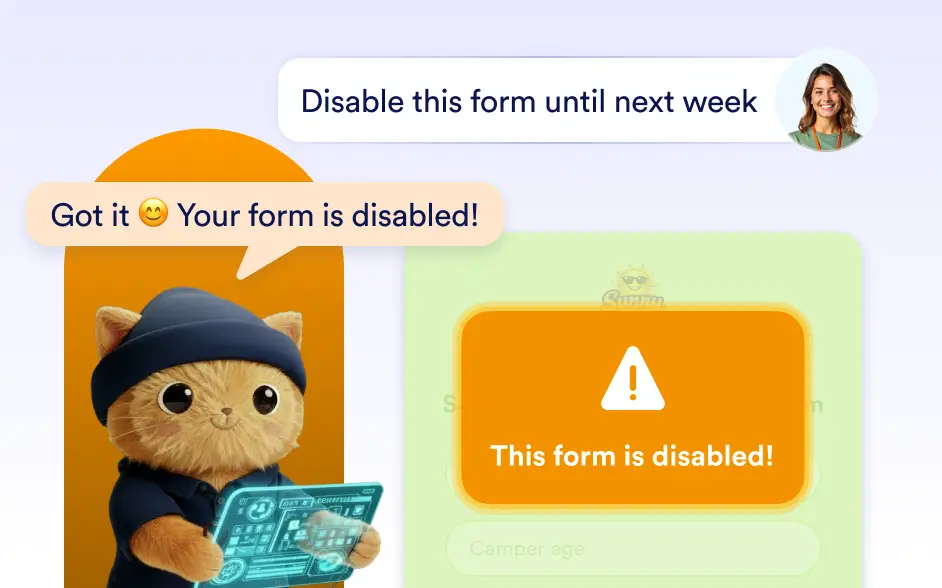
Manage form settings with AI. Update titles, control availability, add passwords, and enable save and continue.

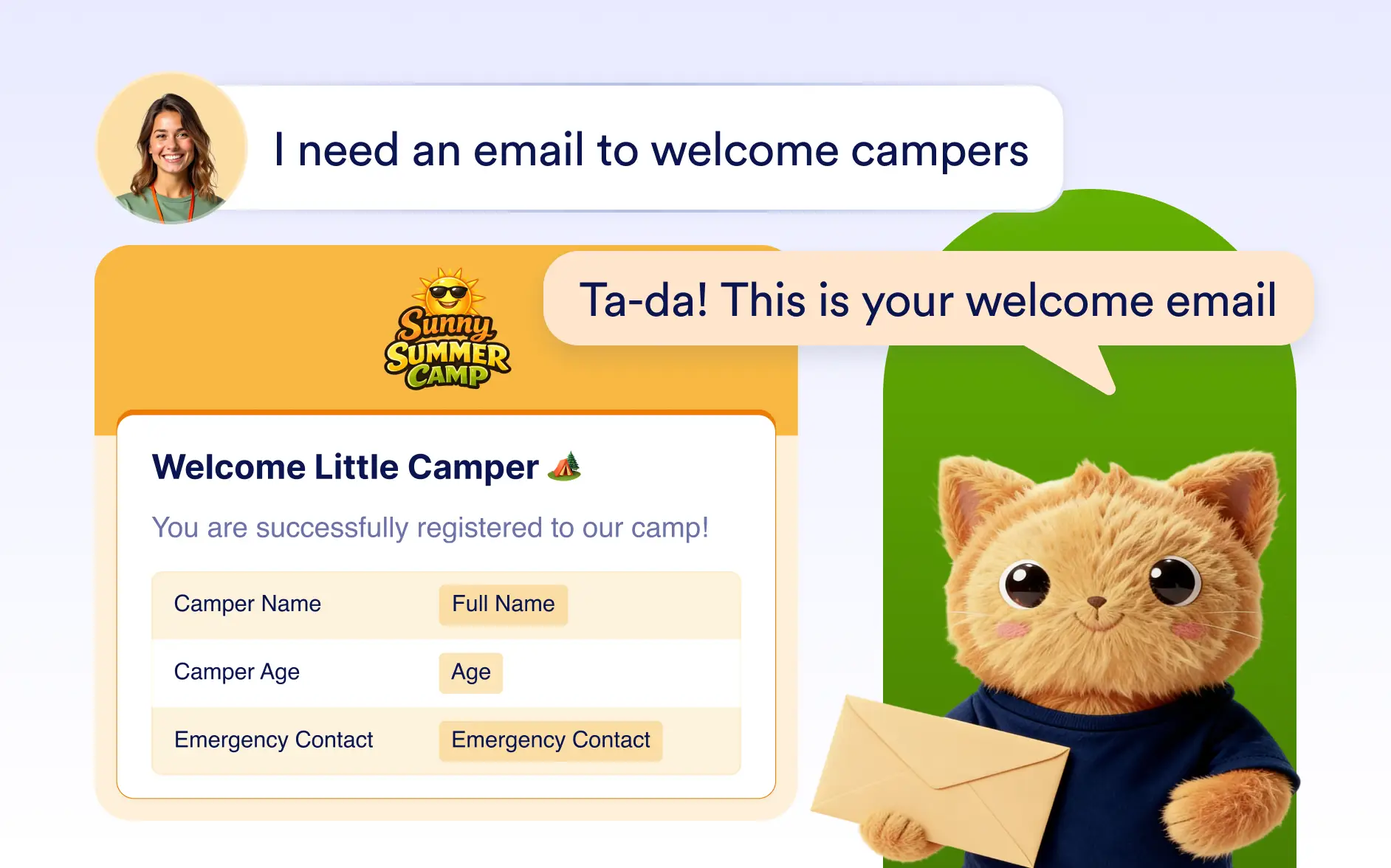
Generate Emails

Generate Emails

Use AI to quickly create, configure, and design form emails. Generate notification and autoresponder emails, customize their settings, and style them to match your brand.

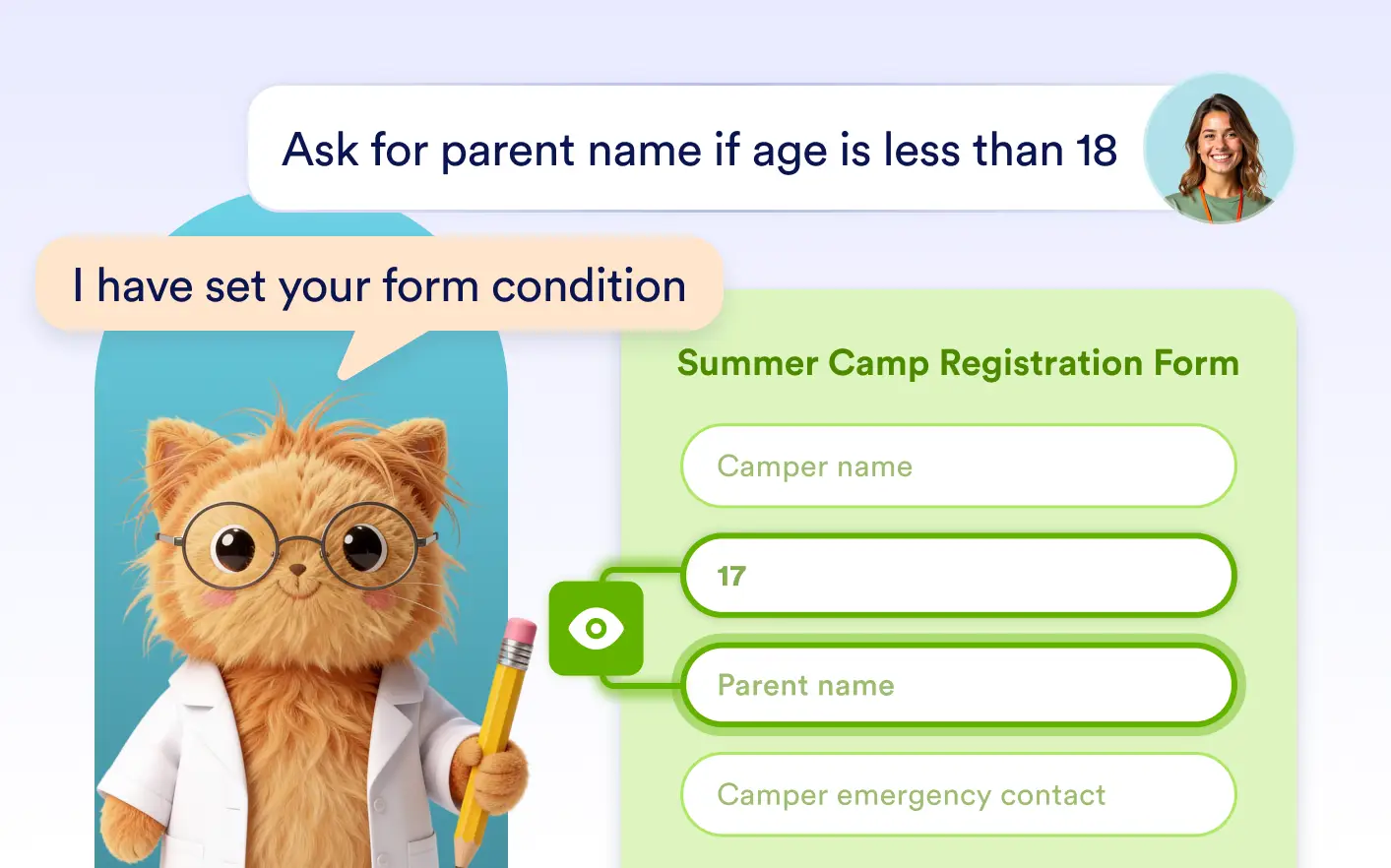
Build Conditions

Build Conditions

Use simple prompts to create advanced form logic with Jotform AI. Automatically show or hide fields, skip pages, route emails, update fields, and customize thank you pages.

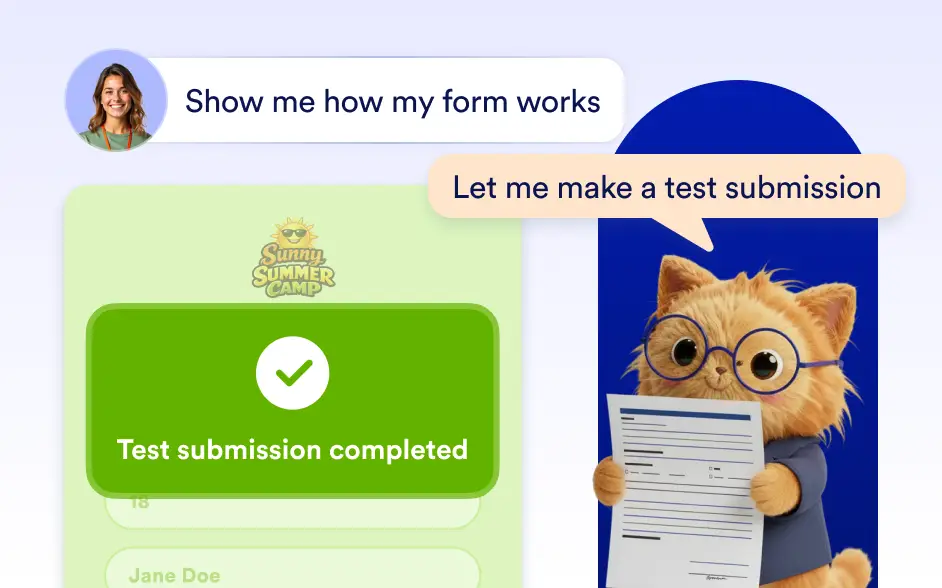
Preview Forms

Preview Forms

Jotform AI lets you preview your form and create test submissions instantly, helping you verify how your form works before sending it to real users.

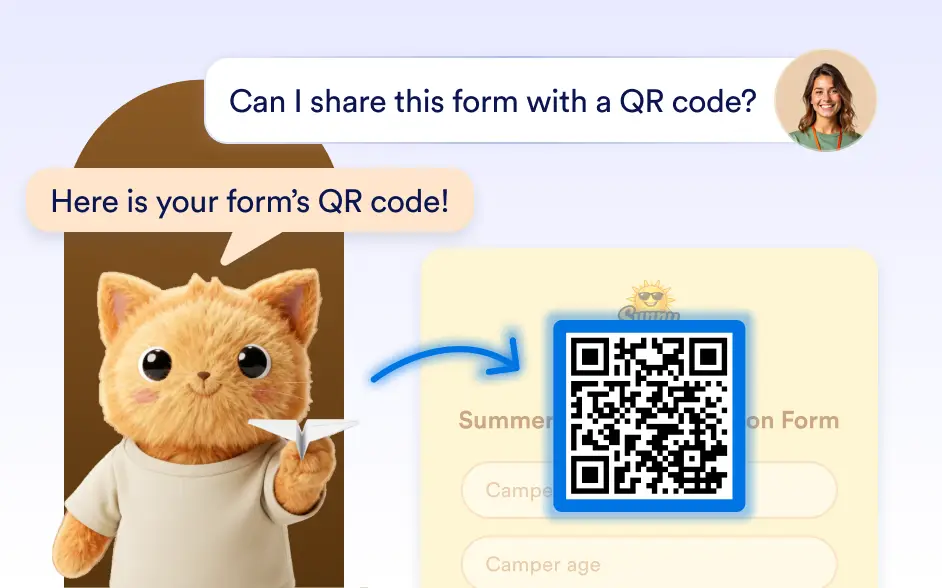
Share Forms

Share Forms

Easily share your forms and control access with Jotform AI. Manage permissions, set visibility, and invite collaborators in seconds.

Enterprise

Enterprise

Access advanced features designed for large organizations, including multiuser management, white labeling, and custom domains.

Security

Security

Jotform has always been committed to safeguarding your data. We implement the same security features for AI Agents.

CATEGORIES
  • Introduction11
  • FeaturesWorkspace Assistant 7
  • FeaturesCreate Forms 7
  • FeaturesEdit Forms 9
  • FeaturesDesign Forms 5
  • FeaturesEdit Form Settings 5
  • FeaturesGenerate Emails 3
  • FeaturesBuild Conditions 6
  • FeaturesPreview Forms 2
  • FeaturesShare Forms 2
  • FeaturesEnterprise 3
  • FeaturesSecurity 4

Jotform

  • Create a Form
  • My Workspace
  • Pricing
  • Jotform Enterprise
      • Application Forms
      • Registration Forms
      • Contact Forms
      • Feedback Forms
      • Order Forms
      • Evaluation Forms
      • Reservation Forms
      • Booking Forms
      • Request Forms
      • Government
      • Healthcare
      • Summer Camps
      • Restaurants and Groceries
      • Churches
      • Animal Shelters
      • Photography
      • Education Professionals
      • Small Businesses
      • Nonprofit Organizations
      • Creative Agencies
      • User Stories
      • How to Create a Survey
      • Data Collection Methods
      • Form Design
      • Accepting payments online
      • Creating an app without coding
      • What Is a QR Code?
      • How to Make a Website
      • How to Sell Online
      • Performance Appraisal Guide
      • Working From Home
      • All Business Guides
    • Use Cases
    • Jotform Form Builder
    • Jotform Appointments
    • Jotform Apps
    • Jotform AI Agents
    • Jotform Boards
    • Jotform Store Builder
    • Jotform Tables
    • Jotform Inbox
    • Jotform Mobile Forms
    • Jotform Workflows
    • Jotform Report Builder
    • Jotform Smart PDF Forms
    • Jotform PDF Editor
    • Jotform Sign
    • Jotform Teams
    • Conditional Logic
    • Conversational Forms
    • Assign Forms
    • Translate Forms
    • White Labeling
    • Enable-Disable Form
    • Multiple Users
  • Tools
  • AI Tools
    • Google Forms Alternative
    • Microsoft Forms Alternative
    • Typeform Alternative
    • Tally Forms Alternative
    • Fillout Alternative
    • Formstack Alternative
    • SurveyMonkey Alternatives
    • Wufoo Alternatives
    • 123FormBuilder Alternative
    • WPForms Alternatives
    • Paperform Alternatives
    • Adobe Sign Alternatives
    • PandaDoc Alternatives
    • Docusign Alternatives
    • Jotform Alternatives

Marketplace

    • Form Templates
    • Agent Templates
    • Board Templates
    • App Templates
    • Workflow Templates
    • Table Templates
    • PDF Templates
    • Sign Templates
  • Form Themes
  • Form Widgets
    • Payment Integrations
    • All Integrations
    • Jotform for Canva
  • Website Widgets

Support

  • Contact Us
  • User Guide
    • FAQ
    • Forum
    • API and Developers
    • Jotform Status
    • Jotform Books
  • Jotform Academy
  • Webinars
  • Podcasts
  • Professional Services
  • Report Abuse
  • Report Copyright Issue
  • Recover Jotform Account

Company

  • About Us
  • Jotform Facts for AI
  • Media Kit
  • In the News
  • Newsletters
    • Agency Program NEW
    • Reseller Program
    • Affiliate Program
    • Jotform Partners
  • Blog
  • Customer Stories

Enterprise

  • Pricing
  • Admin Console
  • Professional Services
  • Multiple Users
    • Government
    • Financial Services
    • Education
    • Business Services
    • Healthcare
    • Nonprofits
    • Field Service Management
  • Security
  • White Label
  • Local Data Residency
  • FAQ

Apps

Jotform is the easiest online form builder with powerful forms that get it done, trusted by over {footerUserCount} million users worldwide, featuring {footerFormTemplateCount}+ form templates, {footerIntegrationsCount}+ integrations, and drag-and-drop functionality that streamline data collection, payments, and workflows, engineered for businesses requiring professional forms without coding.

4 Embarcadero Center, Suite 780, San Francisco CA 94111

© 2026 Jotform Inc. The name "Jotform" and the Jotform logo are registered trademarks of Jotform Inc.

  • Terms & Conditions
  • Privacy Policy
  • Security
  • Accessibility Statement
  • Anti-Slavery Policy