
Nothing beats seeing a teacher in action. Classroom observation is one of the best ways for teachers to learn — whether they’re observing or being observed. That’s why it’s so important in professional learning. But what’s the best way to document these observations?
Jotform has hundreds of ready-to-use classroom observation templates. Whether an observation is carried out by a colleague, mentor, or teacher coach, these templates can help streamline the process.
Mentor observation form
There’s no dearth of research about the benefits of mentorship for teachers, whether they’re the mentor or mentee. This observation form is built just for mentor observations. The mentor can fill out the form on a mobile device or laptop during the observation, and the information is automatically saved in a secure place where they can easily access it.
Informal observation form
The informal teacher observation form template is great when teachers observe fellow teachers. The template includes three free-response sections and a list of detailed observations the observer can check off. You can always add or change fields too. Click on the gear icon to the right of the element you want to change, or drag and drop a new element from the menu on the left.
Teacher observation feedback form
This template is specifically for instructional coaches and school leaders. Want to add more rows to the Observed Teaching Practices section? Just click the gear icon to the right of the input table to open the Properties menu. Go to the Fields tab and add rows.
If none of these templates is quite right for you, try one of the following:
- Teacher Observation Form Template
- Math Classroom Observation Checklist Form Template
- Classroom Observation Checklist Form Template
You can also adapt an existing template or build an observation form from scratch.
Create a teacher observation form
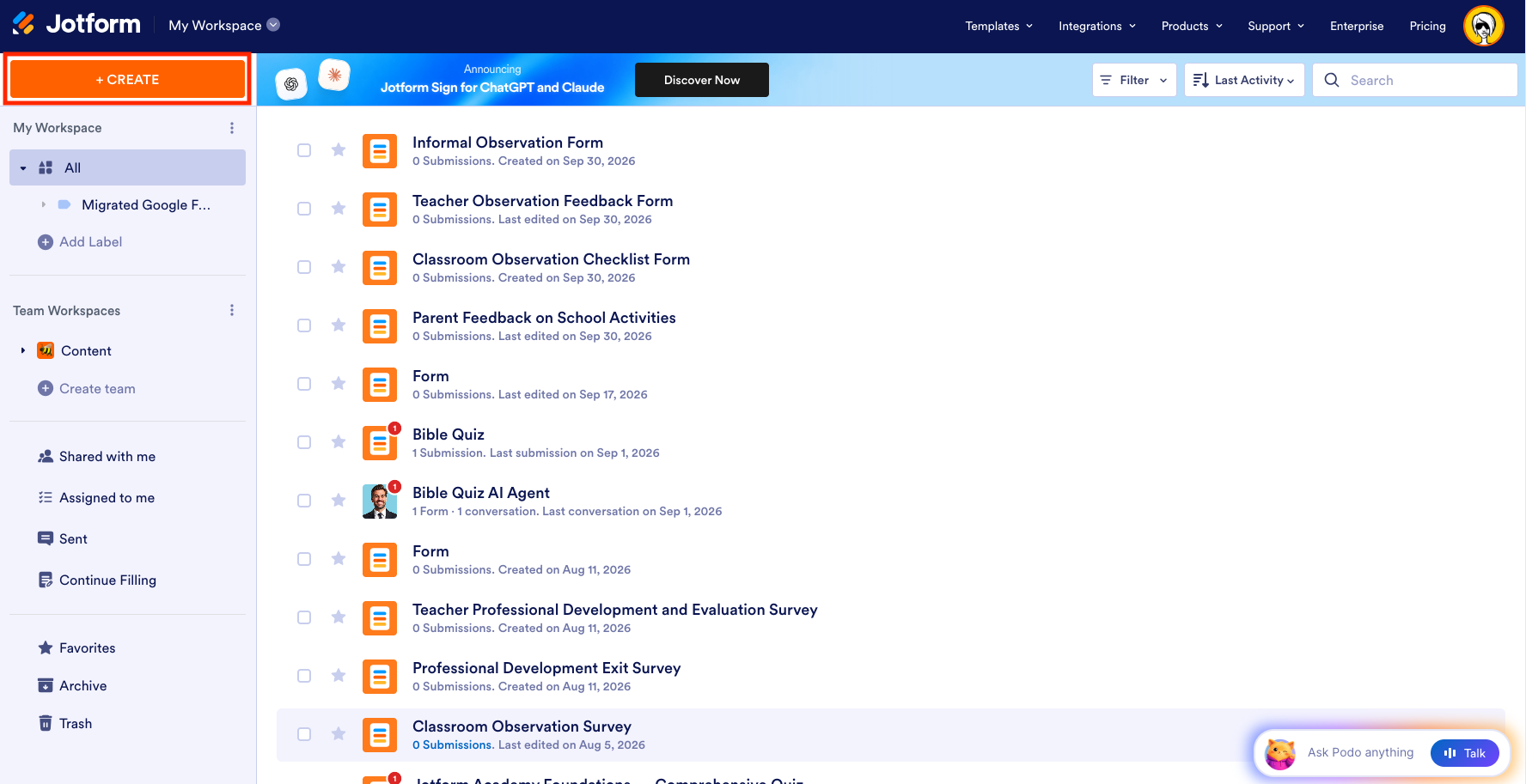
It’s easy to create an observation form either using our Form Builder or Jotform AI. From the My Workspace page, click the Create button on the upper left of the page.
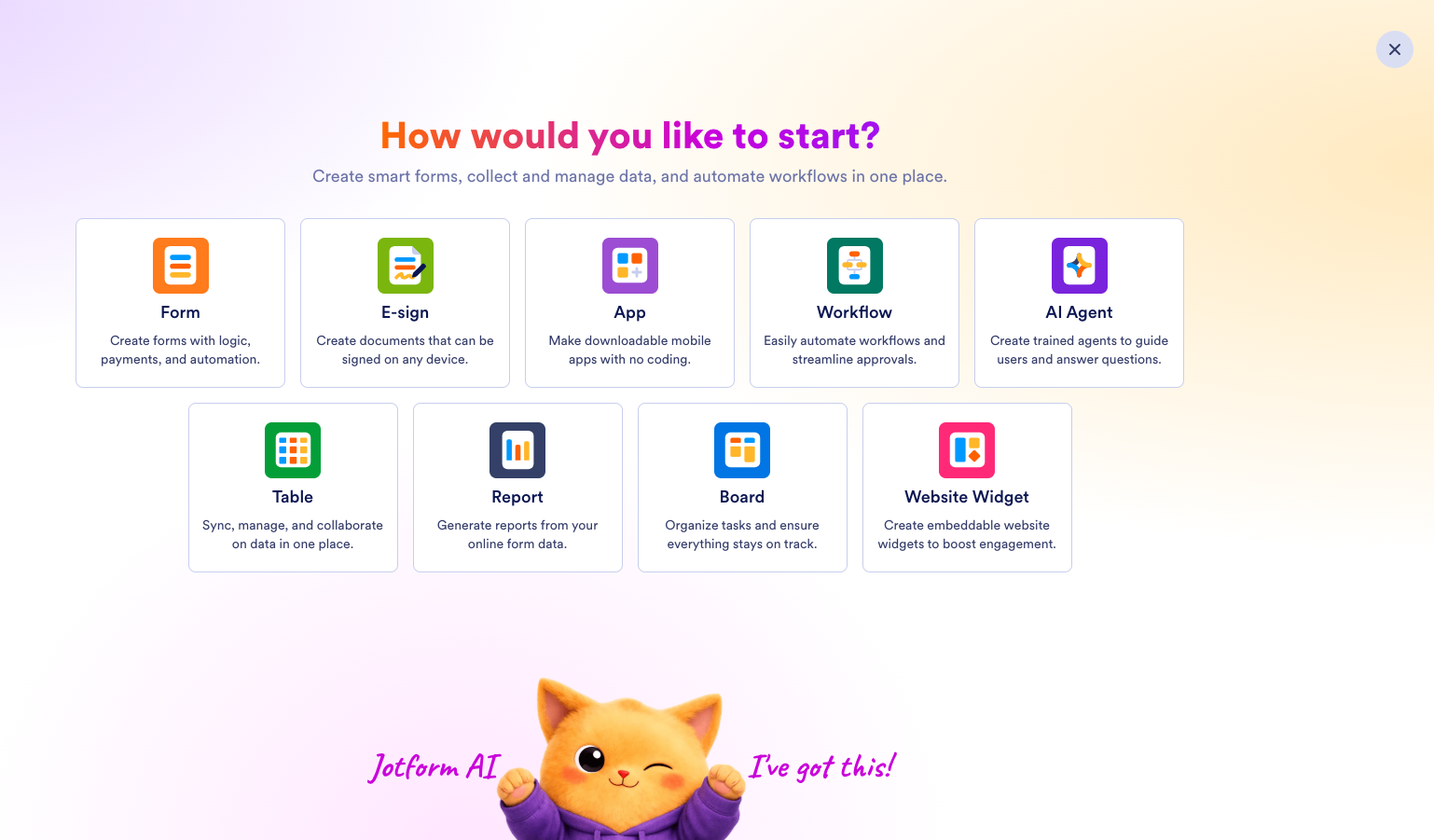
On the next page, choose how you’d like to create your form — from scratch, from a template, or using AI.
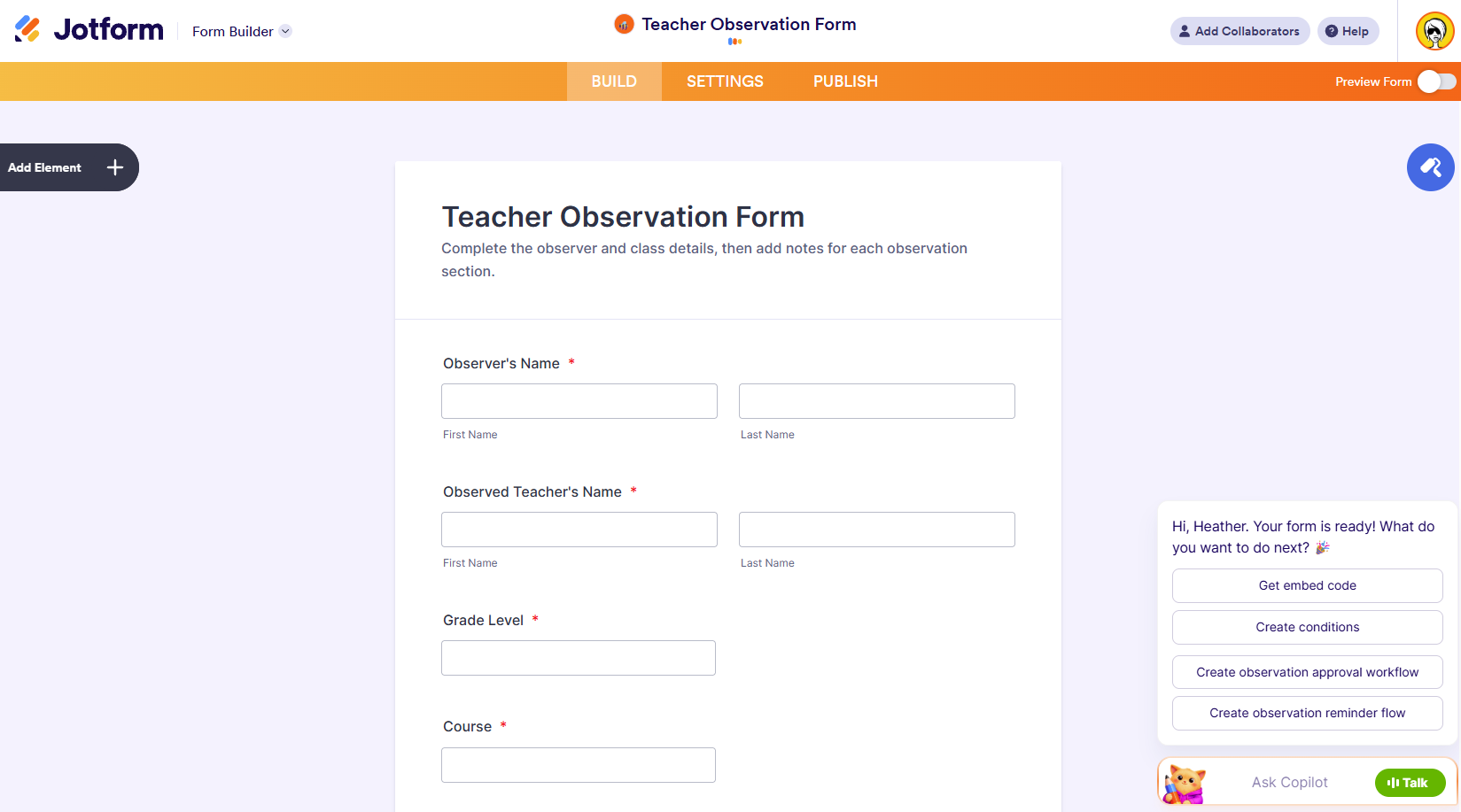
I asked Jotform AI to create a form. When it’s finished building your form, the form will open in the Form Builder, where you can make changes or choose one of the options recommended by the Form Copilot.
Helpful form fields
You’ve probably noticed some common elements in the observation form templates we’ve shared. Here are some you should consider including in your observation form.
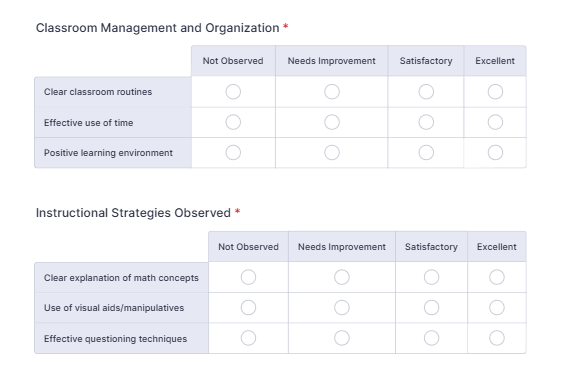
Input Table
The Input Table form field is useful for a matrix question, when there are several items you want to rate and a range of ratings you can assign.
Dropdown
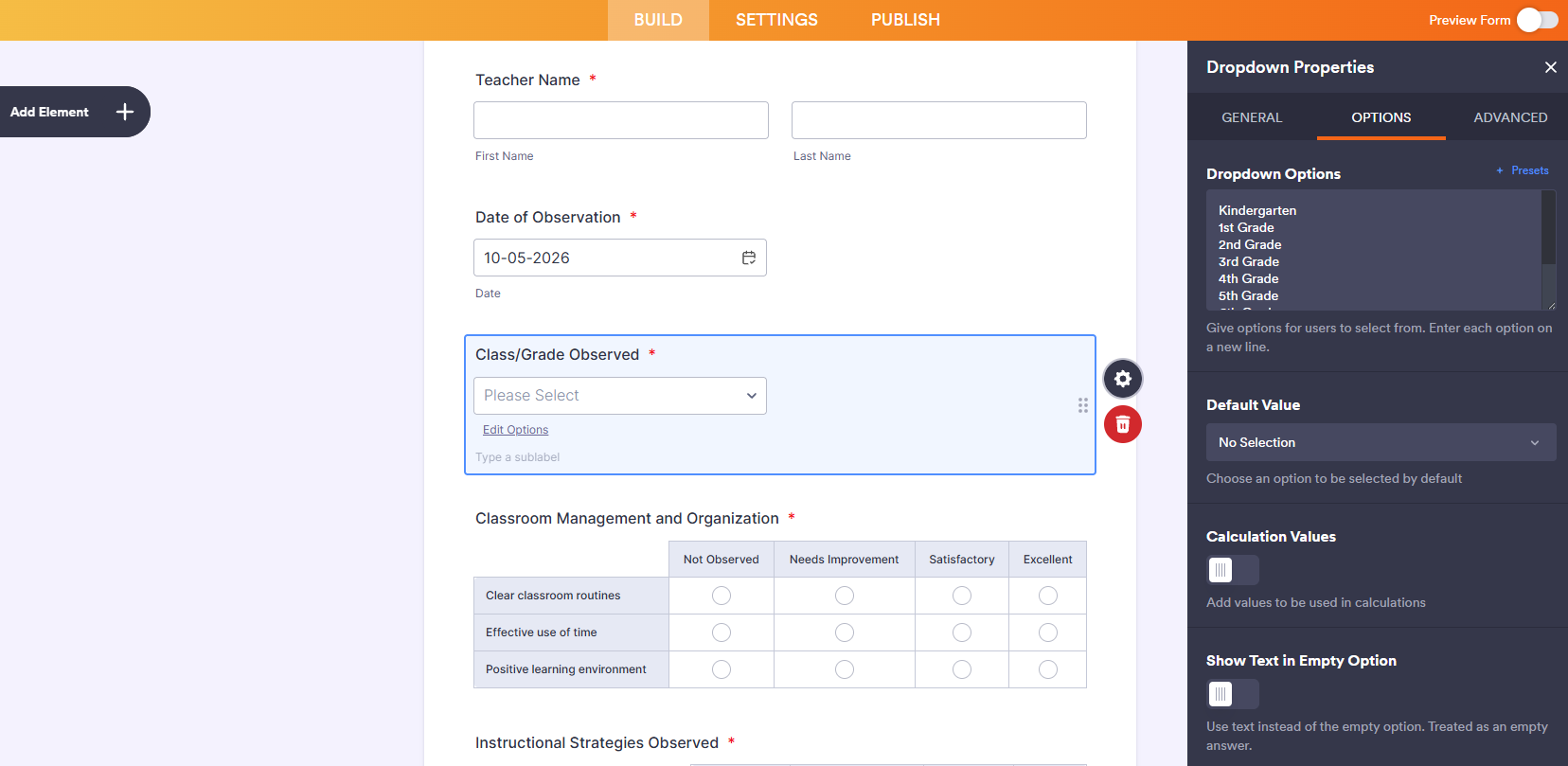
Make it as easy as possible to fill out the form. If the form has options to choose from, the observer won’t have to fill in this information manually during the observation. This question type is good for grade level, class, etc.
Scale Rating
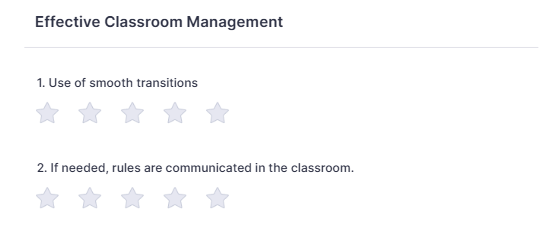
This element is great for — you guessed it — ratings. You can change the rating from simple radio boxes to stars or even hearts.
Date Picker
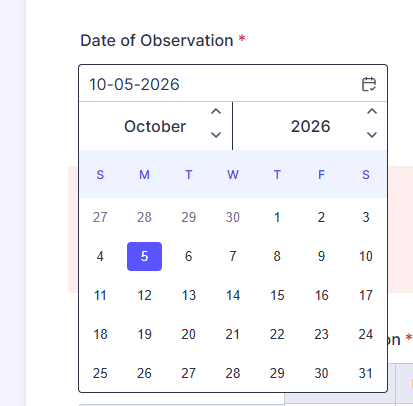
Like the dropdown, this element makes it easier to enter the correct date so you don’t have to manually type it.
Long Text
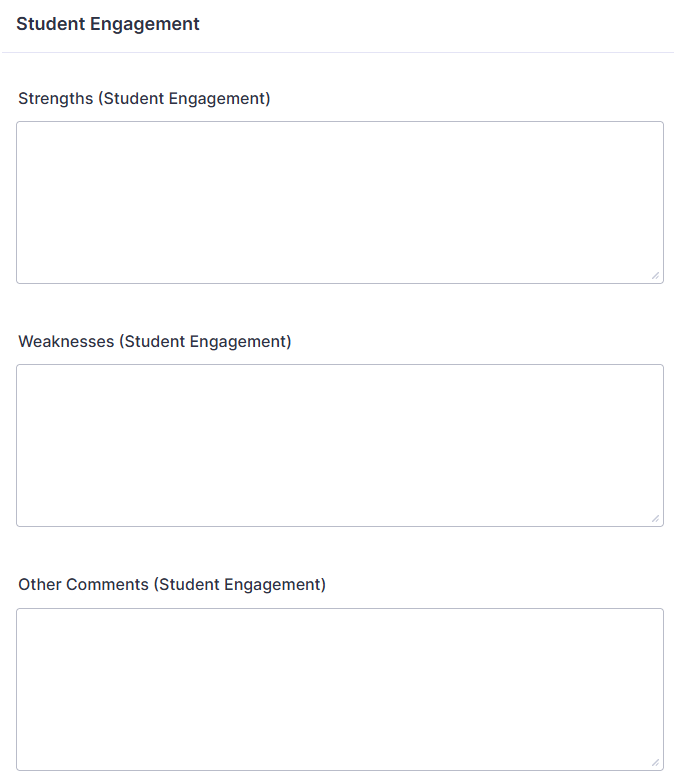
Perhaps the most useful element for teacher observations, long text fields allow the observer to add context, explanations, and pose questions, all of which can form the basis of a post-observation session.
Did you know?
Do you have a PDF observation form that you’d like to use? Upload it to Jotform, and the Smart PDF Form Builder will create an online form out of it. You can even have the observation notes populate the PDF in its original design.
Where do your submissions go?
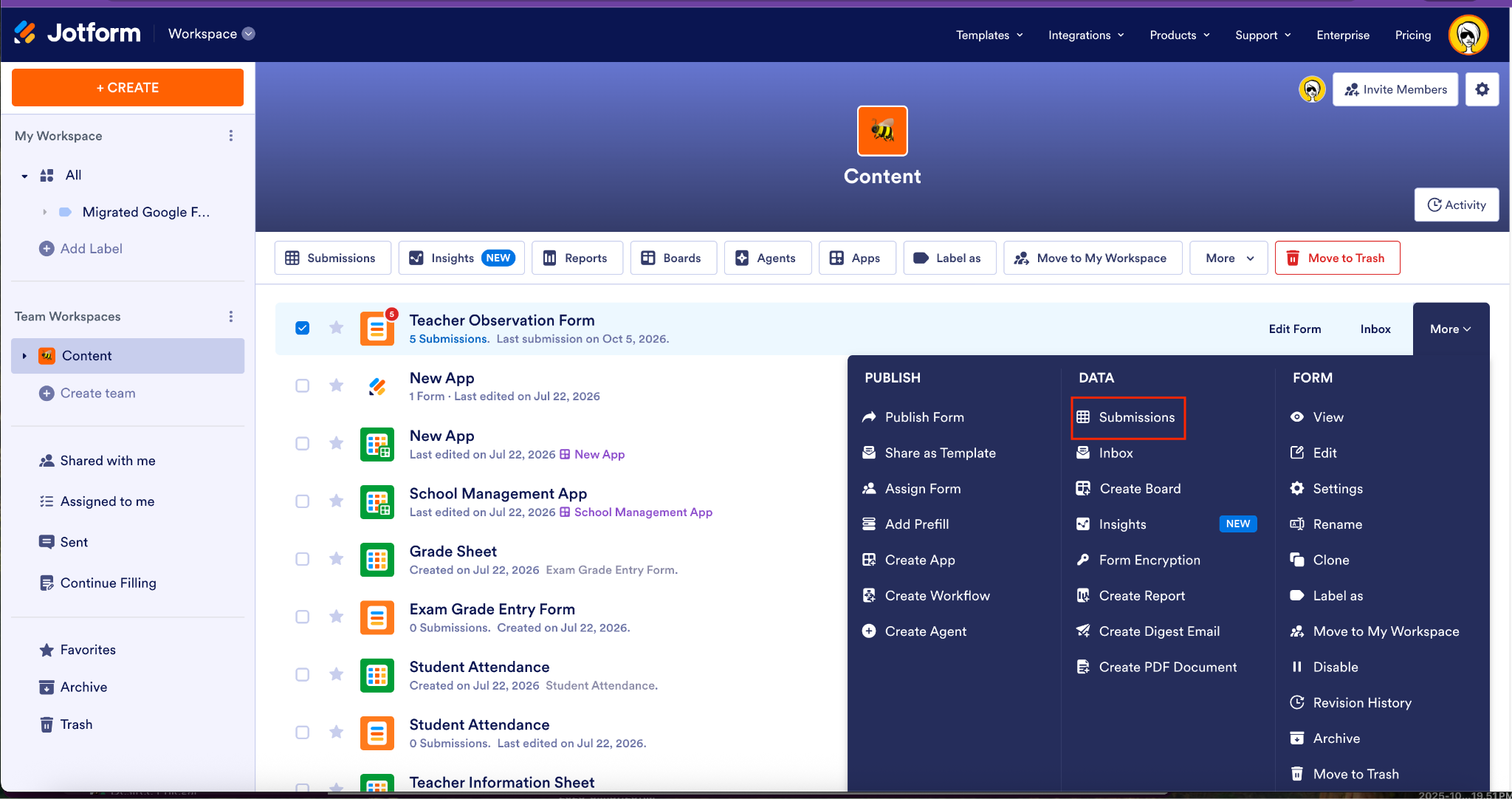
Information submitted through an observation form is automatically stored in Jotform, eliminating manual data entry and keeping data safe. You can access completed forms in the Inbox for your form or by clicking More on the far right of the form and selecting Submissions from the Data column.
Classroom observations are worth your time. Filling out cumbersome forms and manually adding that information to an online system aren’t. Jotform can help you document classroom observations without paper, pens, or mindless busywork.
New to Jotform? Sign up for a free account today. Interested in our multiuser Enterprise plans? Contact sales.















Send Comment: