Create Stunning Surveys
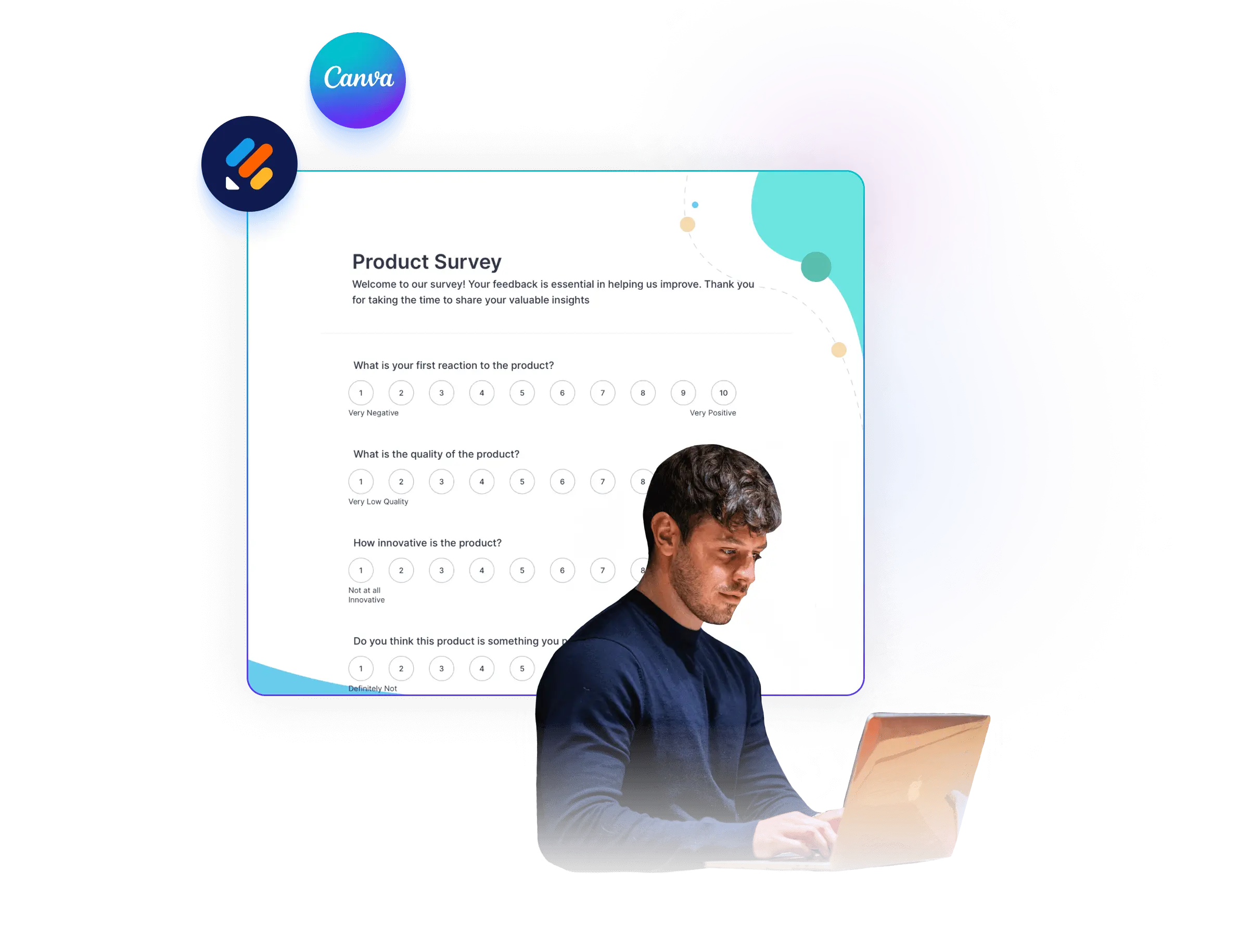
Jotform’s Canva survey solution helps you create customizable surveys with Canva designs so you can collect feedback for market research, employee input, or customer satisfaction. Use this Canva survey setup to build visually consistent surveys and share them easily to gather responses. This supports data-driven decisions by making it simple to create, distribute, and collect survey results.
Templates
Survey Form Templates
Discover our collection of survey form templates designed to help you gather feedback and make informed decisions. These forms are fully customizable to fit your specific goals and audience.
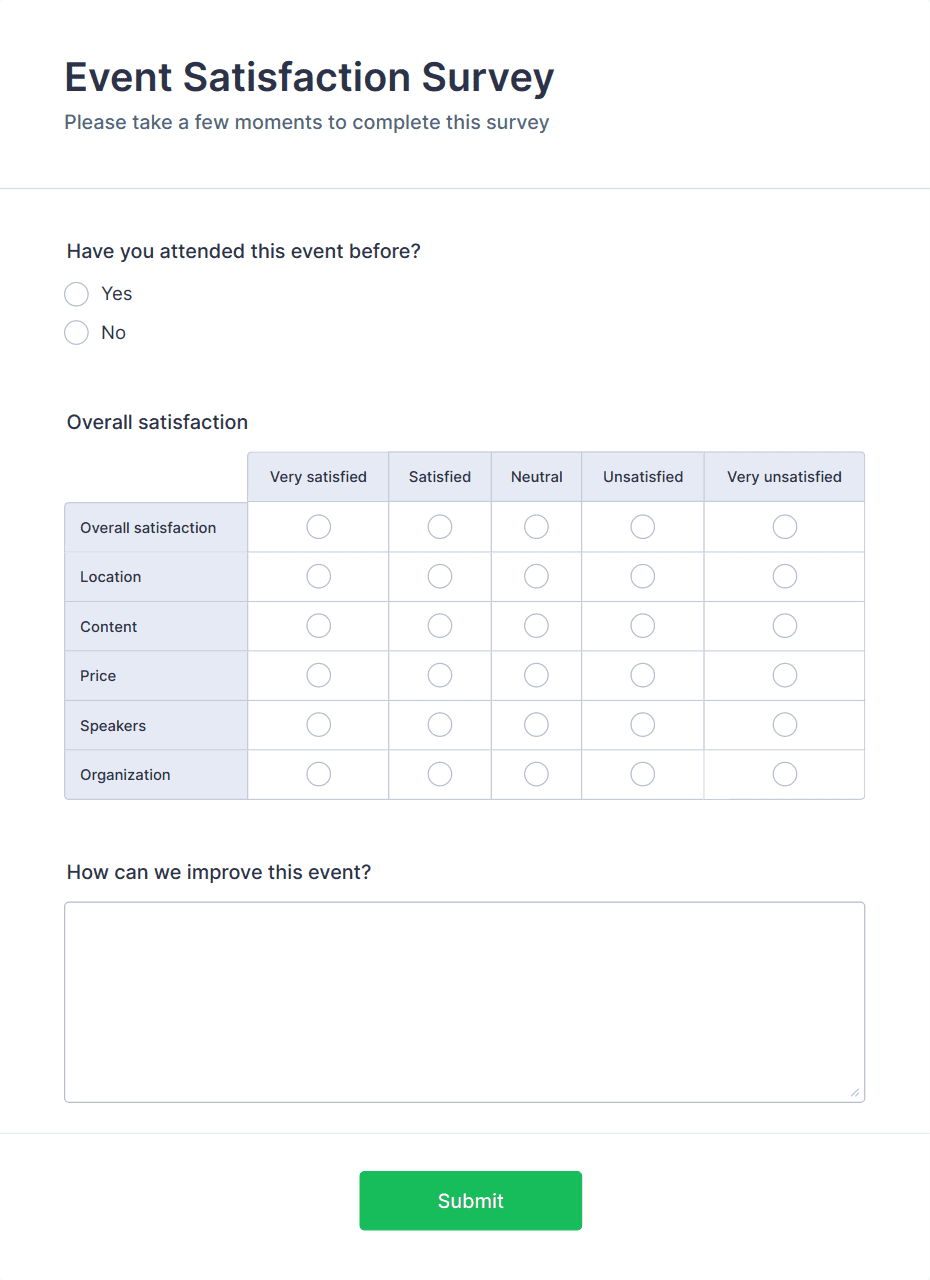
Event Satisfaction Survey Form
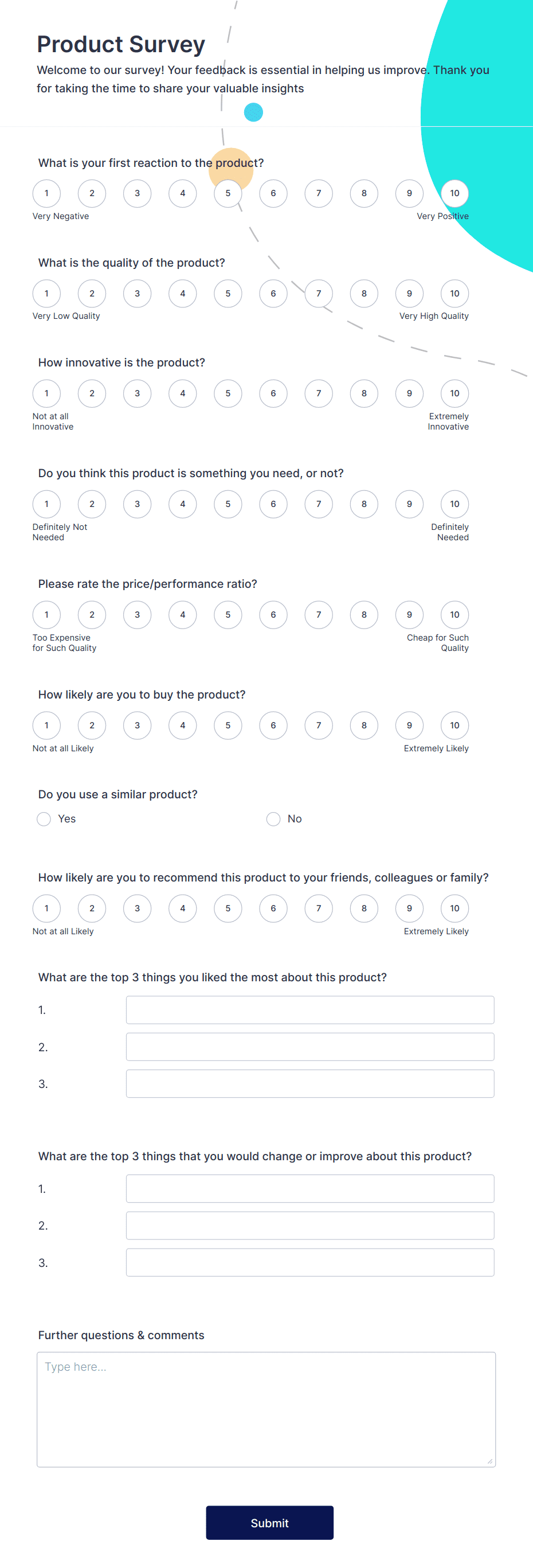
New Product Survey
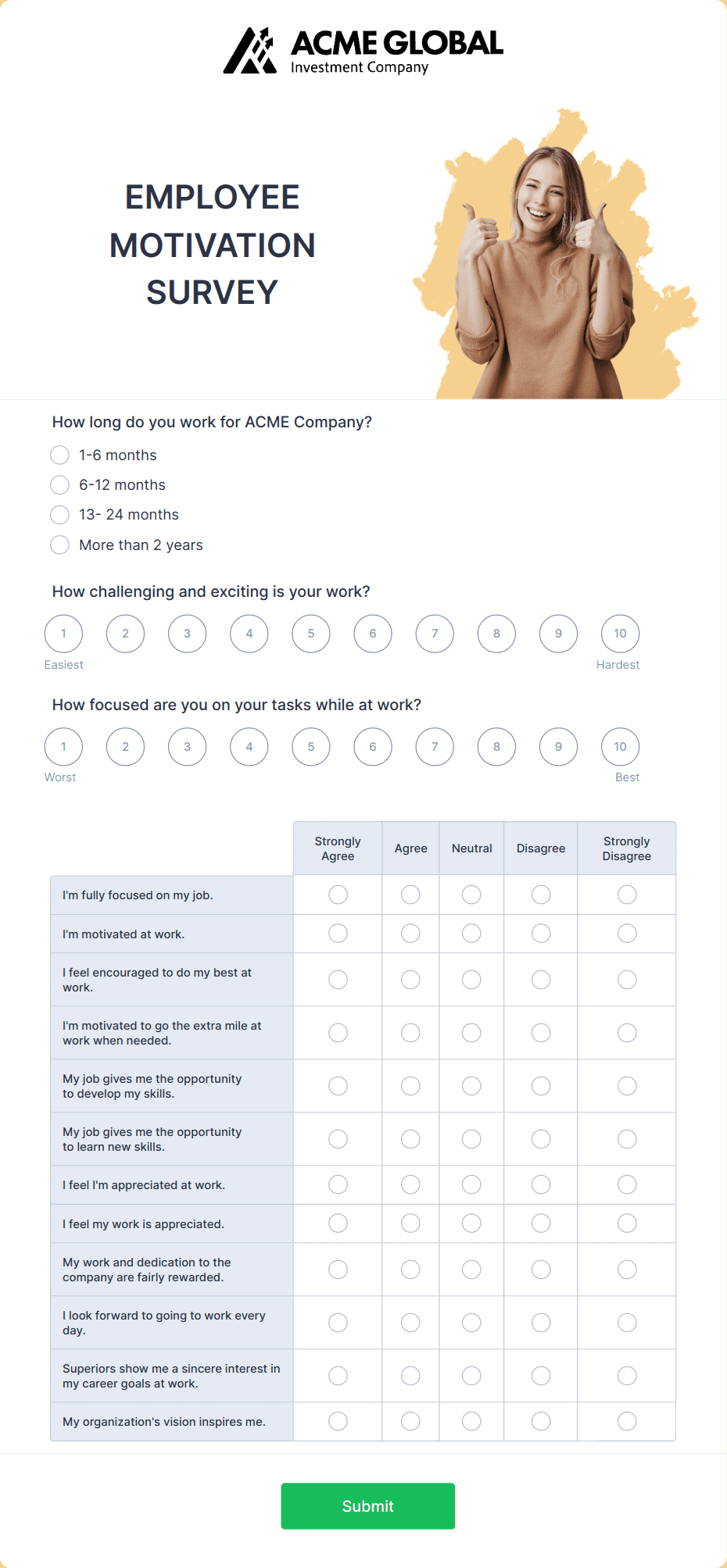
Employee Motivation Survey
Why Jotform and Canva Are Perfect for Surveys
Jotform and Canva make creating and sharing surveys simple, effective, and visually appealing. Whether you’re gathering feedback, conducting research, or measuring satisfaction, this powerful duo helps you design beautiful surveys and collect actionable insights with ease.
Benefits
Heading
Quick and Easy Setup
Start with a customizable survey template and personalize it to fit your goals in just minutes. Jotform’s intuitive drag-and-drop builder makes creating surveys fast and hassle-free.
Seamless Canva Integration
Design visually stunning surveys with Canva to capture your audience’s attention and encourage responses.
Advanced Customization
Add branding, conditional logic, and a variety of question types to tailor your surveys. Personalization makes your surveys more engaging and relevant to your audience.
Advanced-Data Collection Tools
Include multiple question types like text fields, multiple-choice, scales, and ratings to gather the insights you need.
Mobile-Friendly Surveys
Ensure participants can complete surveys on any device, from desktops to smartphones. A responsive design boosts participation and makes surveys more accessible.
Discover Jotform AI Chatbot for Canva
Jotform AI Chatbot for Canva is designed for creators who want to make their designs more engaging, interact with viewers in real time and enhance their content without any coding or complex setup.
Frequently Asked Questions
All your questions about Jotform — answered. Check out our FAQs for answers to common questions, or contact our support team for further information.
What is a survey form?
A survey form is an online tool used to collect data, feedback, or opinions from a target audience. It’s ideal for understanding customer satisfaction, market trends, or employee sentiments.
How can Jotform improve my surveys?
Jotform lets you create customizable surveys with features like conditional logic, multiple question types, and integrations for seamless data collection and analysis. Pairing Jotform with Canva ensures your surveys look professional and visually engaging.
Are surveys created with Jotform mobile-friendly?
Yes, all forms and surveys built with Jotform are fully mobile-responsive, ensuring participants can complete them on any device.
Can I use a template for my survey?
Absolutely! Jotform offers a variety of survey form templates that you can customize to fit your specific needs.
How do I share my survey?
You can share your survey via email, generate a QR code, embed it on your website, or distribute it on social media platforms.
Is the data collected through Jotform secure?
Yes, Jotform ensures data security with SSL encryption, GDPR compliance, and other advanced privacy measures.
Can I analyze survey results in real time?
Yes! Jotform allows you to view responses instantly and provides tools for creating reports and analyzing trends.
Does Jotform integrate with other tools?
Yes, Jotform integrates with tools like Google Sheets, Airtable, and CRMs to streamline your workflow and enhance data analysis.
How can Canva enhance my survey forms?
Canva allows you to design beautiful, branded visuals that make your survey more appealing and engaging for participants.
Who can benefit from Jotform for Canva surveys?
Jotform and Canva surveys are designed to cater to a wide range of users and industries. Whether you're gathering feedback, conducting research, or engaging your audience, this powerful combination can streamline your process:
- Educators and Trainers: Use surveys to assess student learning, gather feedback on lessons, or evaluate training programs. Canva's designs ensure your surveys are visually engaging and easy to understand.
- HR Professionals: Create employee satisfaction surveys, performance evaluations, or onboarding feedback forms. These tools help you foster a better workplace culture and collect actionable insights.
- Marketing Teams: Conduct market research, customer satisfaction surveys, or brand perception studies. Jotform’s survey templates, paired with Canva’s designs, help you collect data and create an impactful survey experience.
- Small Businesses: Gather customer feedback, evaluate product performance, or collect leads through interactive surveys. It’s an easy way to build better relationships with your customers.
- Event Organizers: Use surveys to gather attendee feedback, track event satisfaction, or plan future improvements. Jotform helps you streamline post-event evaluations seamlessly.
- Researchers: Conduct academic, scientific, or industry-related research with surveys tailored to your specific needs. Securely collect data and analyze results in real time.
- Nonprofits and Community Organizations: Engage with your audience by collecting opinions, suggestions, or volunteer feedback. Customizable surveys help you better understand your supporters and their needs.
No matter your industry or goal, Jotform, and Canva make it simple to design, share, and analyze surveys that drive meaningful results. Let me know if you'd like additional examples!