Mobile App Creator Logo

Turn forms into Chatbots in Google Workspace

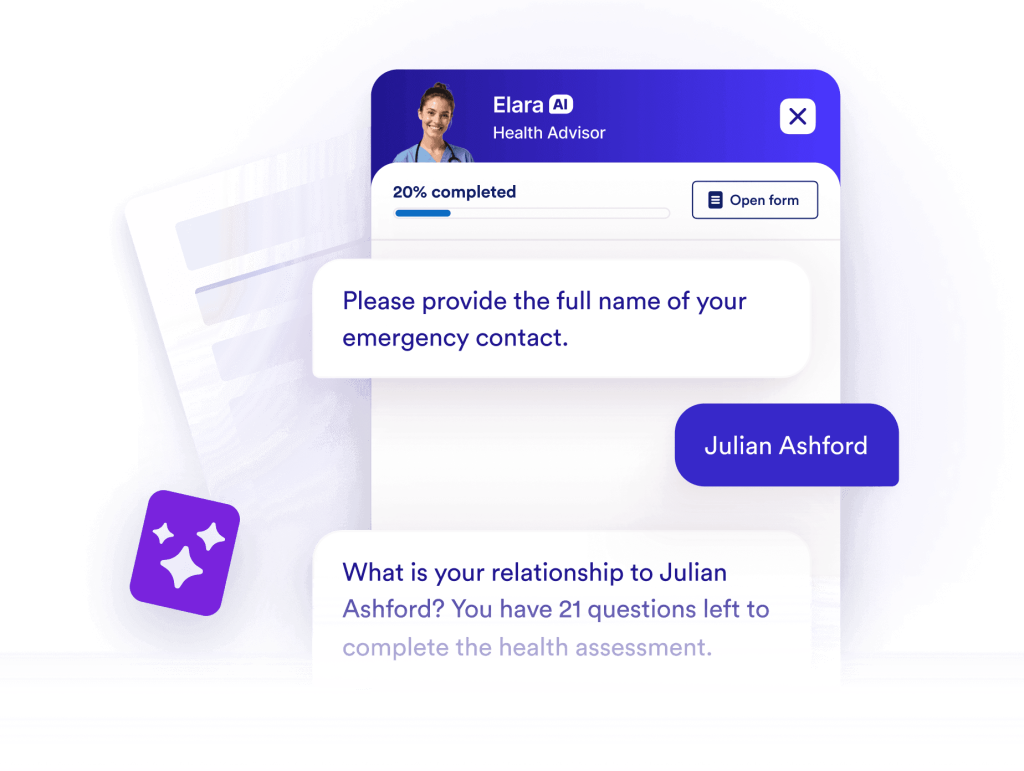
Jotform’s Forms to Chatbots converts a form into a chat-style experience you can share from Google Workspace. Use Forms to Chatbots by Jotform to guide people through questions in a more conversational way while maintaining the same form fields and data collection. The app is free to use, requires no coding, and is easy to set up.

Mobile App Creator hero
Install now — It’s free

How to set up Forms to Chatbots by Jotform in Google Workspace
Install the app

Install the app

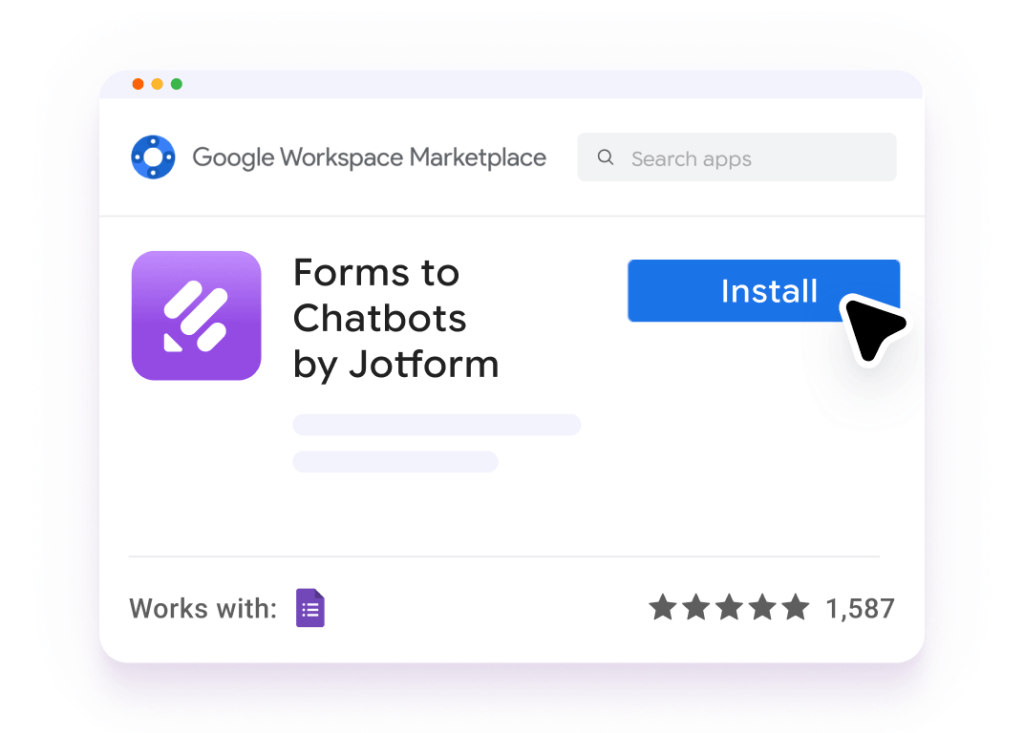
Install Forms to Chatbots by Jotform from the Google Workspace Marketplace.
Open in your form

Open in your form

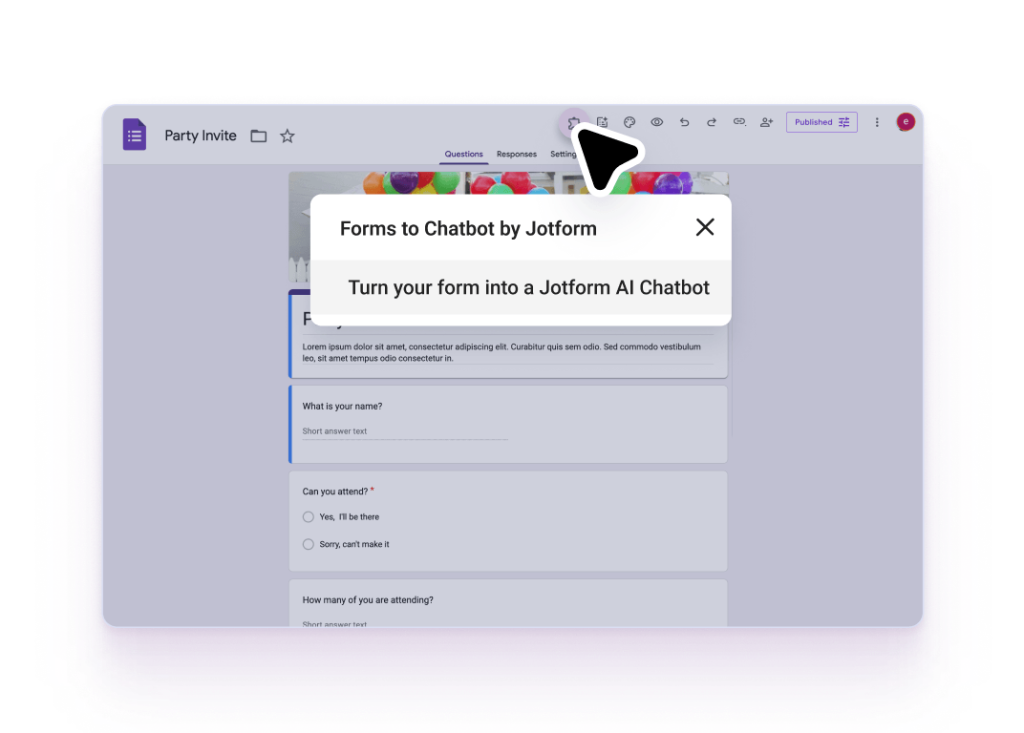
Open your Google Form and launch the Jotform add-on from the top menu. Click the Create Your AI Chatbot button.
Customize and share

Customize and share

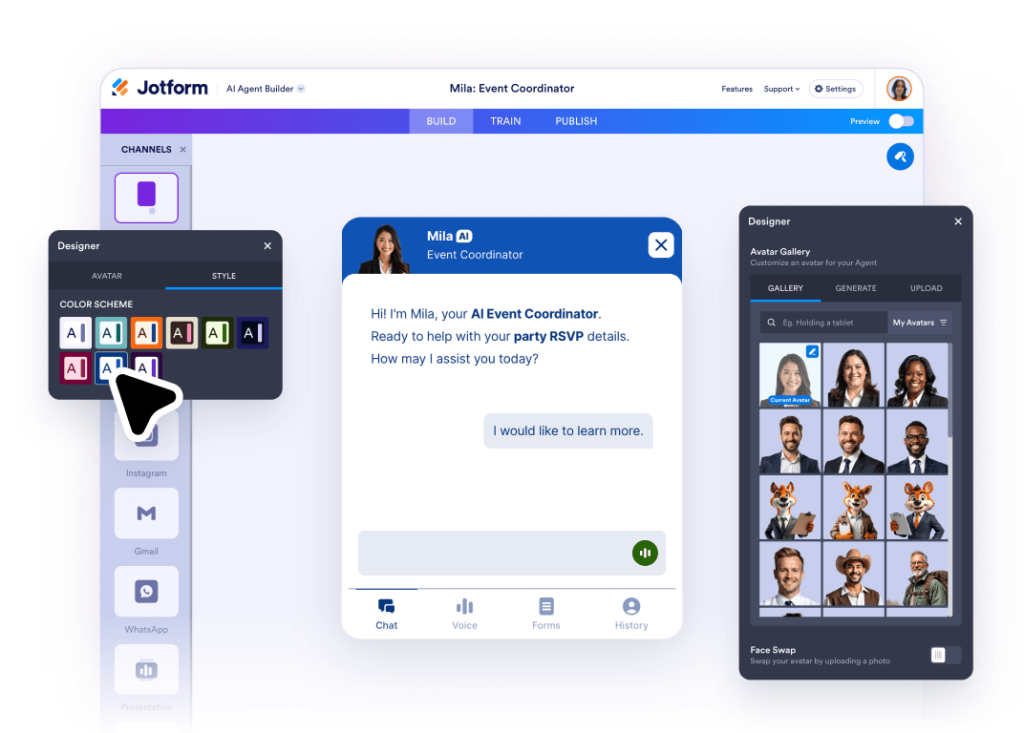
Use the Chatbot Builder to personalize your theme, adjust AI settings, or add logic. Once ready, grab your unique link or embed the chat flow anywhere.

Why Jotform?

Make your Google Forms more interactive

Turn static questions into a dynamic conversation. Jotform’s add-on lets you "humanize" your data collection by transforming standard form fields into an engaging chatbot experience that feels like a real chat.
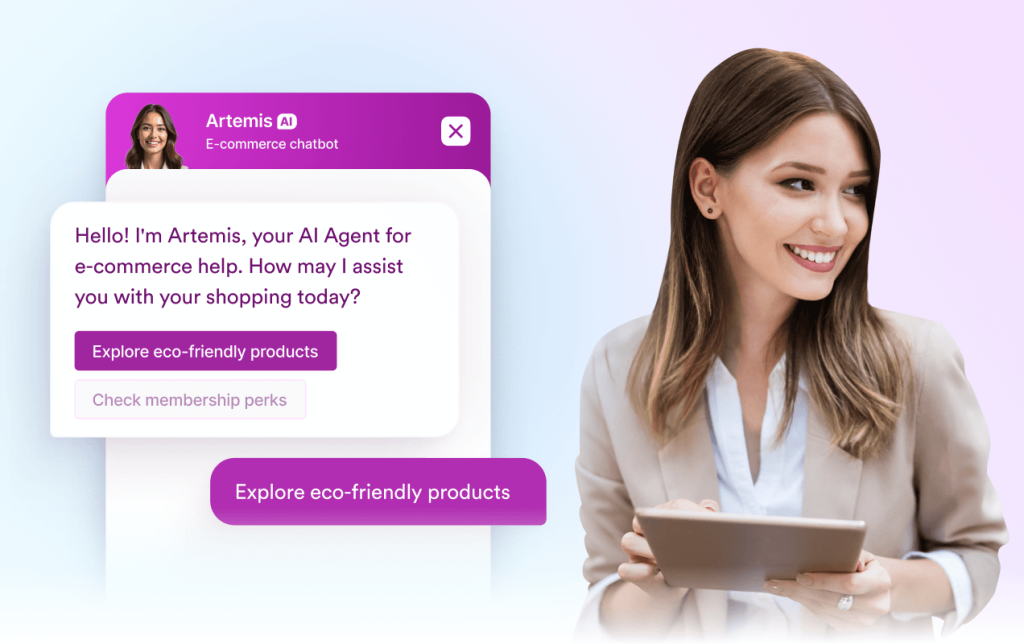
Make your Google Forms more interactive

Convert existing forms without rebuilding

Jotform’s Forms to Chatbots helps you reuse a form you’ve already created, then present the same questions as a chat-style flow.

Convert existing forms without rebuilding

Speed up response collection with a simple flow

Jotform helps you collect submissions faster by turning long forms into a step-by-step chat experience that respondents can finish on any device.
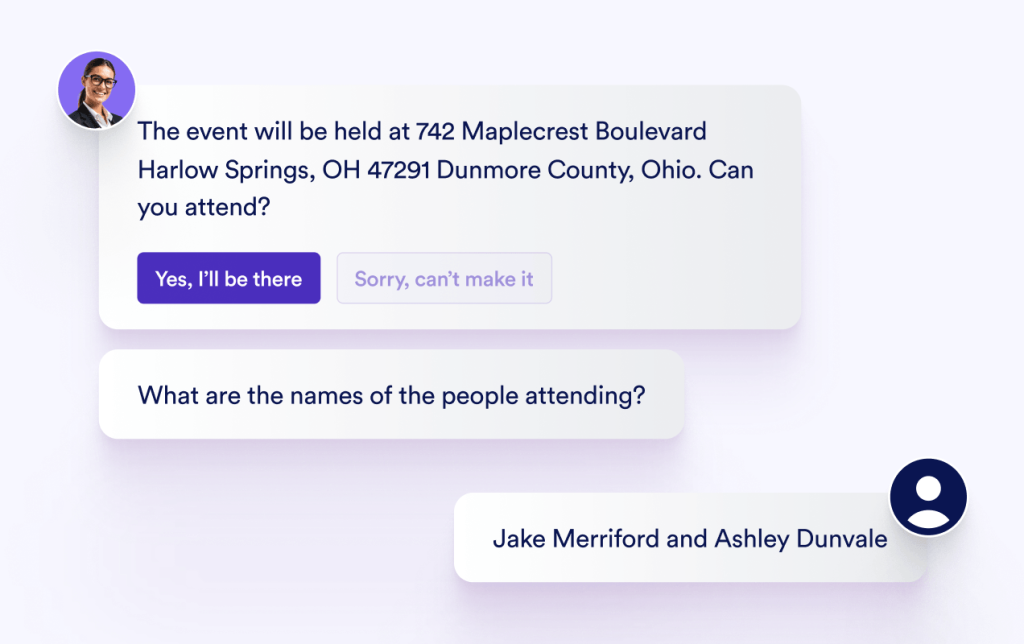

Speed up response collection with a simple flow

Jotform apps on Google Workspace

Form Builder by Jotform

Create forms without coding. Collect signups, registrations, leads, payments, e-signatures, and more on any device.

Try now
AI Form Builder

AI Form Builder

Instantly create Google Forms™ with AI. Import questions from Google Docs™, Google Sheets™, Google Slides™, and more.

Try now

Sign PDF

Turn PDFs into e-sign documents that can be filled out and signed on any device.

Try now

Chat with PDF by Jotform

Interact with uploaded PDFs using a chat interface. Ask questions, summarize information, and ask for explanations.

Try now

PDF Filler by Jotform

Turn PDFs into fillable web forms. Easily share forms and collect responses online. Save completed forms in the original PDF layout.

Try now

Mobile App Creator for Google Forms by Jotform

Create your own app without coding. Add Google Forms™, links, images, and more.

Try now

Merge PDF by Jotform

Combine multiple PDF files into a single document, simplify file organization and sharing.

Try now

Compress PDF by Jotform

Reduce PDF file sizes without compromising quality, use them for easy file sharing and storage.

Try now

Split PDF by Jotform

Separate multipage PDF files into smaller documents for easier organization and sharing.

Try now

Forms to Chatbots by Jotform

Turn Google Forms™ into interactive chatbots for real-time user engagement and more innovative data collection.

Try now

AI Agents by Jotform

Enhance user experiences with AI Agents by Jotform, offering instant assistance, personalized interactions, and cross-platform scalability.

Try now
AI Email Writer & Draft Agent for Gmail™

AI Email Writer & Draft Agent for Gmail™

Use an AI-powered email writer to instantly draft smart replies in Gmail™ and improve your response time.

Try now