# Enable single sign-on (SSO) for users | Jotform Government

SSO

# Single sign-on

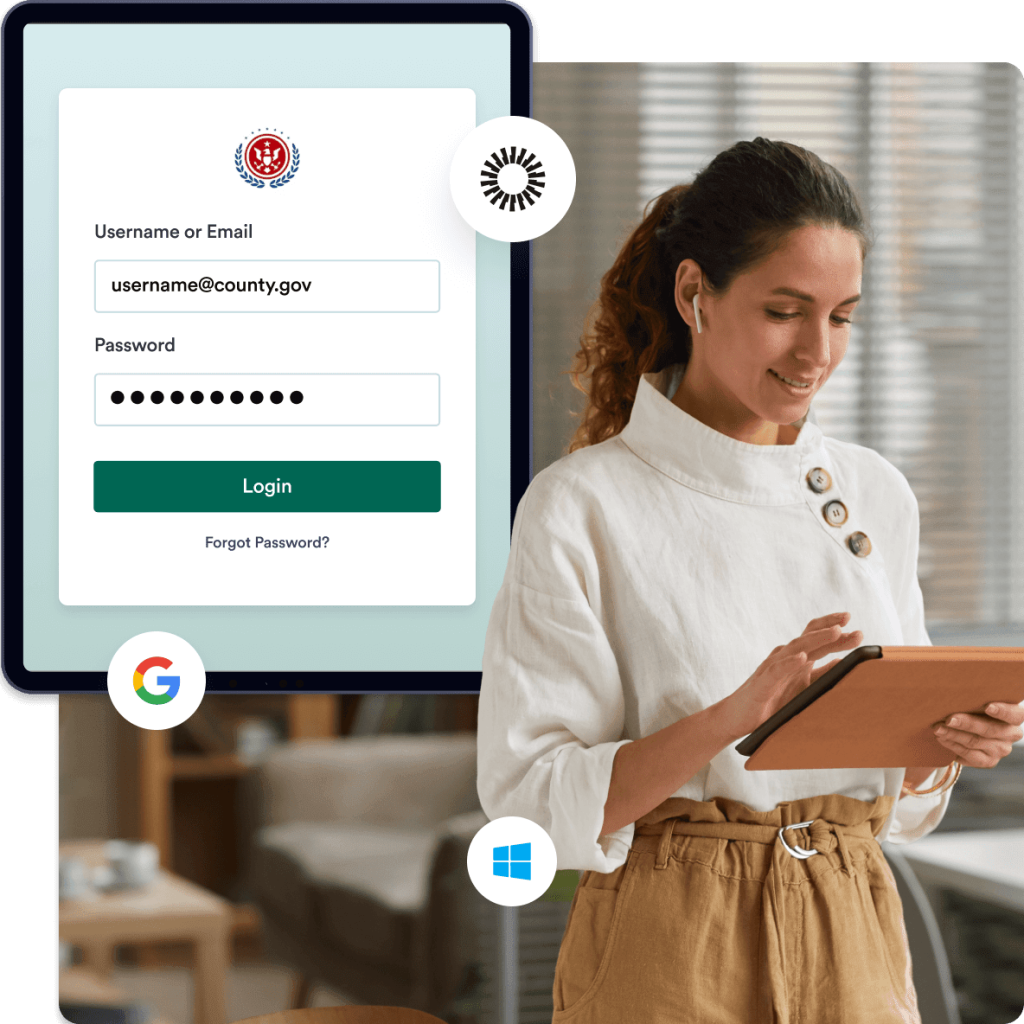
Jotform works with government organizations and their single sign-on (SSO) providers to allow employees to access and manage their forms using a single set of login credentials. With Multi SSO, Jotform Government enables authentication through multiple identity providers, giving teams more flexibility. Jotform Government supports SAML 2.0 and integrates with SSO solutions from providers such as Microsoft, Google, Okta, Duo, OneLogin, and more.
[Contact Sales](https://www.jotform.com/government/contact-sales/)

![Image 1: Single Sign-On](https://cdn.jotfor.ms/image/r/aHR0cHM6Ly9jZG4uam90Zm9yLm1zL3AvZ292ZXJubWVudC9hc3NldHMvaW1nLW1pbi9zaW5nbGUtc2lnbi1vbi9oZXJvLWRlc2t0b3AucG5n/hero-desktop.png?w=1024&t=1)

**With Jotform Government, you can host your forms and store form data in a local data residency center — as well as use your own domain to help boost search rankings and strengthen your organization’s brand.**

## Enable SSO login

Jotform Government integrates with identity providers such as Microsoft, Google, Okta, Duo, and OneLogin, allowing users to access their forms through their organization’s dedicated SSO portal.

### SSO Prefill for Okta IdP

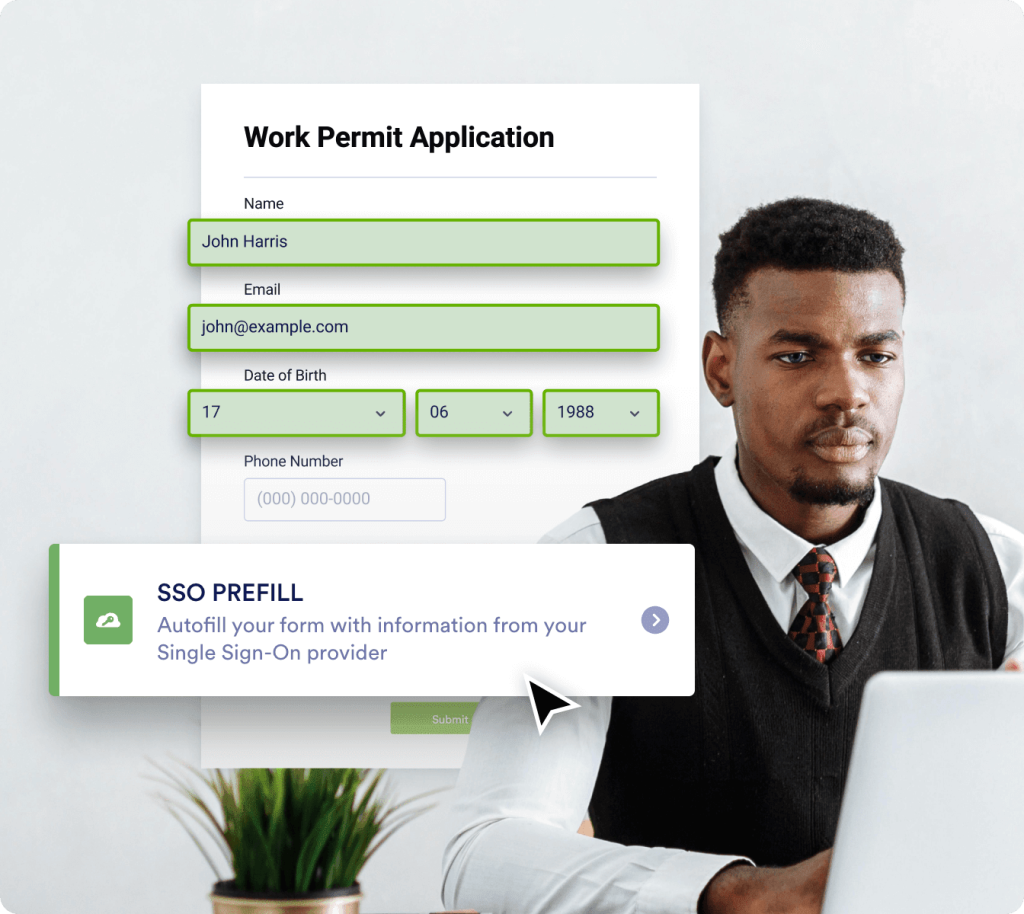
Confirm form field information by syncing users with the credentials stored on their Okta IdP SSO server.

### SSO Prefill for Google Workspace

Improve form security by enabling form prefill for your organization’s SAML-based Google SSO service.

![Image 2: Enable Multi SSO](https://cdn.jotfor.ms/image/r/aHR0cHM6Ly9jZG4uam90Zm9yLm1zL3AvZ292ZXJubWVudC9hc3NldHMvaW1nLW1pbi9zaW5nbGUtc2lnbi1vbi9lbmFibGUtbXVsdGktc3NvLnBuZw==/enable-multi-sso.png?w=40&t=1)

## Enable Multi SSO

![Image 3: Enable Multi SSO](https://cdn.jotfor.ms/image/r/aHR0cHM6Ly9jZG4uam90Zm9yLm1zL3AvZ292ZXJubWVudC9hc3NldHMvaW1nLW1pbi9zaW5nbGUtc2lnbi1vbi9lbmFibGUtbXVsdGktc3NvLnBuZw==/enable-multi-sso.png?w=40&t=1)

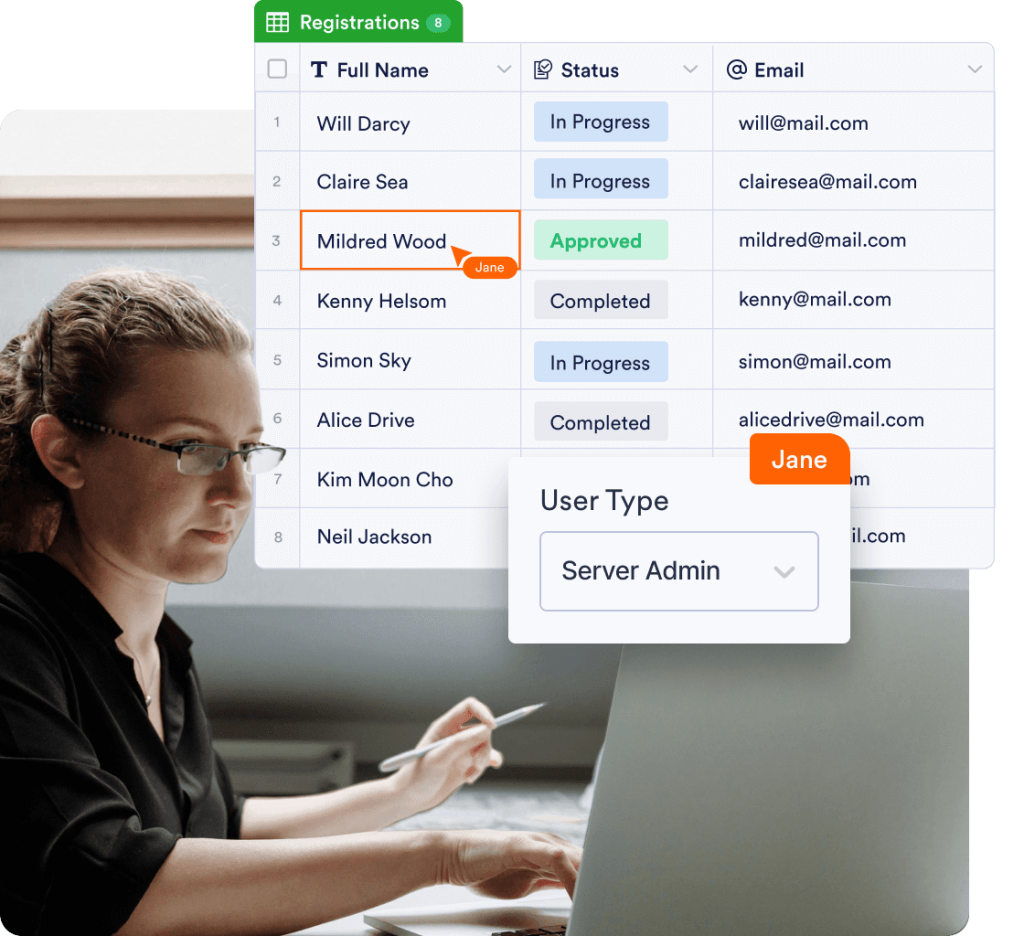
**Multi SSO** empowers teams through secure and seamless access. Jotform Enterprise supports authentication through multiple identity providers like Microsoft, Google, and Okta, to simplify the login processes and protect data for your government agency.

[Contact Sales](https://www.jotform.com/government/contact-sales/)

## Give access to your forms via 

 single sign-on

Assign login details through Jotform Government to give employees an easy and secure way to fill out your forms. Choose custom permission settings to let users view or edit form submissions, or save and continue them later.

![Image 4: Require SSO login to fill out forms](https://cdn.jotfor.ms/image/r/aHR0cHM6Ly9jZG4uam90Zm9yLm1zL3AvZ292ZXJubWVudC9hc3NldHMvaW1nLW1pbi9zaW5nbGUtc2lnbi1vbi9yZXF1aXJlLXNzby5wbmc=/require-sso.png?w=40&t=1)

## Require SSO login to fill out forms

![Image 5: Require SSO login to fill out forms](https://cdn.jotfor.ms/image/r/aHR0cHM6Ly9jZG4uam90Zm9yLm1zL3AvZ292ZXJubWVudC9hc3NldHMvaW1nLW1pbi9zaW5nbGUtc2lnbi1vbi9yZXF1aXJlLXNzby5wbmc=/require-sso.png?w=40&t=1)

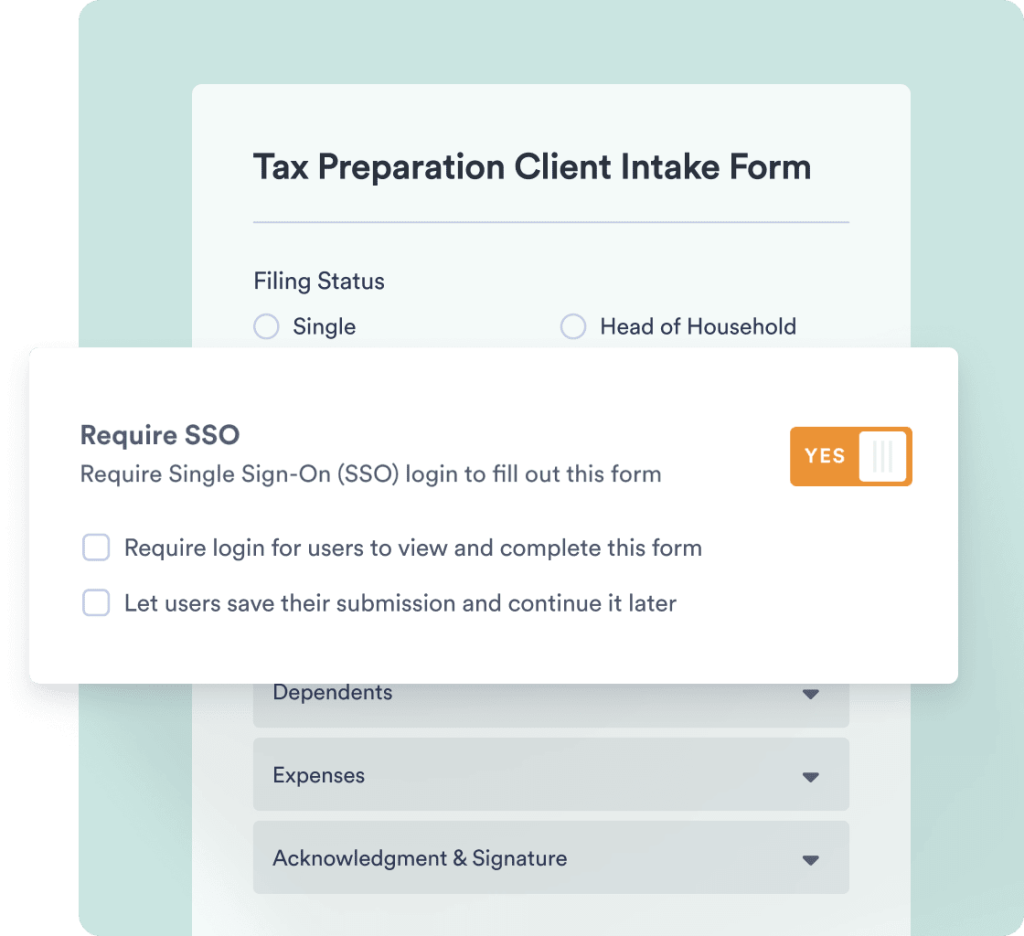
Keep your forms secure with login credentials. With the Jotform Government single sign-on (SSO) feature, every user will have to log in to view and submit forms — ensuring you only receive responses from members of your organization.

[Contact Sales](https://www.jotform.com/government/contact-sales/)

![Image 6: View submissions](https://cdn.jotfor.ms/image/r/aHR0cHM6Ly9jZG4uam90Zm9yLm1zL3AvZ292ZXJubWVudC9hc3NldHMvaW1nLW1pbi9zaW5nbGUtc2lnbi1vbi92aWV3LXN1Ym1pc3Npb25zLnBuZw==/view-submissions.png?w=40&t=1)

## View submissions

![Image 7: View submissions](https://cdn.jotfor.ms/image/r/aHR0cHM6Ly9jZG4uam90Zm9yLm1zL3AvZ292ZXJubWVudC9hc3NldHMvaW1nLW1pbi9zaW5nbGUtc2lnbi1vbi92aWV3LXN1Ym1pc3Npb25zLnBuZw==/view-submissions.png?w=40&t=1)

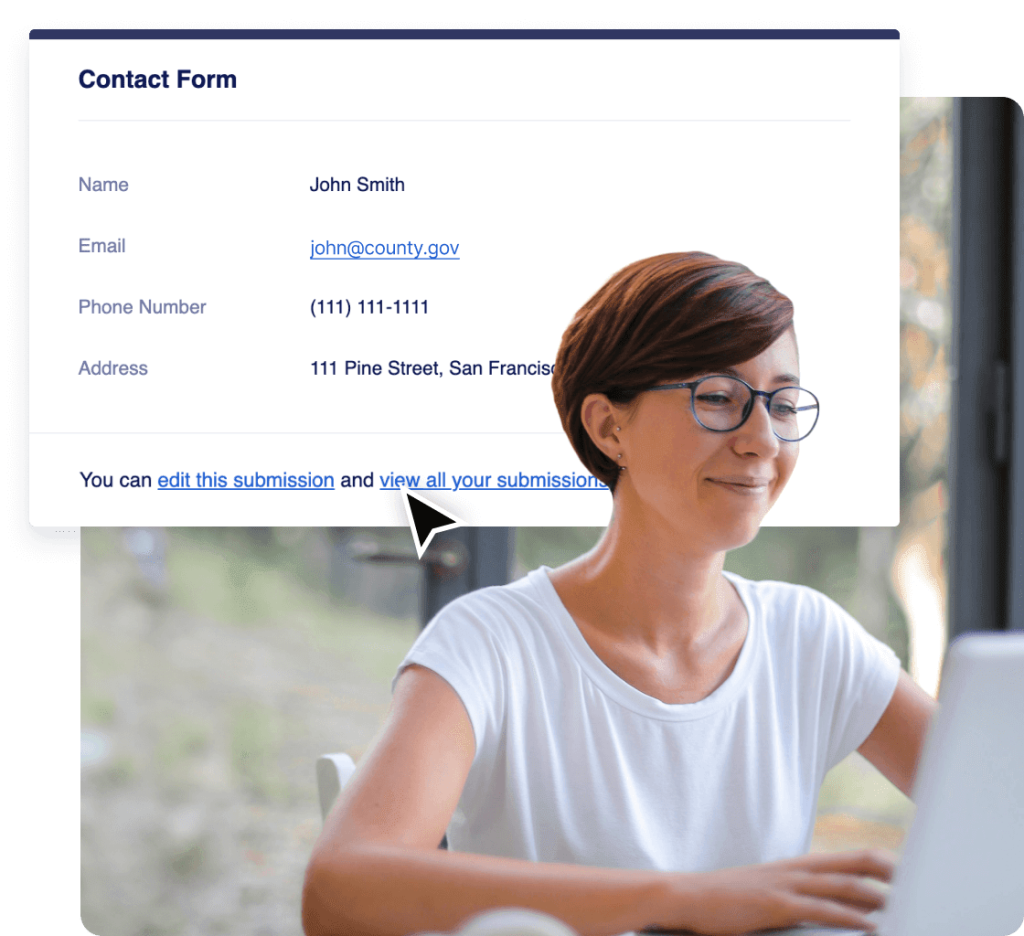
Add a login link to your form’s “thank-you” page or autoresponder email to let users easily log in to view their submissions. Once you’ve set up this feature, users can click the link and enter their info to quickly view the form data they have submitted.

[Contact Sales](https://www.jotform.com/government/contact-sales/)

![Image 8: Edit submissions](https://cdn.jotfor.ms/image/r/aHR0cHM6Ly9jZG4uam90Zm9yLm1zL3AvZ292ZXJubWVudC9hc3NldHMvaW1nLW1pbi9zaW5nbGUtc2lnbi1vbi9lZGl0LXN1Ym1pc3Npb25zLnBuZw==/edit-submissions.png?w=40&t=1)

## Edit submissions

![Image 9: Edit submissions](https://cdn.jotfor.ms/image/r/aHR0cHM6Ly9jZG4uam90Zm9yLm1zL3AvZ292ZXJubWVudC9hc3NldHMvaW1nLW1pbi9zaW5nbGUtc2lnbi1vbi9lZGl0LXN1Ym1pc3Npb25zLnBuZw==/edit-submissions.png?w=40&t=1)

Allow users to edit their own form submissions according to the permissions you set. Each user can log in via SSO and make changes by clicking the Edit Submission button in Jotform Government.

[Contact Sales](https://www.jotform.com/government/contact-sales/)

![Image 10: Save draft and continue later](https://cdn.jotfor.ms/image/r/aHR0cHM6Ly9jZG4uam90Zm9yLm1zL3AvZ292ZXJubWVudC9hc3NldHMvaW1nLW1pbi9zaW5nbGUtc2lnbi1vbi9zYXZlLWNvbnRpbnVlLnBuZw==/save-continue.png?w=40&t=1)

## Save draft and continue later

![Image 11: Save draft and continue later](https://cdn.jotfor.ms/image/r/aHR0cHM6Ly9jZG4uam90Zm9yLm1zL3AvZ292ZXJubWVudC9hc3NldHMvaW1nLW1pbi9zaW5nbGUtc2lnbi1vbi9zYXZlLWNvbnRpbnVlLnBuZw==/save-continue.png?w=40&t=1)

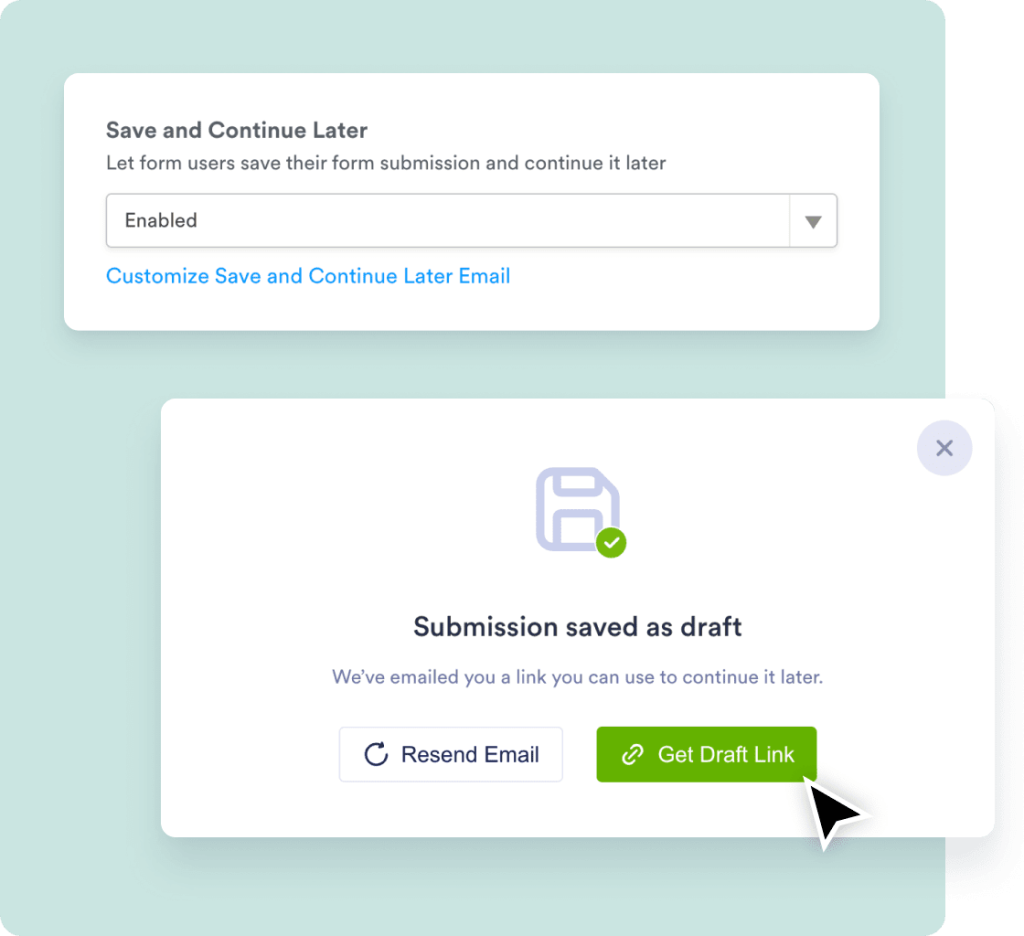
For lengthy forms, let your users save their form submission as a draft that they can continue to fill out later. After a user saves a form submission, they will receive an email with a link to continue where they left off.

[Contact Sales](https://www.jotform.com/government/contact-sales/)

![Image 12: SSO prefill in Jotform](https://cdn.jotfor.ms/image/r/aHR0cHM6Ly9jZG4uam90Zm9yLm1zL3AvZ292ZXJubWVudC9hc3NldHMvaW1nLW1pbi9zaW5nbGUtc2lnbi1vbi9zc28tcHJlZmlsbC5wbmc=/sso-prefill.png?w=40&t=1)

## SSO prefill in Jotform Government

![Image 13: SSO prefill in Jotform](https://cdn.jotfor.ms/image/r/aHR0cHM6Ly9jZG4uam90Zm9yLm1zL3AvZ292ZXJubWVudC9hc3NldHMvaW1nLW1pbi9zaW5nbGUtc2lnbi1vbi9zc28tcHJlZmlsbC5wbmc=/sso-prefill.png?w=40&t=1)

Speed up the form-filling process for your Jotform Government form users by automatically prefilling form fields using your existing single sign-on (SSO) user data. It’s a great way to save time while making sure information is entered correctly.

Professional Services
## Get hands-on help from our team

![Image 14: Get hands-on help from our team](https://cdn.jotfor.ms/image/r/aHR0cHM6Ly9jZG4uam90Zm9yLm1zL3AvZ292ZXJubWVudC9hc3NldHMvaW1nLW1pbi9jb21tb24vaGFuZHMtb24taGVscC5wbmc=/hands-on-help.png?w=40&t=1)

Our dedicated team is here to ensure seamless implementation tailored to your organization’s needs. Get expert guidance every step of the way, from form creation to workflow optimization. Let us prepare your organization for success.

[Get a Quote](https://www.jotform.com/government/contact-sales/?jtm_medium=referral&jtm_source=enterprise_single_sign_on&jtm_content=professional_services_contact_section&jtm_campaign=enterprise_cta)[Learn More](https://www.jotform.com/enterprise/professional-services/?jtm_medium=referral&jtm_source=enterprise_single_sign_on&jtm_content=professional_services_learn_section&jtm_campaign=enterprise_cta)

![Image 15: Get hands-on help from our team](https://cdn.jotfor.ms/image/r/aHR0cHM6Ly9jZG4uam90Zm9yLm1zL3AvZ292ZXJubWVudC9hc3NldHMvaW1nLW1pbi9jb21tb24vaGFuZHMtb24taGVscC5wbmc=/hands-on-help.png?w=40&t=1)