You’ve spent a lot of time setting up your Custom Dashboard to be just right—and unintentional changes to the layout or the size of the cards could throw it off. Locking your Dashboard ensures that everything stays in its place, even if you share it with others.
Let’s walk through the process of locking the Dashboard below:
- Open the Custom Dashboard you’d like to edit.
- Then, toggle On the switch next to Lock Layout on the right-hand side of the page.
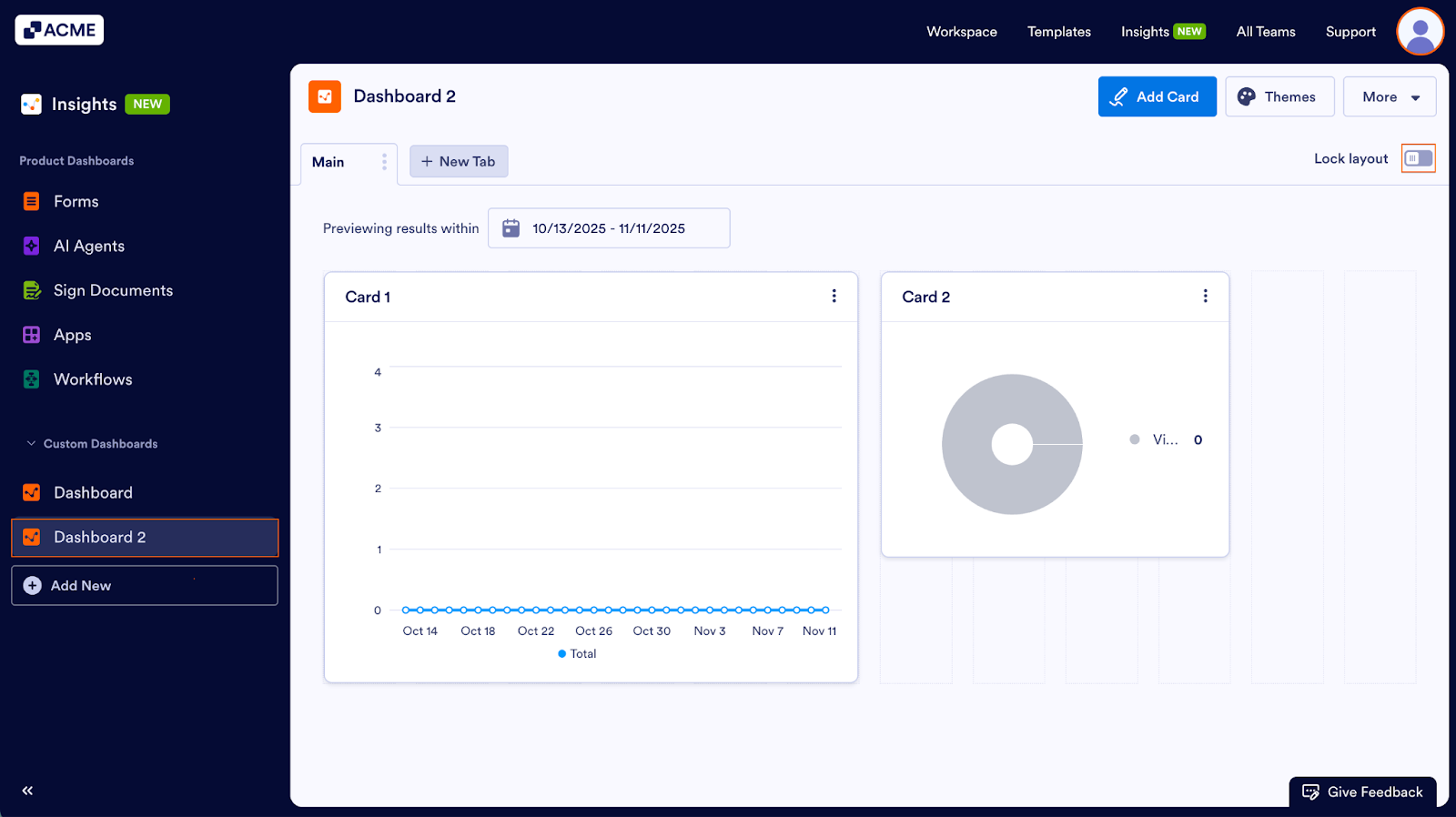
Once this setting is activated, the layout will be locked and cards can’t be rearranged or resized. Cards can still be added or updated, and Themes can be applied as well.
You can click on the toggle again to unlock the layout:
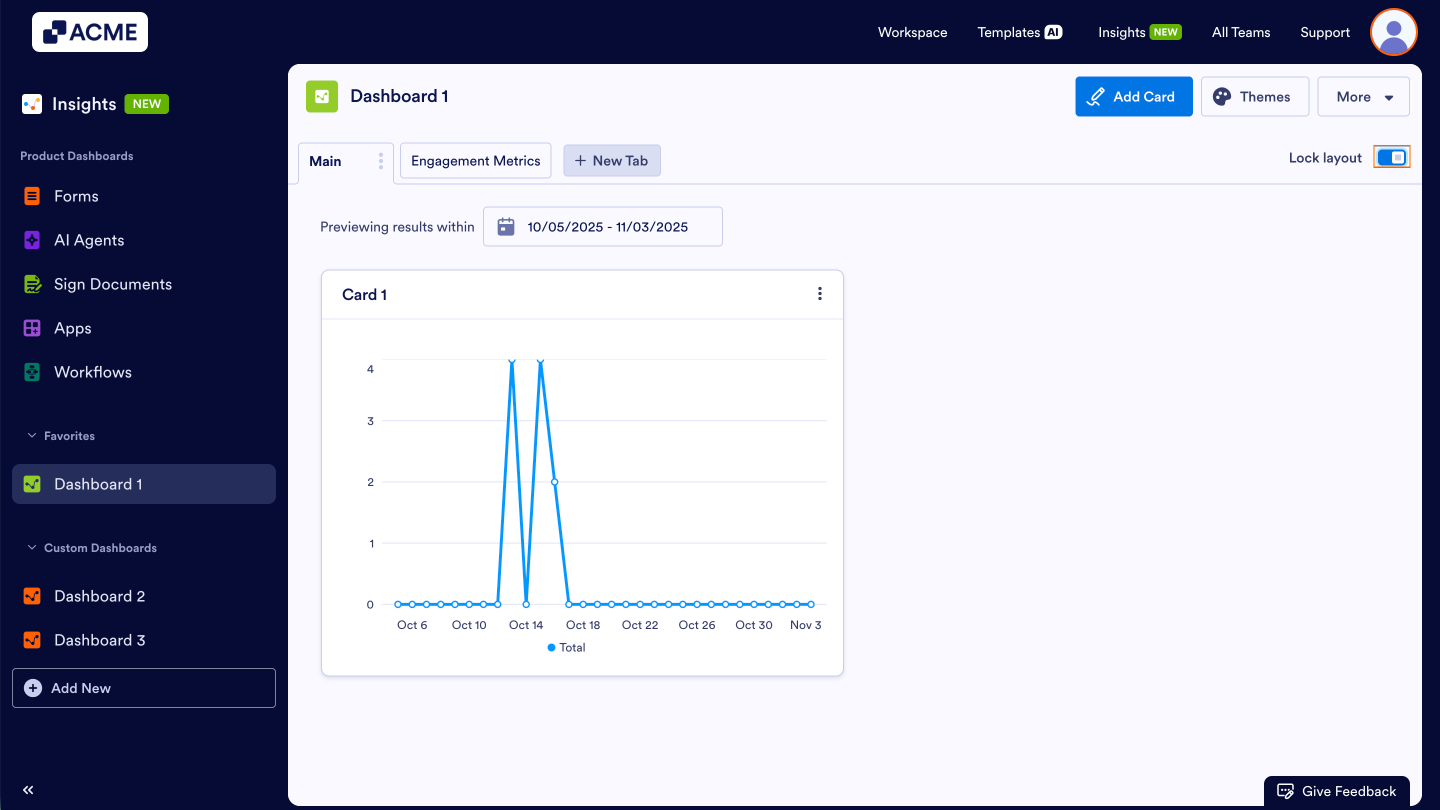
Note: Locking the layout only prevents rearranging or resizing cards. It does not affect data updates, filters, or visibility settings.

Send Comment: