

Moduli di Segnalazione Incidenti
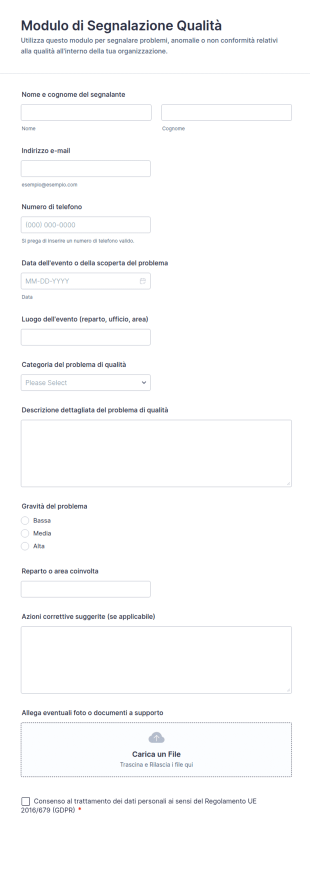
Modulo Di Segnalazione Qualità
Raccogli e organizza segnalazioni di non conformità e problemi operativi con il Modulo di Segnalazione Qualità di Jotform, ideale per reparti aziendali e team qualità che vogliono migliorare la data collection e la gestione delle risposte.
Vai alla Categoria:Sondaggi sulla Qualità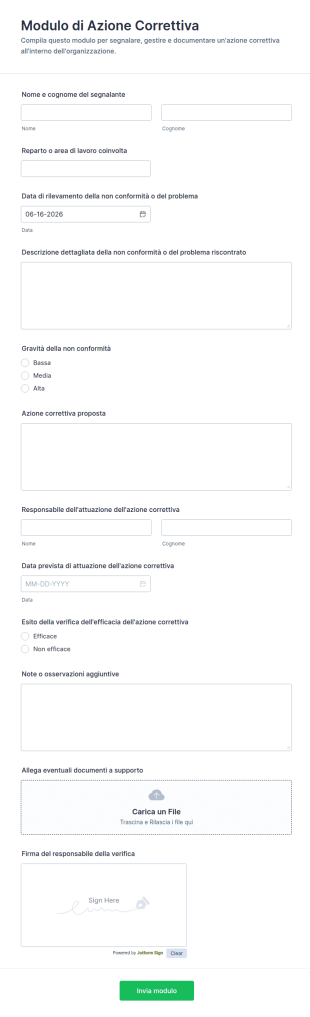
Modulo Di Azione Correttiva
Gestisci segnalazioni di non conformità e azioni correttive con il Modulo di Azione Correttiva, ideale per reparti operativi e qualità che vogliono migliorare la raccolta dati e il monitoraggio degli interventi.
Vai alla Categoria:Sondaggi sulla Qualità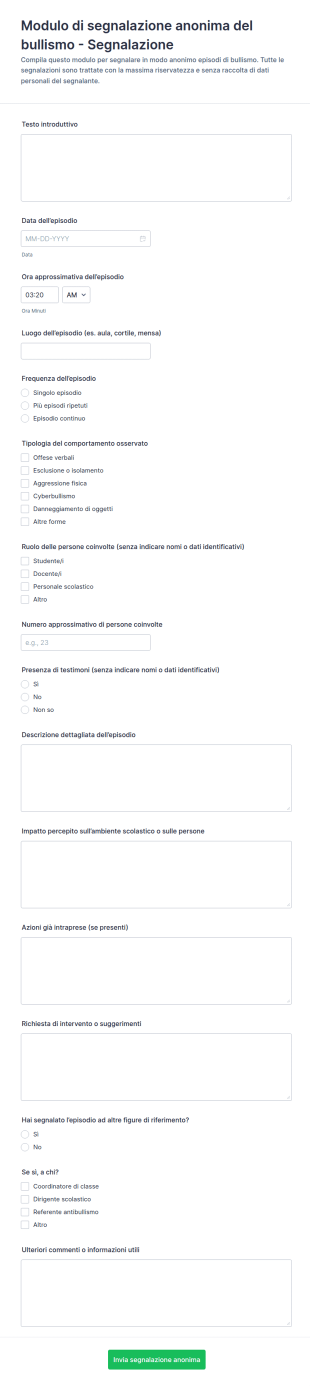
Modulo Di Segnalazione Anonima Di Bullismo
Raccogli segnalazioni anonime di bullismo in ambito scolastico con il Modulo di segnalazione anonima di bullismo di Jotform, ideale per istituti e referenti che vogliono organizzare la raccolta dati e gestire le risposte in modo ordinato.
Vai alla Categoria:Moduli Conformi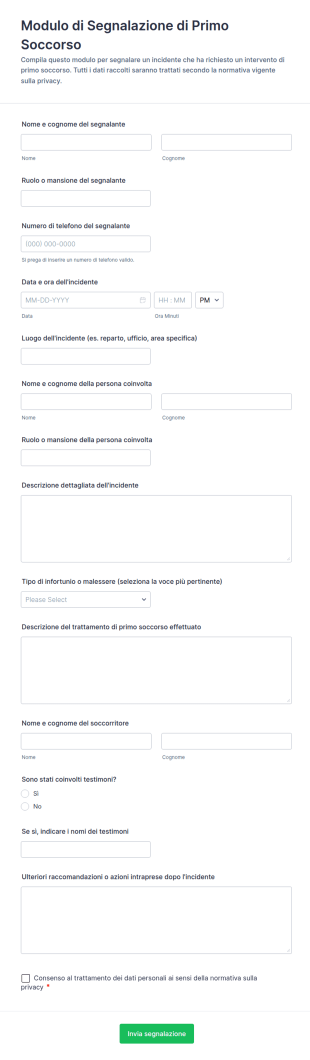
Modulo Di Segnalazione Di Primo Soccorso
Raccogli e archivia segnalazioni di primo soccorso in sedi di lavoro, scuole o eventi con il Modulo di Segnalazione di Primo Soccorso, utile per data collection e gestione delle risposte in Jotform.
Vai alla Categoria:Moduli di Segnalazione Incidenti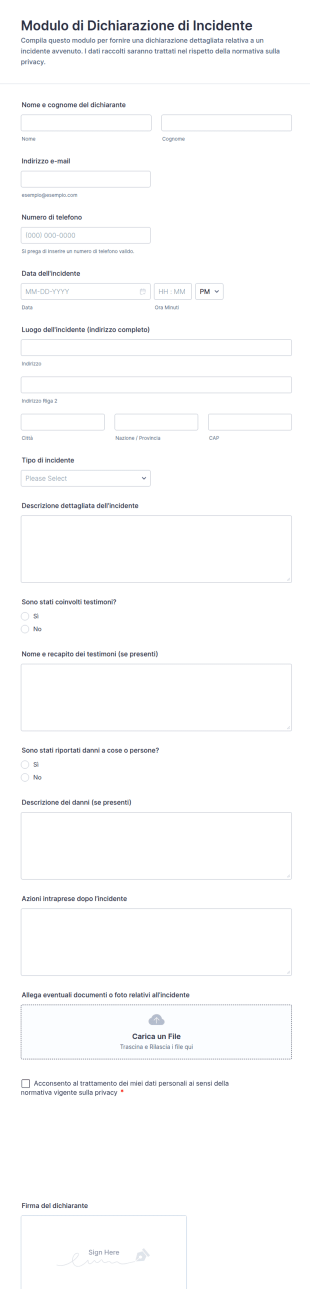
Modulo Di Dichiarazione Di Incidente
Il Modulo di Dichiarazione di Incidente supporta aziende ed enti nella raccolta dati e nella gestione delle risposte online, così da documentare rapidamente eventi, danni e segnalazioni con Jotform.
Vai alla Categoria:Moduli di Segnalazione Incidenti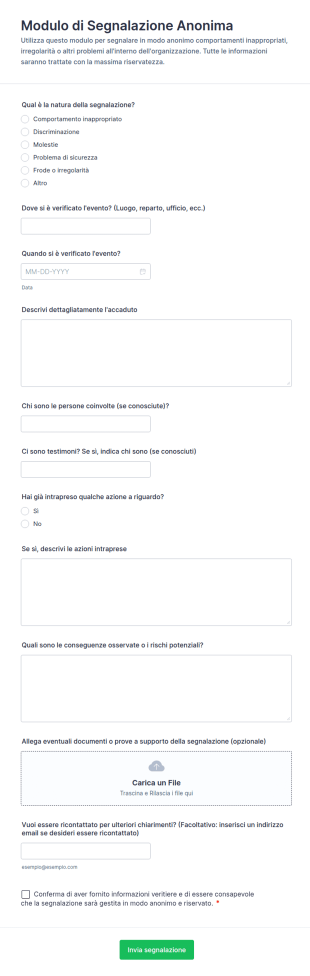
Modulo Di Segnalazione Anonima
Raccogli segnalazioni riservate su incidenti, comportamenti scorretti o rischi con il Modulo di segnalazione anonima di Jotform, ideale per aziende, scuole ed enti che vogliono organizzare la raccolta dati online.
Vai alla Categoria:Moduli Conformi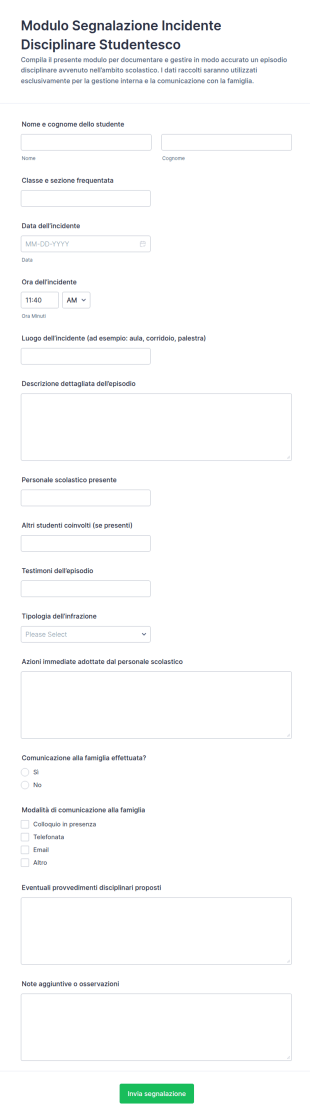
Segnalazione Di Incidente Disciplinare Studentesco
Documenta episodi disciplinari a scuola con il Modulo per Segnalazione di Incidente Disciplinare Studentesco di Jotform, utile per docenti e segreteria per raccolta dati, tracciamento interno e gestione delle comunicazioni con la famiglia.
Vai alla Categoria:Moduli per l'Istruzione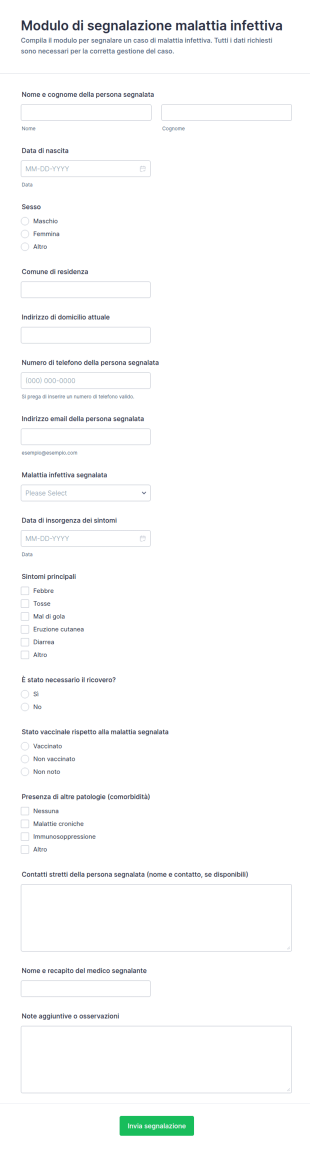
Segnalazione Di Malattia Infettiva
Raccogli e gestisci segnalazioni di casi sospetti o confermati con il Modulo di segnalazione di malattia infettiva, ideale per strutture sanitarie, scuole e servizi territoriali che devono coordinare la raccolta dati in modo coerente.
Vai alla Categoria:Moduli Assistenza Sanitaria
Modulo Di Segnalazione Incidente IT
Il Modulo di segnalazione incidenti informatici supporta la raccolta dati per registrare e gestire eventi IT in azienda, migliorando la comunicazione interna e la tracciabilità di ogni invio del modulo con Jotform.
Vai alla Categoria:Moduli IT
Modulo Di Segnalazione Osservazioni Di Sicurezza Sul Lavoro
Raccogli osservazioni e segnalazioni sulla sicurezza in sede, ufficio o cantiere con il Modulo di osservazione della sicurezza nel luogo di lavoro, utile a preposti e responsabili per gestire rischi, azioni correttive e follow-up con Jotform.
Vai alla Categoria:Moduli di Ispezione di sicurezza
Modulo Di Richiesta Di Segnalazione Problemi
Raccogli e organizza segnalazioni di problemi, reclami e richieste operative con il Modulo per la registrazione di segnalazioni, ideale per uffici, scuole e organizzazioni che vogliono migliorare la raccolta dati e la gestione delle risposte.
Vai alla Categoria:Moduli Conformi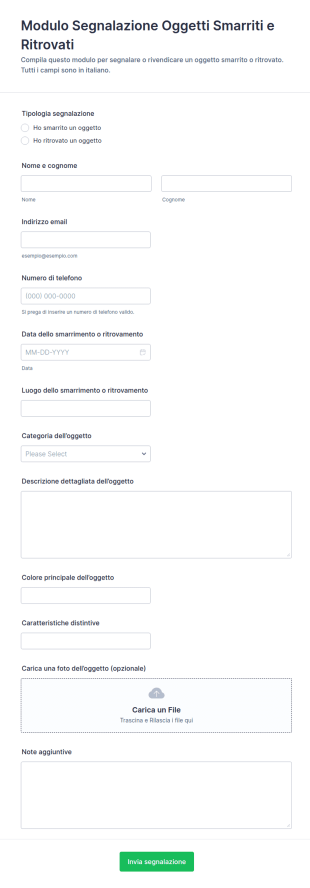
Modulo Di Segnalazione Oggetti Smarriti E Ritrovati 🧳🔍
Raccogli e gestisci segnalazioni di oggetti smarriti e ritrovati in scuole, eventi, strutture ricettive e uffici con il Modulo di segnalazione oggetti smarriti e ritrovati Form di Jotform, migliorando la raccolta dati e il tracciamento delle risposte.
Vai alla Categoria:Moduli di Contatto
Modulo Di Verifica Incidenti
Raccogli e organizza segnalazioni e indagini sugli incidenti con la Scheda di controllo per indagine incidente Form di Jotform, ideale per reparti operativi e responsabili della sicurezza che devono documentare eventi e azioni correttive.
Vai alla Categoria:Moduli di Segnalazione Incidenti
Modulo Di Segnalazione Incidente Software
Raccogli e gestisci le segnalazioni di incidenti su applicazioni e sistemi con il Modulo di segnalazione incidente software, ideale per team informatici e assistenza che vogliono tracciare priorità, avanzamento e chiusura.
Vai alla Categoria:Moduli IT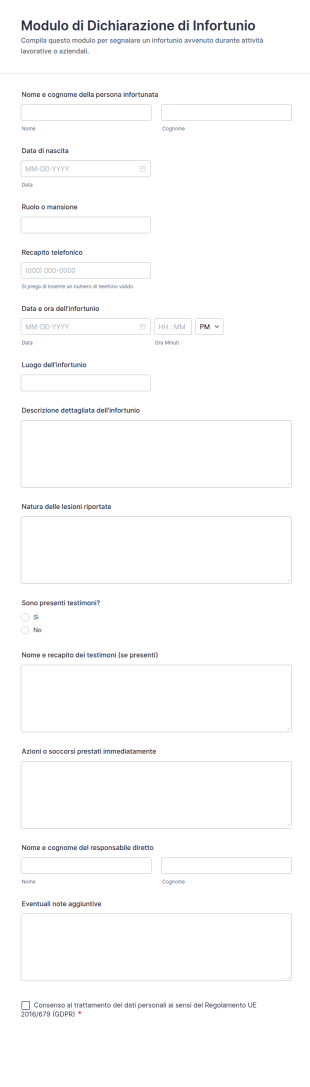
Modulo Di Dichiarazione Di Infortunio
Raccogli e archivia segnalazioni di incidenti sul lavoro o durante attività con il Modulo di Dichiarazione di Infortunio, ideale per aziende, scuole ed enti che vogliono una data collection ordinata con Jotform.
Vai alla Categoria:Moduli di Segnalazione Incidenti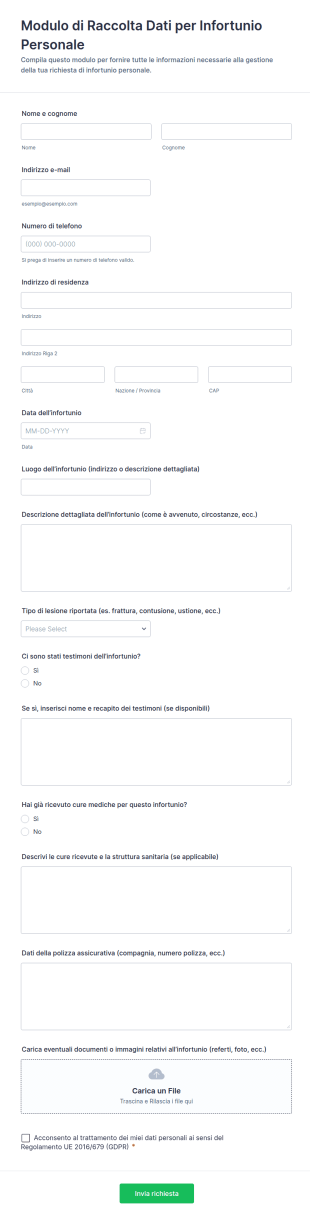
Modulo Di Raccolta Dati Per Infortunio Personale
Raccogli e organizza segnalazioni di infortunio personale con il Modulo di Raccolta Dati per Infortunio Personale di Jotform, utile per studi legali, assicurazioni e uffici che gestiscono richieste e documentazione online.
Vai alla Categoria:Moduli di Segnalazione Incidenti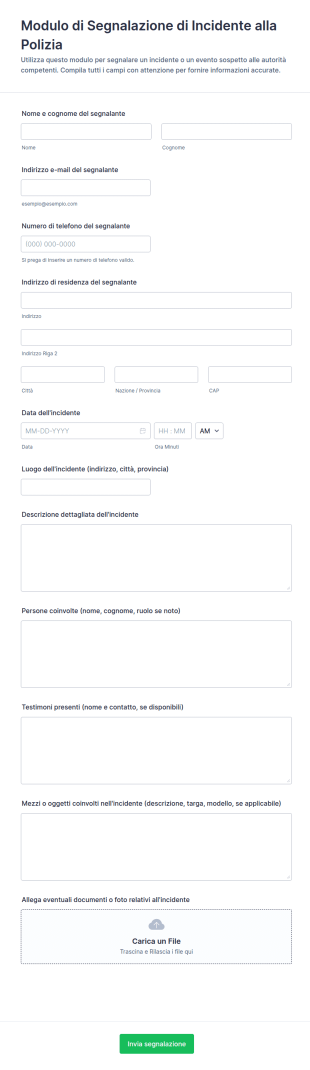
Modulo Di Segnalazione Di Incidente Alla Polizia
Raccogli e organizza segnalazioni di incidenti da inviare alle autorità con il Modulo di Segnalazione di Incidente alla Polizia di Jotform, utile per cittadini, aziende e strutture che vogliono gestire la raccolta dati in modo chiaro.
Vai alla Categoria:Moduli di Segnalazione Incidenti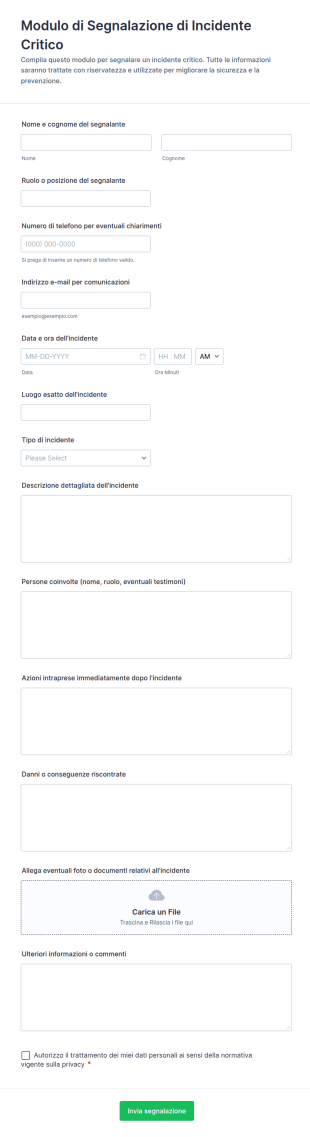
Modulo Di Segnalazione Di Incidente Critico
Raccogli e organizza segnalazioni di incidenti critici in azienda o sul campo con il Modulo di segnalazione di incidente critico di Jotform, utile per registrare eventi, supportare verifiche interne e migliorare la raccolta dati.
Vai alla Categoria:Moduli di Segnalazione Incidenti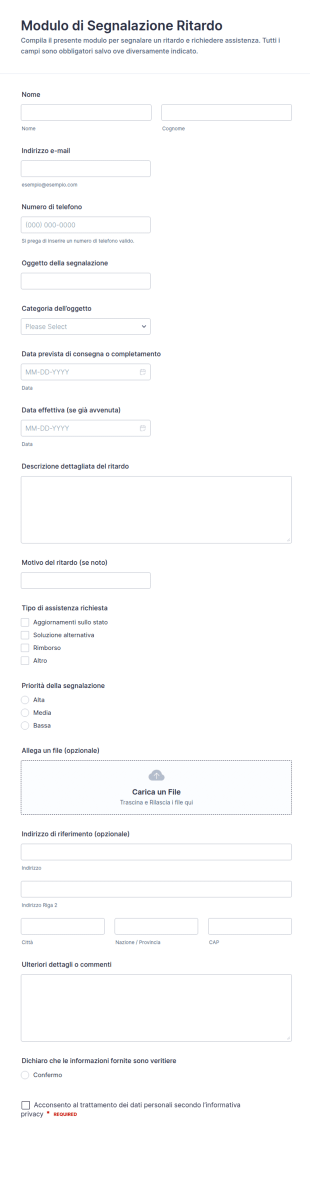
Modulo Di Ritardo Dell’Oggetto Della Segnalazione
Raccogli e gestisci segnalazioni di ritardo per consegne o servizi con il Modulo di Segnalazione Ritardo, utile per assistenza clienti, logistica e team operativi che vogliono centralizzare la data collection e le risposta.
Vai alla Categoria:Moduli Conformi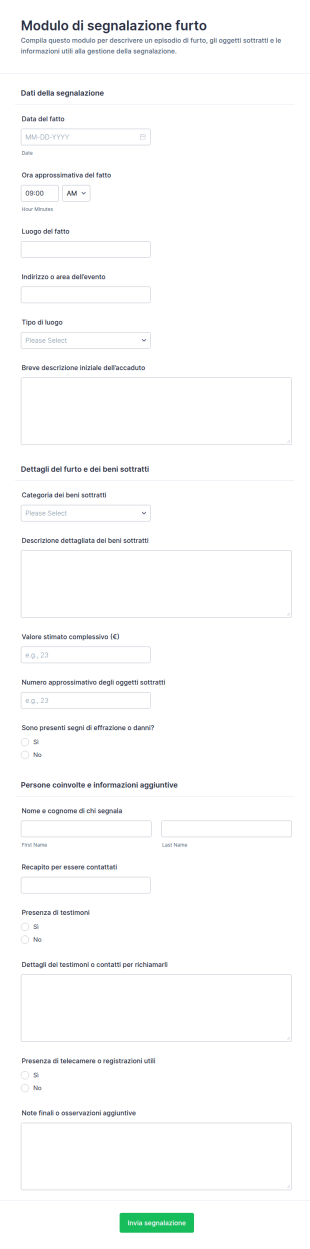
Segnalazione Furto
Raccogli e organizza segnalazioni di furto con il Modulo di segnalazione furto, ideale per condomini, negozi, uffici ed enti che gestiscono la raccolta dati online e vogliono tracciare gli eventi in modo uniforme.
Vai alla Categoria:Moduli di Segnalazione Incidenti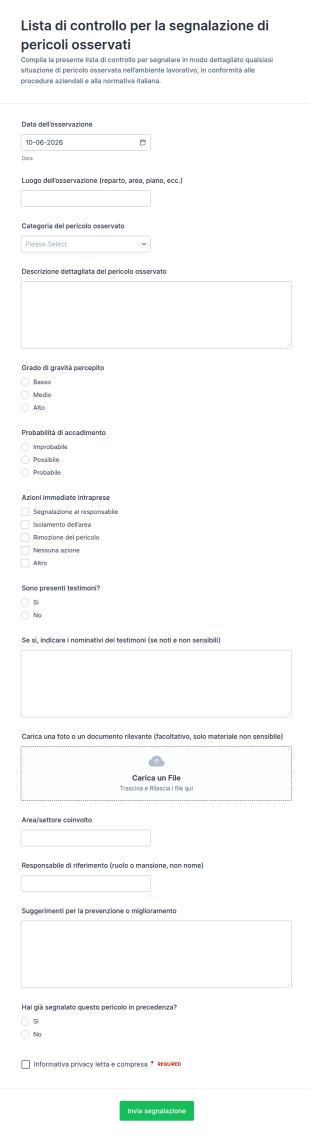
Segnalazione Di Osservazione Dei Rischi Form
Raccogli segnalazioni di pericoli osservati sul lavoro con la Lista di controllo per la segnalazione di pericoli osservati Modulo, ideale per aziende e responsabili di sede che vogliono migliorare la raccolta dati e la gestione delle risposte.
Vai alla Categoria:Moduli Liste di Controllo
Segnalazione Di Allerta Sensori
Raccogli e gestisci segnalazioni di allarme da sensori con il Modulo di segnalazione allarme sensore, ideale per manutenzione e sicurezza che devono registrare eventi, assegnare priorità e monitorare gli interventi con Jotform.
Vai alla Categoria:Moduli di Segnalazione Incidenti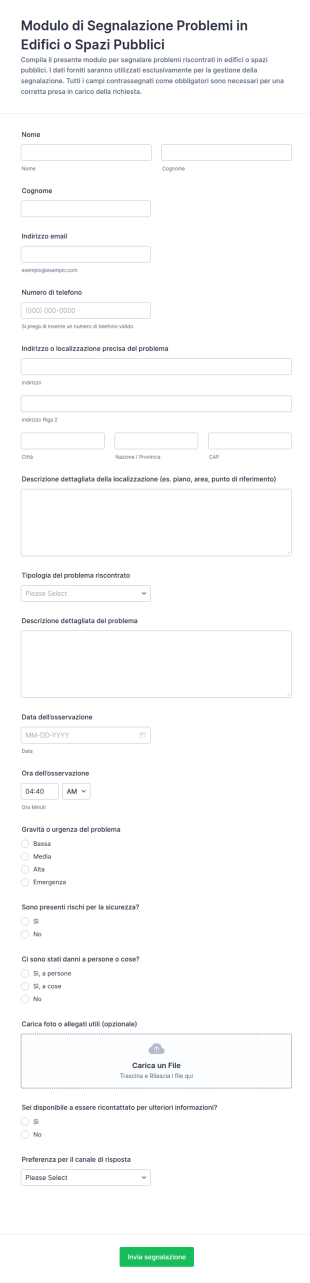
Segnalazione Guasto Struttura Pubblica
Il Modulo di Segnalazione Problemi in Edifici o Spazi Pubblici supporta enti e gestori di strutture nella raccolta dati e nella gestione delle risposte del modulo, rendendo più semplice classificare e prioritizzare guasti e rischi segnalati.
Vai alla Categoria:Moduli per la pubblica amministrazione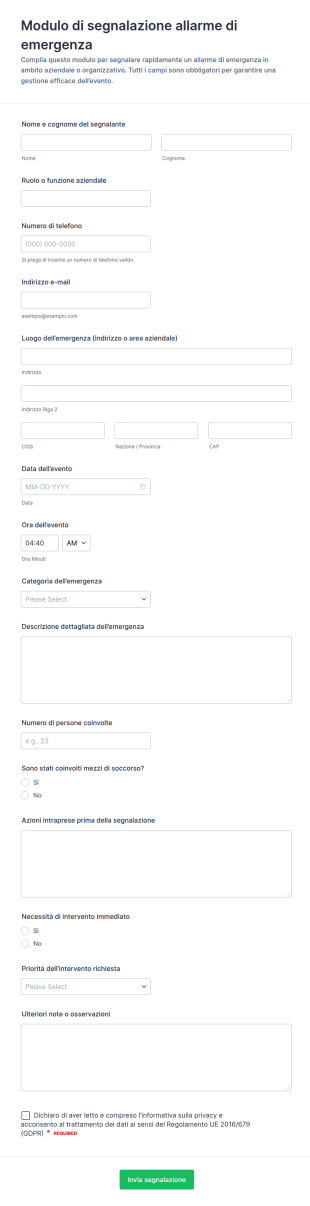
Segnalazione Di Emergenza Form
Raccogli e organizza segnalazioni di emergenza in azienda con il Modulo di segnalazione allarme di emergenza Form di Jotform, ideale per sedi, cantieri e strutture che devono attivare rapidamente procedure e interventi.
Vai alla Categoria:Moduli per Segnalazione EmergenzeInformazioni sui Moduli di Segnalazione Incidenti
Raccogli online le segnalazioni di incidenti grazie ai moduli gratuiti Jotform per la Segnalazione degli Incidenti. Che sia per utilizzo aziendale interno, per rapporti di primo soccorso o segnalazioni di incendi, scegli uno dei nostri template già pronti e personalizzalo in pochi secondi con il nostro costruttore drag-and-drop. Condividi il tuo modulo con un link o integralo sul tuo portale aziendale interno per un facile accesso. I nostri template sono perfetti per essere compilati da qualsiasi smartphone, tablet o computer.
Personalizza i moduli di segnalazione incidenti in base alle tue esigenze con l'intuitivo generatore senza codice di Jotform. Basta trascinare e rilasciare per includere il tuo logo, aggiungere o aggiornare i campi del modulo, includere elementi dell'elenco di controllo, modificare caratteri e colori e altro ancora. Connettiti con le nostre oltre 100 integrazioni come Dropbox, OneDrive o Airtable per sincronizzare automaticamente i tuoi invii. Le risposte ai moduli sono archiviate nel tuo account Jotform sicuro e protette con una connessione SSL a 256 bit, conformità CCPA, conformità PCI e conformità HIPAA opzionale.
Why Use Incident Report Forms?
- Incident Report Forms are critical for ensuring data accuracy and consistency in incident documentation. By using structured digital forms, organizations can eliminate the variability and errors often associated with handwritten reports, thus maintaining high data quality and reliability.
- These forms significantly improve the speed of data collection and processing. Unlike traditional paper-based methods, digital forms allow for instantaneous submission and integration of data into centralized systems, thereby accelerating the incident resolution process.
- Professional data handling is another key benefit of using Incident Report Forms. With automated workflows and real-time data capture, organizations can ensure that all incident information is handled professionally, reducing the risk of data loss or mishandling.
- Incident Report Forms facilitate compliance with industry regulations and standards. By maintaining a comprehensive and accessible record of all incidents, organizations can easily demonstrate adherence to safety and reporting guidelines, thus avoiding potential legal and financial penalties.
- The use of these forms also enhances communication and collaboration within organizations. By providing a standardized format for incident reporting, all stakeholders can stay informed and aligned, enabling a more coordinated and effective response to incidents.
Common Problems Solved by Incident Report Forms
- One of the primary challenges addressed by Incident Report Forms is the inefficiency of traditional paperwork. Paper forms can be time-consuming to fill out, prone to errors, and difficult to manage. Digital forms streamline the entire process, making it faster and more efficient.
- Manual data entry is another common pain point that these forms alleviate. By automating data collection and integration, organizations can minimize the risk of errors associated with manual input, ensuring more accurate and reliable incident records.
- Lost or misplaced data is a significant concern in incident reporting. Digital forms ensure that all data is securely stored and easily retrievable, eliminating the risk of lost paperwork and ensuring that all incident information is readily accessible when needed.
- Incident Report Forms also address the challenge of delayed incident response. With real-time data submission and automated notifications, organizations can respond more quickly to incidents, reducing potential damage and improving overall safety and efficiency.
Funzionalità per ogni utilizzo
- For efficient data collection during an incident, the Drag-and-Drop Form Builder allows users to quickly create customized forms tailored to specific incident types, ensuring all necessary information is captured accurately and efficiently.
- Conditional Logic can be employed to streamline the form-filling process by dynamically adjusting the form fields based on user input, thereby ensuring that only relevant information is gathered and reducing the complexity of the form.
- Jotform's Electronic Signatures feature enables users to capture legally binding signatures directly within the forms, facilitating compliance and ensuring that all incident reports are duly authorized and validated.
- The PDF Editor can automatically generate professional PDF documents from form submissions, providing a polished and standardized format for reporting incidents to stakeholders or regulatory bodies.
- For organizations requiring seamless data integration, Jotform offers over 100 third-party integrations, including Google Sheets and Salesforce, allowing incident data to be automatically synced with existing systems for further analysis and reporting.
- Secure Data Management with Jotform Tables ensures that all incident data is stored safely, with access controls and encryption ensuring compliance with data protection regulations and safeguarding sensitive information.
How to Create a Incident Report Form
- Begin by browsing the Template List for an Incident Reports template or start from a blank form to tailor the design to your specific needs.
- Customize the design and fields using the Drag-and-Drop Form Builder, adding or removing elements as necessary to capture all relevant incident information.
- Once the form is complete, publish and share it via Direct Link, Email, or Website Embed to ensure easy access for all potential users.
Top Use Cases for Incident Report Forms
- For Managers: Incident Report Forms provide managers with a comprehensive and organized method for tracking incidents within their organizations. By having access to detailed and consistent reports, managers can identify patterns or recurring issues, enabling them to implement preventive measures and improve overall workplace safety. Additionally, the real-time data provided by these forms allows managers to make informed decisions quickly, reducing the impact of incidents on operations.
- For Teams: Teams benefit from Incident Report Forms by having a standardized and efficient way to document incidents as they occur. This ensures that all team members are on the same page, fostering better communication and collaboration in addressing and resolving incidents. By using these forms, teams can also streamline their reporting processes, saving time and reducing the administrative burden associated with traditional paper-based reporting methods.
- For Customers: Incident Report Forms can also be used to enhance customer satisfaction by providing a transparent and efficient mechanism for reporting issues or incidents. Customers can easily fill out these forms online, ensuring that their concerns are promptly addressed and resolved. This proactive approach to incident management not only boosts customer trust and loyalty but also helps organizations maintain a positive reputation by demonstrating their commitment to excellent service and responsiveness.
Summarizing Incident Report Forms
Incident Report Forms offer significant business value by enhancing the efficiency, accuracy, and reliability of incident documentation and management processes. By leveraging Jotform's robust online form builder, organizations can customize and automate their incident reporting workflows, ensuring that all relevant data is captured and managed effectively. This, in turn, facilitates faster incident resolution, improved compliance, and better decision-making, ultimately contributing to a safer and more productive work environment.
Domande Frequenti
1. Che cos'è un modulo di segnalazione degli incidenti?
Un modulo di segnalazione incidenti è un documento strutturato utilizzato per registrare i dettagli su eventi inaspettati, incidenti o quasi incidenti in vari contesti. Aiuta le organizzazioni a documentare cosa è successo, chi è stato coinvolto e quali azioni sono state intraprese.
2. I moduli e i dati inviati sono sicuri?
Sono fondamentali per garantire una tenuta dei registri accurata, supportare le indagini, mantenere la conformità alle normative e individuare aree di miglioramento nella gestione della sicurezza e dei rischi.
3. Quali informazioni dovrebbero essere incluse in un modulo di segnalazione degli incidenti?
I dettagli chiave includono tipicamente la data, l'ora e il luogo dell'incidente, i nomi delle persone coinvolte, una descrizione dell'evento, le dichiarazioni dei testimoni, e qualsiasi azione intrapresa in risposta.
4. Posso riscuotere pagamenti direttamente tramite i miei moduli?
Sì, i moduli di segnalazione degli incidenti possono essere personalizzati per scenari specifici come infortuni sul lavoro, violazioni della sicurezza, eventi sanitari o incidenti scolastici, ognuno con campi e requisiti specifici.
5. È possibile utilizzare questi moduli su dispositivi mobili?
In generale, la persona che ha assistito o è stata coinvolta nell'incidente dovrebbe compilare il modulo, spesso con il supporto di un supervisore, addetto alla sicurezza o membro del personale designato.
6. Posso trasformare le risposte dei moduli in documenti PDF professionali?
Jotform utilizza l'archiviazione sicura dei dati e la crittografia per proteggere le informazioni sensibili. L'accesso alle risposte dei moduli può essere limitato solo al personale autorizzato.
7. È possibile utilizzare i moduli di segnalazione degli incidenti per scopi legali o assicurativi?
Sì, compilare correttamente i moduli di segnalazione degli incidenti permette di fornire documentazione importante per indagini legali, richieste di risarcimento assicurative e conformità normativa.
8. Entro quanto tempo deve essere completato un rapporto sull'incidente dopo un evento?
È buona norma completare un rapporto sull'incidente il prima possibile dopo l'evento per garantire accuratezza e risposta tempestiva. La segnalazione aiuta le organizzazioni ad affrontare i problemi rapidamente ed efficacemente.