
# InfoPath Form Migration Tool | Convert XSN to Jotform

# InfoPath to Jotform Migration Tool

Jotform's InfoPath migration tool converts your .XSN files into fully editable Jotform forms instantly — no blank forms, no manual rebuilding. Once migrated, you can update fields and layout, add approval workflows, generate PDFs, collect e-signatures, and sync submissions directly to SharePoint lists or document libraries.

Migrate your forms to Jotform

![Image 1: Migrate Hero Image](https://cdn.jotfor.ms/image/r/aHR0cHM6Ly9jZG4uam90Zm9yLm1zL3Avam90Zm9ybS12cy1pbmZvcGF0aC9hc3NldHMvaW1nLW1pbi9taWdyYXRlL2hlcm8ucG5n/hero.png?w=1848&t=1)

## How to migrate InfoPath forms in 3 Steps

![Image 2: Upload your .XSN file](https://cdn.jotfor.ms/image/r/aHR0cHM6Ly9jZG4uam90Zm9yLm1zL3Avam90Zm9ybS12cy1pbmZvcGF0aC9hc3NldHMvaW1nLW1pbi9taWdyYXRlL2hvdy0xLnBuZw==/how-1.png?w=1104&t=1)

### Upload your .XSN file

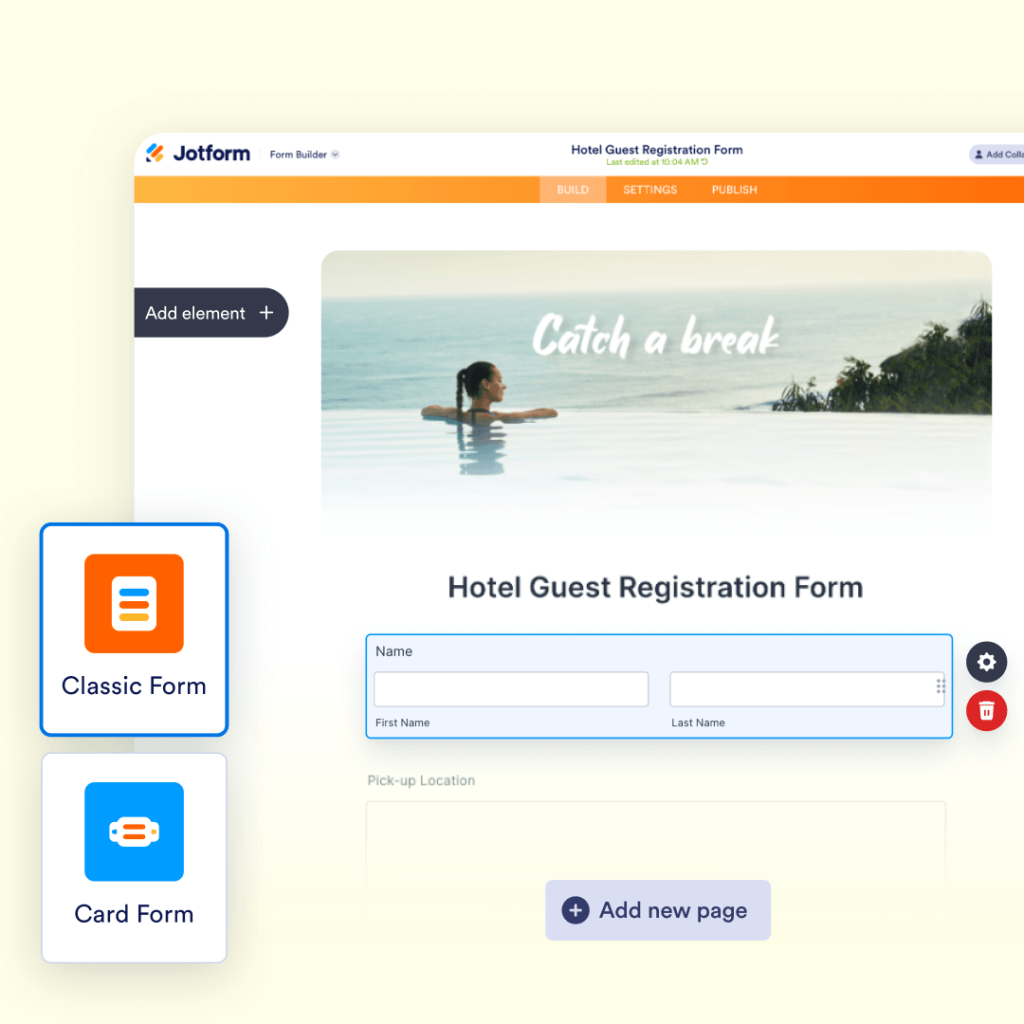
Open the InfoPath migration tool, upload your .XSN file, and Jotform will instantly convert it into an editable form.
![Image 3: Review your converted form](https://cdn.jotfor.ms/image/r/aHR0cHM6Ly9jZG4uam90Zm9yLm1zL3Avam90Zm9ybS12cy1pbmZvcGF0aC9hc3NldHMvaW1nLW1pbi9taWdyYXRlL2hvdy0yLnBuZw==/how-2.png?w=1104&t=1)

### Review your converted form

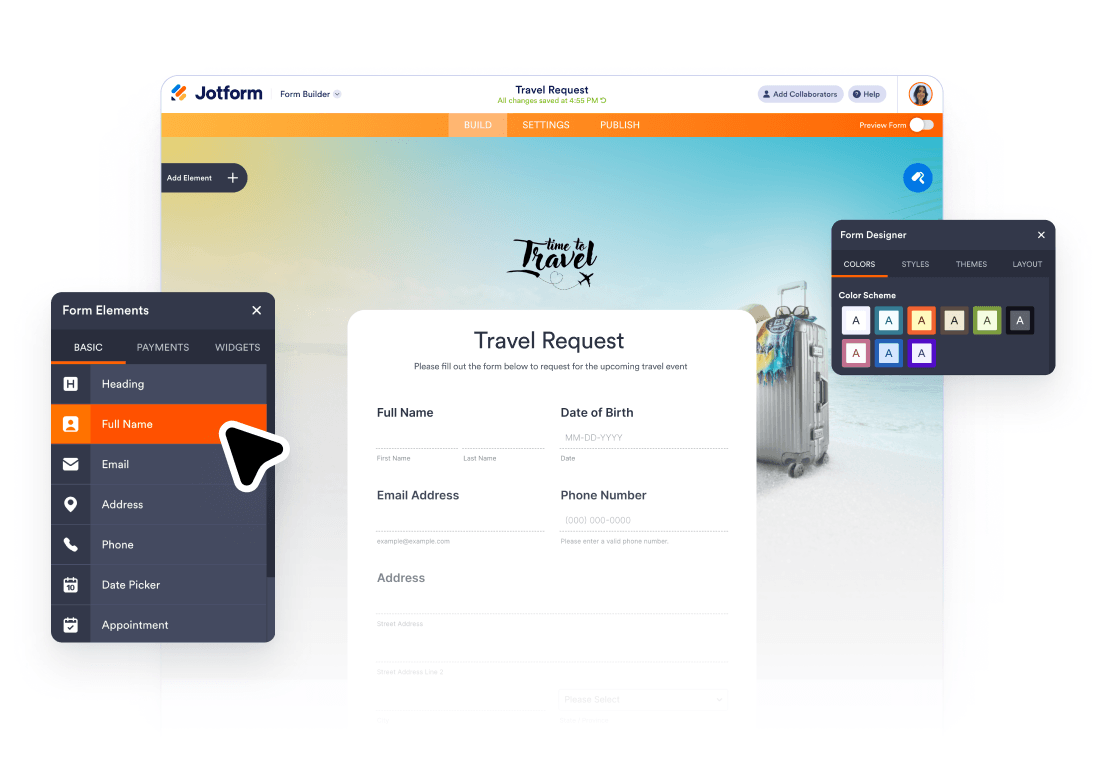
Check your converted form fields, labels, and layout. Make any quick edits needed before moving into the final setup.

![Image 4: Final check and publish](https://cdn.jotfor.ms/image/r/aHR0cHM6Ly9jZG4uam90Zm9yLm1zL3Avam90Zm9ybS12cy1pbmZvcGF0aC9hc3NldHMvaW1nLW1pbi9taWdyYXRlL2hvdy0zLnBuZw==/how-3.png?w=1104&t=1)

### Final check and publish

Review your workflow, test emails, approvals, PDFs, and SharePoint actions, then publish live.

## Trusted by millions worldwide

Jotform is used by millions of people and teams around the world — from solo creators to enterprise organizations. InfoPath users choose Jotform when they need greater control over form design, conditional logic, and submission management, along with powerful integrations with the tools they already rely on.

![Image 5: Sydney Opera House Logo](https://cdn.jotfor.ms/p/jotform-vs-infopath/assets/img-min/customer-brands/sydney.svg)![Image 6: RedBull Logo](https://cdn.jotfor.ms/p/jotform-vs-infopath/assets/img-min/customer-brands/redbull.svg)![Image 7: Ford Logo](https://cdn.jotfor.ms/p/jotform-vs-infopath/assets/img-min/customer-brands/ford.svg)![Image 8: Netflix Logo](https://cdn.jotfor.ms/p/jotform-vs-infopath/assets/img-min/customer-brands/netflix.svg)![Image 9: Armani Logo](https://cdn.jotfor.ms/p/jotform-vs-infopath/assets/img-min/customer-brands/armani.svg)![Image 10: FT Logo](https://cdn.jotfor.ms/p/jotform-vs-infopath/assets/img-min/customer-brands/ft.svg)

## What you can do after you migrate?

After converting your InfoPath form, you can preserve your existing form structure and continue building in Jotform to match your workflow needs. Here are the most common next steps teams take after importing their .XSN files.

### Review and edit your converted form


![Image 11: Review and edit your converted form ](https://cdn.jotfor.ms/image/r/aHR0cHM6Ly9jZG4uam90Zm9yLm1zL3Avam90Zm9ybS12cy1pbmZvcGF0aC9hc3NldHMvaW1nLW1pbi9taWdyYXRlL3NsaWRlci0xLnBuZw==/slider-1.png?w=40&t=1)

Update field labels, questions, pages, layout, required fields, and form settings before publishing. Clean up outdated form patterns while keeping the experience familiar for your users.
### Recreate logic and routing


![Image 12: Recreate logic and routing](https://cdn.jotfor.ms/image/r/aHR0cHM6Ly9jZG4uam90Zm9yLm1zL3Avam90Zm9ybS12cy1pbmZvcGF0aC9hc3NldHMvaW1nLW1pbi9taWdyYXRlL3NsaWRlci0yLnBuZw==/slider-2.png?w=40&t=1)

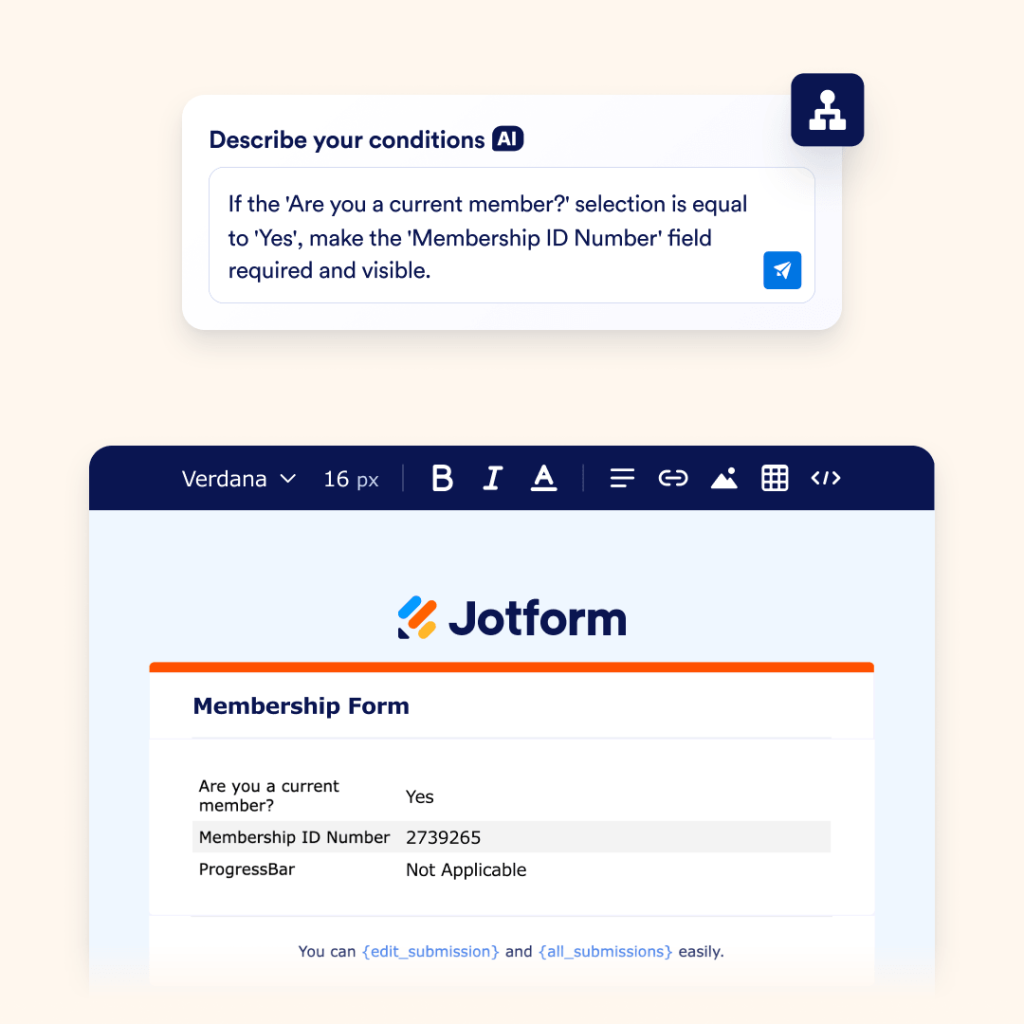
Use conditional logic to show or hide fields, guide users through the right path, and trigger automated emails based on responses. Ideal for request forms, access forms, HR forms, service forms, and department intake workflows.

### Connect SharePoint records and files


![Image 13: Connect SharePoint records and files](https://cdn.jotfor.ms/image/r/aHR0cHM6Ly9jZG4uam90Zm9yLm1zL3Avam90Zm9ybS12cy1pbmZvcGF0aC9hc3NldHMvaW1nLW1pbi9taWdyYXRlL3NsaWRlci0zLnBuZw==/slider-3.png?w=40&t=1)

Send form submissions directly to SharePoint lists, or upload files and generated PDFs to SharePoint document libraries — keeping your records organized and accessible in one place.
### Add approval workflows after submission


![Image 14: Add approval workflows after submission](https://cdn.jotfor.ms/image/r/aHR0cHM6Ly9jZG4uam90Zm9yLm1zL3Avam90Zm9ybS12cy1pbmZvcGF0aC9hc3NldHMvaW1nLW1pbi9taWdyYXRlL3NsaWRlci00LnBuZw==/slider-4.png?w=40&t=1)

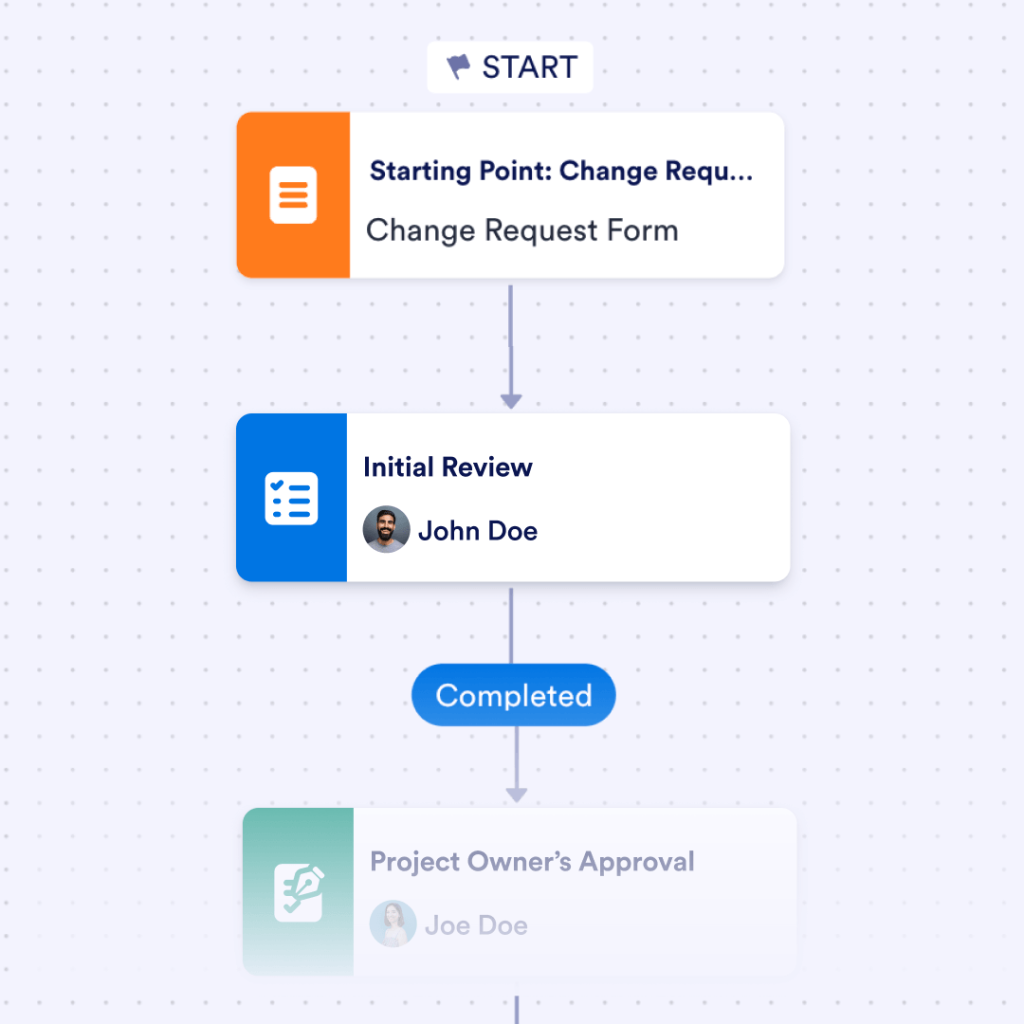
Route migrated forms to managers, IT, HR, finance, operations, or compliance reviewers. Track decisions, assign owners, and maintain a clear approval history for every submission.
### Create PDFs and signed records


![Image 15: Create PDFs and signed records](https://cdn.jotfor.ms/image/r/aHR0cHM6Ly9jZG4uam90Zm9yLm1zL3Avam90Zm9ybS12cy1pbmZvcGF0aC9hc3NldHMvaW1nLW1pbi9taWdyYXRlL3NsaWRlci01LnBuZw==/slider-5.png?w=40&t=1)

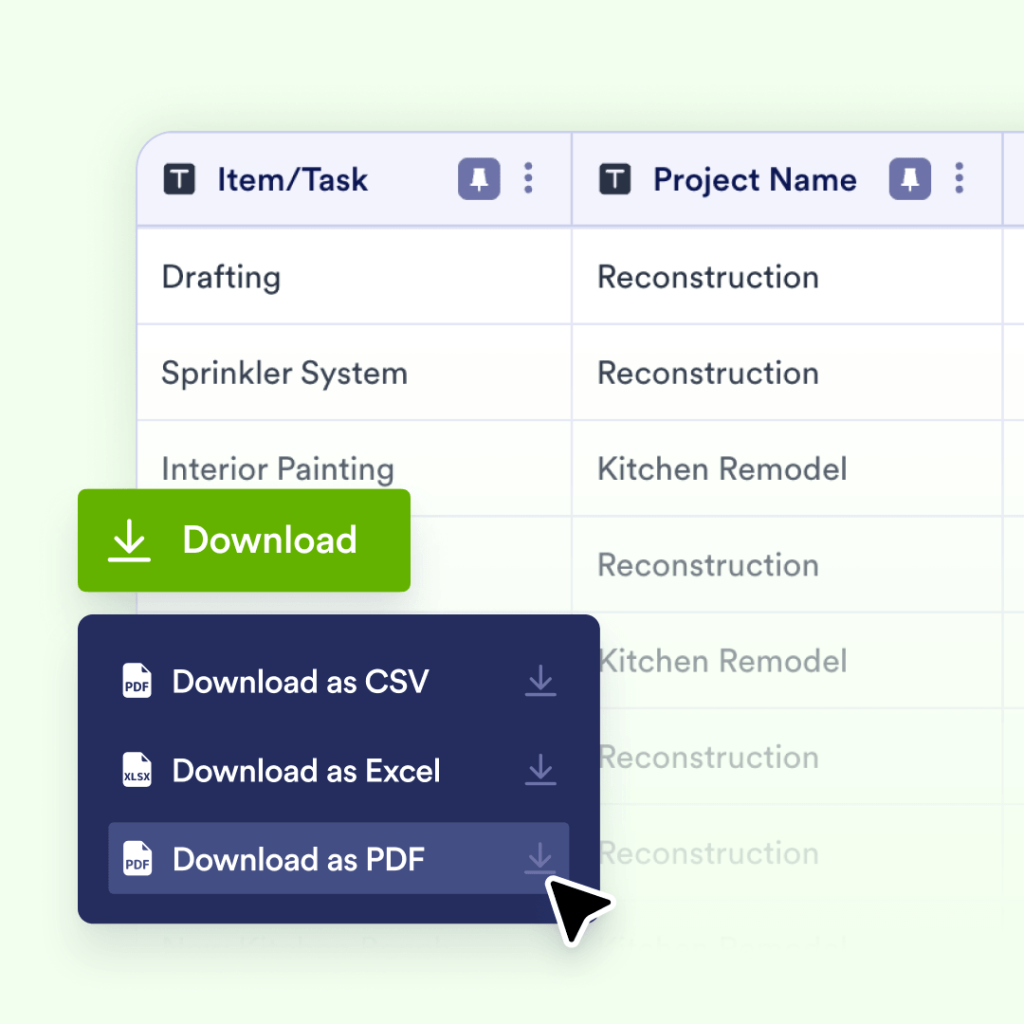
Turn form responses into completed PDFs for records, requests, approvals, and follow-ups. Add e-signatures whenever a migrated form requires consent, acknowledgment, authorization, or formal signoff.
### Manage submissions in one place


![Image 16: Manage submissions in one place](https://cdn.jotfor.ms/image/r/aHR0cHM6Ly9jZG4uam90Zm9yLm1zL3Avam90Zm9ybS12cy1pbmZvcGF0aC9hc3NldHMvaW1nLW1pbi9taWdyYXRlL3NsaWRlci02LnBuZw==/slider-6.png?w=40&t=1)

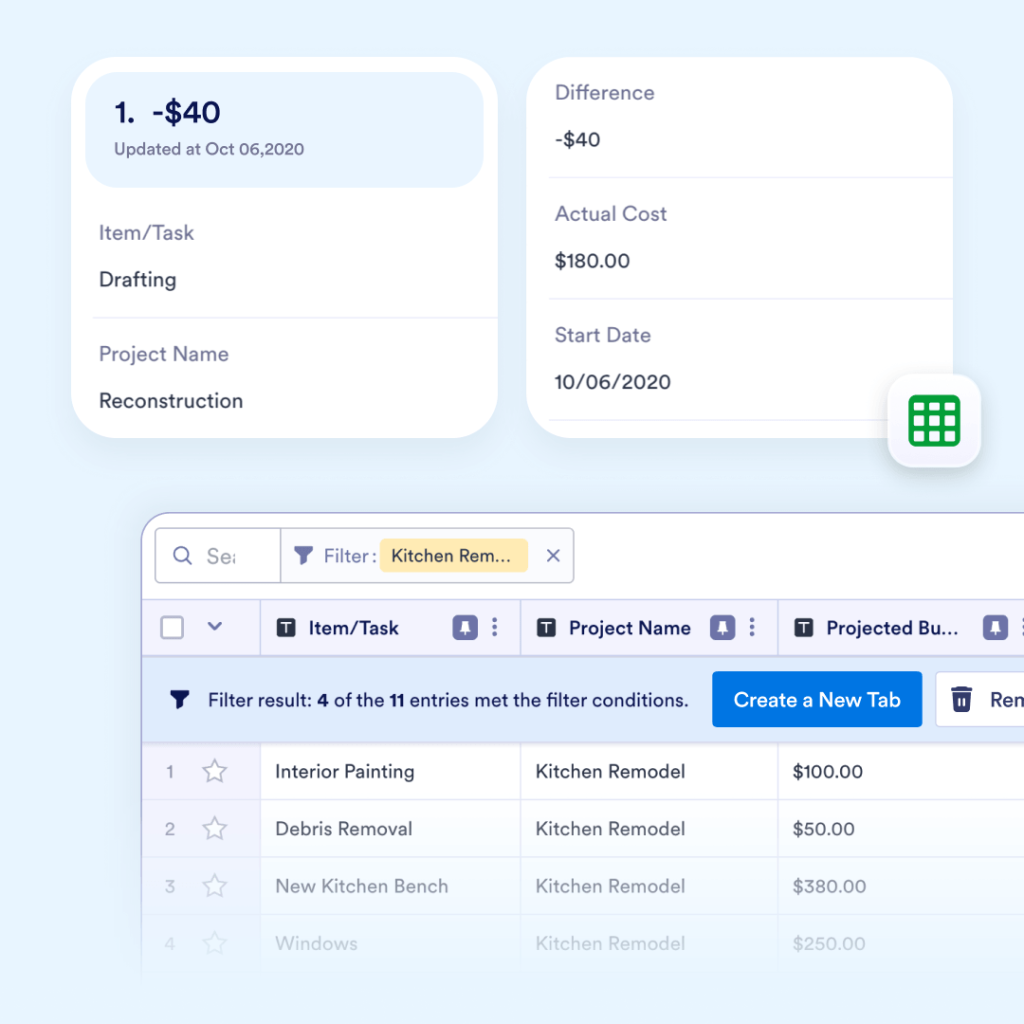
View, filter, assign, export, and report on submissions as your migrated forms go live. Jotform Tables gives teams a powerful way to track requests and manage records — no email threads or manual spreadsheets required.

## Ready to move your InfoPath forms to Jotform?

Convert your .XSN files into fully editable Jotform forms in minutes — then build out your complete workflow with approval automation, PDF generation, e-signatures, submission tracking, and SharePoint integration.

Migrate your forms to Jotform