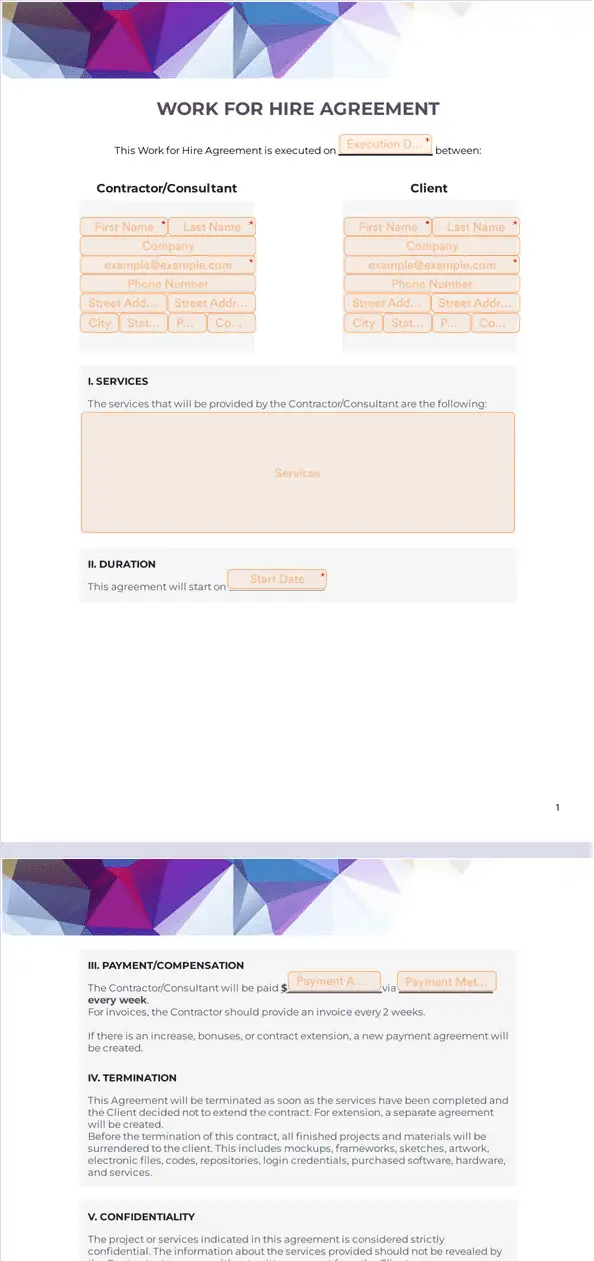
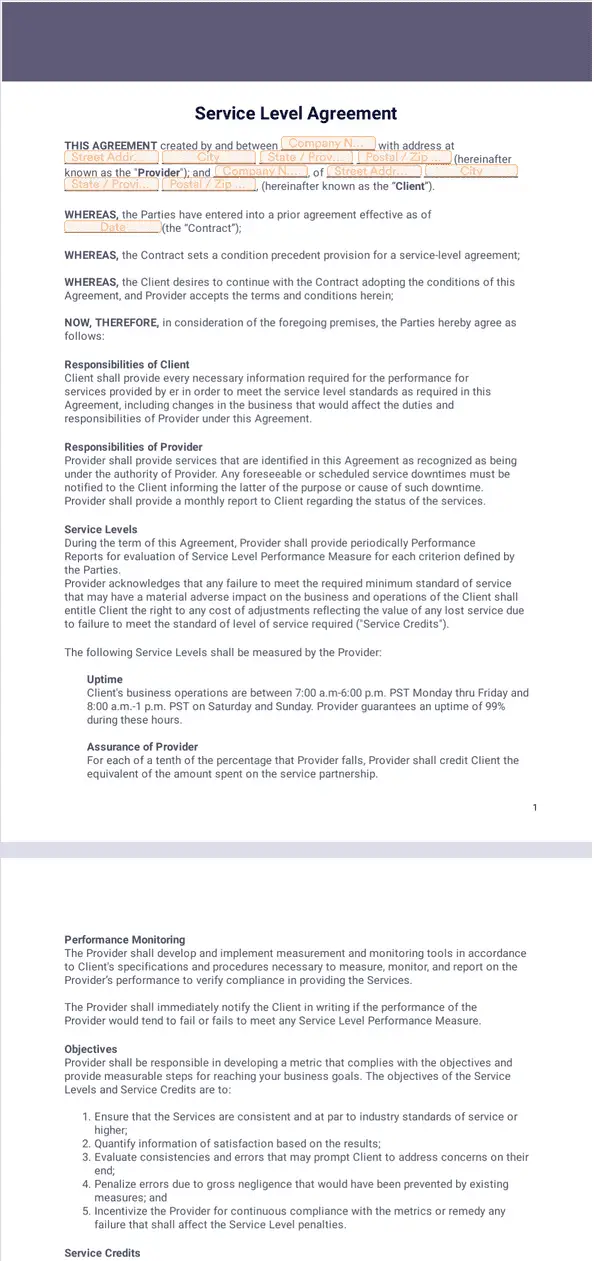
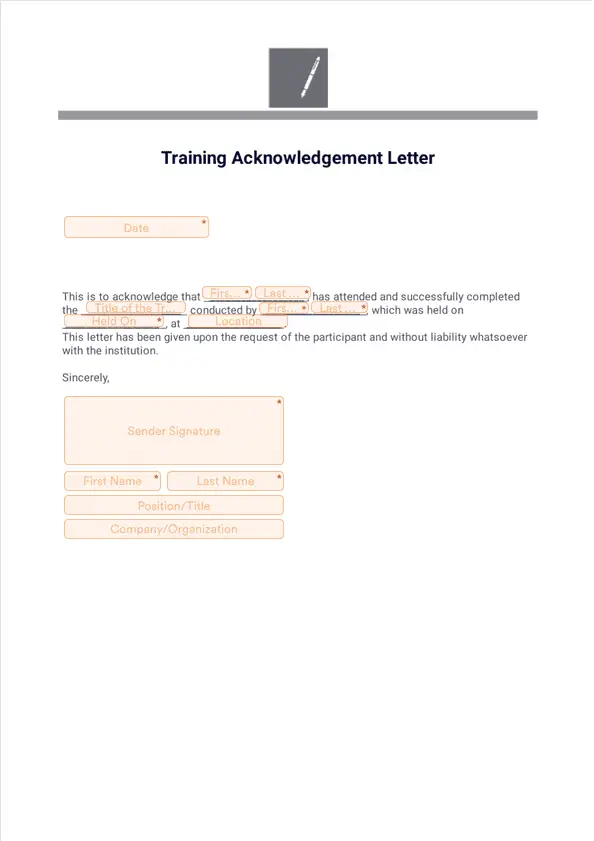
Jotform’s electronic signature for it operations is an e-signature solution for automating IT operations processes and eliminating paperwork with Jotform Sign. Create signable online documents for asset tracking, project management, production change authorization, and more. Send documents for signing to keep approvals and operational workflows moving faster.
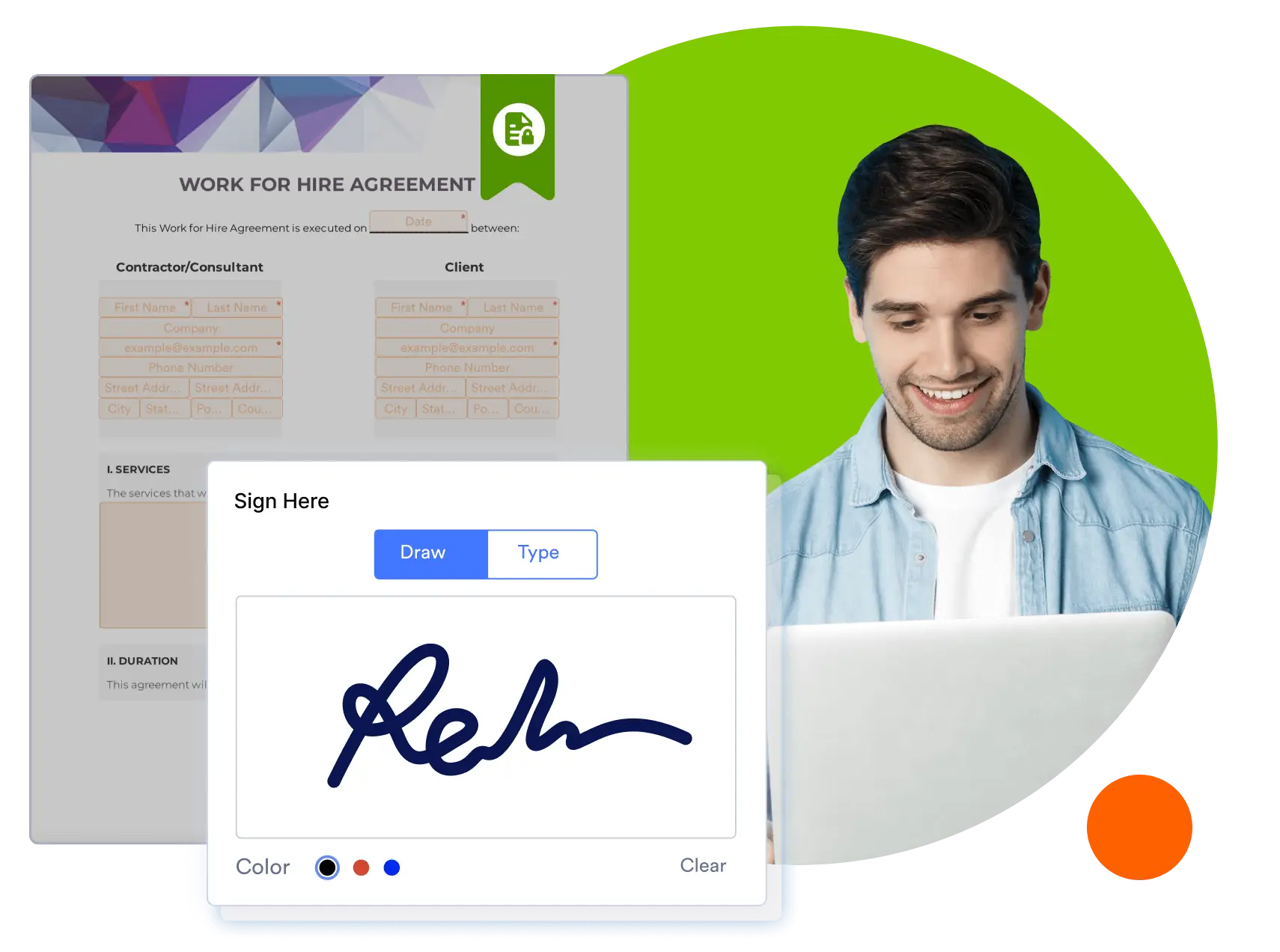
Jotform Sign Mobile is the simplest way to sign, send, and track documents from your phone.



Templates
Not sure where to start? Choose one of our free, ready-to-use templates below — then fully customize it to meet your IT department’s needs with our drag-and-drop builder.
Benefits
Use an electronic signature for IT operations to accelerate key workflows like asset tracking, change approvals, and project documentation. Upload existing PDFs or start from ready-made templates, then customize them with Jotform Sign’s drag-and-drop builder so documents reflect your IT processes. Jotform Sign automatically detects fields in uploaded files, reducing time spent on setup and manual entry.
Automate signature workflows so IT operations teams spend less time on paperwork and more on critical tasks. Create multi-step signing orders, set due dates, and use reminders so approvals happen without manual follow-ups. Jotform Sign integrates with Jotform Workflows, letting you embed signature steps into broader operational processes.
Turn any document into a secure, signable IT operations file that’s valid in many global jurisdictions. Jotform Sign collections are encrypted, stored safely on servers, and provide audit trails that show who signed and when. You can add access codes and digital certificates to reinforce verification for sensitive change authorizations or internal compliance documents.
Track and organize signed IT operations documents and asset records from one dashboard using Jotform Tables and Sign Inbox. Search, sort, and filter through completed documents and their data so you can quickly find records for audits or operational reviews. Real-time status updates make it easier to see which approvals are complete and which need attention, reducing delays in IT workflows.
Use Jotform Sign to create professional and efficient e-sign documents for every area of your company.
Collect signatures from company employees who borrow IT equipment, then track and manage everything from your online dashboard. Document employee name, department, cubicle number, asset return instructions, and any other relevant information.
Create a document laying out your IT operations policies for employees to review and sign. Once signed, you’ll automatically receive a finalized PDF to keep for your records.
Plan, organize, execute, and assign responsibilities to your IT staff with our ready-to-use project management templates. Document your IT projects from start to finish.
Gather and record proper authorization prior to making changes in production environments, ensuring everyone on your team is in the loop.
Disclaimer: The information provided in this guide is for general informational purposes only and is not intended to constitute legal advice. While we strive to keep the information accurate and up-to-date, laws and regulations vary by jurisdiction and can change frequently. Should you have specific legal questions about any of the information on this site, you should consult with a licensed attorney in your area.