
Get the app
Install the Jotform - Form Builder from the Shopify App Store and start creating your first form.

Create customizable contact forms, registration forms, online booking forms, pre-order forms, customer feedback forms, and more to collect the information your team needs and act on it.
Get the App — It’s Free
Install the Jotform - Form Builder from the Shopify App Store and start creating your first form.

Add your form to any page and start collecting inquiries, requests, feedback, and more.

Receive submissions from your customers and use reports and analytics to track responses and gain insights.
Customize your forms to match your specific business needs, workflows, and customer interactions, so you can collect the right information and manage each process your way.
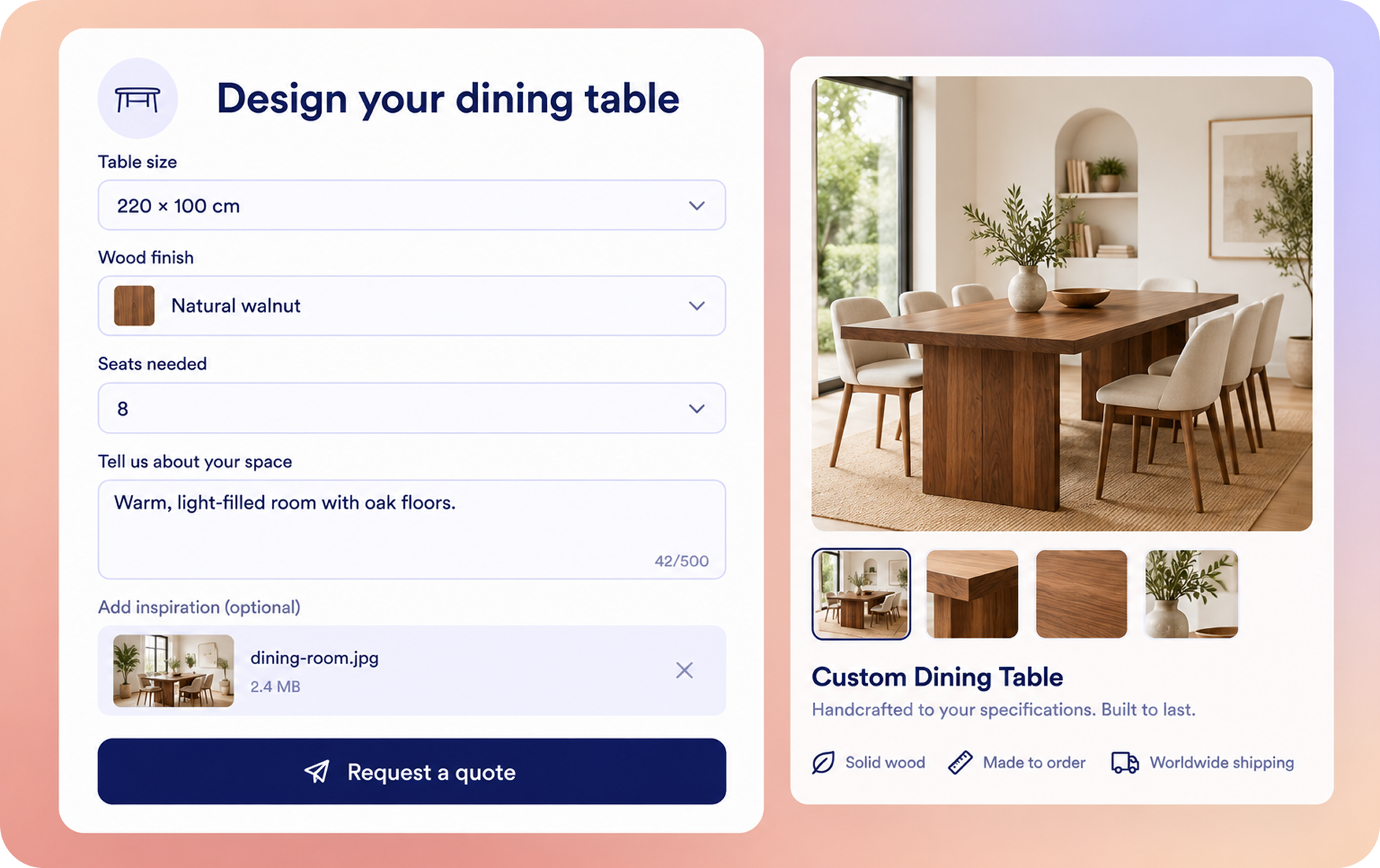
Embed custom forms and surveys directly into your Shopify store, making it easy for customers to submit information and complete requests without leaving your storefront or interrupting their shopping experience.
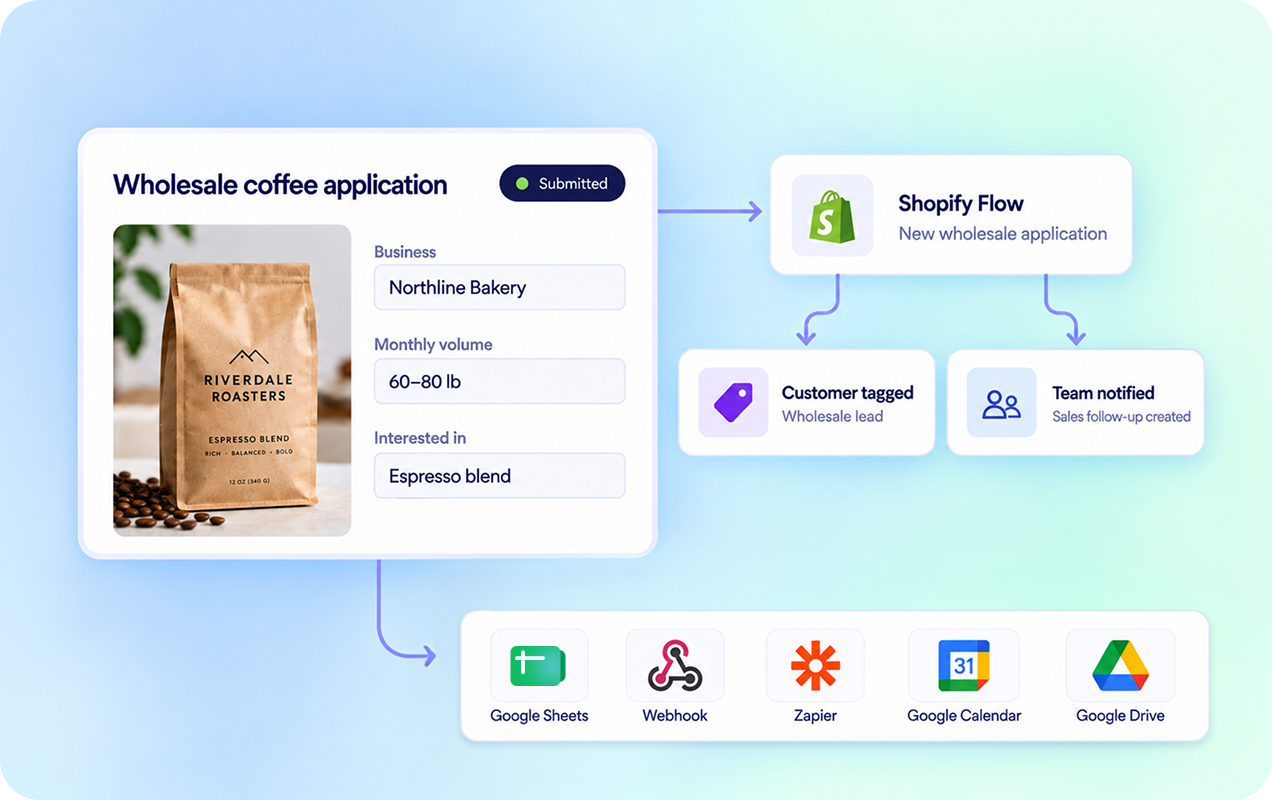
Connect form submissions to the tools your business already uses. Build automated workflows with Shopify Flow or integrate with popular apps like Google Sheets, Slack, Mailchimp, and more to fit your specific business needs.


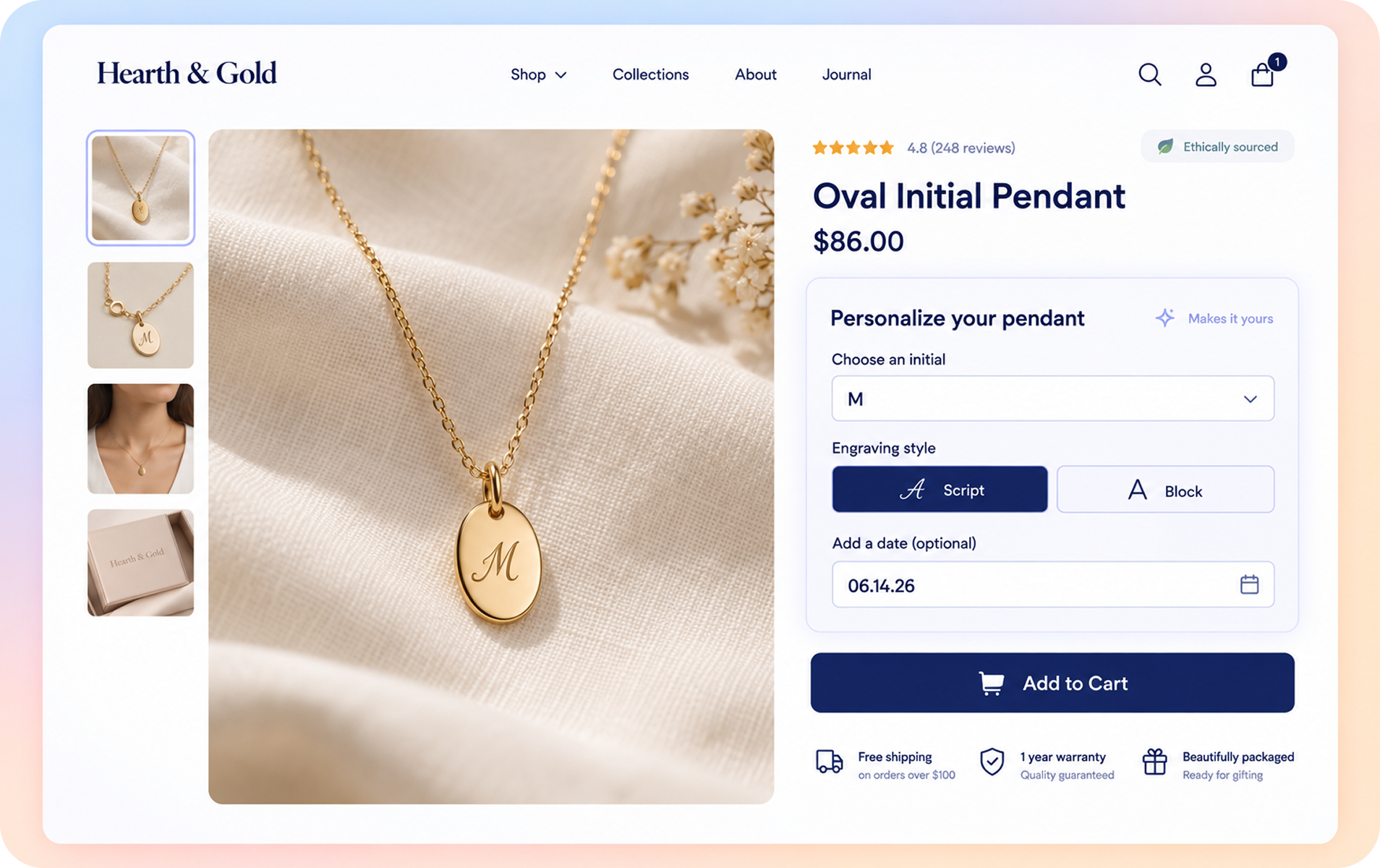
Automate customer support, help customers find the right products, and guide conversations toward checkout with seamless human takeover whenever needed.
Get the App — It’s Free

Create interactive, conversational quizzes that keep customers engaged and open up natural opportunities for upselling and cross-selling throughout the shopping experience.
Get the App — It’s FreeTell us what you’re looking for and how it could help your store
We’ve received your app request
Install Jotform Form Builder, create a form, and embed it on the Shopify page you choose.
You can collect inquiries, product requests, customer feedback, registrations, and payments.
Yes. Customize fields, branding, and workflows without code.