Banner Widget

Build Promotional Banners for Any Website Campaign

Create website banners for sales, product launches, webinars, events, announcements, and seasonal campaigns. Customize the content, background, actions, layout, and responsive display in a no-code builder.

Create Your Banner Widget — It's Free!
Build Promotional Banners for Any Website Campaign Hero Bg Image

How to embed Banner Widget to WordPress

1Get your embed code

After customizing your Jotform website widget, click Try it on your website for free, and copy the generated embed code.

2Open the page editor

Go to the WordPress post or page where you want to display the widget, then add a new block.

3Add a Custom HTML block

Select Custom HTML and paste your Jotform Website widget embed code into the HTML field.

4Update and view

Click Update or Publish, then open the page to check your embedded widget.

Launch Campaigns With Ready-Made Banner Styles

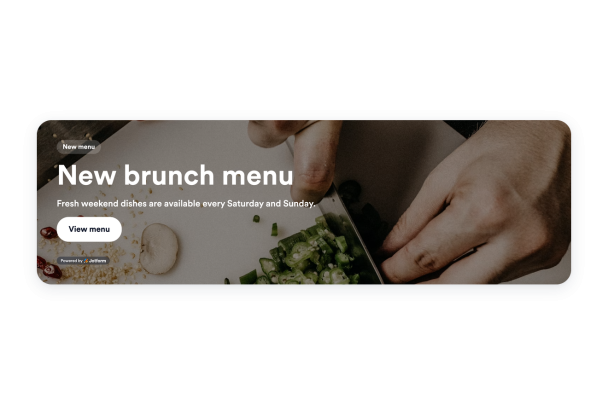
Start with a banner composition designed for common campaign goals, then adapt the message and action to your audience. Choose styles for product promotions, webinars, restaurant offers, travel deals, social campaigns, seasonal sales, and other website announcements.

Starter styles include:
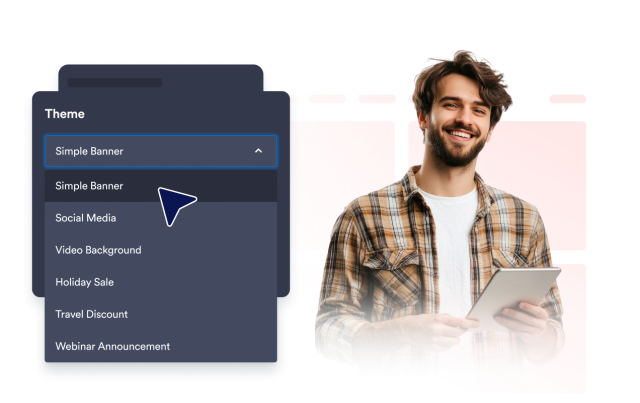
Simple bannerVideo backgroundProduct promoWebinarHoliday sale
Choose a Banner Style
Launch Campaigns With Ready-Made Banner Styles

Make Banner Messages Stand Out Visually

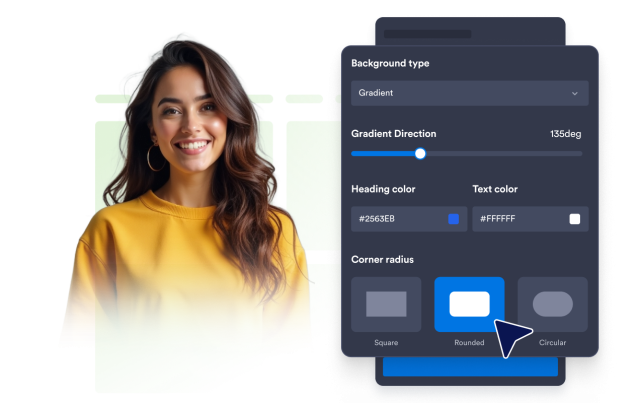
Draw attention to important promotions with a solid color, gradient, image, or video background. Use YouTube or Vimeo videos and adjust brightness, image stretching, gradient direction, and rounded corners to create a banner that complements your website.

Background controls include:

Color backgroundGradient directionImage backgroundVideo backgroundBrightness
Customize Your Background
Make Banner Messages Stand Out Visually

Turn Banner Attention Into Clear Actions

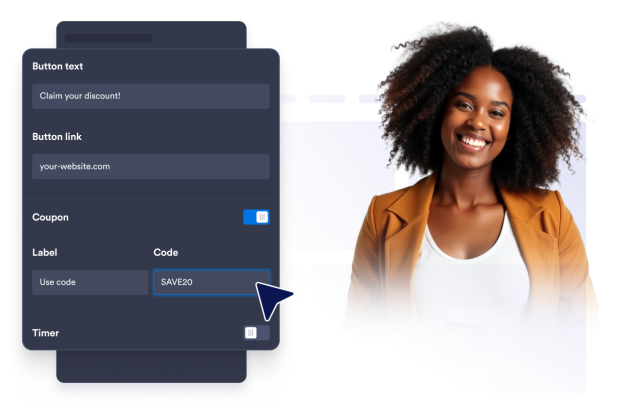
Give visitors a relevant next step directly from your banner. Add CTA buttons, text links, clickable banner areas, coupon codes, countdown timers, or email forms to promote an offer, highlight a deadline, share more information, or collect interest.

Action blocks include:

CTA buttonClickable bannerCoupon codeCountdown timerEmail form
Add Banner Actions
Turn Banner Attention Into Clear Actions

Fit Banner Layouts to Every Screen

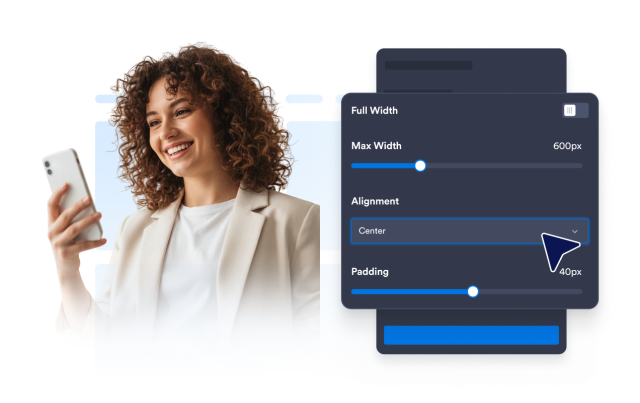
Keep your message clear across different page sizes and devices. Choose a horizontal or vertical layout, set a custom or full width, adjust alignment and spacing, and control whether the banner appears on all screens, desktop devices, or mobile devices.

Layout controls include:

Vertical layoutHorizontal layoutFull widthAlignmentDevice visibility
Customize Your Layout
Fit Banner Layouts to Every Screen